AI Video Template
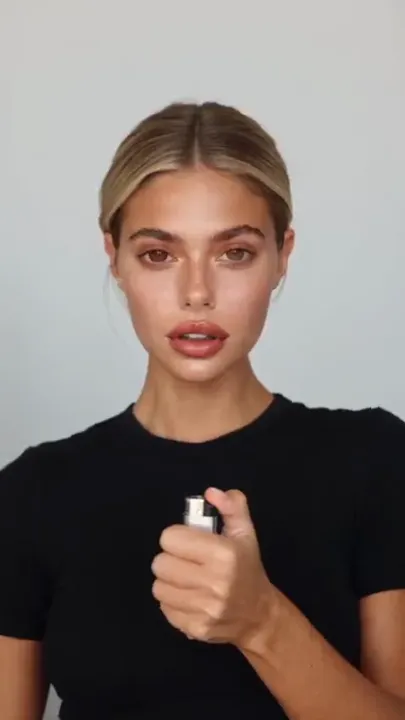
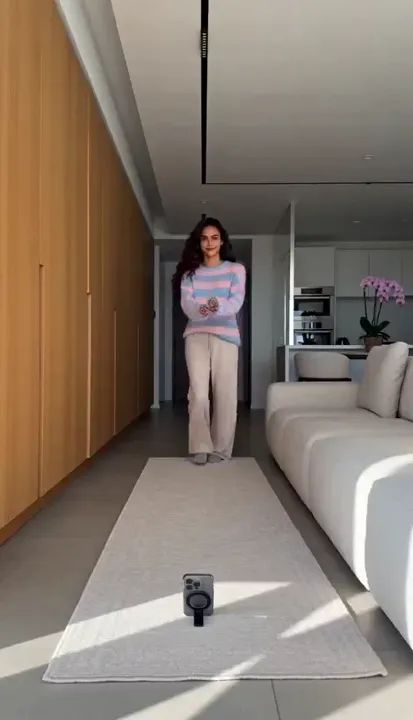
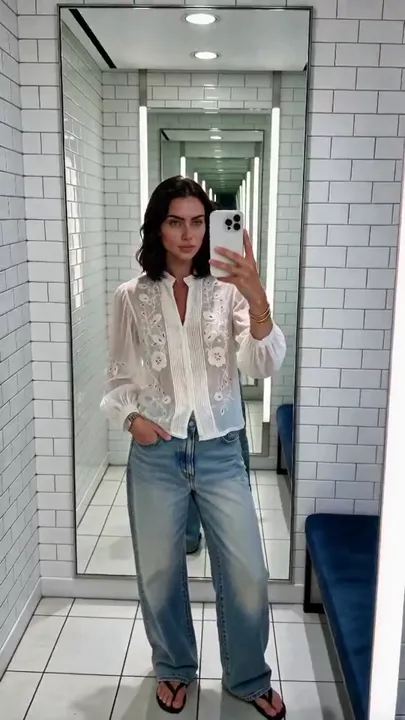
Flash Outfit Swap
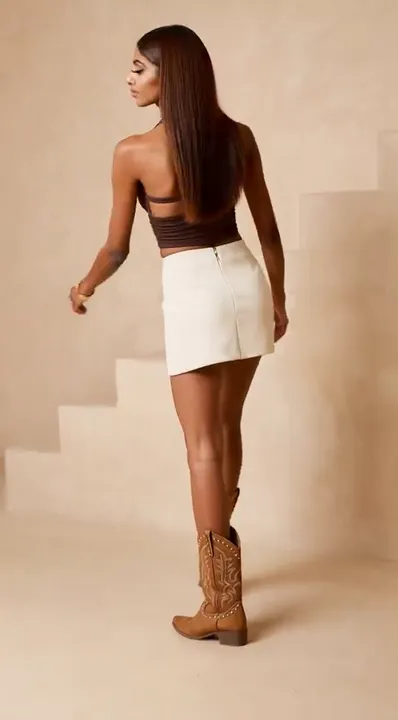
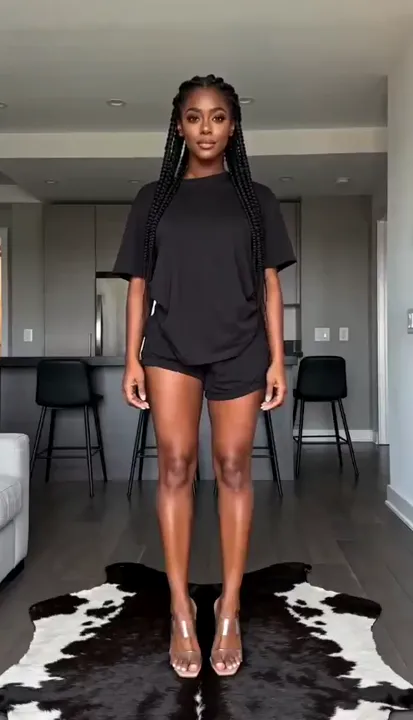
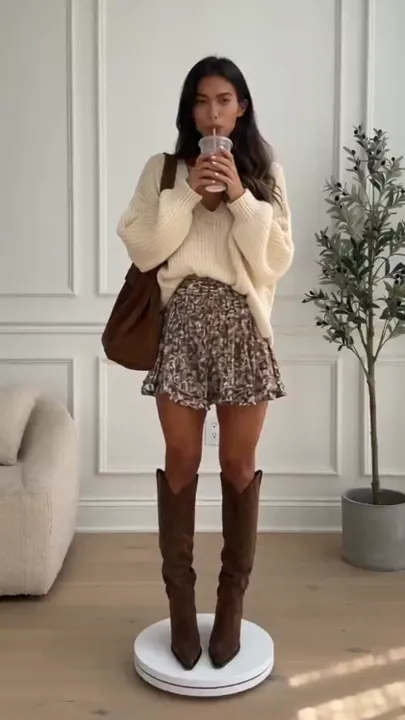
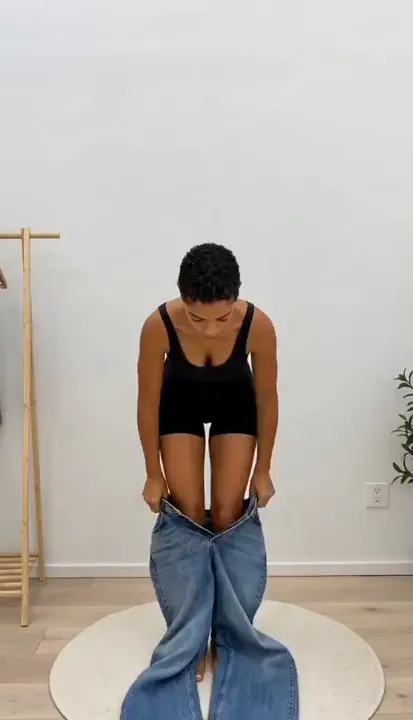
Four outfits, one fixed camera — every change happens inside an on-camera flash blowout. Add four outfit images in the Clip Maker.
Category:UGC
How to make this video
- 1Add your AI twin (or a photo of yourself) — it becomes [Image1].
- 2Add four outfit photos in order — they become [Image2] to [Image5]. Virtual Try-On results work best.
- 3Hit Generate. Each outfit appears after a camera-flash blowout.
More in this Category