AI Video Template
White Flash Teleport
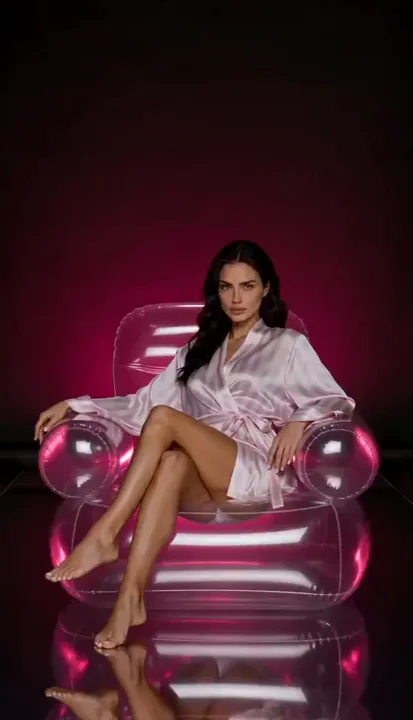
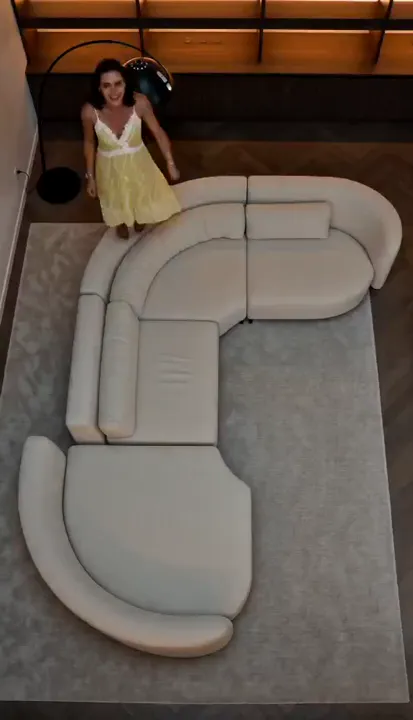
Static camera over a sofa: you jump to a new spot, a new pose and a new outfit every second, each jump marked by a white flash of your silhouette. Ends with you right in front of the camera. Make your 4 looks with Try-On first.
Category:Trending
How to make this video
- 1Open Try-On and dress your AI twin in 4 different outfits.
- 2Open this template in Clip Maker.
- 3Swap [Image1] to [Image4] for your 4 Try-On photos — [Image4] is the look for the final close-up.
- 4Recommended: set Duration to 15s for the full video. 5s works too, it's just shorter.
- 5Hit Generate — you jump around the sofa with a white flash and a new outfit every second and a half, then end right in front of the camera.
More in this Category