
Make photos of yourself
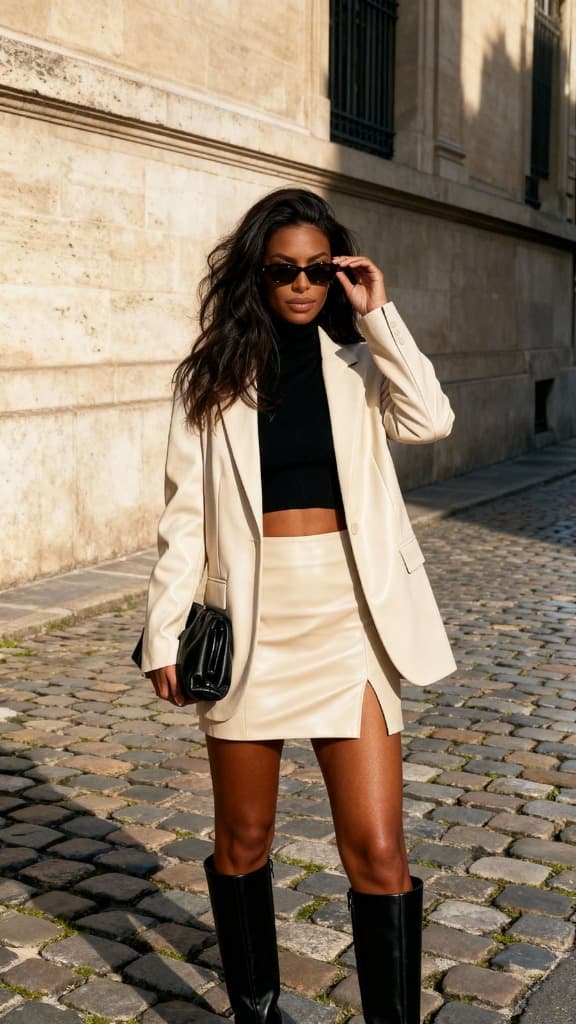
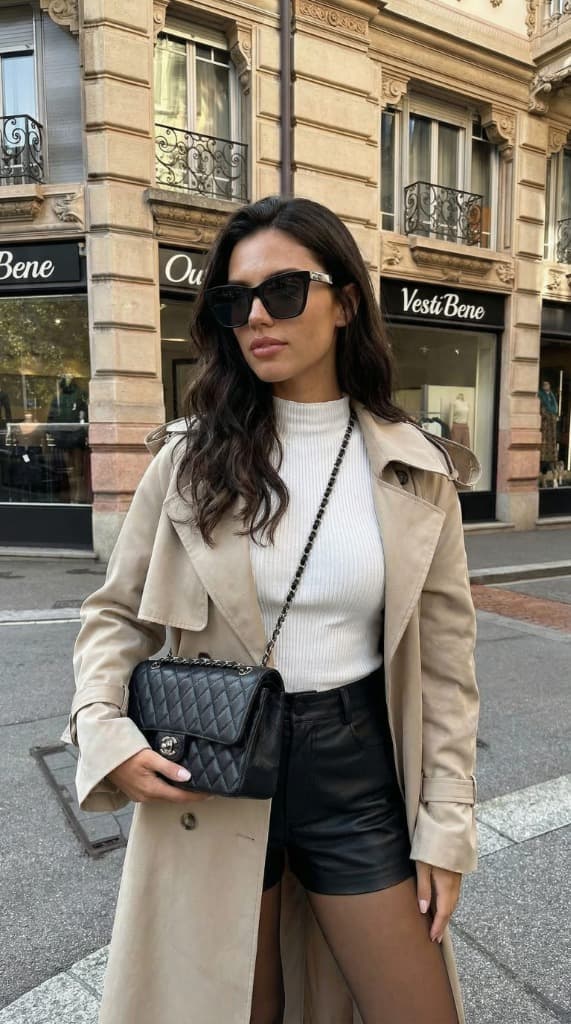
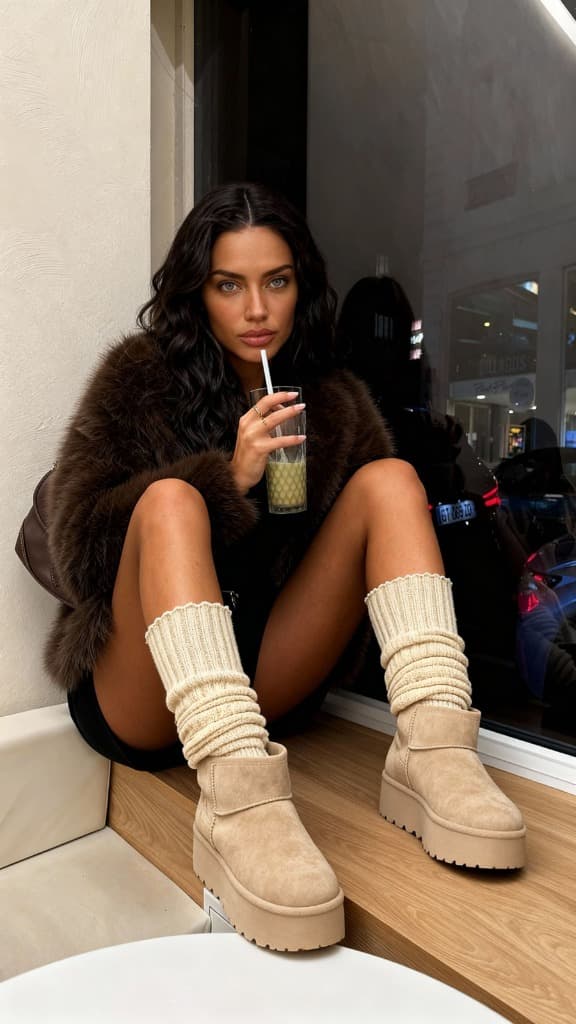
Use Aiphoria to make 3 street-style photos of me in Paris: a cream blazer, a beige trench coat, and a cosy café look.
 Aiphoria
https://www.aiphoria.io/api/mcp
Use Aiphoria to make 3 street-style photos of me in Paris: a cream blazer, a beige trench coat, and a cosy café look.
Create an Aiphoria account and make your model from a few photos of yourself.
In ChatGPT, open Settings → Apps & Connectors, turn on Developer mode under Advanced, then create a new connector with this address:
https://www.aiphoria.io/api/mcpSign in to Aiphoria and press Allow. Then ask ChatGPT for a photo of you.
Aiphoria is coming to the ChatGPT app directory, so soon you'll add it with one click. Until then, developer mode works on the ChatGPT plans that include it.