
T01One-click tool · Background
White Background
Your photo on a clean white studio background, ready for a shop.
- Price
- Credits
- Goes in
- 1
- Steps
- 1
- At once
- Up to 12
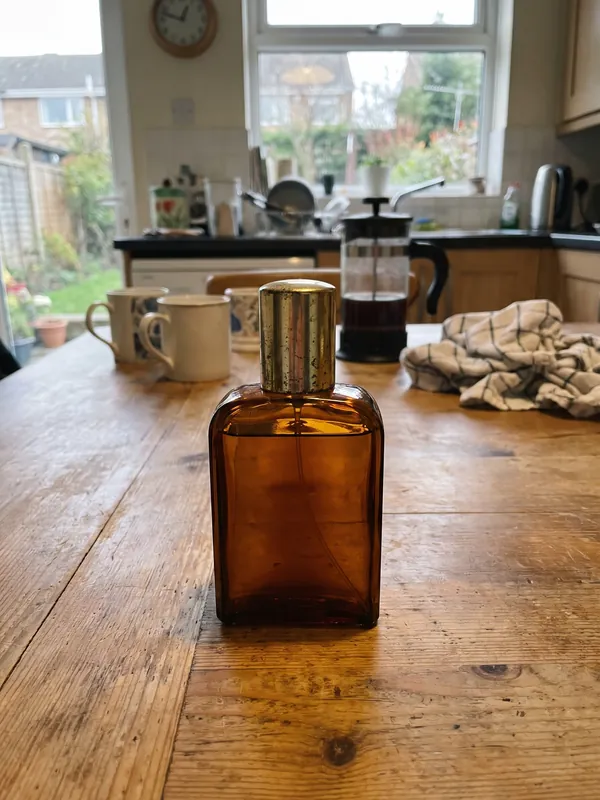 01 · Before
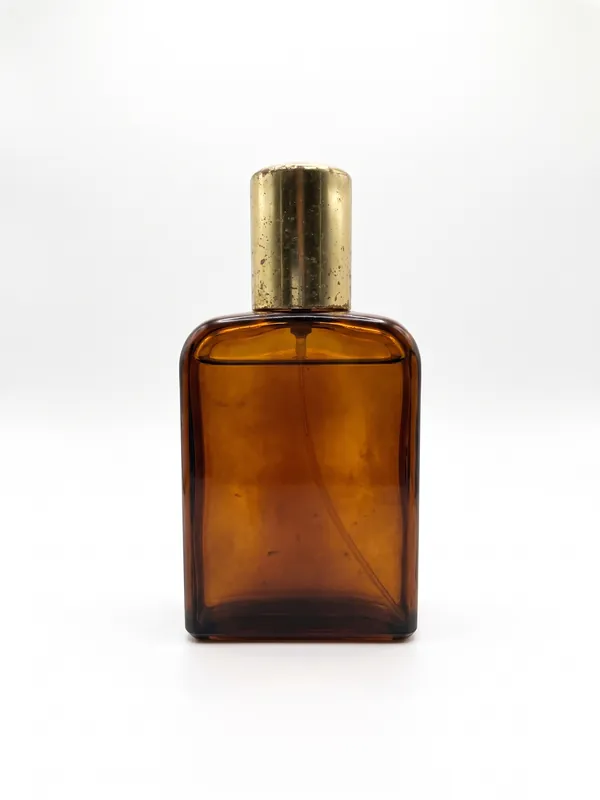 02 · After
How it works
White Background in three steps
- 01Add a photo, up to 12 at once.
- 02Pick the settings, or keep the ready ones.
- 03Press Run. You see the price before it starts, and the result lands in your library.
What you need
What you need
- Photosa photo, up to 12 at once
Good for
Good for
- Shop and marketplace listings that need a clean, even background
- Putting one product shot into a lifestyle scene for social posts
- Matching a whole catalogue to one look
- Creators who make content for fashion and product brands
- Brands that need more content than their shoots give them
Questions
About White Background
Is White Background free?+
White Background uses credits from your Aiphoria plan. You see the exact price before it starts, and new accounts get free credits to try it.
How many photos can I do at once?+
Up to 12 in one run. Each one gets its own result.
Can I use the results for brand and client work?+
Yes, on a paid plan: Aiphoria's paid plans include commercial rights. The free plan is for personal use.
More tools
 T02
New Background
The same subject in another place that you describe.
 T03
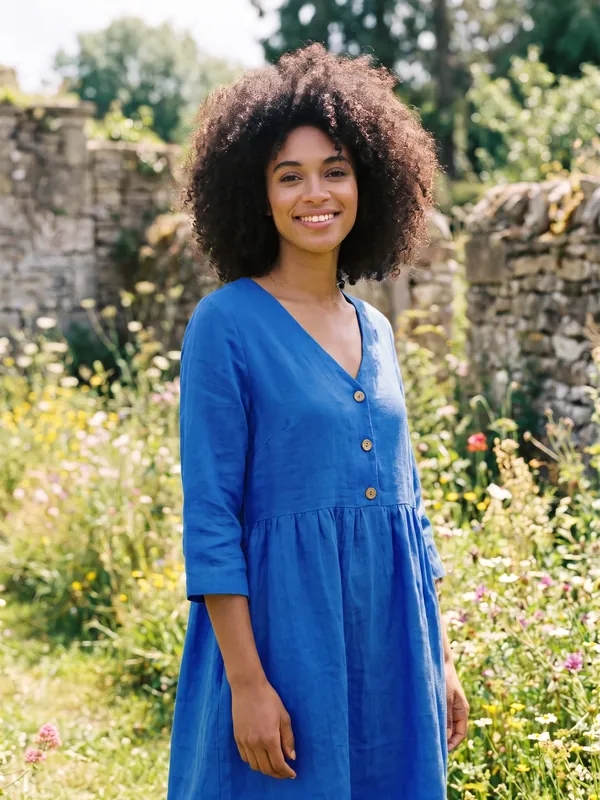
Recolour
The garment or product in another colour. Nothing else changes.
 T04
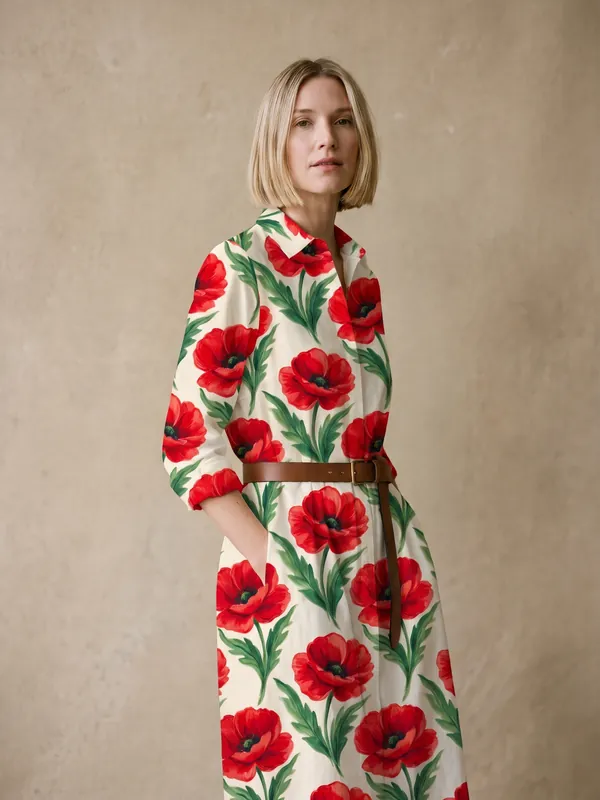
Pattern Swap
A print from a second picture, put onto the garment or product.
 T05
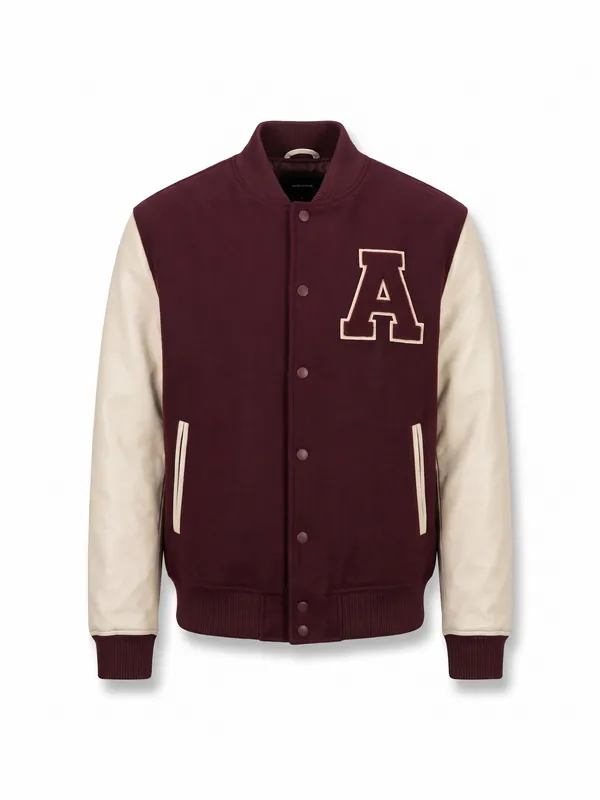
Garment Cut-out
The clothes from a photo of a person, shown alone on white.
Product Spin
Product Spin
A product turning once all the way round, from one photo.
Try-On
Try-On
Your model wearing a garment from a photo.
Try White Background now
New accounts get free credits. You see the price before anything runs.