
One-click tools · 34 · 21 free
AI tools for fashion and product content
Each tool does one job on your photos or clips: a new background, a new colour, a try-on, a sharper copy. Up to 12 at once, with the price shown before it runs.
Need several steps in one run? See the workflows →Background
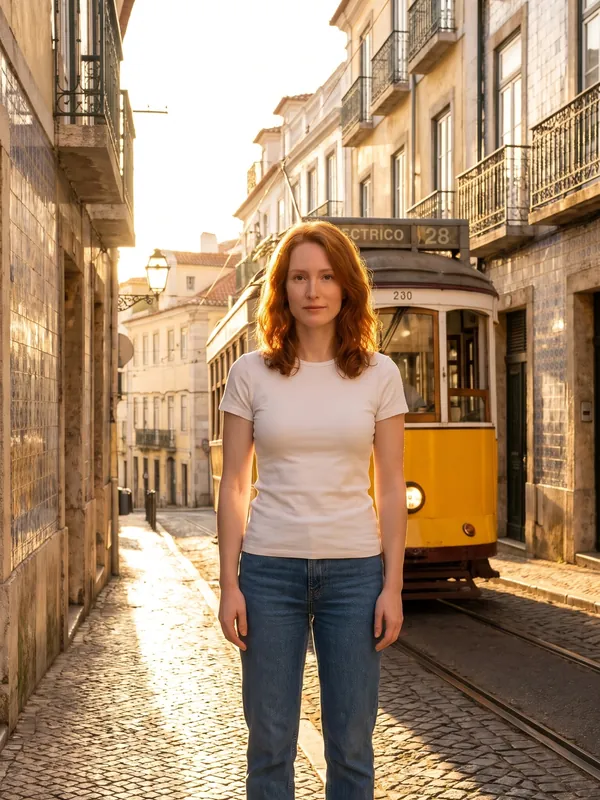
Change what is behind the subject.
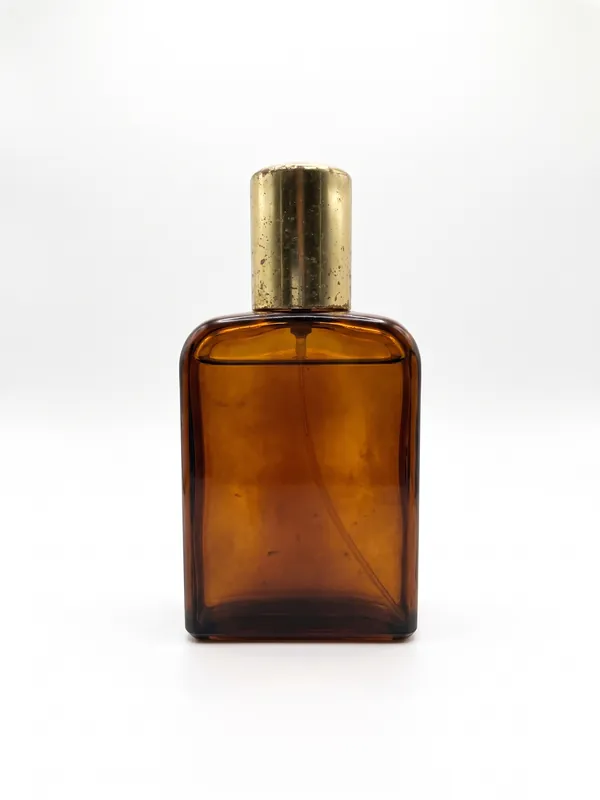
Garment and product
Change the item itself: colour, print, or show it alone.
 T03
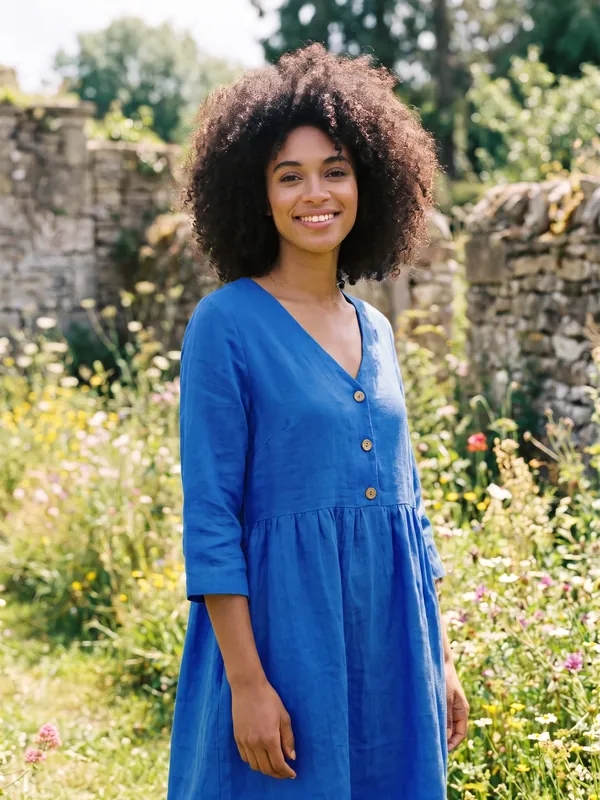
Recolour
The garment or product in another colour. Nothing else changes.
 T04
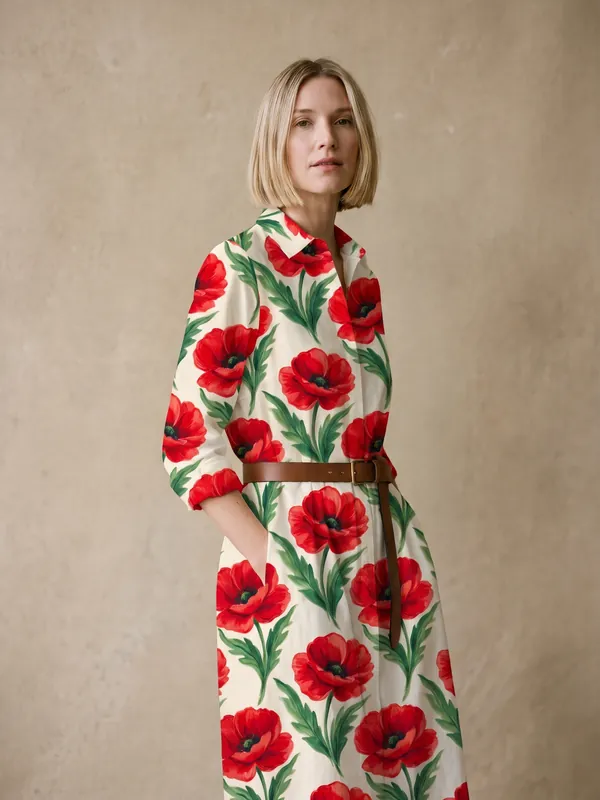
Pattern Swap
A print from a second picture, put onto the garment or product.
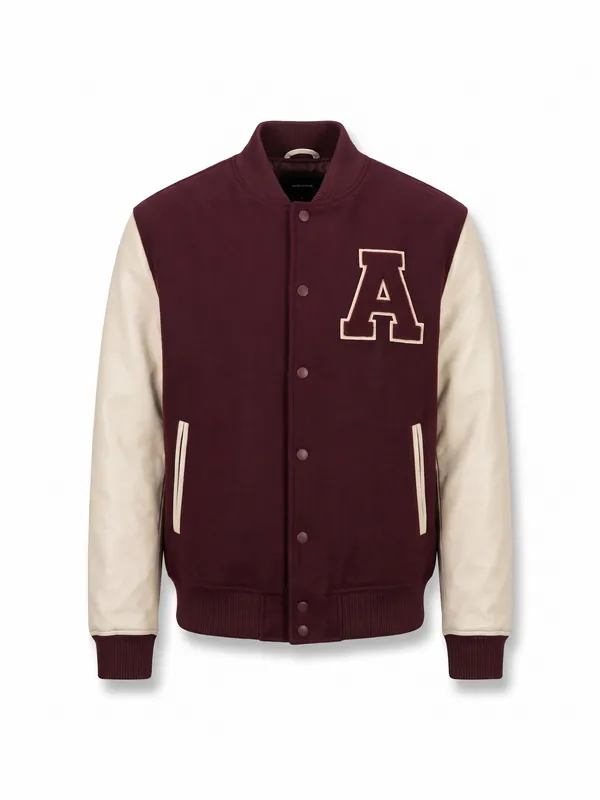 T05
Garment Cut-out
The clothes from a photo of a person, shown alone on white.
Product Spin
Product Spin
A product turning once all the way round, from one photo.
Try-On
Try-On
Your model wearing a garment from a photo.
Finish
Get a photo ready: light, shape, size, clean-up.
Layout
Ad sizes, logo, words, boards. Nothing is redrawn.
Make a Sheet
Make a Sheet
2 to 6 photos side by side in one picture.
 T13Free
Ad Sizes
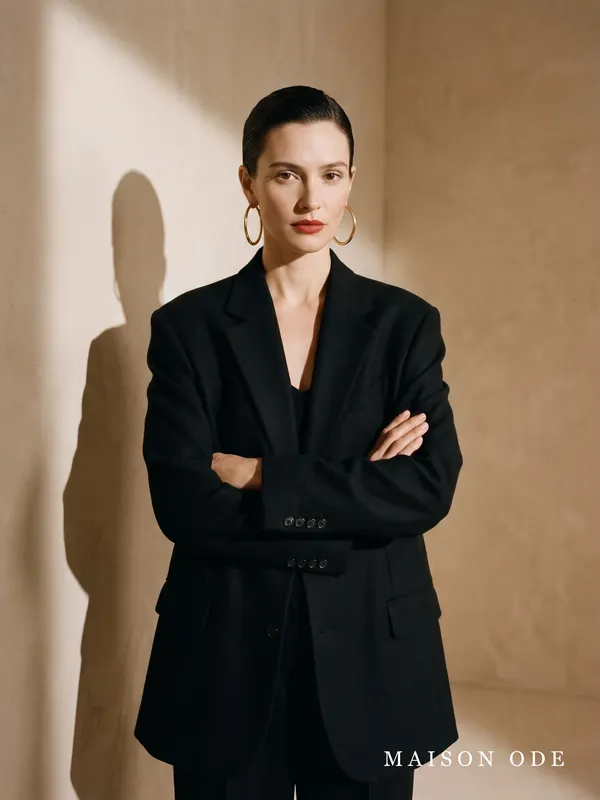
One photo cut to an ad size, with your logo and headline. Run it once per size.
 T14Free
Add Logo
Your logo in a corner of every photo you pick.
 T15Free
Add Words
A line of words on a photo: a price, a date, a name.
 T16Free
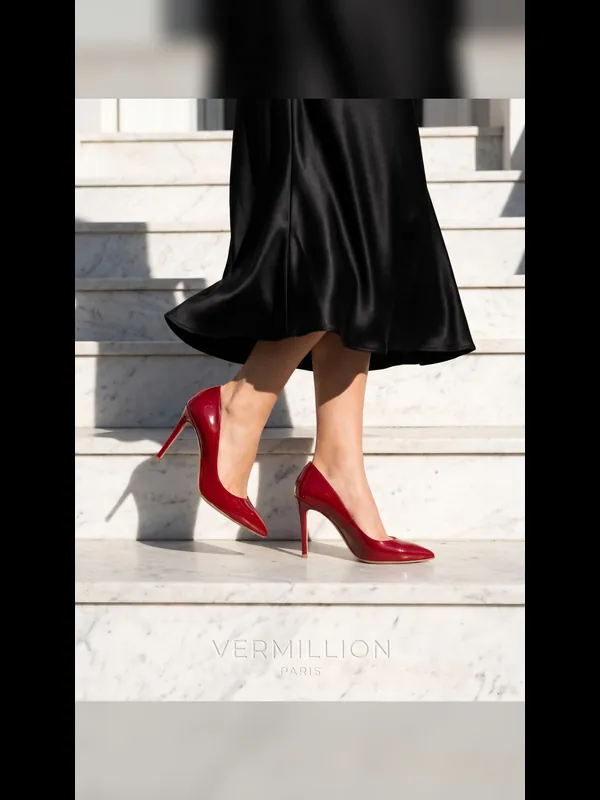
Crop to Shape
A photo in another shape: cropped around the subject, or whole with soft sides.
 T17Free
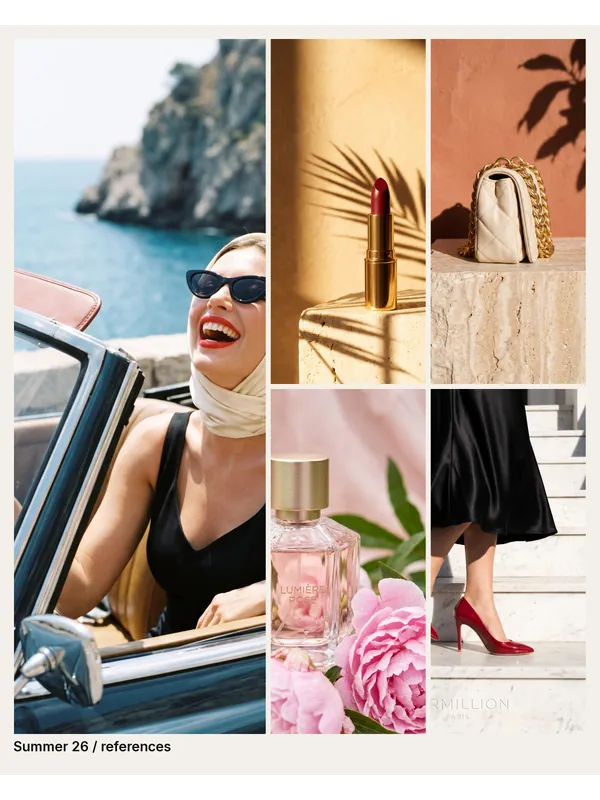
Mood Board
Your references as one finished board: the first photo large, the rest beside it.
Colour and look
Real colours, looks and effects. Nothing is redrawn.
Match Colours
Match Colours
Put an edit's colours back to the original's.
 T19Free
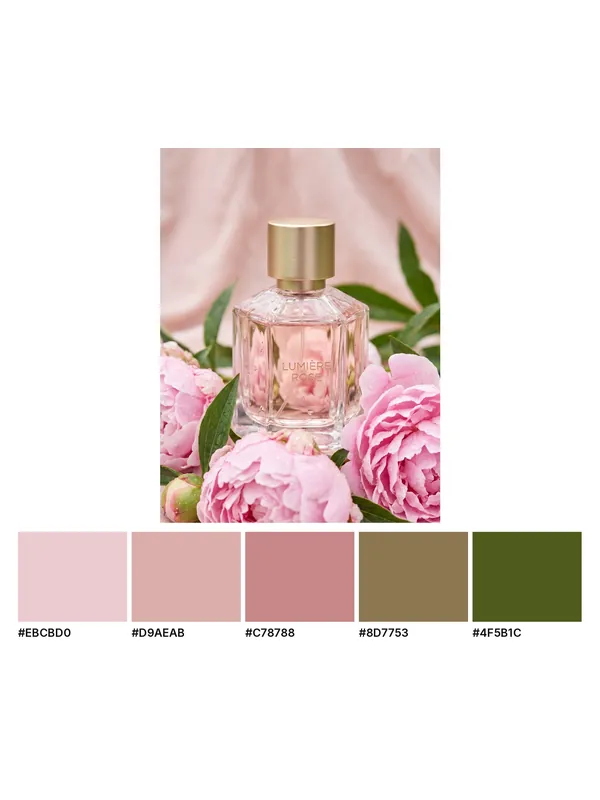
Colour Palette
The real colours of a photo as swatches, each with its exact code.
 T20Free
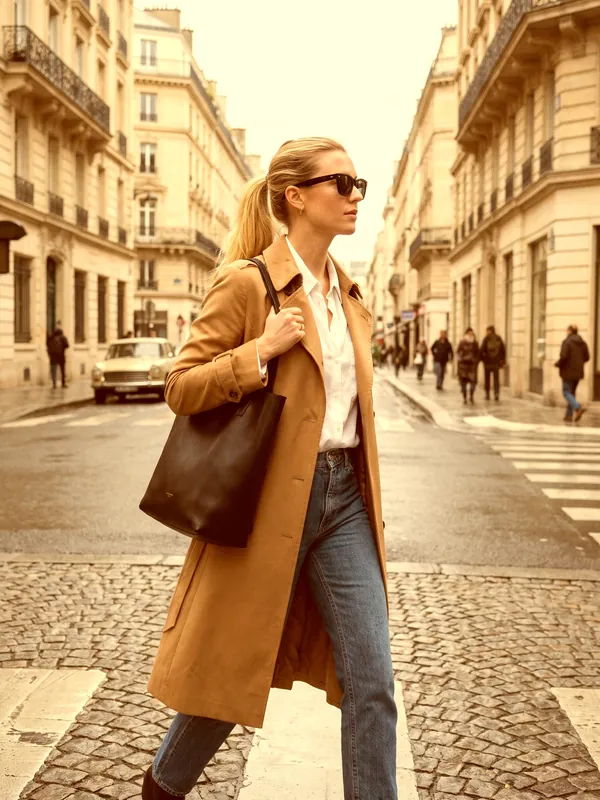
Copy the Look
The colours and contrast of one photo, put onto another.
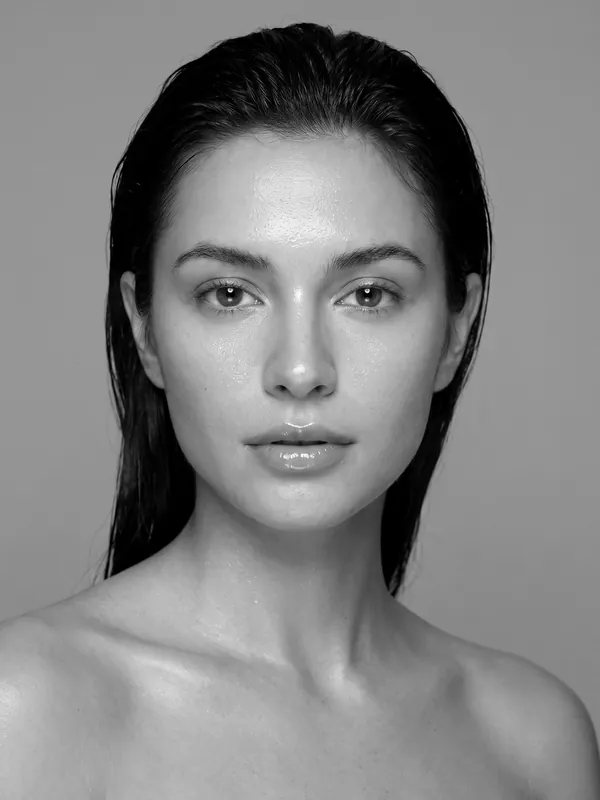 T21Free
Photo Look
A ready-made look on a photo: black and white, warm, faded film and more.
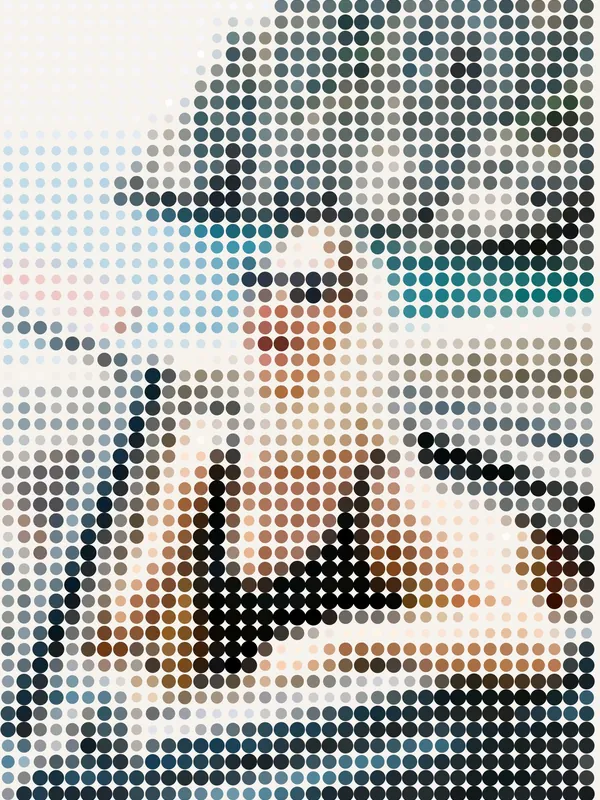 T22Free
Photo Effect
One effect on a photo: grain, glow, print dots, big pixels and more.
Video
Cut, join, resize and restyle finished clips.
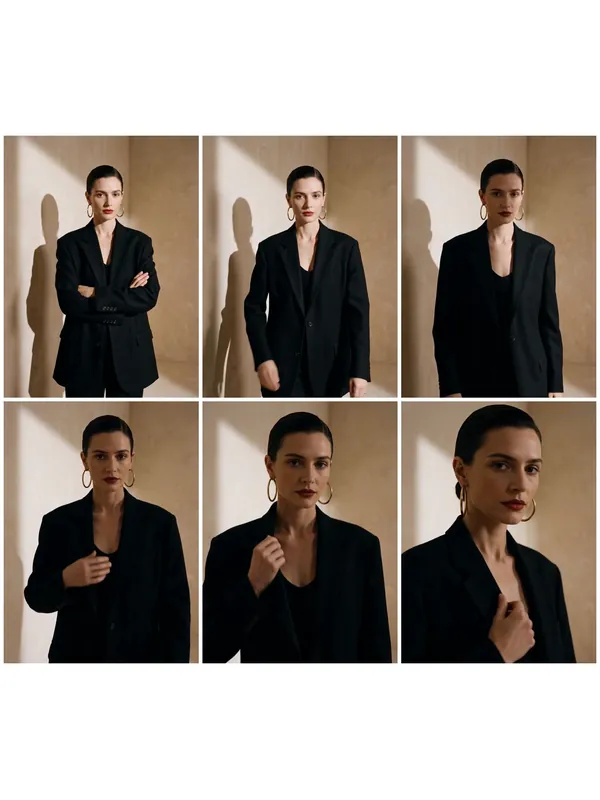 T23Free
Stills from Video
A frame from a clip as a photo, or a sheet of frames as a storyboard.
Photos to Video
Photos shown one after another as a clip, with a slow zoom and soft fades.
Join with Fade
Clips joined into one, with a soft fade between them.
Cut a Clip
Keep one part of a clip: where it starts and how long it runs.
Video Shape
A clip in another shape: cropped to fill, or whole with soft sides.
Logo on Video
Your logo in a corner of every clip you pick.
Video Look
A ready-made look on a clip: black and white, warm, faded film and more.
Video Effect
One effect on a clip: old tape, glitch, grain, big pixels and more.
Change Speed
A clip played slower or faster, sound included.
Reverse and Loop
A clip played backwards, or forwards and back as a loop that never jumps.
Voice and language
A talking video in another language.