
T14One-click tool · LayoutFree
Add Logo
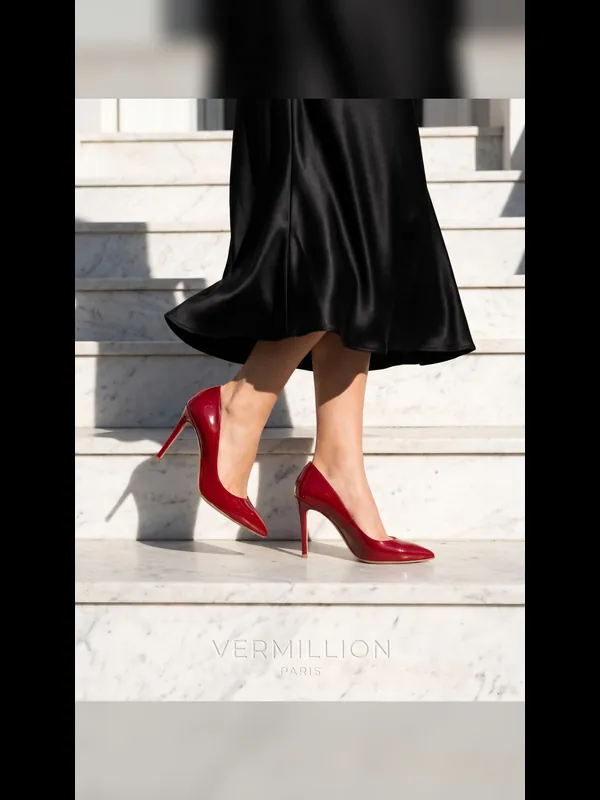
Your logo in a corner of every photo you pick.
- Price
- Free
- Goes in
- 2
- Steps
- 1
- At once
- Up to 12
 01 · Before
 02 · After
How it works
Add Logo in three steps
- 01Add a photo, up to 12 at once.
- 02Add logo.
- 03Press Run. You see the price before it starts, and the result lands in your library.
What you need
What you need
- Photosa photo, up to 12 at once
- Logoa photo
Good for
Good for
- Ads and posts in every size a channel needs
- Adding a logo or a line of words to a batch of photos
- Mood boards and contact sheets for a client pitch
- Creators who make content for fashion and product brands
- Brands that need more content than their shoots give them
Questions
About Add Logo
Is Add Logo free?+
Yes. Add Logo uses no credits: it works on the real pixels of your file, so nothing is redrawn.
How many photos can I do at once?+
Up to 12 in one run. Each one gets its own result.
Can I use the results for brand and client work?+
Yes, on a paid plan: Aiphoria's paid plans include commercial rights. The free plan is for personal use.
More tools
Make a Sheet
Make a Sheet
2 to 6 photos side by side in one picture.
 T13Free
Ad Sizes
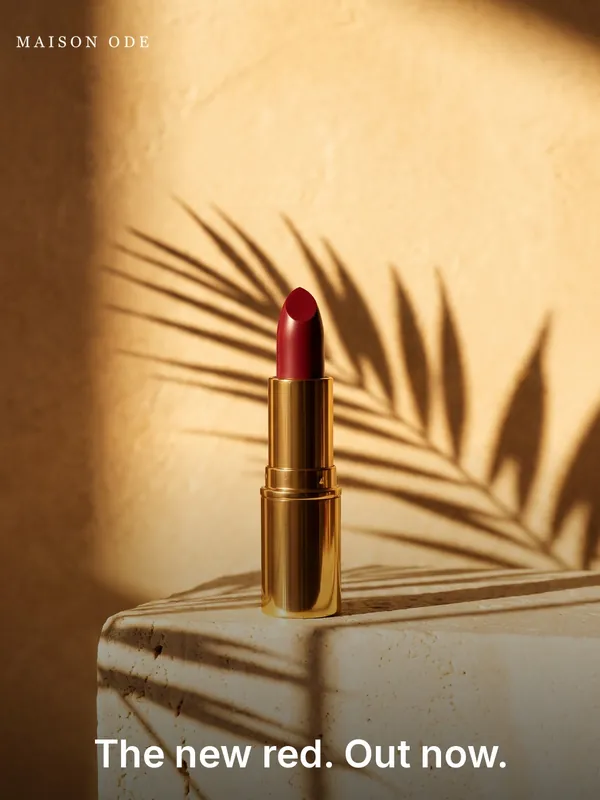
One photo cut to an ad size, with your logo and headline. Run it once per size.
 T15Free
Add Words
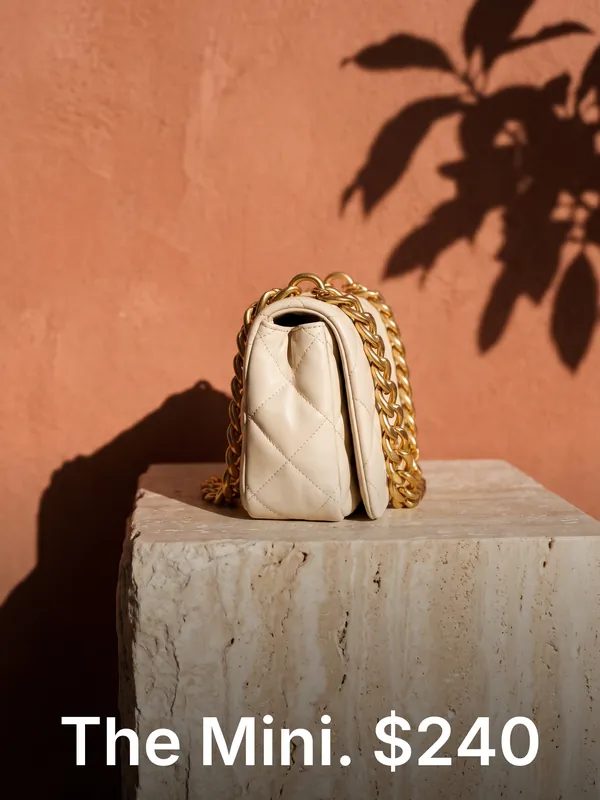
A line of words on a photo: a price, a date, a name.
 T16Free
Crop to Shape
A photo in another shape: cropped around the subject, or whole with soft sides.
 T17Free
Mood Board
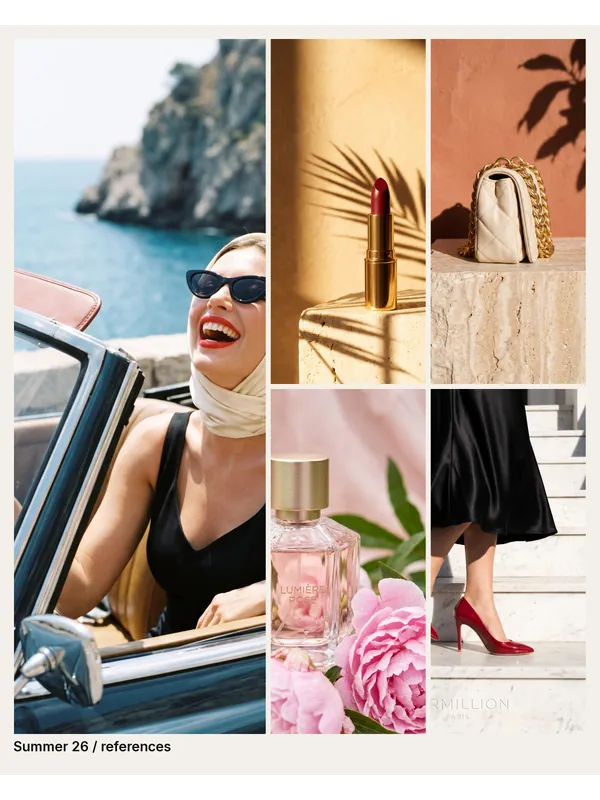
Your references as one finished board: the first photo large, the rest beside it.
 T01
White Background
Your photo on a clean white studio background, ready for a shop.
Try Add Logo now
New accounts get free credits. You see the price before anything runs.