
T15One-click tool · LayoutFree
Add Words
A line of words on a photo: a price, a date, a name.
- Price
- Free
- Goes in
- 2
- Steps
- 1
- At once
- Up to 12
 01 · Before
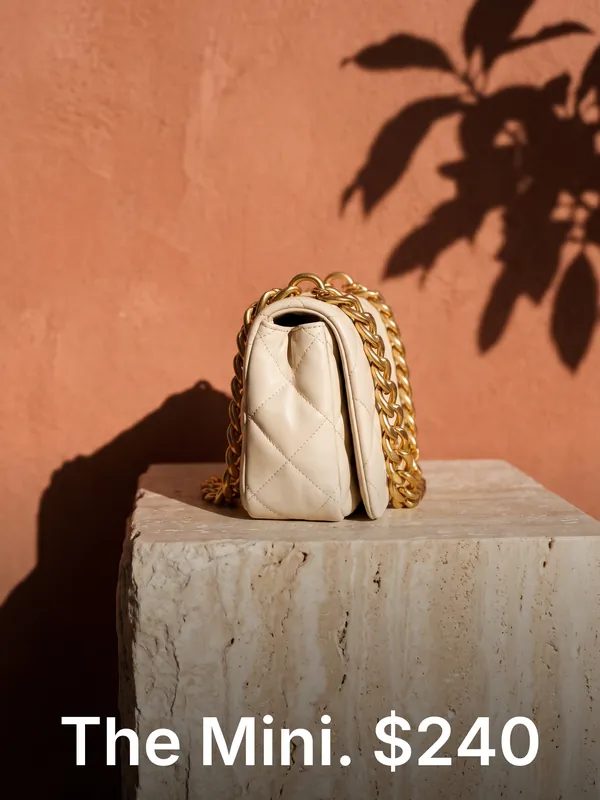 02 · After
How it works
Add Words in three steps
- 01Add a photo, up to 12 at once.
- 02Add words.
- 03Press Run. You see the price before it starts, and the result lands in your library.
What you need
What you need
- Photosa photo, up to 12 at once
- Wordsa few words
Good for
Good for
- Ads and posts in every size a channel needs
- Adding a logo or a line of words to a batch of photos
- Mood boards and contact sheets for a client pitch
- Creators who make content for fashion and product brands
- Brands that need more content than their shoots give them
Questions
About Add Words
Is Add Words free?+
Yes. Add Words uses no credits: it works on the real pixels of your file, so nothing is redrawn.
How many photos can I do at once?+
Up to 12 in one run. Each one gets its own result.
Can I use the results for brand and client work?+
Yes, on a paid plan: Aiphoria's paid plans include commercial rights. The free plan is for personal use.
More tools
Make a Sheet
Make a Sheet
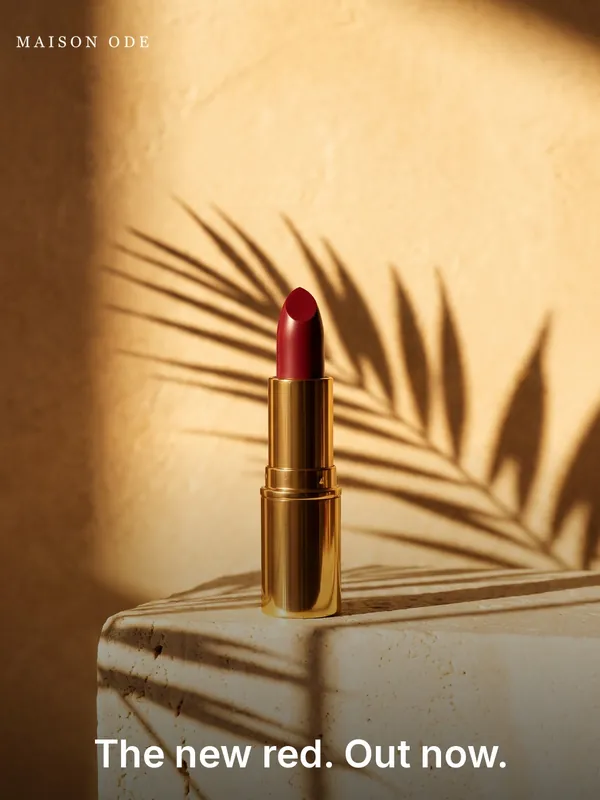
2 to 6 photos side by side in one picture.
 T13Free
Ad Sizes
One photo cut to an ad size, with your logo and headline. Run it once per size.
 T14Free
Add Logo
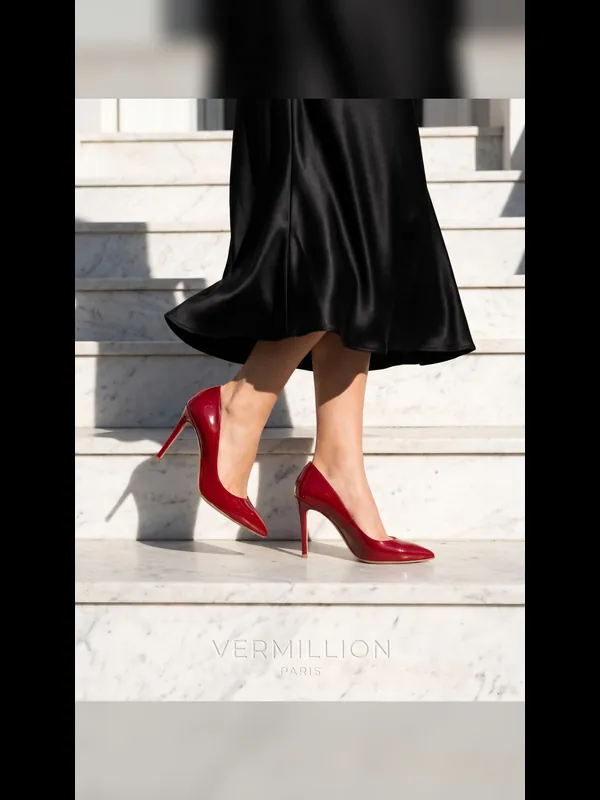
Your logo in a corner of every photo you pick.
 T16Free
Crop to Shape
A photo in another shape: cropped around the subject, or whole with soft sides.
 T17Free
Mood Board
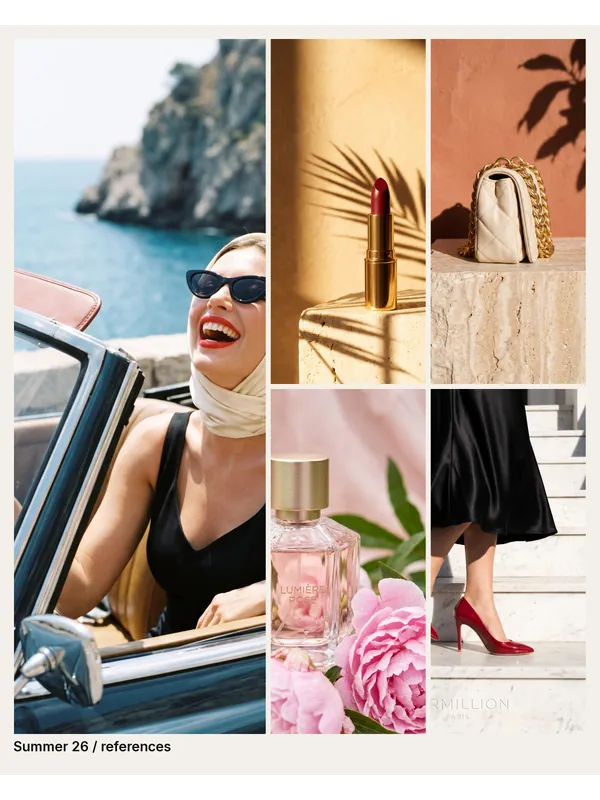
Your references as one finished board: the first photo large, the rest beside it.
 T01
White Background
Your photo on a clean white studio background, ready for a shop.
Try Add Words now
New accounts get free credits. You see the price before anything runs.