
T09One-click tool · Finish
Reframe
Fit a photo to another shape. The scene is continued, not cropped.
- Price
- Credits
- Goes in
- 1
- Steps
- 1
- At once
- Up to 12
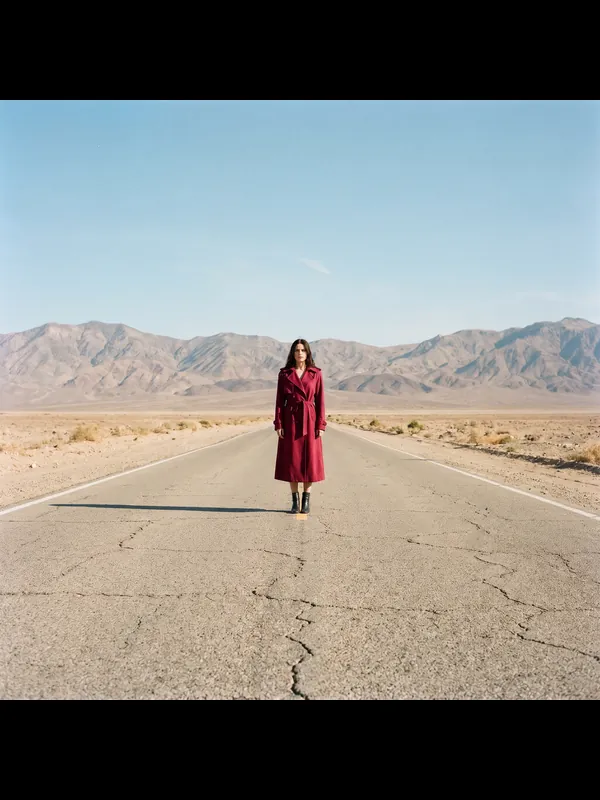 01 · Square
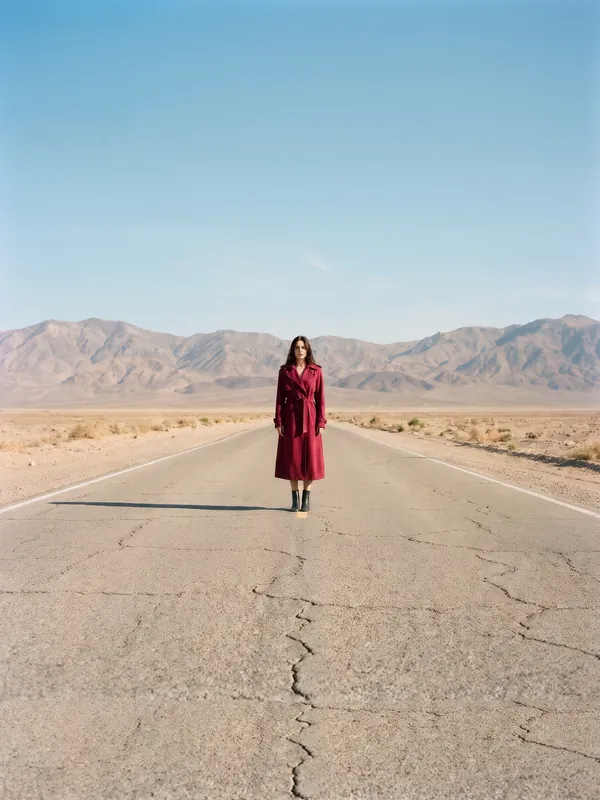 02 · Tall
How it works
Reframe in three steps
- 01Add a photo, up to 12 at once.
- 02Pick the settings, or keep the ready ones.
- 03Press Run. You see the price before it starts, and the result lands in your library.
What you need
What you need
- Photosa photo, up to 12 at once
Good for
Good for
- Getting photos ready for print, ads and shop pages
- Fixing light, shape and small mistakes without a reshoot
- Delivering client work in the sizes they ask for
- Creators who make content for fashion and product brands
- Brands that need more content than their shoots give them
Questions
About Reframe
Is Reframe free?+
Reframe uses credits from your Aiphoria plan. You see the exact price before it starts, and new accounts get free credits to try it.
How many photos can I do at once?+
Up to 12 in one run. Each one gets its own result.
Can I use the results for brand and client work?+
Yes, on a paid plan: Aiphoria's paid plans include commercial rights. The free plan is for personal use.
More tools
 T08
Relight
The same photo in another kind of light.
 T10
Remove Object
Take one thing out of a photo.
 T11
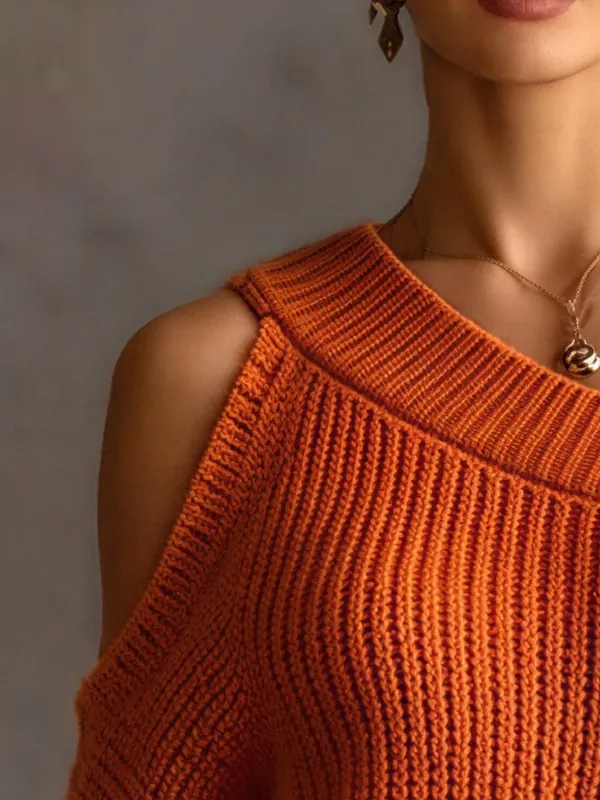
Upscale
A larger, sharper copy of a photo, up to 4K.
 T01
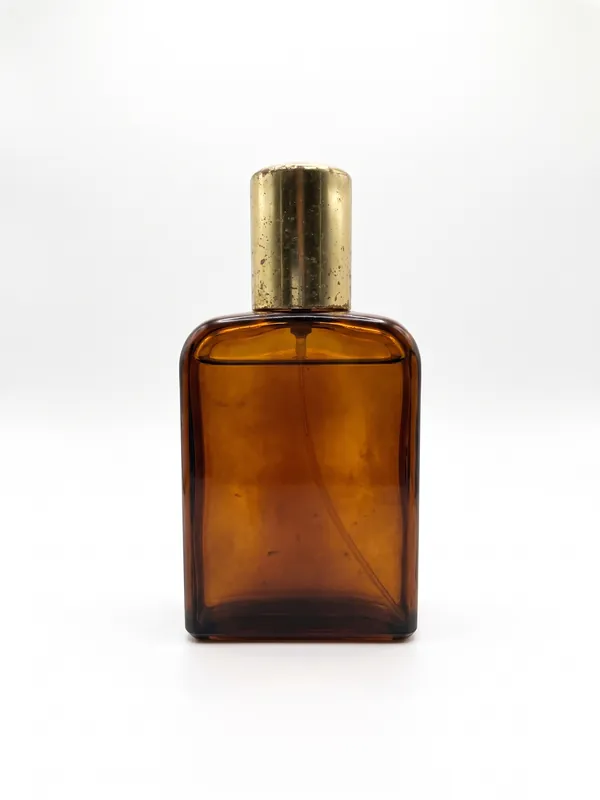
White Background
Your photo on a clean white studio background, ready for a shop.
 T02
New Background
The same subject in another place that you describe.
 T03
Recolour
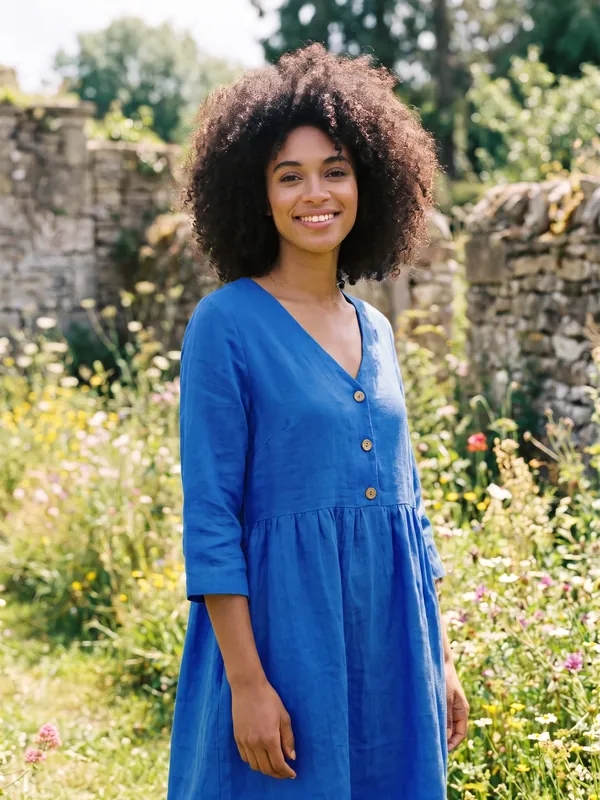
The garment or product in another colour. Nothing else changes.
Try Reframe now
New accounts get free credits. You see the price before anything runs.