Ready-made workflows · 35
AI workflows that do the whole job
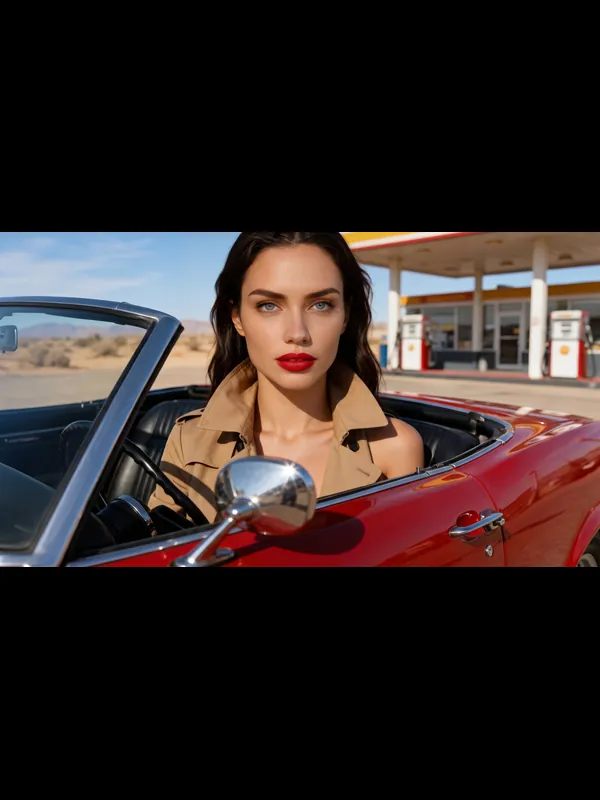
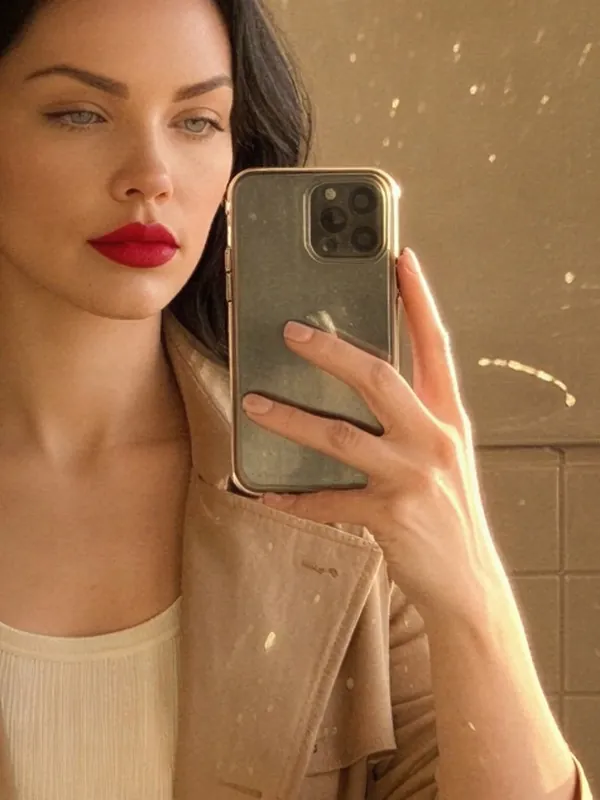
A workflow chains tools together: try-on, then a video; one model in every place; every size for every channel. Each result goes straight into the next step.
Need just one job done? See the one-click tools →Try-on
Put a garment or a product on a model.
Outfit video
Your model tries on a garment from a photo, then a 5-second video of the look.
 W02
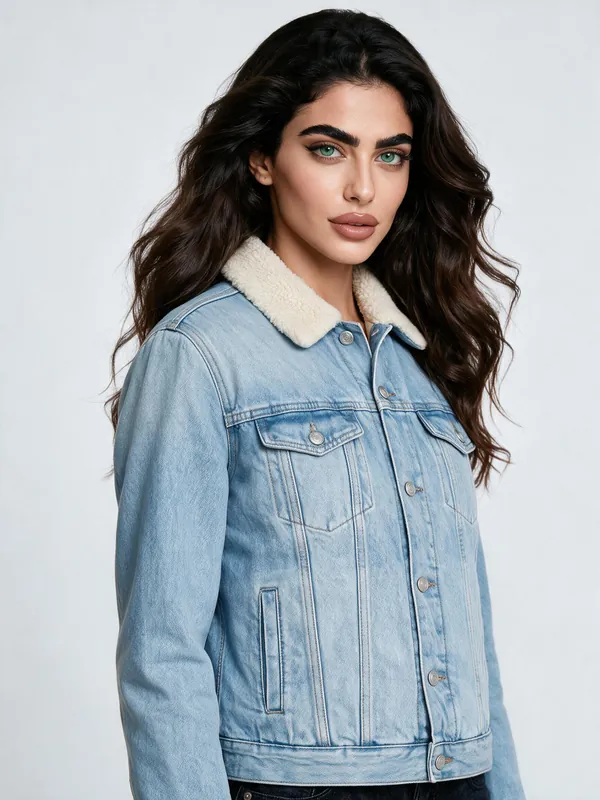
Large try-on photo
Your model tries on a garment, then the photo is made large enough to print.
 W03
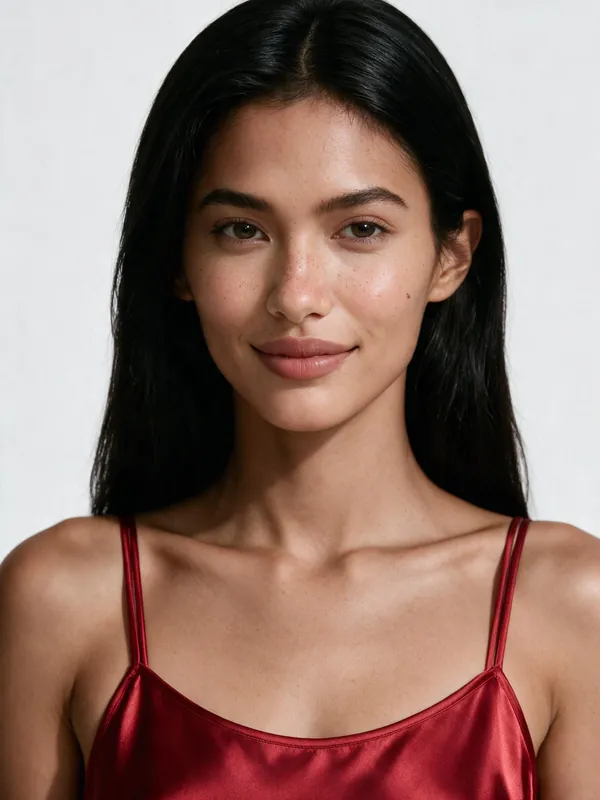
A collection on one model
Every garment you pick, tried on by the same model.
 W04
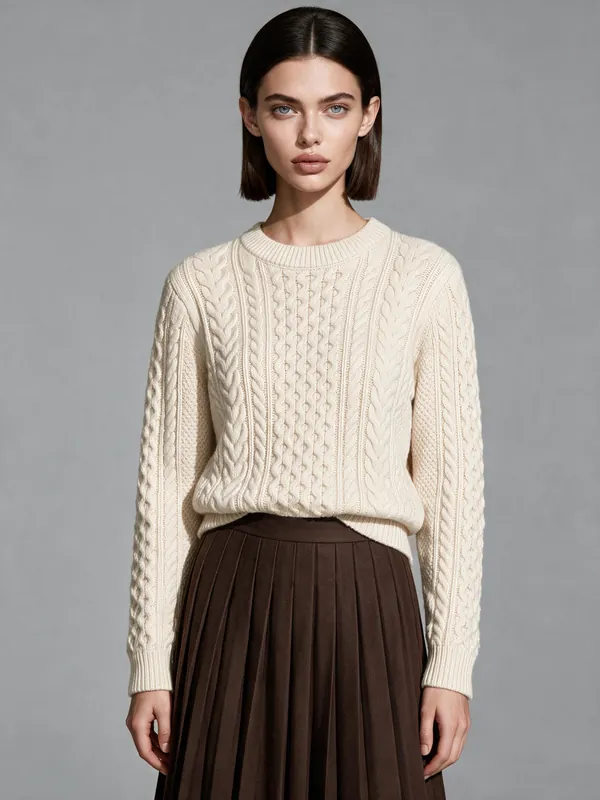
Full outfit try-on
Your model in a whole outfit: a top, a bottom, shoes and a bag from their own photos.
Photo shoot
New photos of a model: places, looks, a whole series.
 W05
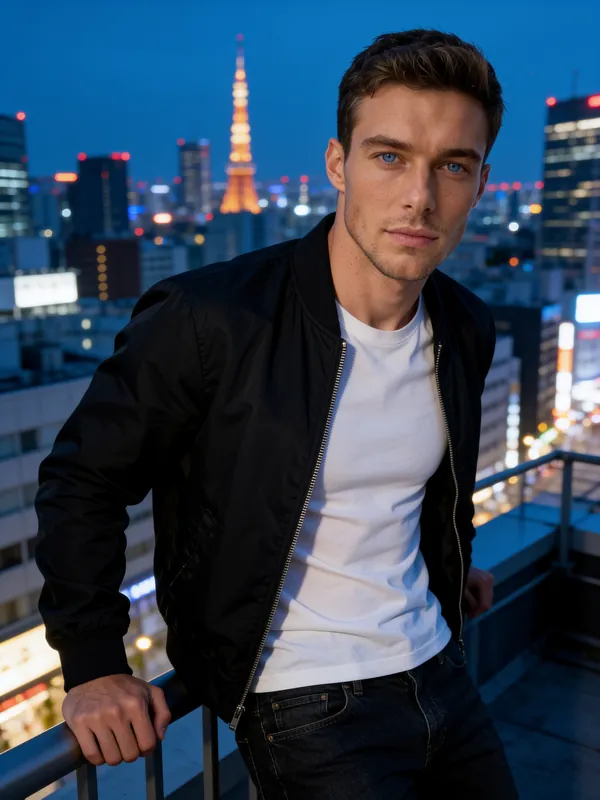
One model, many places
One model photographed in every place you list.
 W06
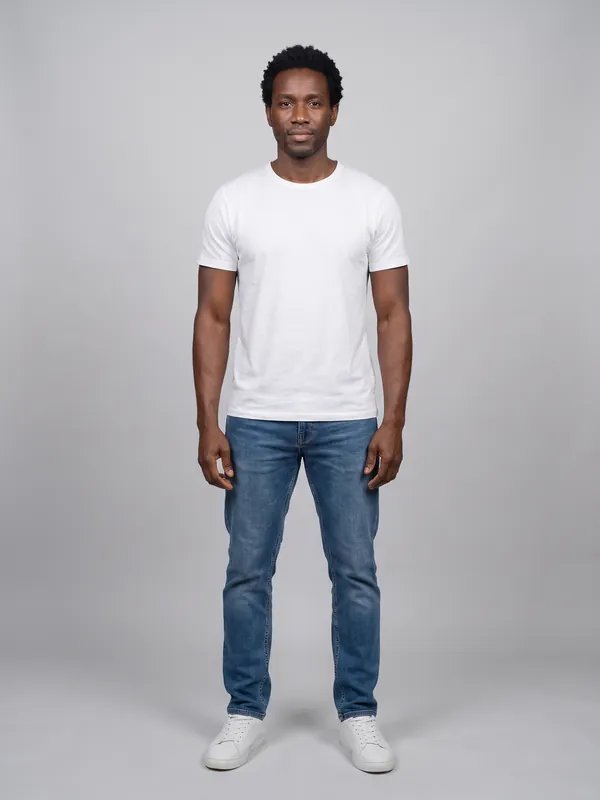
Cast a new model
Describe a person in words and get a new model: a portrait and a full-body photo.
 W07
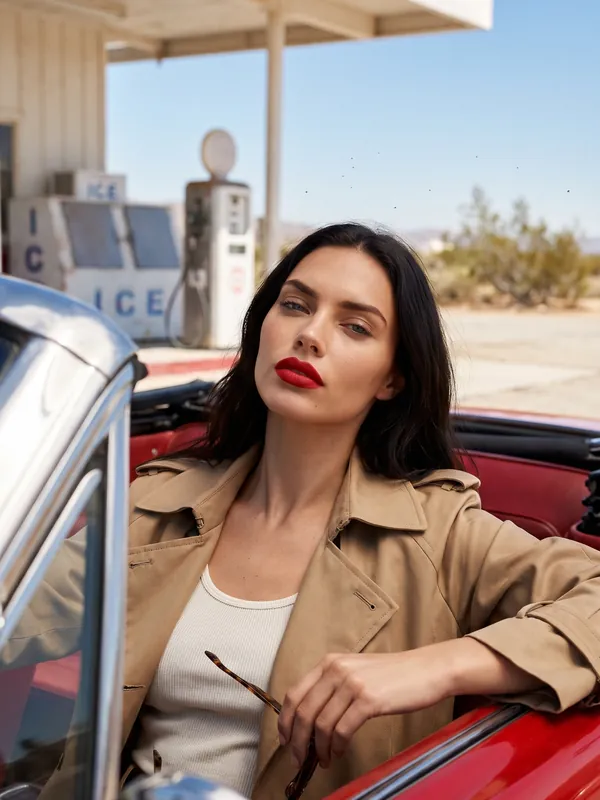
One look, many poses
The same model, outfit and place in every pose you list.
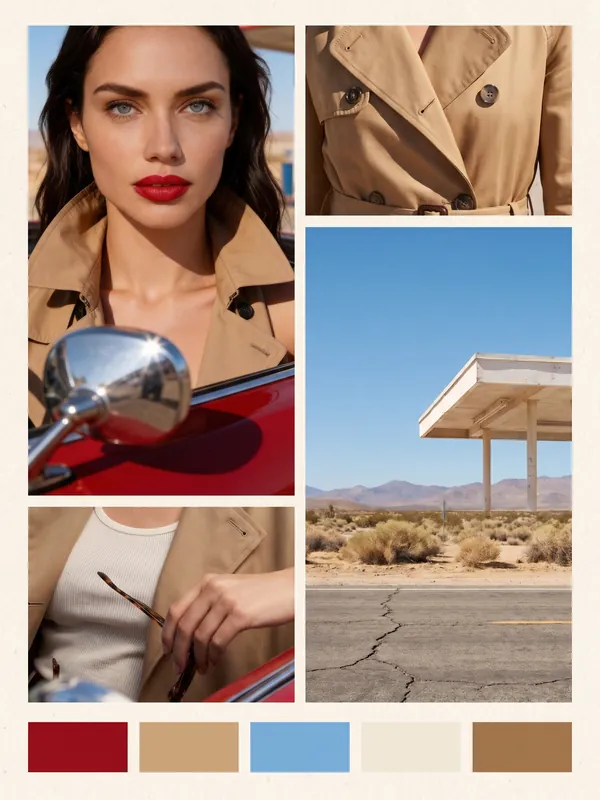 W08
Mood board
A few reference photos turned into one mood board picture with a colour row.
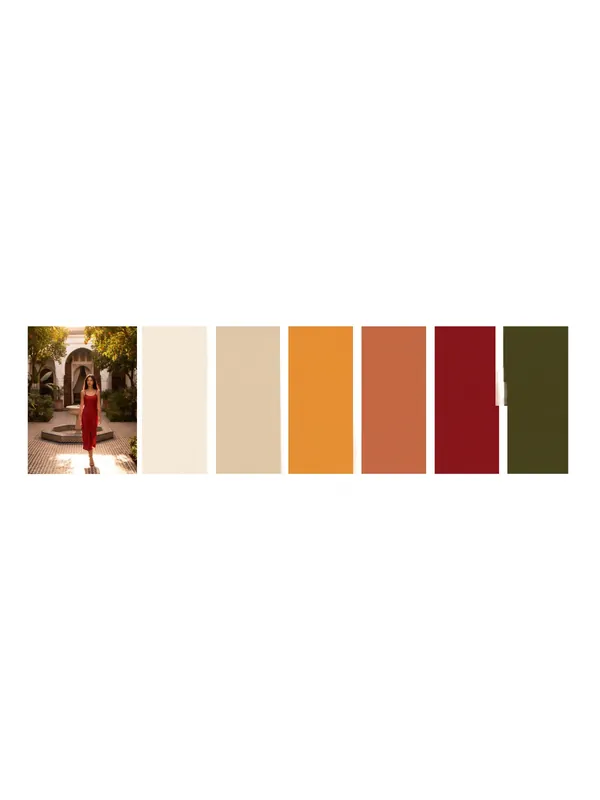 W09
Colour palette from a photo
The main colours of an inspiration photo, laid out as a palette card.
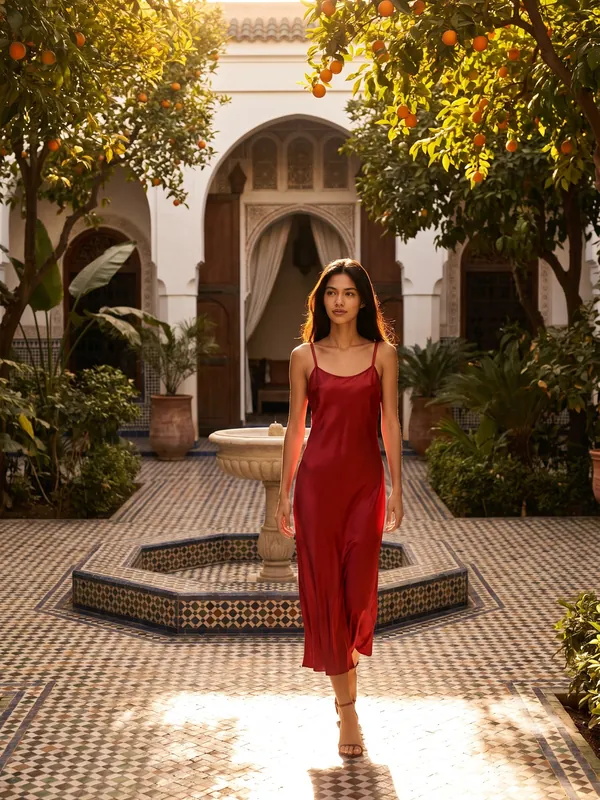 W10
Editorial series from a try-on
Your model in a real garment, then the same look in every scene you list.
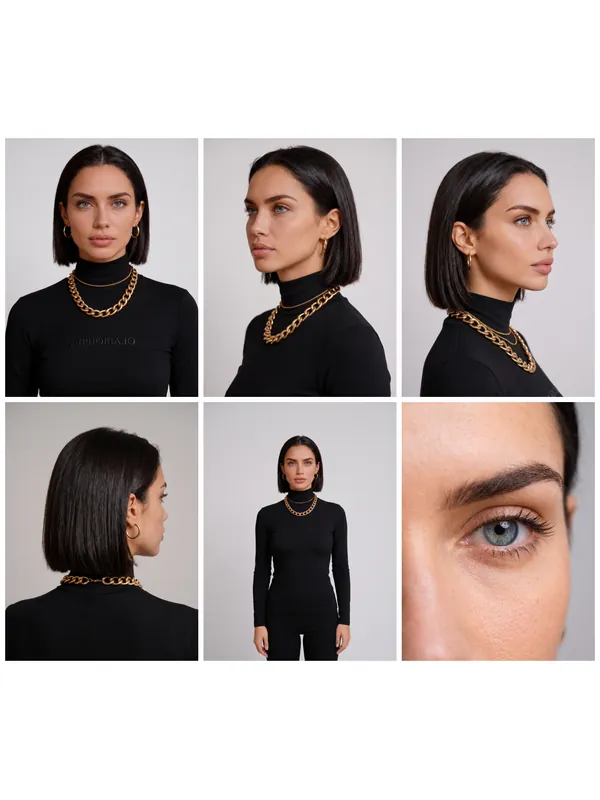 W11
Character reference sheet
One face locked from every side: front, 45 degrees, profile, back, full body and the eyes, in one sheet.
Photo editing
Work on a photo you already have: retouch, background, light.
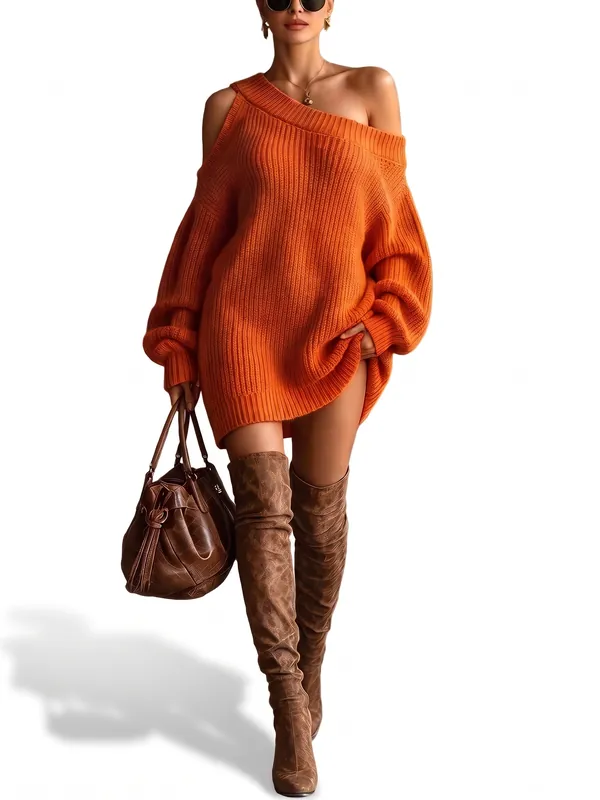 W12
Clean white background
Every photo you pick, on a clean white studio background.
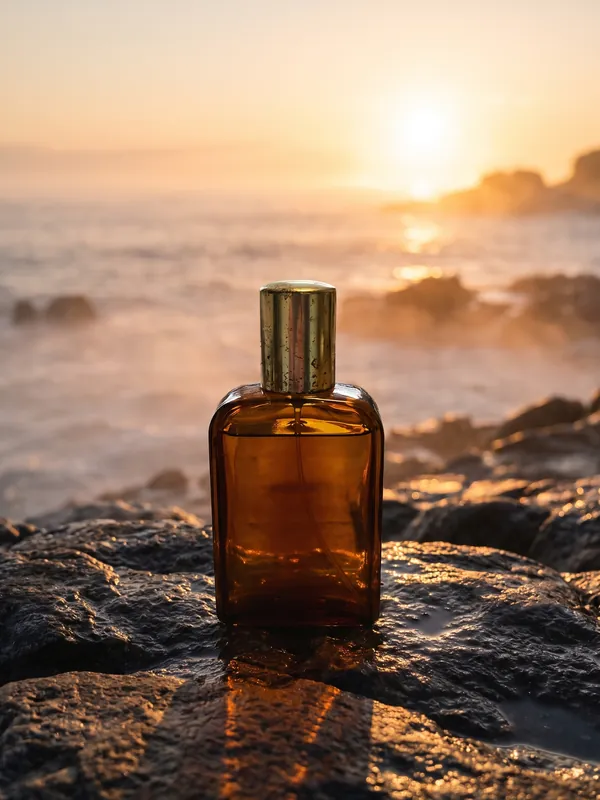 W13
New background
Move your photos to another place that you describe.
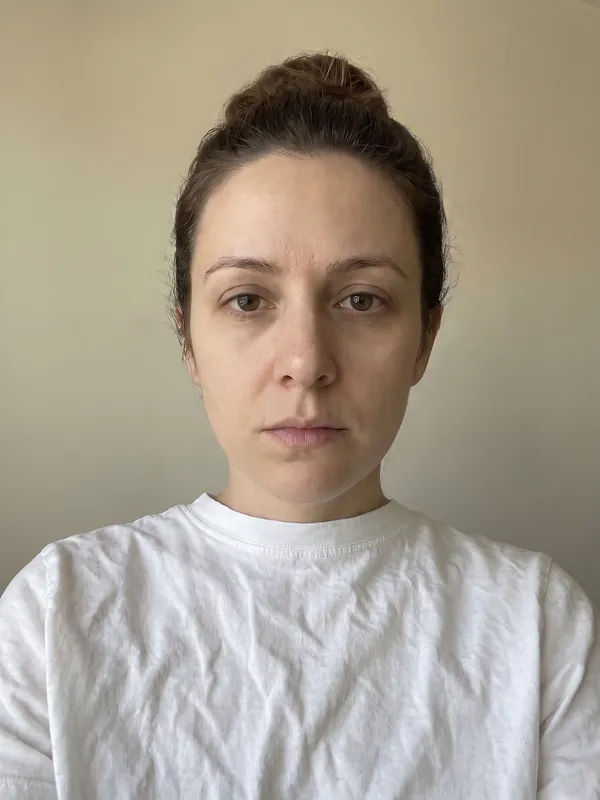 W14
Retouch photos
Clean up skin, stray hairs, creases and dust. The person stays the same.
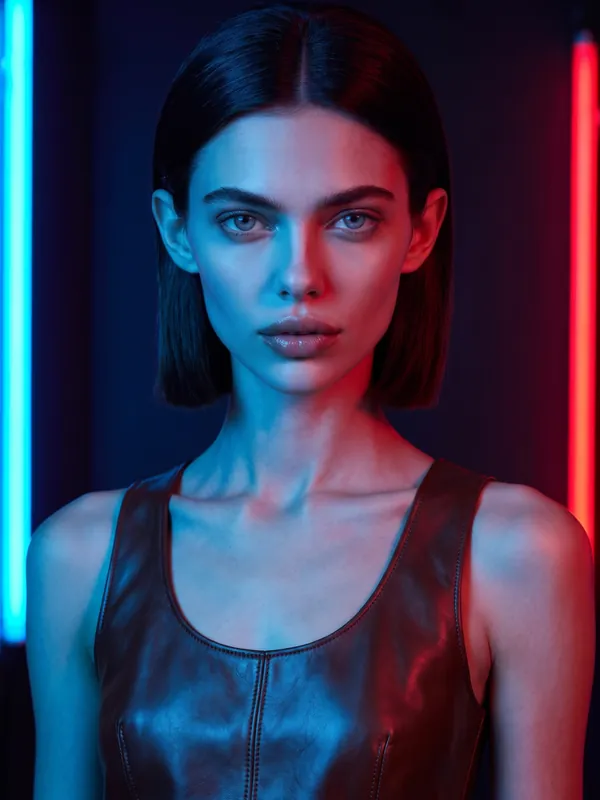 W15
Relight a photo
One photo in every kind of light you list.
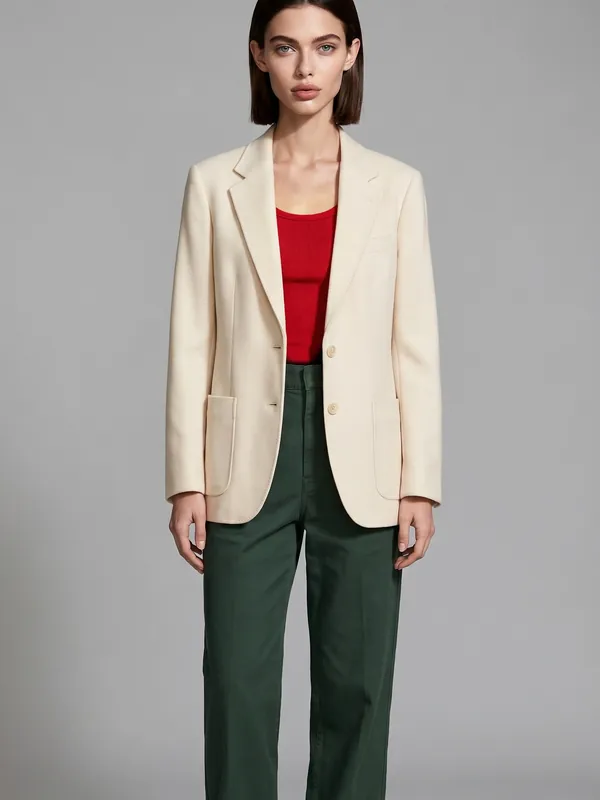 W16
Fix one part of a photo
Change one thing in a photo, such as a hand or a stray object, and keep the rest.
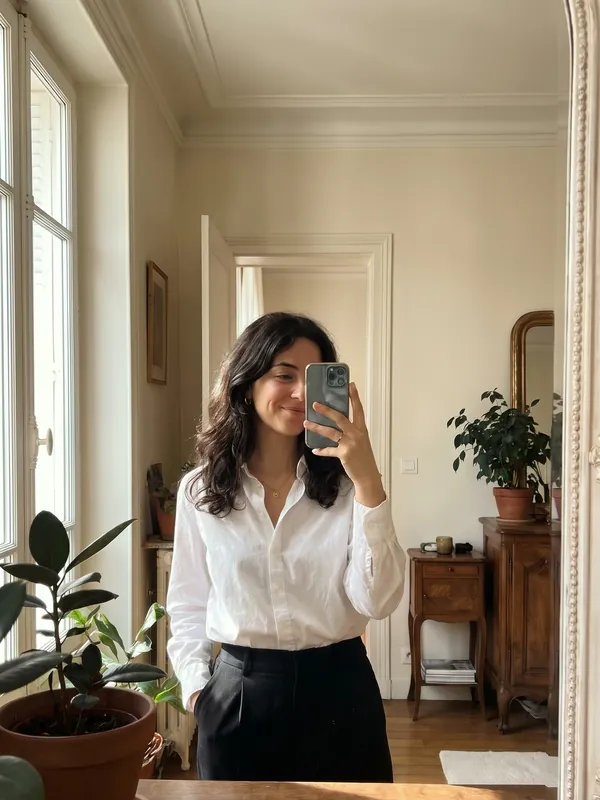 W17
Photo edit with true colours
Change one thing in a photo, then put its colours back to the original's.
Video
Turn photos into clips, and finish clips.
A clip for every photo
A photo of your model in every place you list, then a short video from each photo.
A video for every garment
Every garment you pick on the same model: a try-on photo and a short video of each.
Storyboard to film
Your storyboard frames, in order: a short clip from each one, joined into one film.
Product film from one photo
One product photo and a story: four storyboard frames, a clip from each, joined into a film.
Clip between two frames
A clip that starts on one storyboard frame and ends on the next.
Change Language → Match the Lips
Translate a talking video
A talking video in another language: the same person, the same voice, the lips matching the new words.
Product
Product shots: clean catalogue, in hand, in a scene.
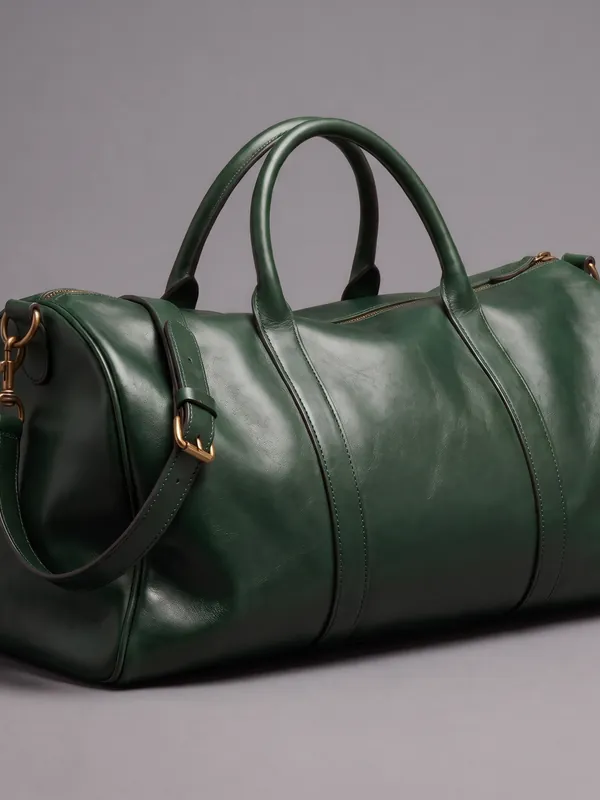 W24
One product, many colours
One product photo in every colour you list. No model needed.
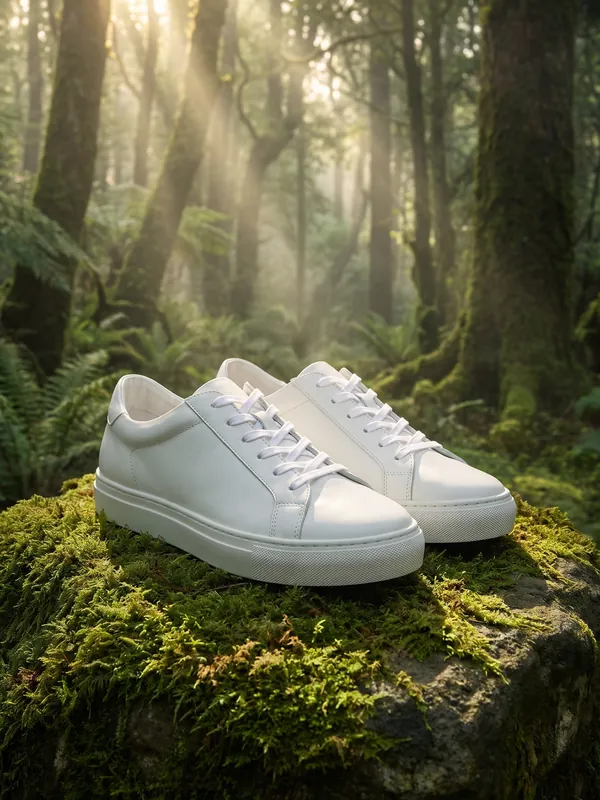 W25
Product in scenes
One product photo in every setting you list. No model needed.
 W26
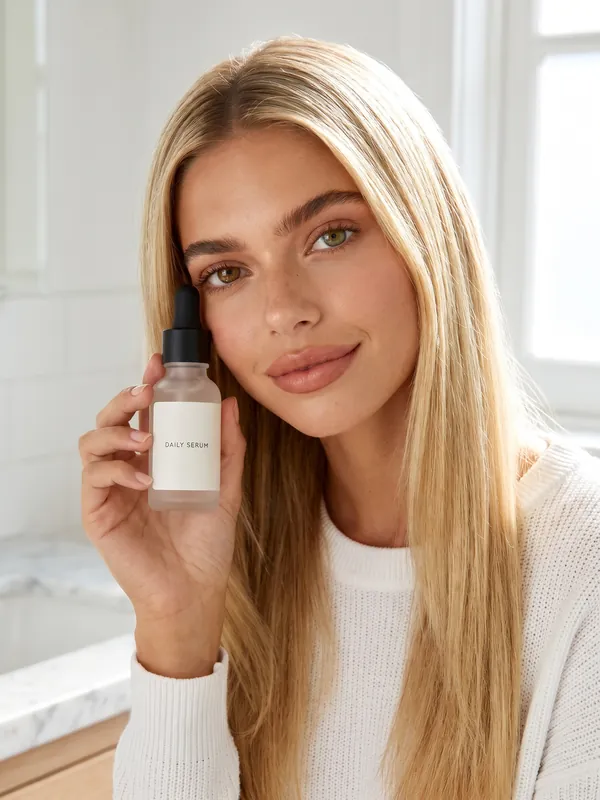
Product with a model
Your model holding, wearing or using your product, in several shots.
 W27
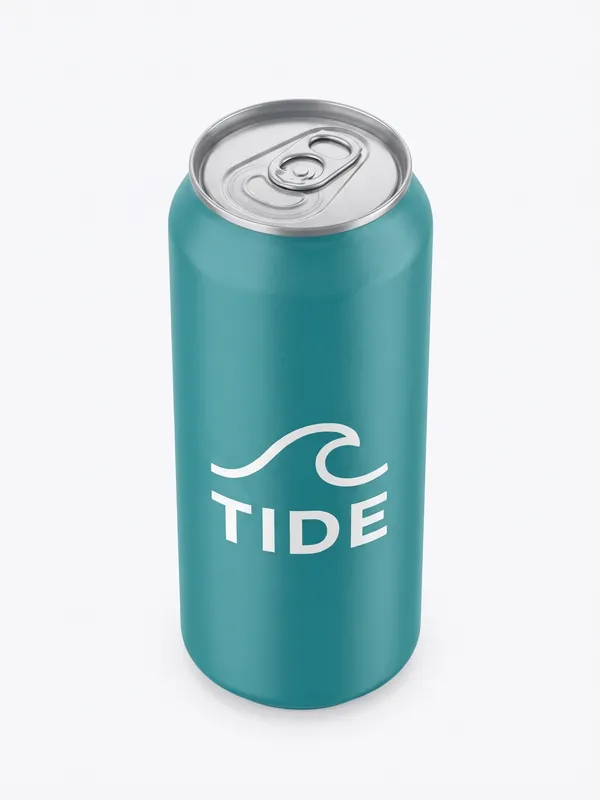
Product from every angle
One product photo shown from the front, side, back, above and up close.
 W28
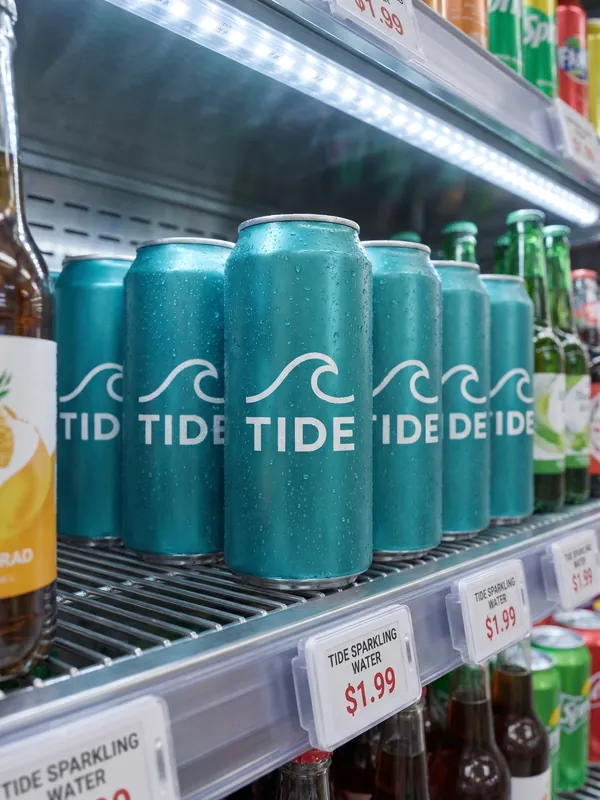
Product in the shop
Your product on a shop shelf, in a window, on a counter and on a street poster.
 W29
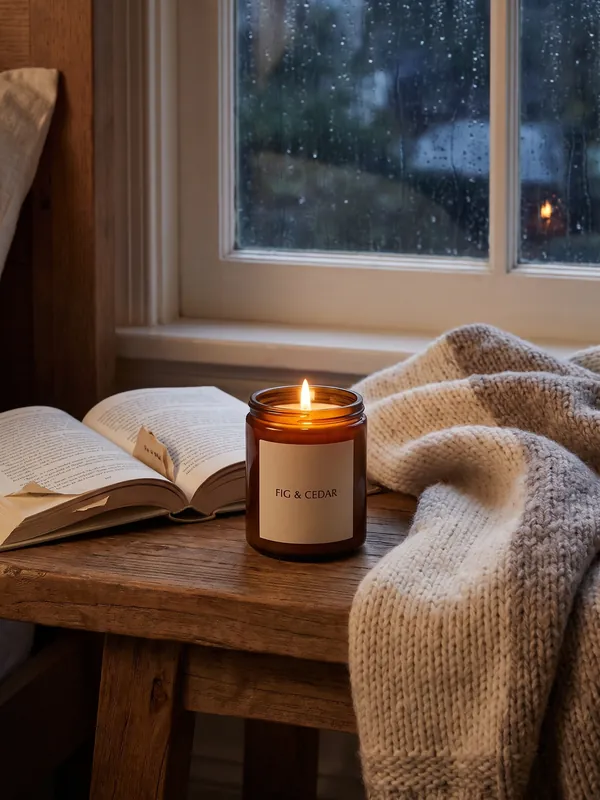
A week of posts
Five posts about one product that tell one story across a week.
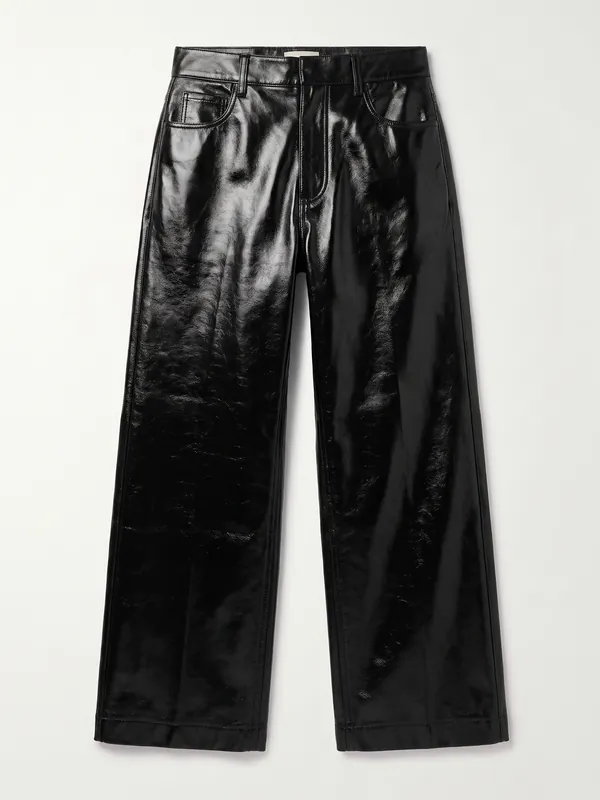 W30
One garment, every fabric
One garment shown in every fabric you list: knit, leather, denim, silk.
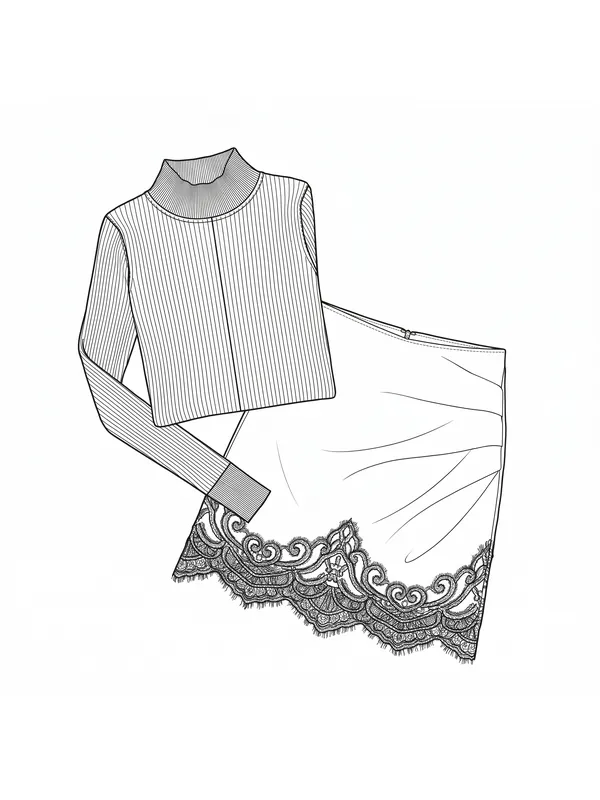 W31
Technical drawing of a garment
A flat technical drawing of a garment, front and back, from its photo.
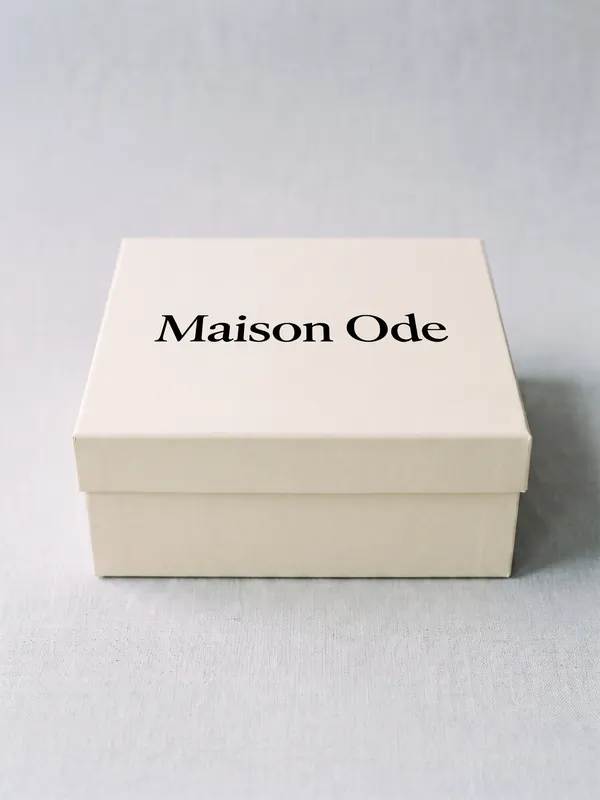 W32
Real lettering on a pack
Your brand name on a product in your own typeface, from a picture of the lettering.
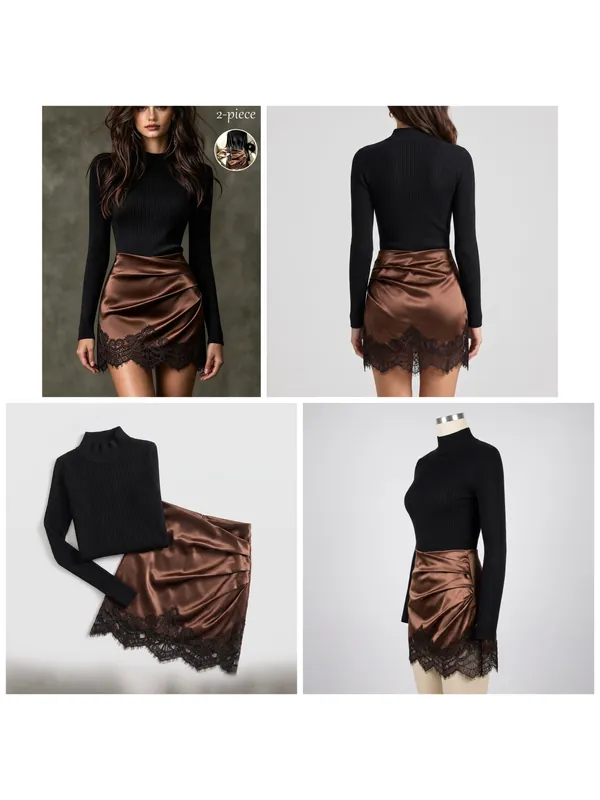 W33
Product reference sheet
Your product photo plus its back, top and side, laid out in one reference sheet.
Delivery
Get results ready to hand over: large, resized, per channel.