
W01Workflow · Try-on
Outfit video
Your model tries on a garment from a photo, then a 5-second video of the look.
- Price
- Credits
- Goes in
- 2
- Steps
- 2
- At once
- Up to 1
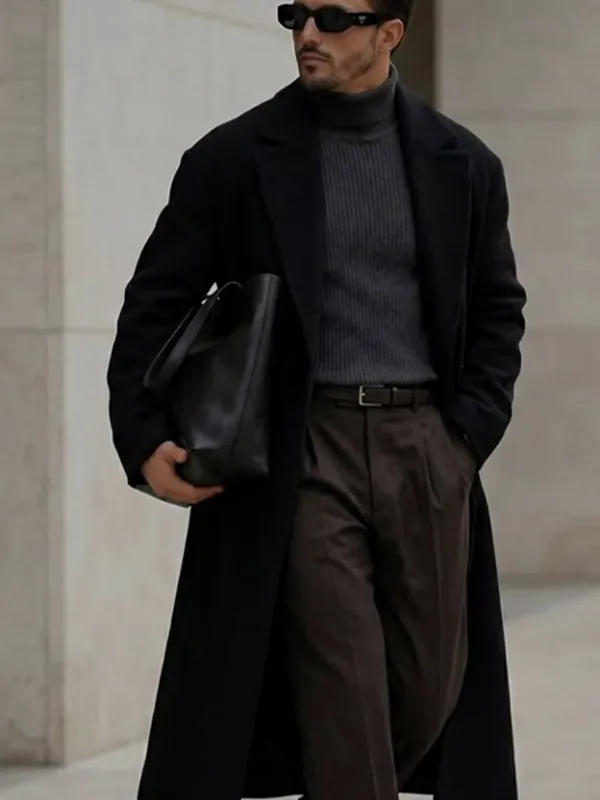 01 · Photo
How it works
Outfit video in three steps
- 01Add a model (one of yours or a ready-made one).
- 02Add garment photo.
- 03Press Run. Each step hands its result to the next: Try-On → Video.
What you need
What you need
- Modela model (one of yours or a ready-made one)
- Garment photoa photo
Good for
Good for
- Showing a garment on a model before a photo shoot
- Lookbooks and collections on one consistent model
- Brand content made from flat product photos
- Creators who make content for fashion and product brands
- Brands that need more content than their shoots give them
Questions
About Outfit video
Is Outfit video free?+
Outfit video uses credits from your Aiphoria plan. You see the exact price before it starts, and new accounts get free credits to try it.
Do I need my own model?+
No. Use one of the ready-made models, or make your own from a few photos and use the same face in every result.
What is a workflow?+
A few tools in one run. Outfit video does 2 steps for you (Try-On, Video), and you can change any step before you run it.
Can I use the results for brand and client work?+
Yes, on a paid plan: Aiphoria's paid plans include commercial rights. The free plan is for personal use.
Use it in a workflow
More workflows
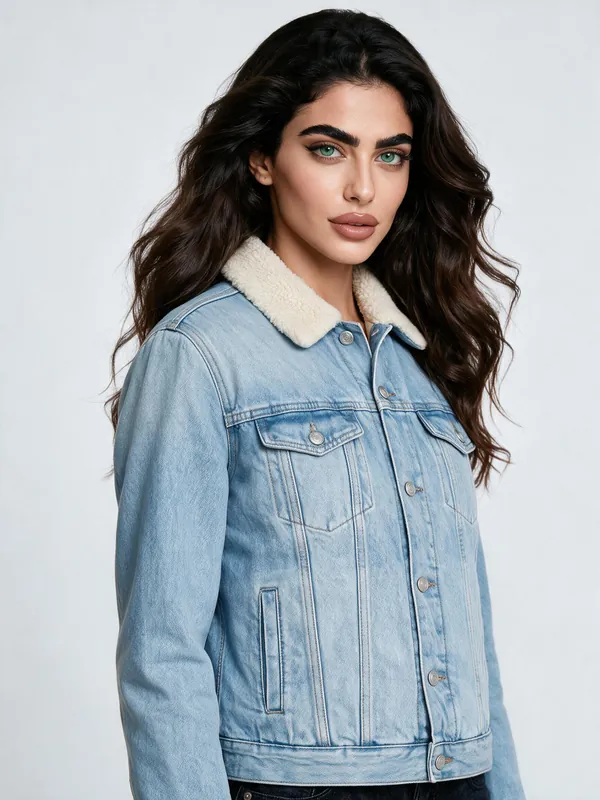 W02
Large try-on photo
Your model tries on a garment, then the photo is made large enough to print.
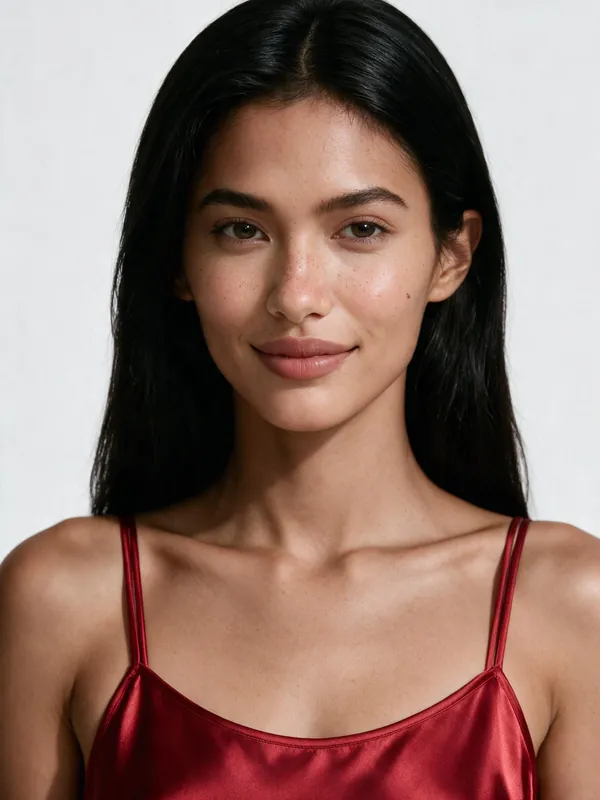 W03
A collection on one model
Every garment you pick, tried on by the same model.
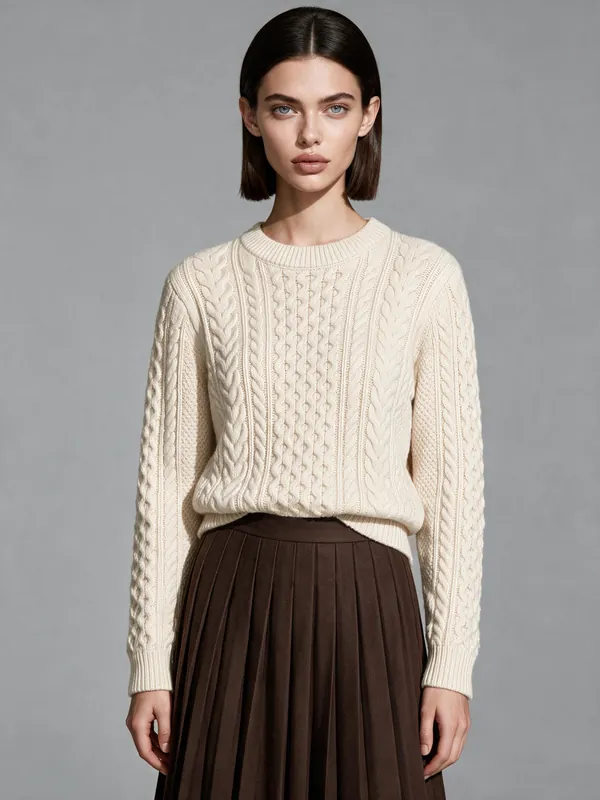 W04
Full outfit try-on
Your model in a whole outfit: a top, a bottom, shoes and a bag from their own photos.
 W05
One model, many places
One model photographed in every place you list.
 W06
Cast a new model
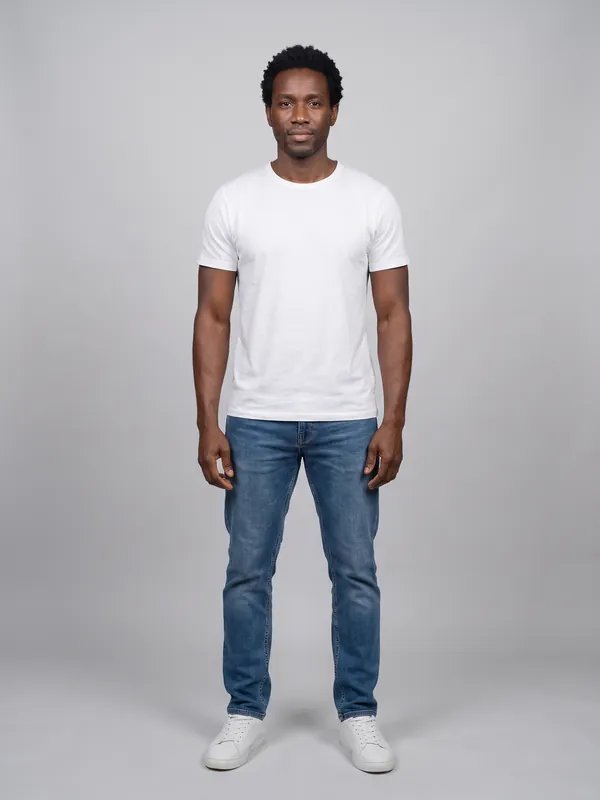
Describe a person in words and get a new model: a portrait and a full-body photo.
 W07
One look, many poses
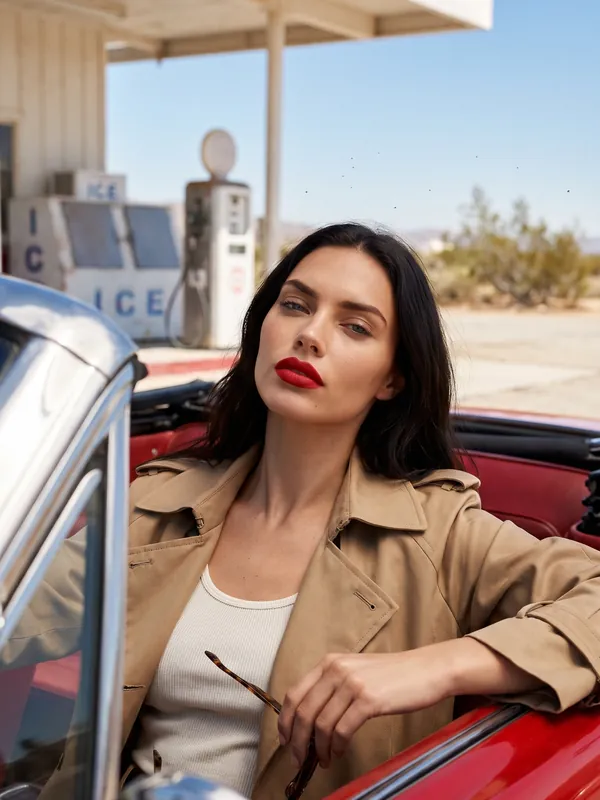
The same model, outfit and place in every pose you list.
Try Outfit video now
New accounts get free credits. You see the price before anything runs.