
T19One-click tool · Colour and lookFree
Colour Palette
The real colours of a photo as swatches, each with its exact code.
- Price
- Free
- Goes in
- 1
- Steps
- 1
- At once
- Up to 12
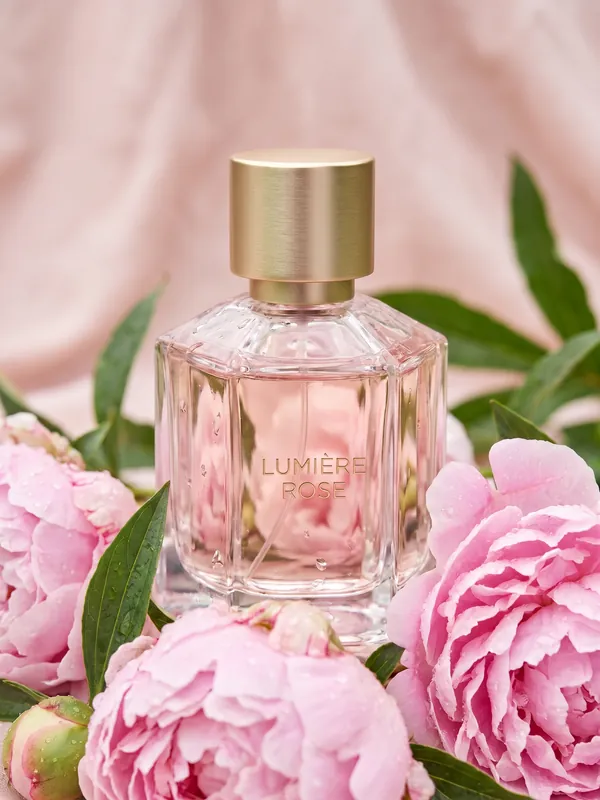 01 · Photo
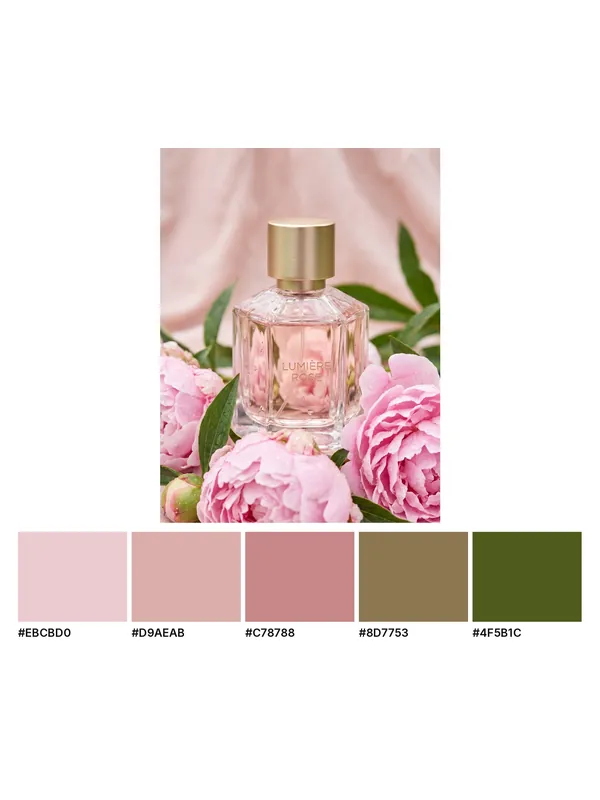 02 · Palette
How it works
Colour Palette in three steps
- 01Add a photo, up to 12 at once.
- 02Pick the settings, or keep the ready ones.
- 03Press Run. You see the price before it starts, and the result lands in your library.
What you need
What you need
- Photosa photo, up to 12 at once
Good for
Good for
- One colour look across a whole shoot
- Keeping an edit true to the original colours
- Quick effects for social posts
- Creators who make content for fashion and product brands
- Brands that need more content than their shoots give them
Questions
About Colour Palette
Is Colour Palette free?+
Yes. Colour Palette uses no credits: it works on the real pixels of your file, so nothing is redrawn.
How many photos can I do at once?+
Up to 12 in one run. Each one gets its own result.
Can I use the results for brand and client work?+
Yes, on a paid plan: Aiphoria's paid plans include commercial rights. The free plan is for personal use.
More tools
Match Colours
Match Colours
Put an edit's colours back to the original's.
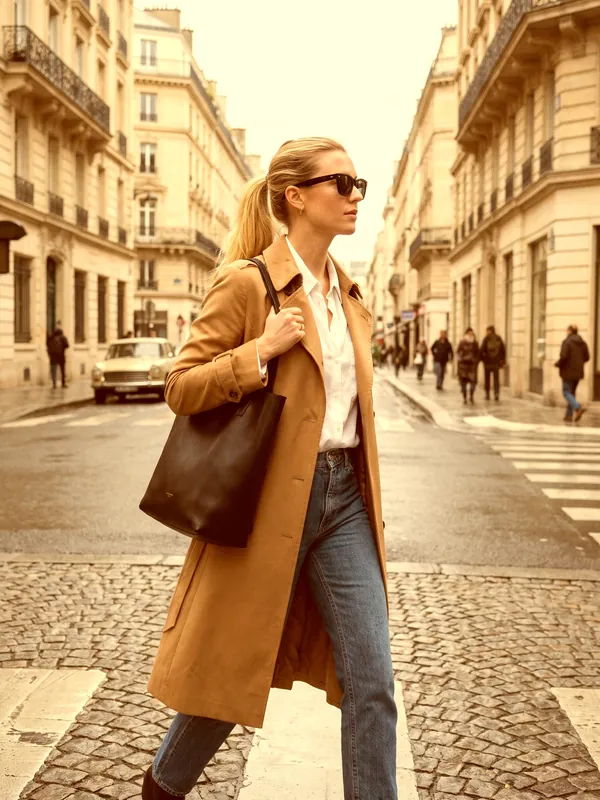 T20Free
Copy the Look
The colours and contrast of one photo, put onto another.
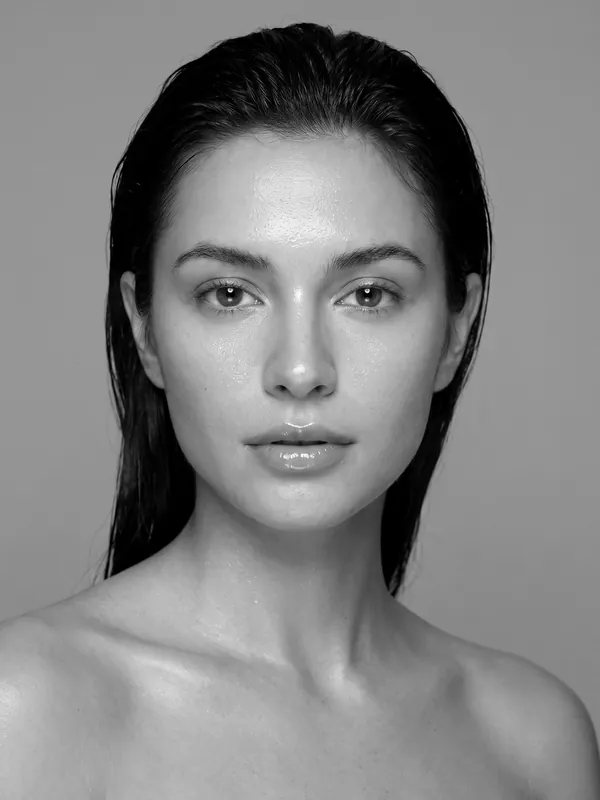 T21Free
Photo Look
A ready-made look on a photo: black and white, warm, faded film and more.
 T22Free
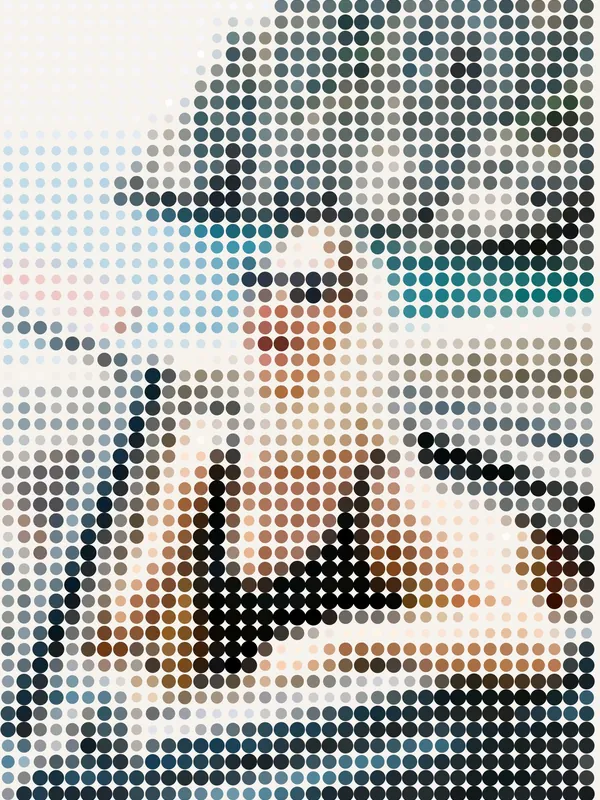
Photo Effect
One effect on a photo: grain, glow, print dots, big pixels and more.
 T01
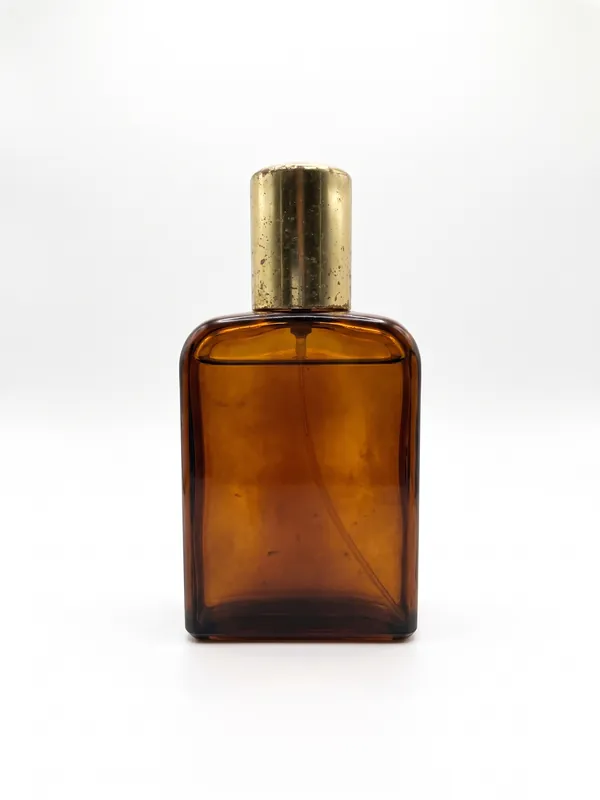
White Background
Your photo on a clean white studio background, ready for a shop.
 T02
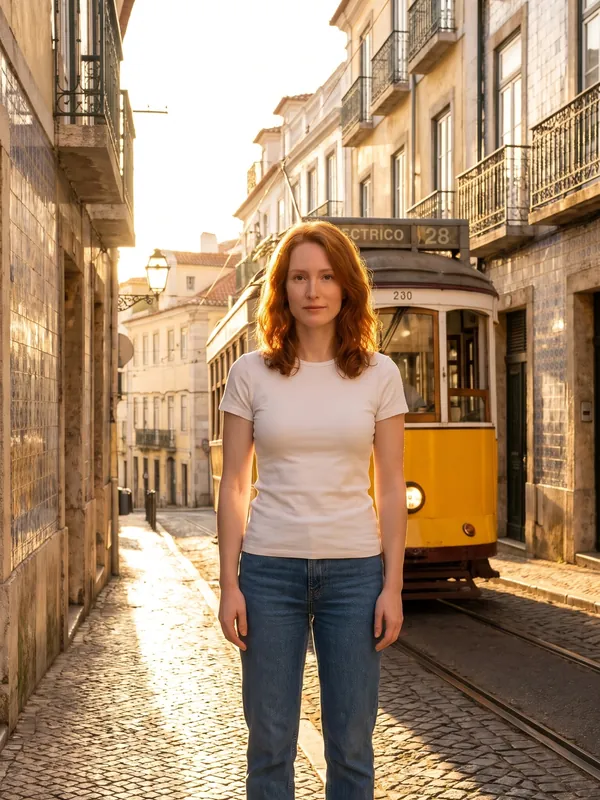
New Background
The same subject in another place that you describe.
Try Colour Palette now
New accounts get free credits. You see the price before anything runs.