Logo
Aiphoria
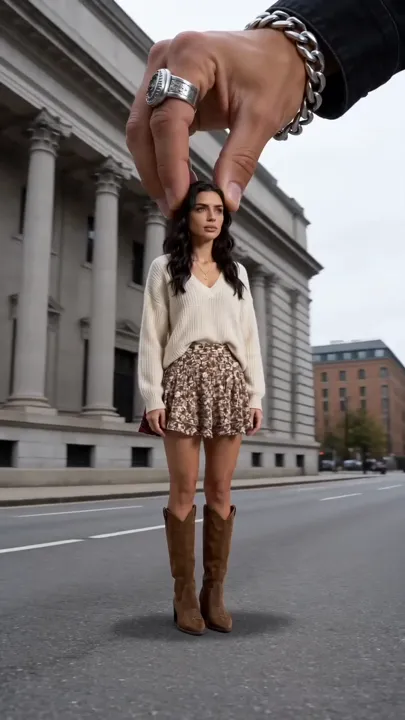
Flash Outfit Swap AI video template

Flash Outfit Swap

Use Template

AI Video Template

Flash Outfit Swap

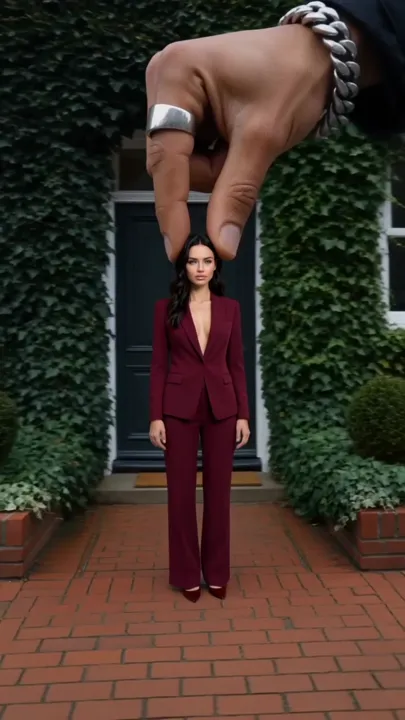
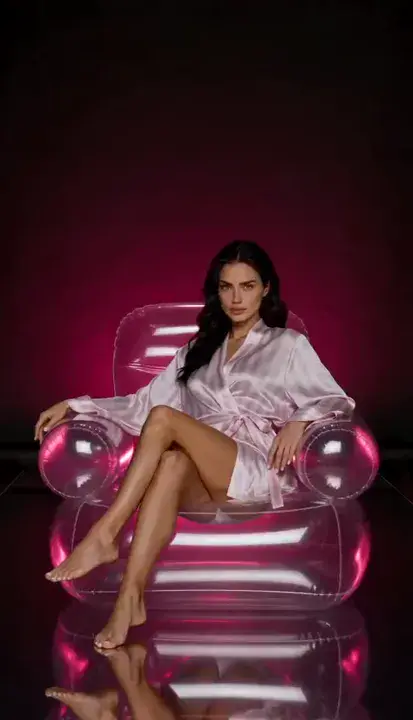
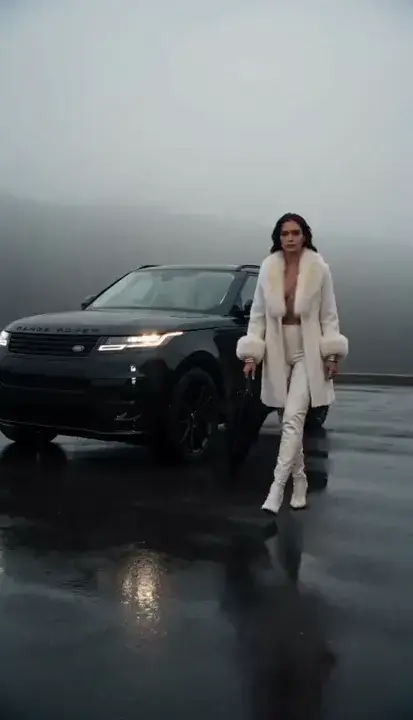
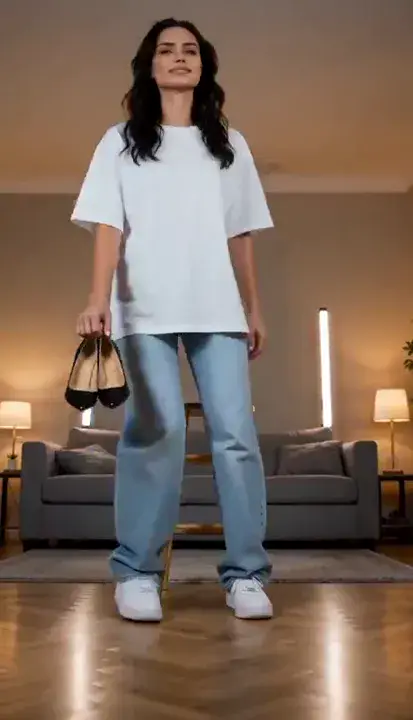
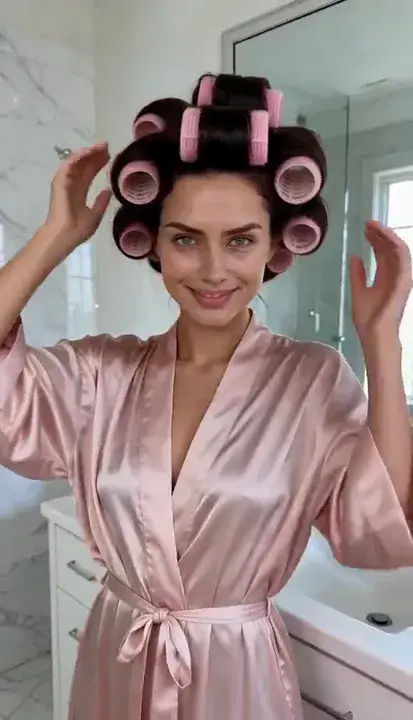
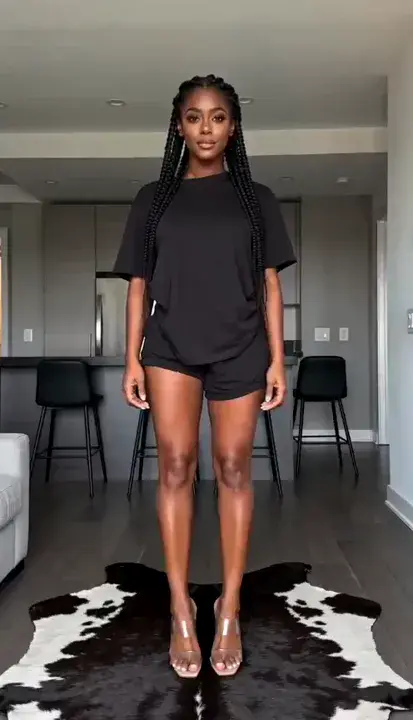
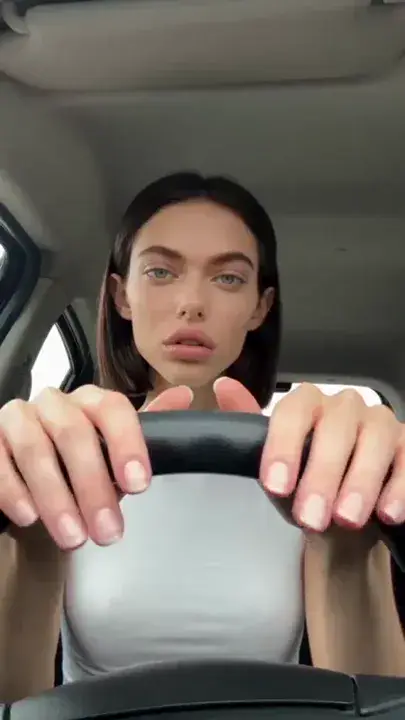
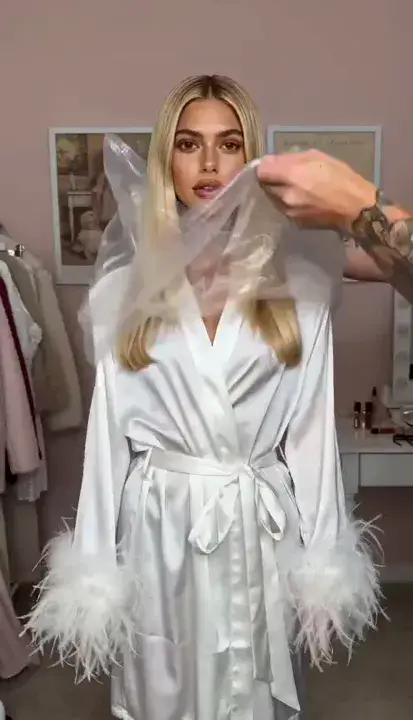
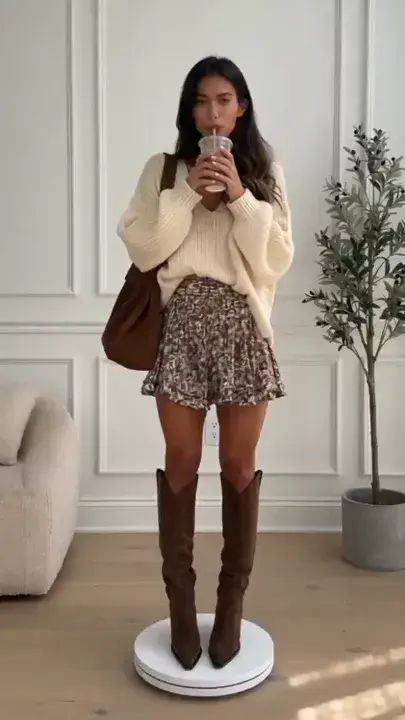
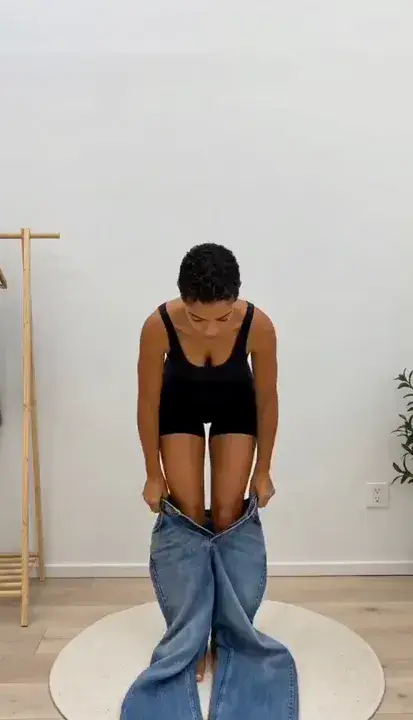
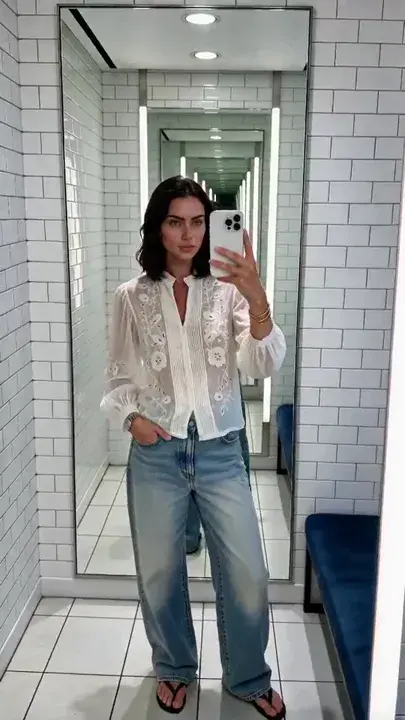
Four outfits, one fixed camera — every change happens inside an on-camera flash blowout. Add four outfit images in the Clip Maker.

How to make this video

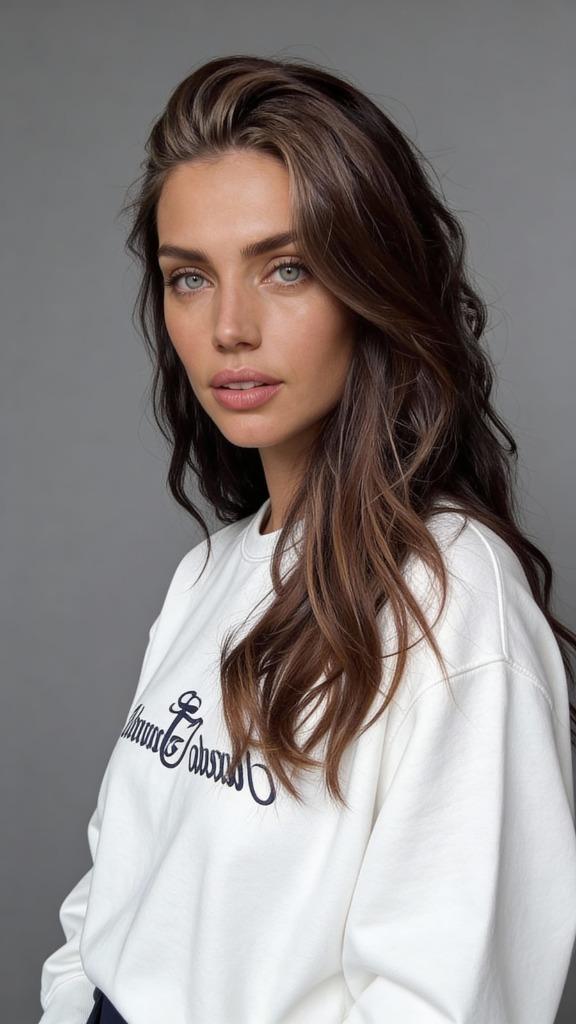
  1. 1Add your AI twin (or a photo of yourself) — it becomes [Image1].
  2. 2Add four outfit photos in order — they become [Image2] to [Image5]. Virtual Try-On results work best.
  3. 3Hit Generate. Each outfit appears after a camera-flash blowout.
Browse more templates →

More in this Group

Giant Hand Autumn Drop AI video template
Giant Hand Outfit Drop AI video template
Victoria's Secret Angel — Studio AI video template
Umbrella Outfit Swap - Men AI video template
Umbrella Outfit Swap AI video template
Heel Kick Queen — Your Outfit AI video template
Victoria's Secret Angel — Paris AI video template

More Templates You'll Love

All AI-generated · Make any video starring you

View all templates →
Cómo funciona

DE UNA FOTO A UNA CAMPAÑA COMPLETA

Añade una prenda o una foto de producto, elige una modelo y obtén fotos y vídeo con la misma cara en cada toma. Así funciona el estudio.

UNA MODELO PARA TU MARCA

Elige una modelo lista, crea una nueva a partir de una descripción o haz la tuya con unas pocas fotos. La misma cara aparece en cada resultado.

Model Preview
Elige una modelo

Lista, descrita o la tuya

photo-upload
photo-upload
photo-upload
photo-upload
photo-upload
photo-upload
Guardando tu modelo85%

PASO 1: LA MODELO DE TU MARCA