
Use casesVirtual try-on
AI virtual try-on: your garment on a model, from one photo
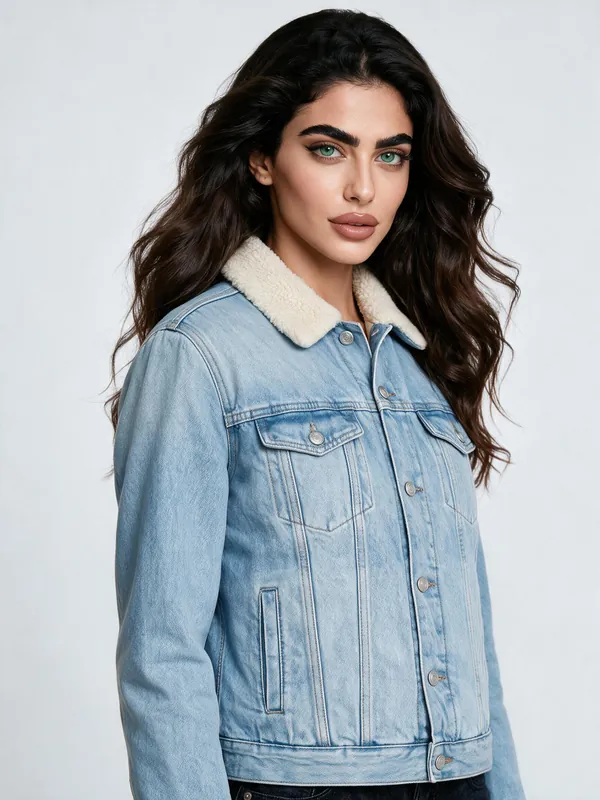
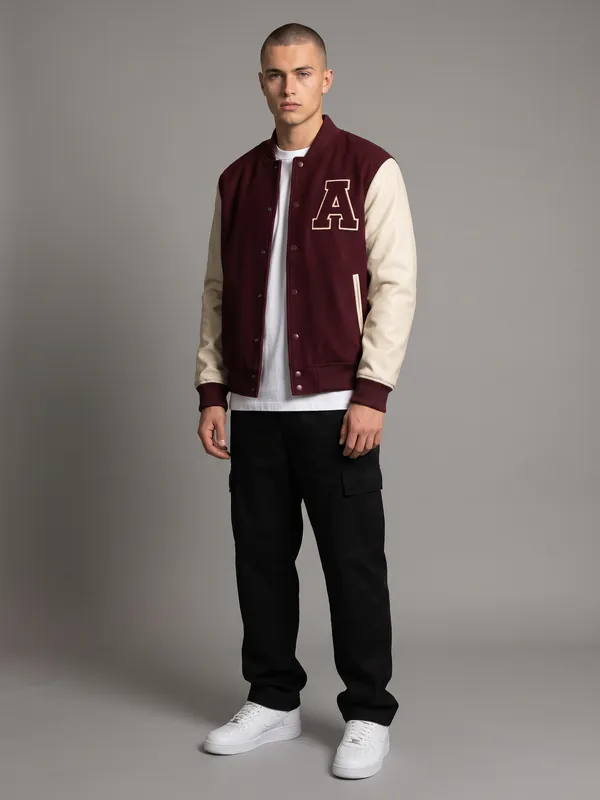
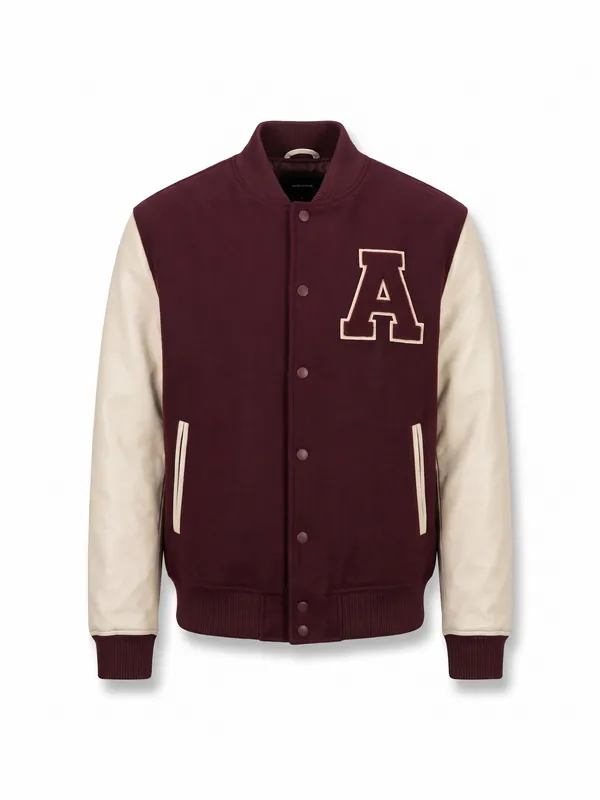
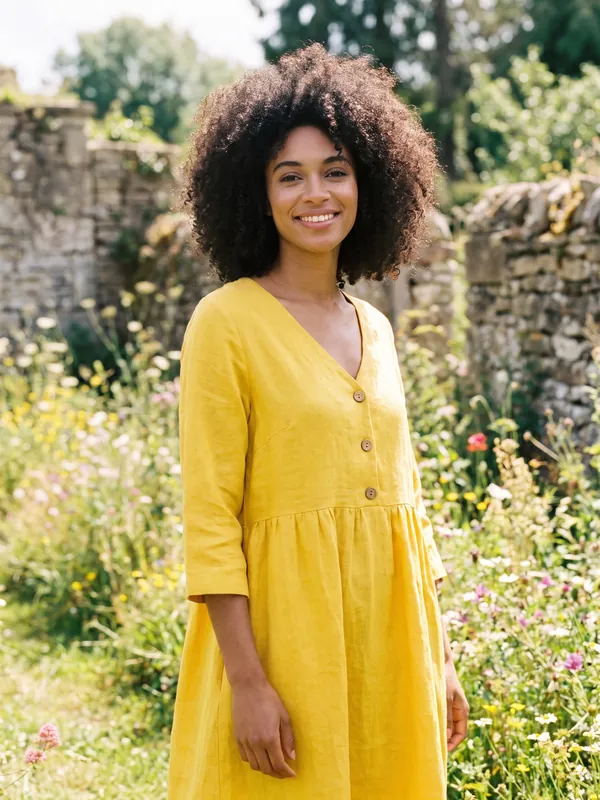
Add a photo of a garment and see it on a model. Do one piece, a whole outfit from separate photos, or every garment in a collection on the same model.
What you get
4- 01Your model wearing a garment from a photo
- 02A whole outfit: a top, a bottom, shoes and a bag from their own photos
- 03Every garment you pick, tried on by the same model
- 04A 5-second video of the look, or a copy large enough to print
How it works
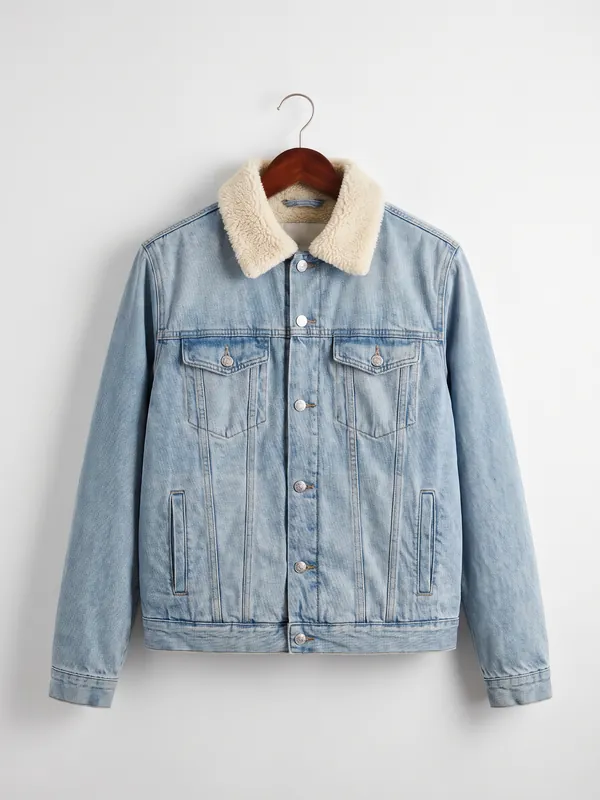
3 steps- 01Add a photo of the garment, flat or on a hanger.
- 02Pick the model who wears it.
- 03Press Run. The try-on photo lands in your library.
Workflows for this job5
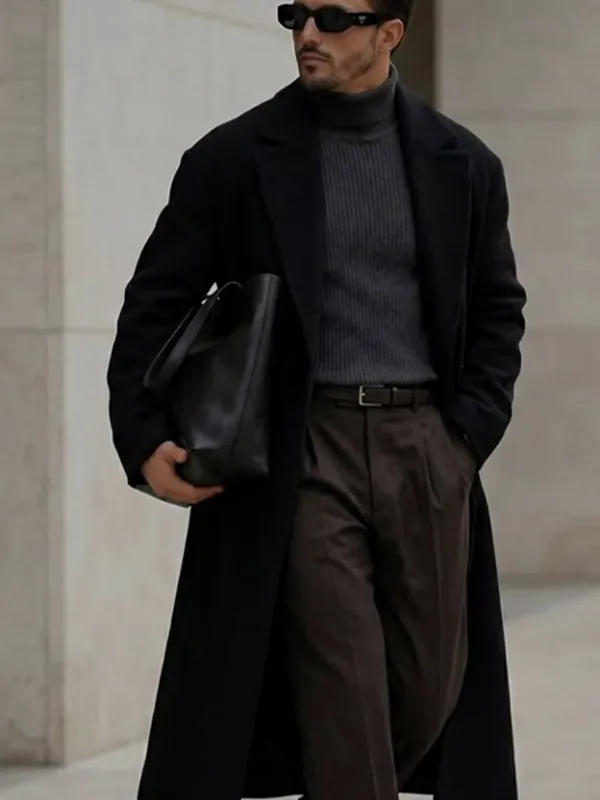
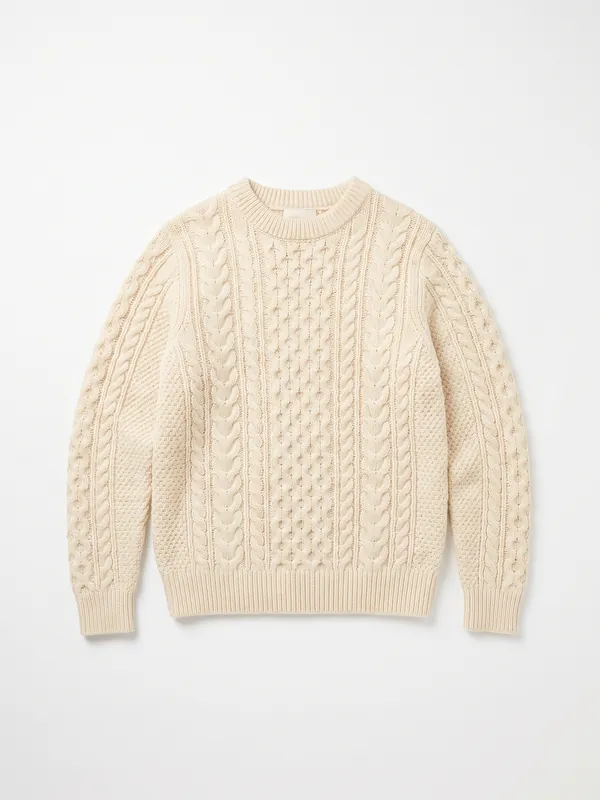
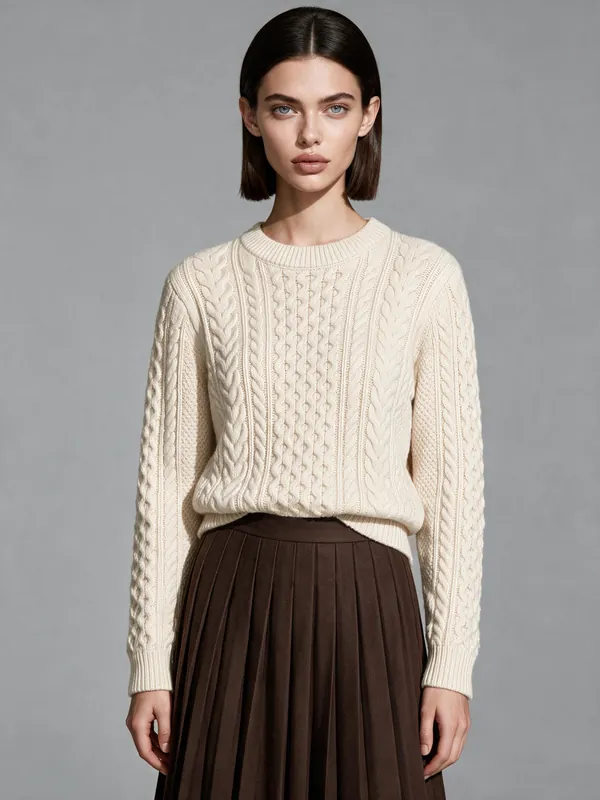
a jumper and a skirt 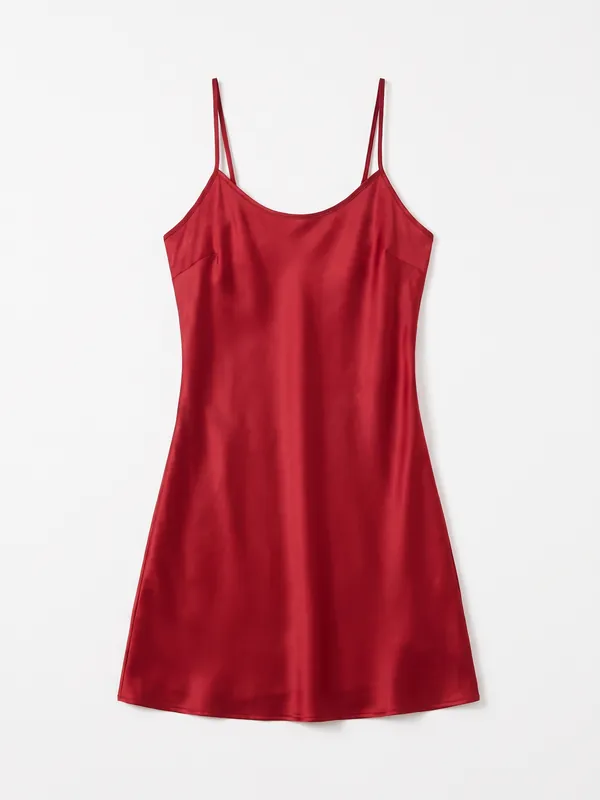
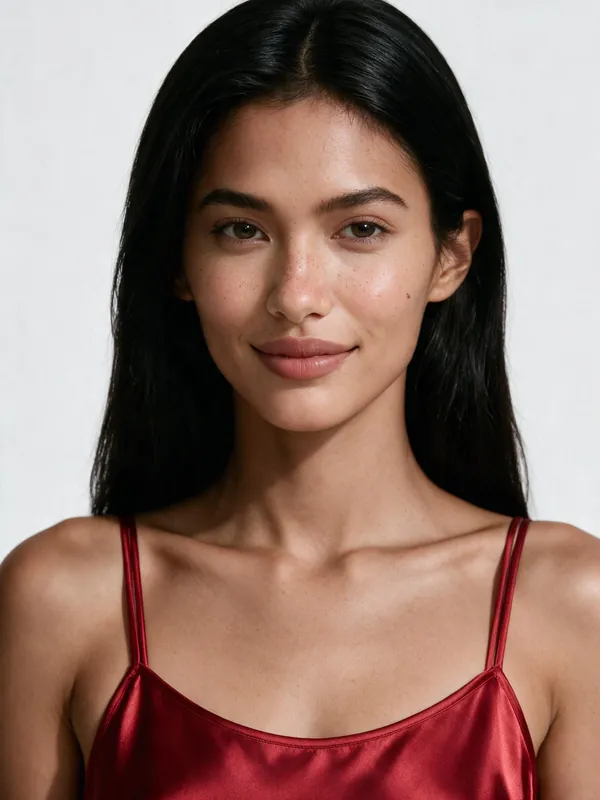
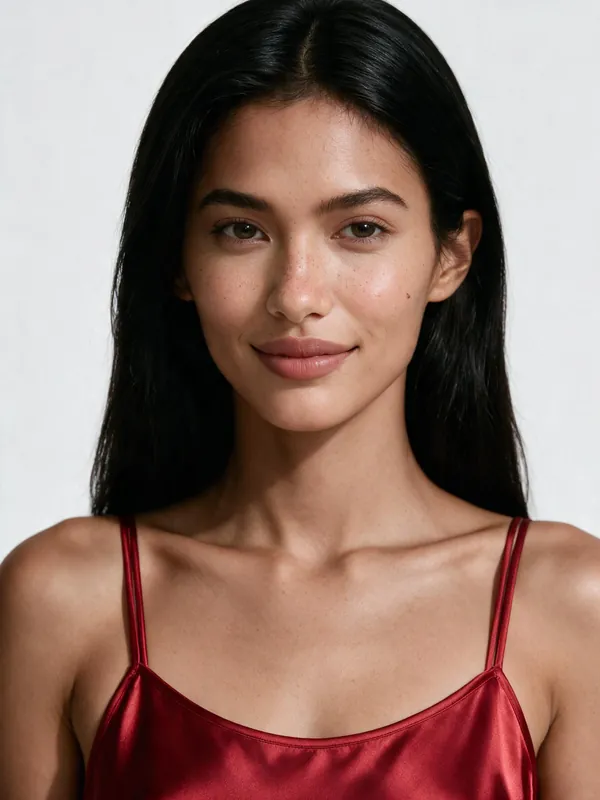

a riad courtyard in Morocco
One-click tools for this job4
- T17Try-OnT17Try-OnYour model wearing a garment from a photo.
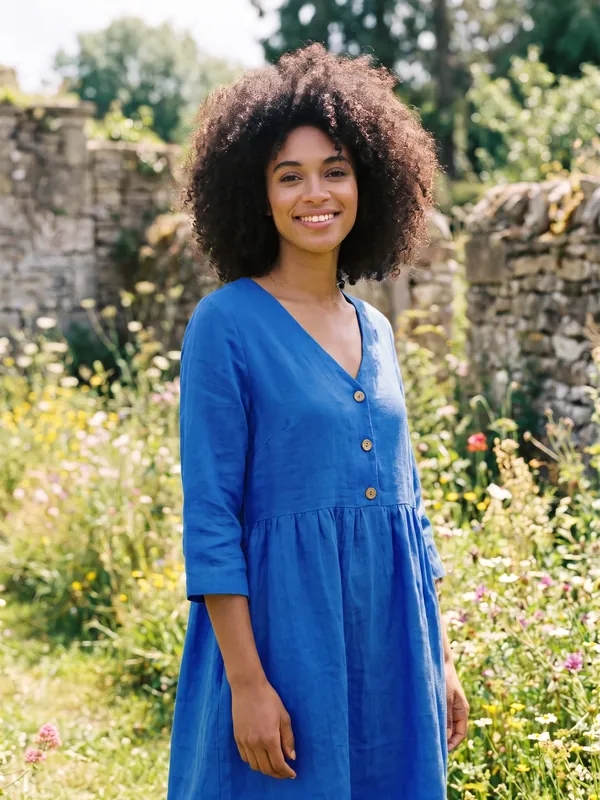
cobalt blue 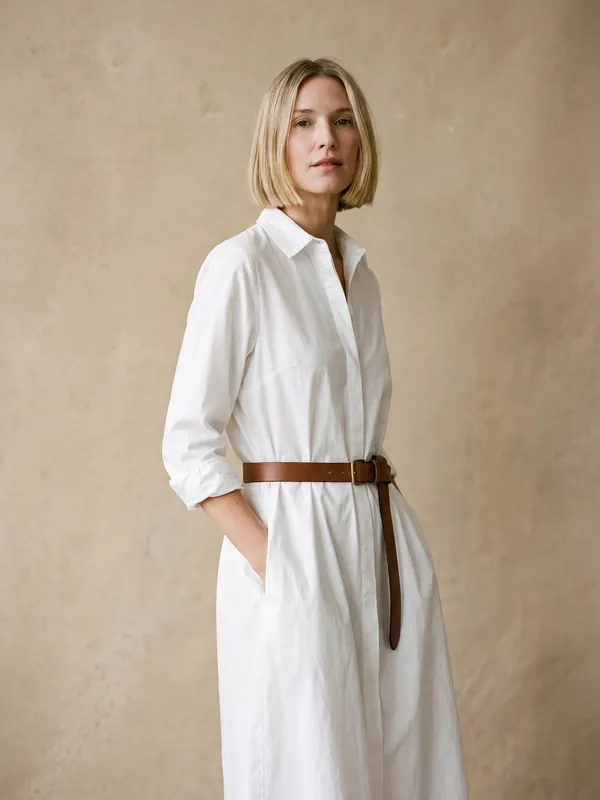
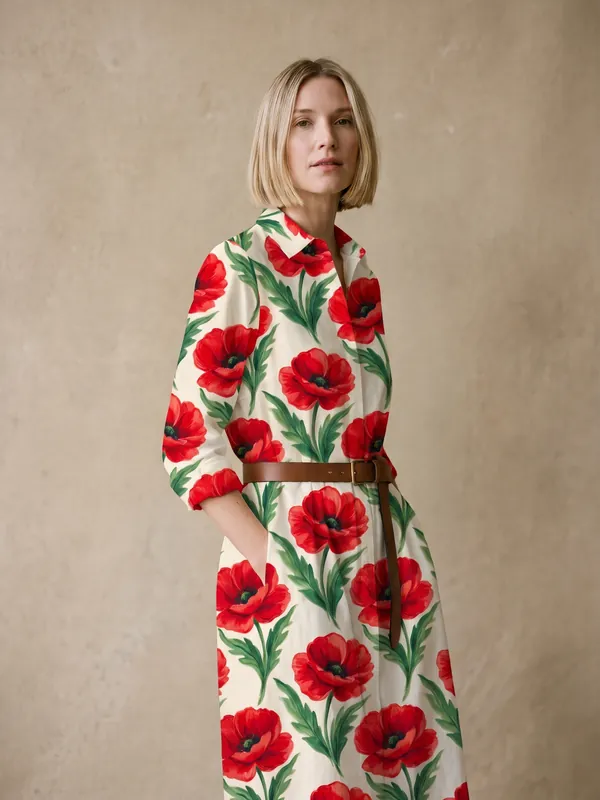
a poppy print from a second picture
Good for
- Showing a garment on a model before the photo shoot
- Shop pages that need every piece on a person
- Creators who style looks for brands from product photos
Questions
What kind of garment photo works best?+
A clear photo of the piece alone, flat or on a hanger. If you only have a photo of a person wearing it, Garment Cut-out lifts the clothes off first.
Can I try on a full outfit, not one piece?+
Yes. Full outfit try-on takes a top, a bottom, shoes and a bag from their own photos and puts them on the model together.
Can I get a video of the try-on?+
Yes. Outfit video does the try-on and then makes a 5-second video of the look in one run.
Do I need my own model?+
No. Use one of the ready-made models, or make your own from a few photos and keep the same face in every result.
Can I do this from Claude or ChatGPT?+
Yes. Add the Aiphoria connector, ask in plain words, and the assistant runs the same tools and workflows and gives you the links to the results.
Can I use the results for brand and client work?+
Yes. A subscription includes commercial rights, so the results can go into ads, shops and client work.
Ready when you are
Try it on your own work