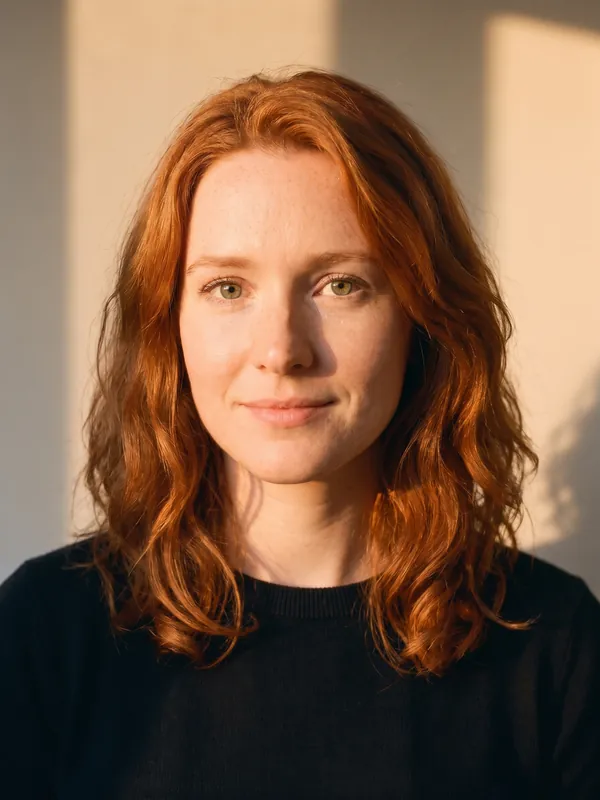
How do I keep the same AI model in every photo and video?
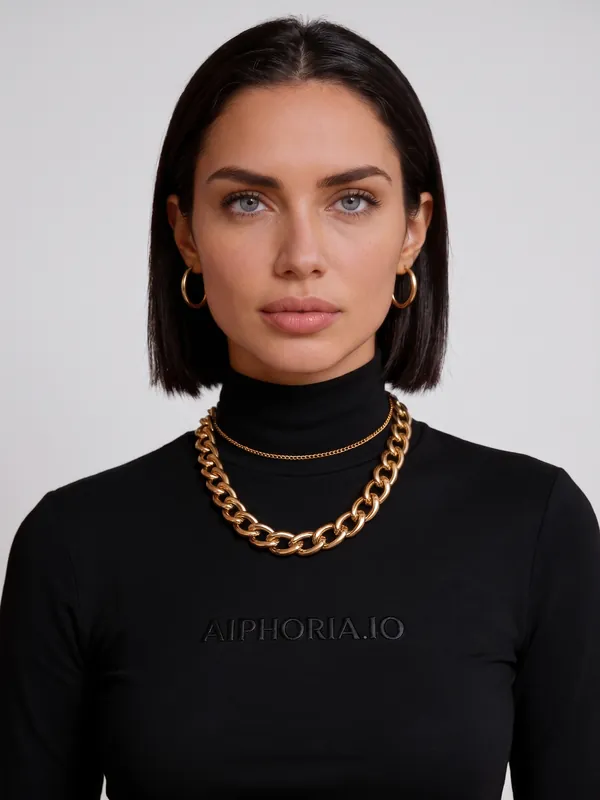
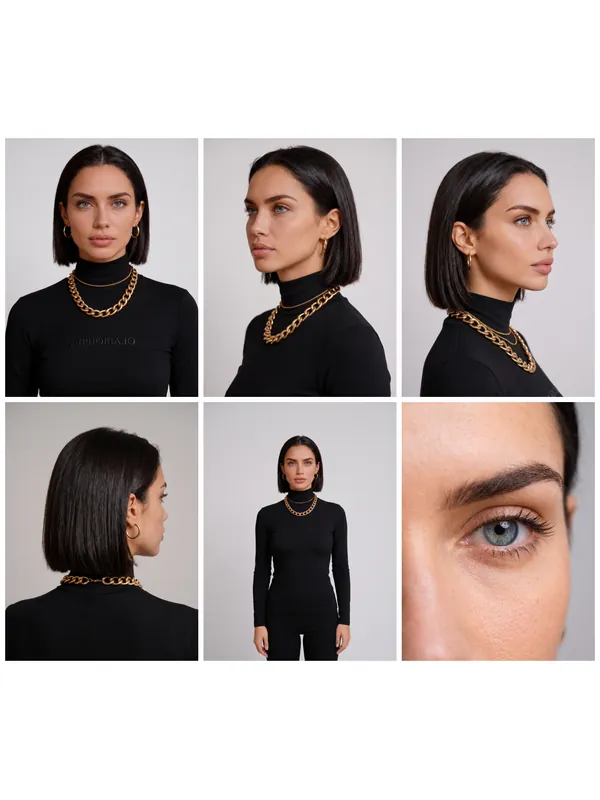
Save the model once and pick it in every run. The saved model is the reference for each new photo and clip, so the face stays the same. A character reference sheet locks the face from the front, the side and the back.
Key takeaways
A model is made once, from a description or from a few photos.
Every later run uses that saved model as the reference.
A reference sheet shows the face from every side in one picture.
What you need
1
A description of the person, or a few clear photos of a face
Step by step
01
Cast the model
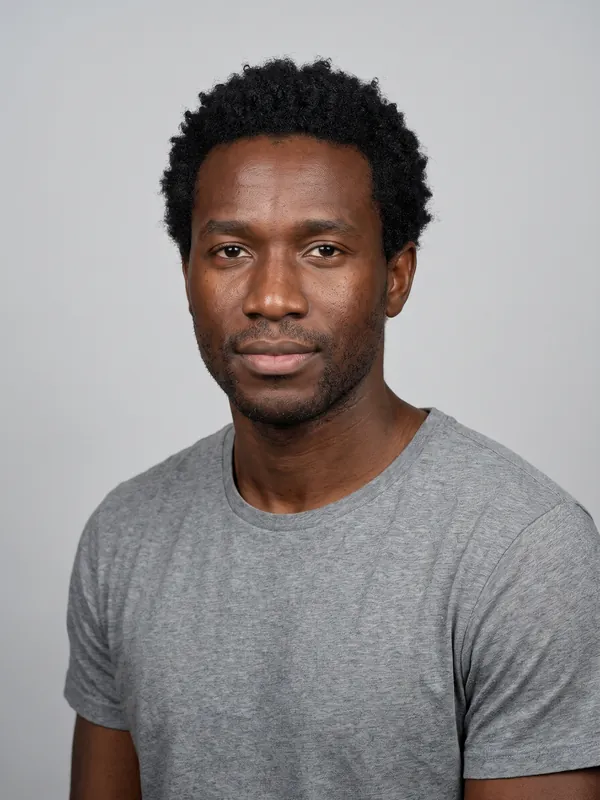
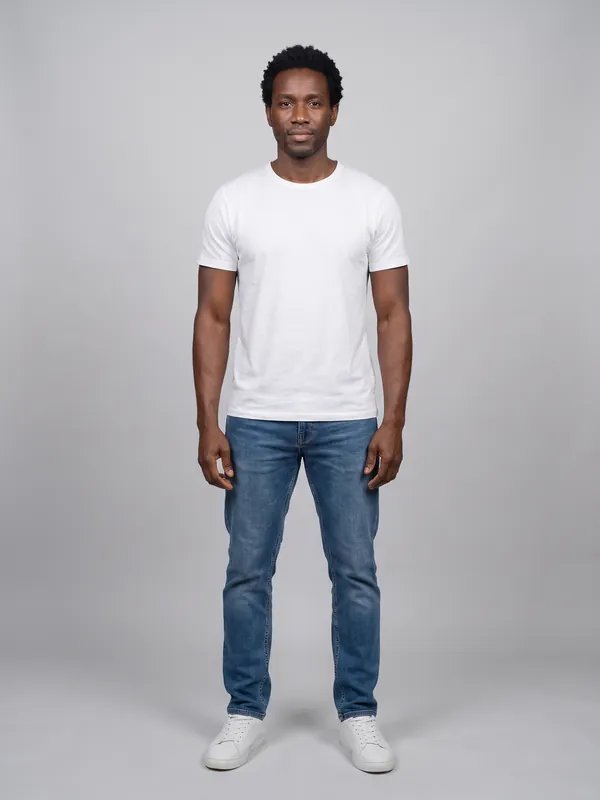
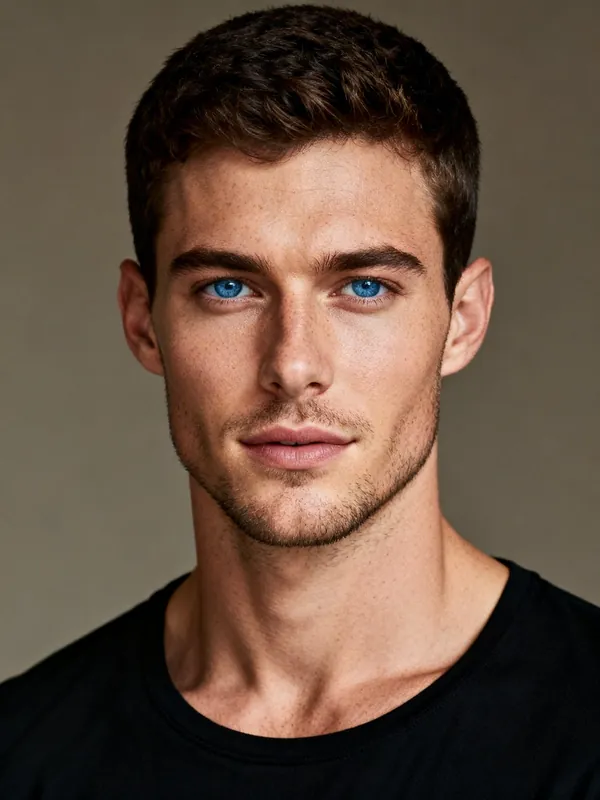
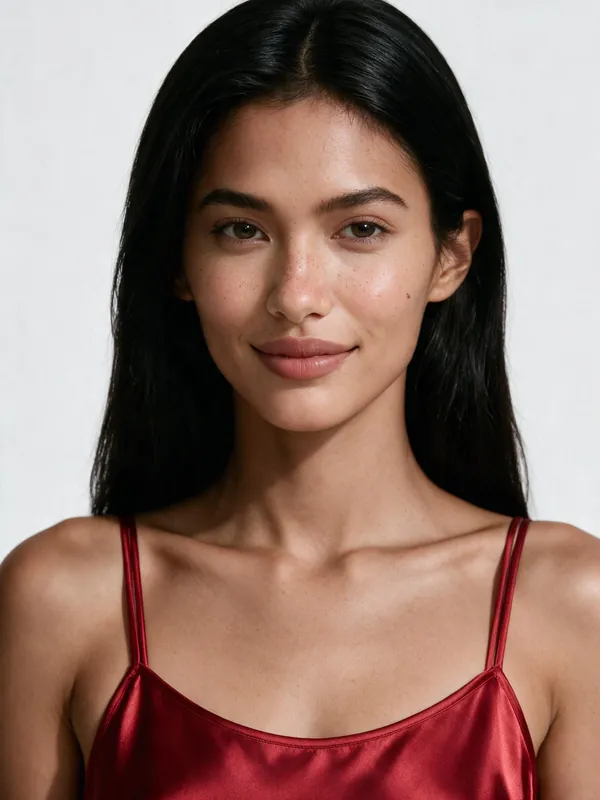
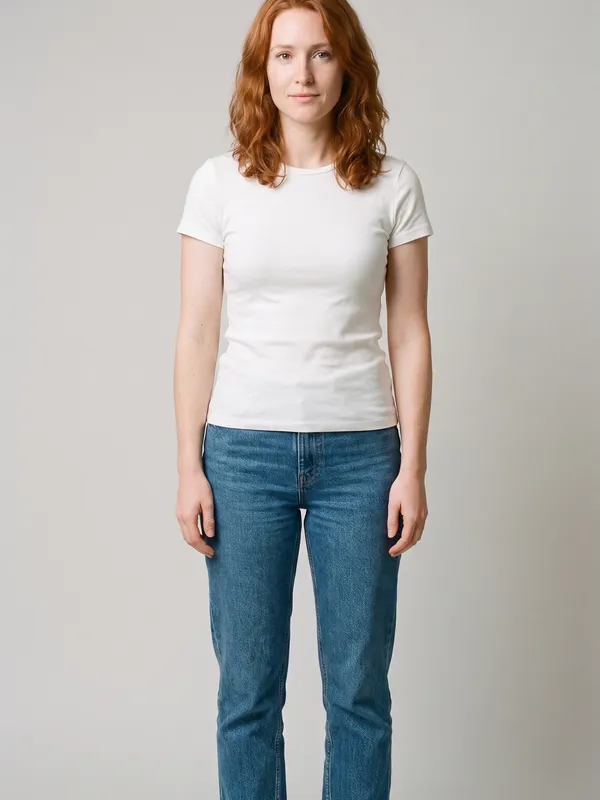
Cast a new model takes a description in words and returns a portrait and a full-body photo. Or make your own model from a few photos.
02
Lock the face
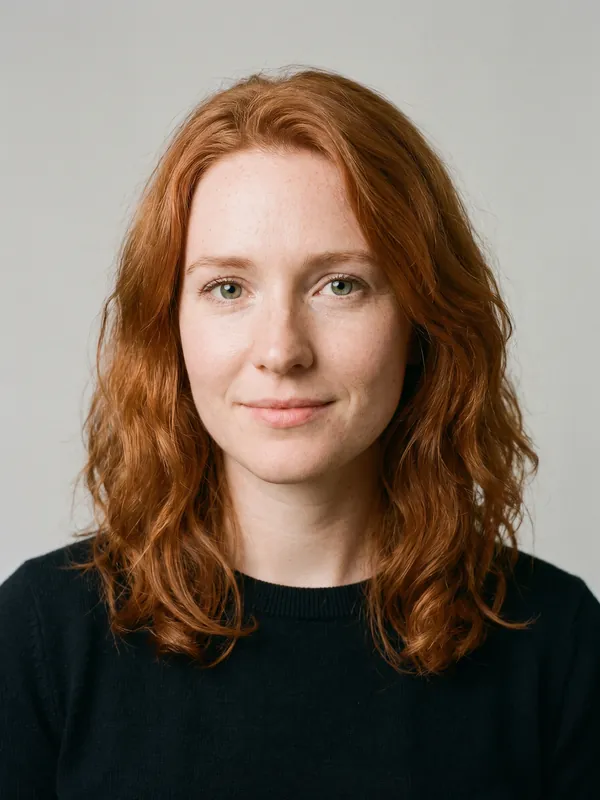
Character reference sheet shows one face from the front, 45 degrees, profile, back, full body and the eyes.
03
Use the same model everywhere
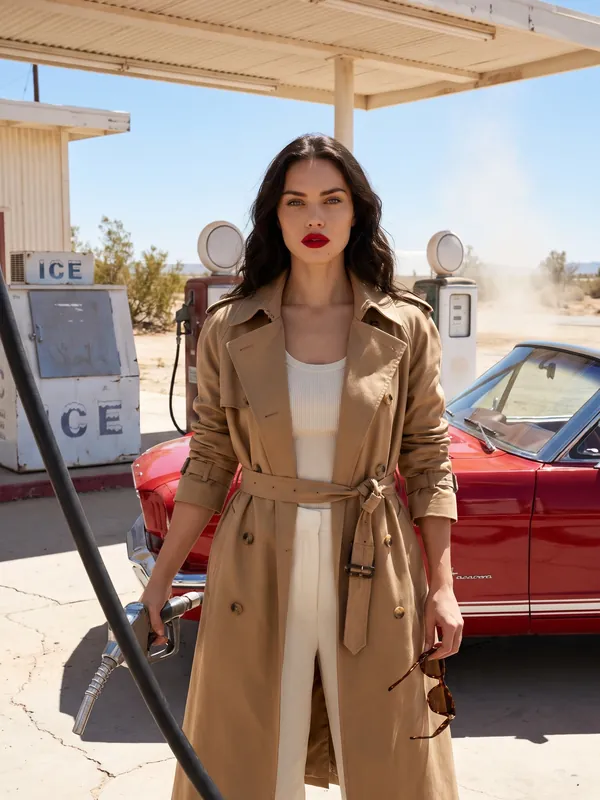
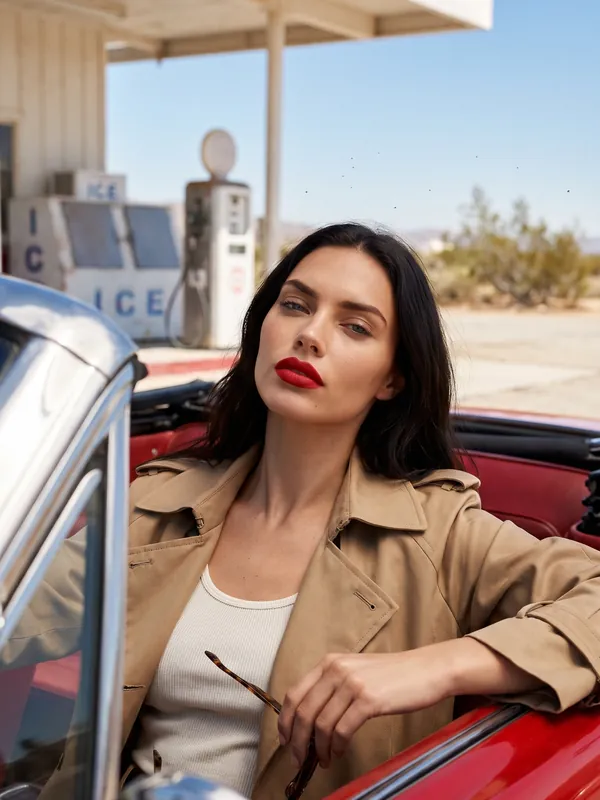
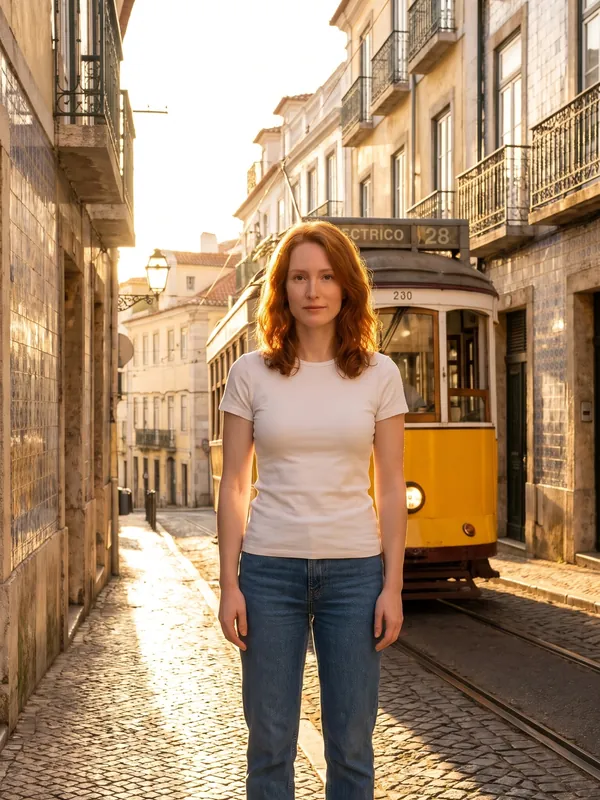
One model, many places photographs the model in every place you list. One look, many poses keeps the model, outfit and place the same in every pose.
04
Dress the model
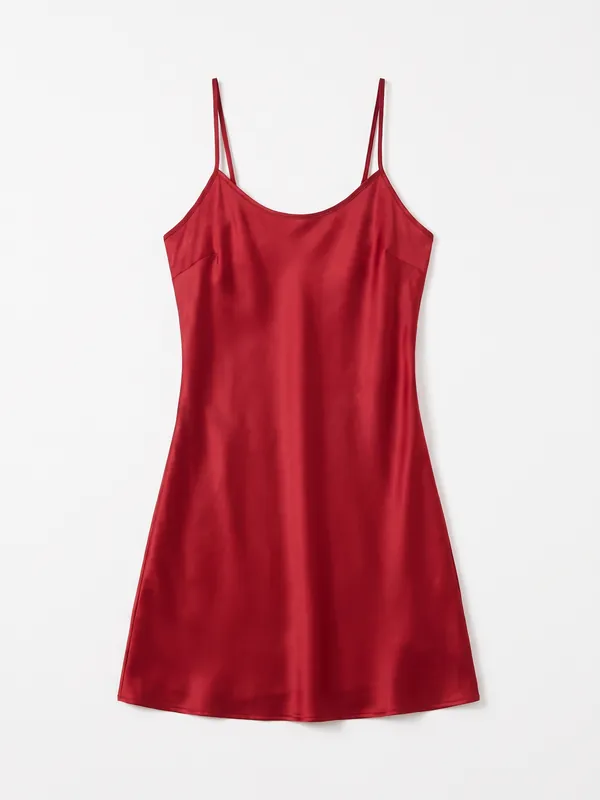
A collection on one model puts every garment you pick on that same model.
Why does a face change from one AI photo to the next?
A picture made only from words draws a new person each time. A saved model gives every run the same face to work from, which is what keeps it the same.
Does the model stay the same in video?
Yes. A clip is made from a photo of the model, so the person in the video is the one in the photo.