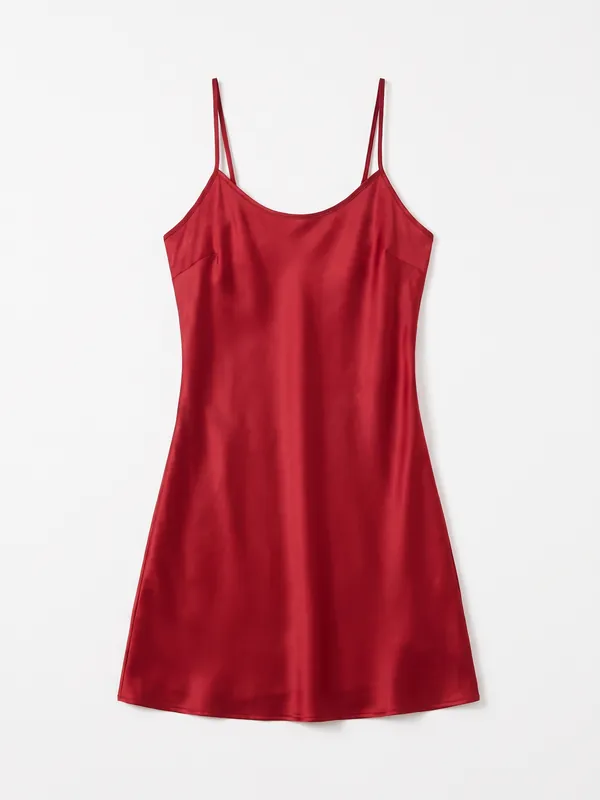
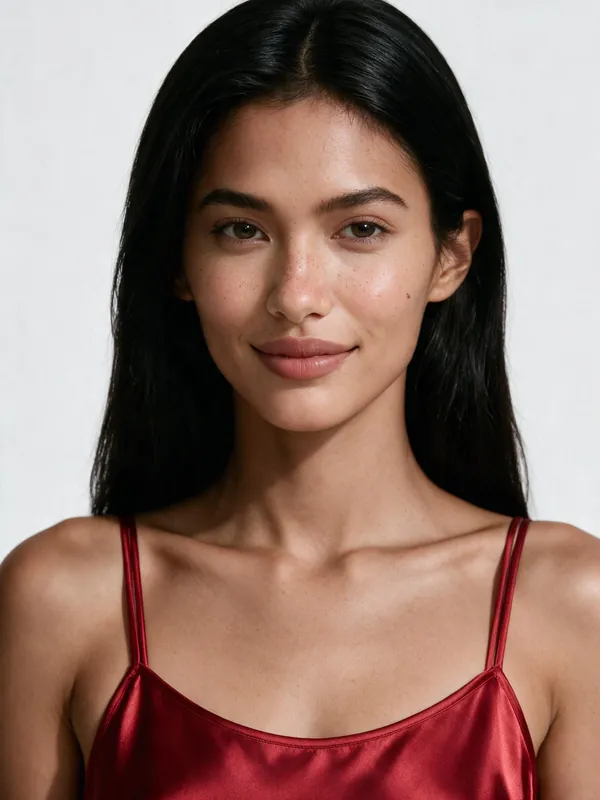
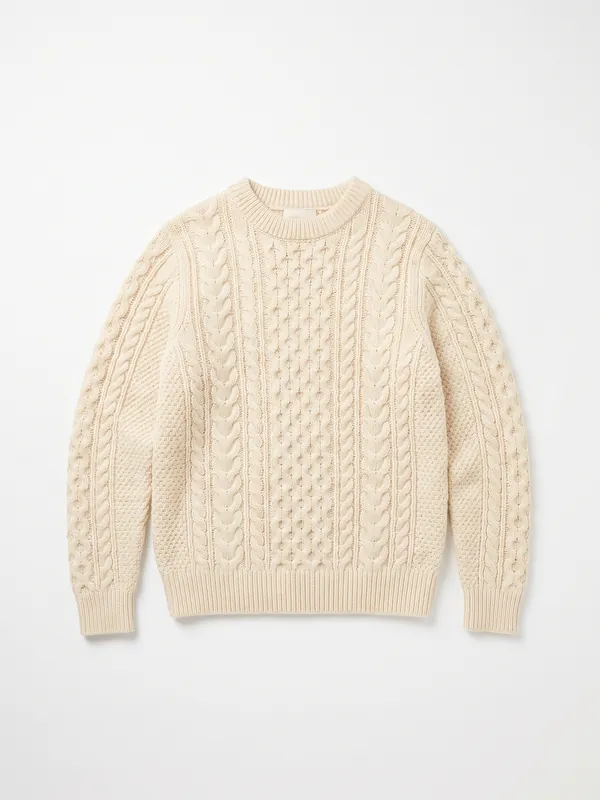
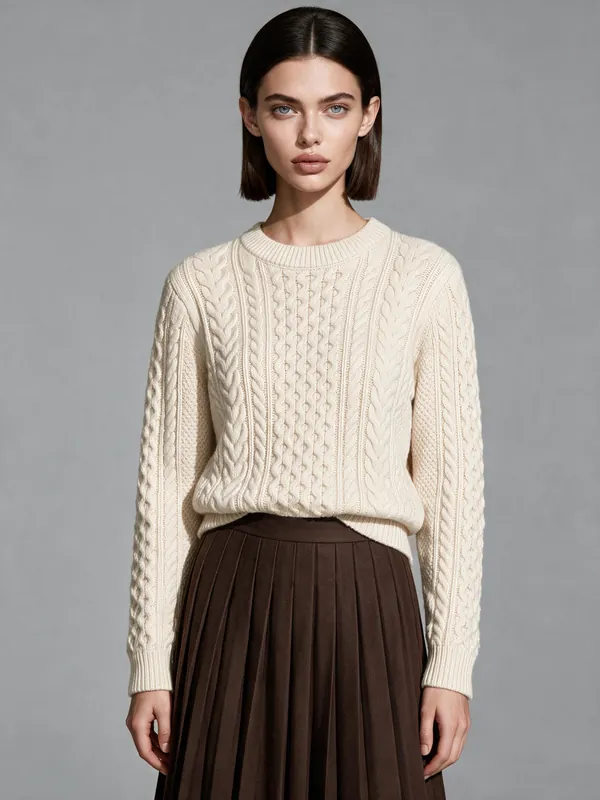
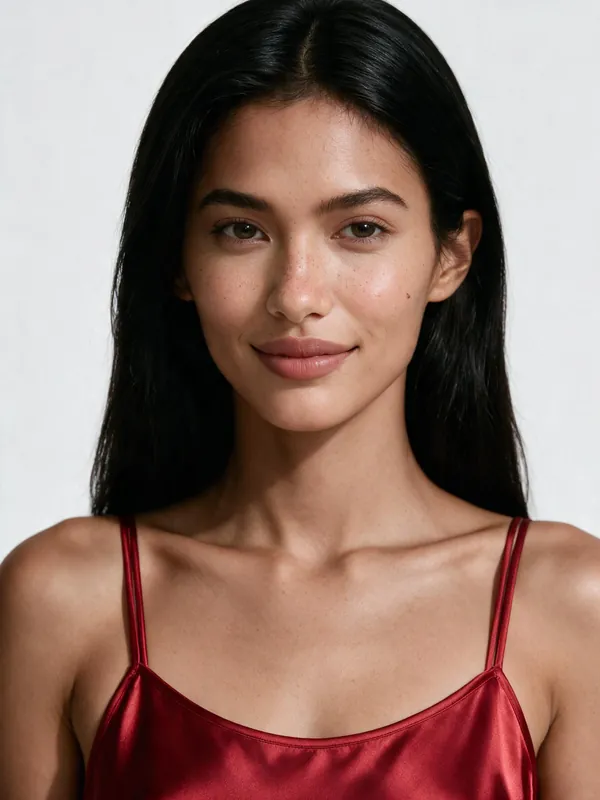
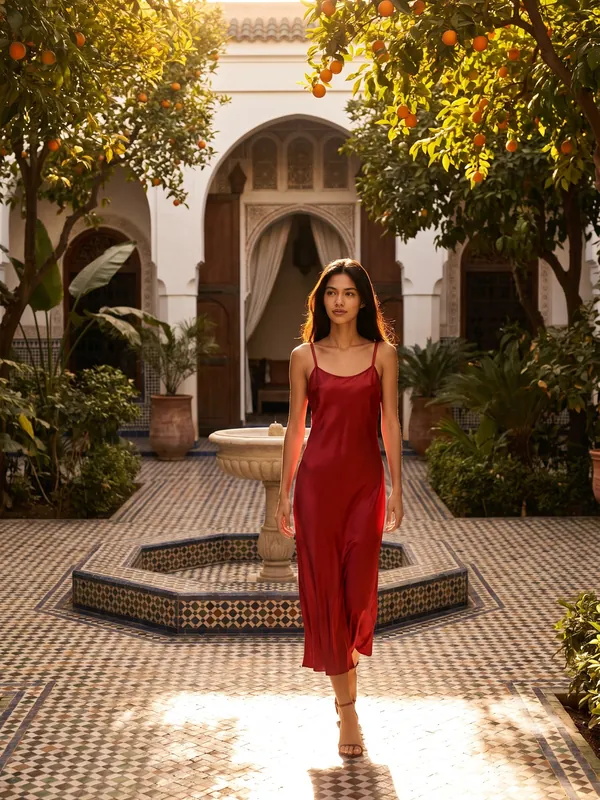
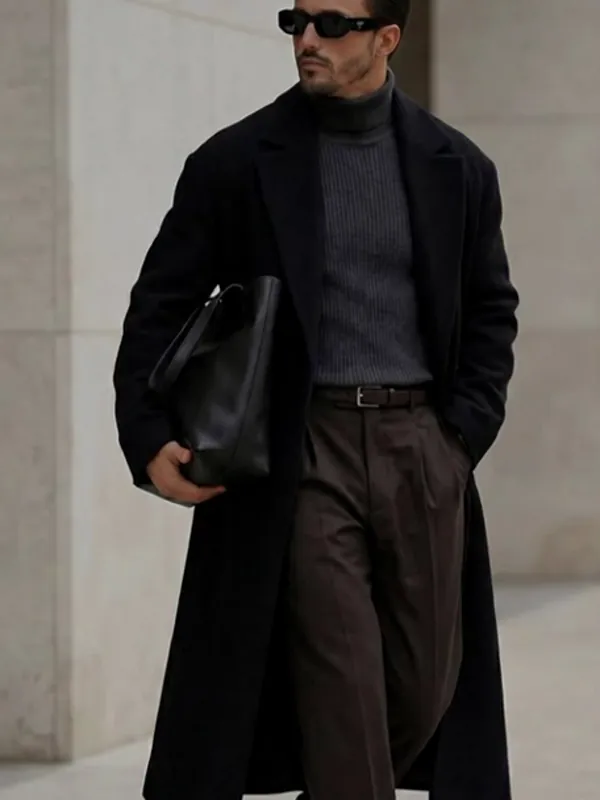
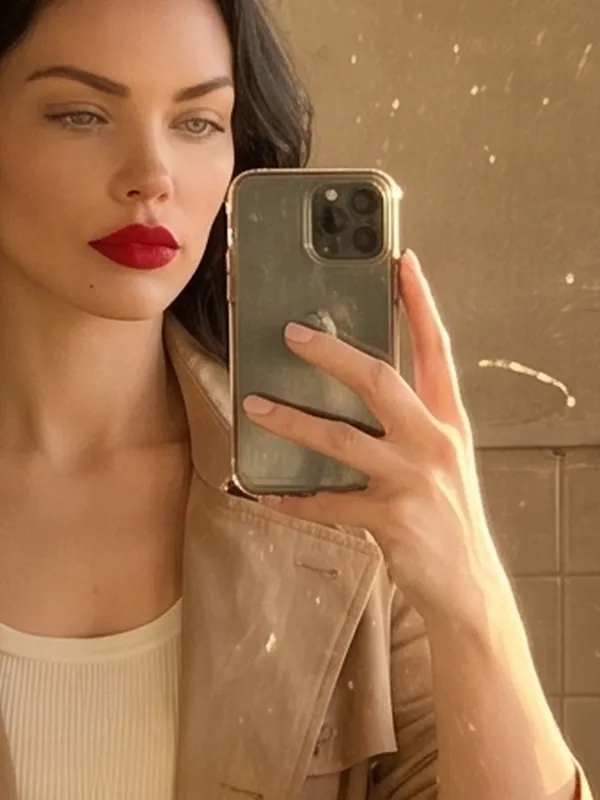
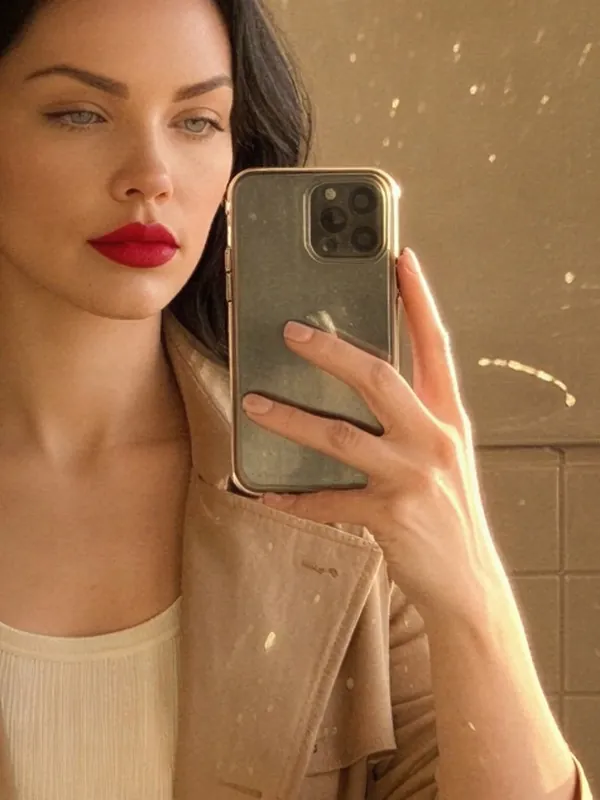
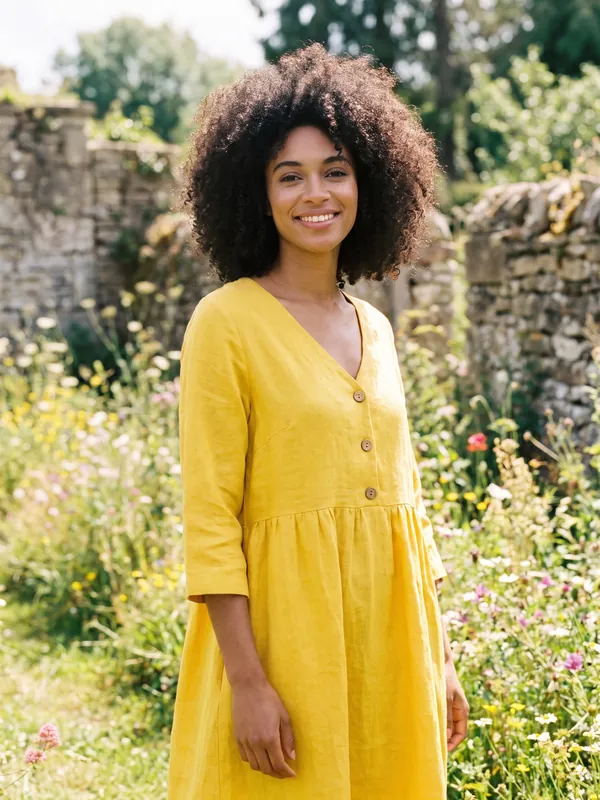
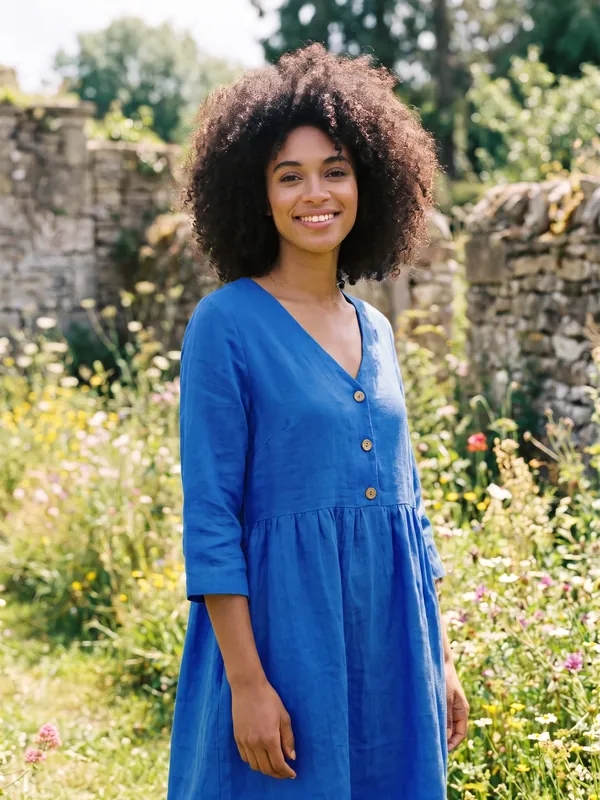
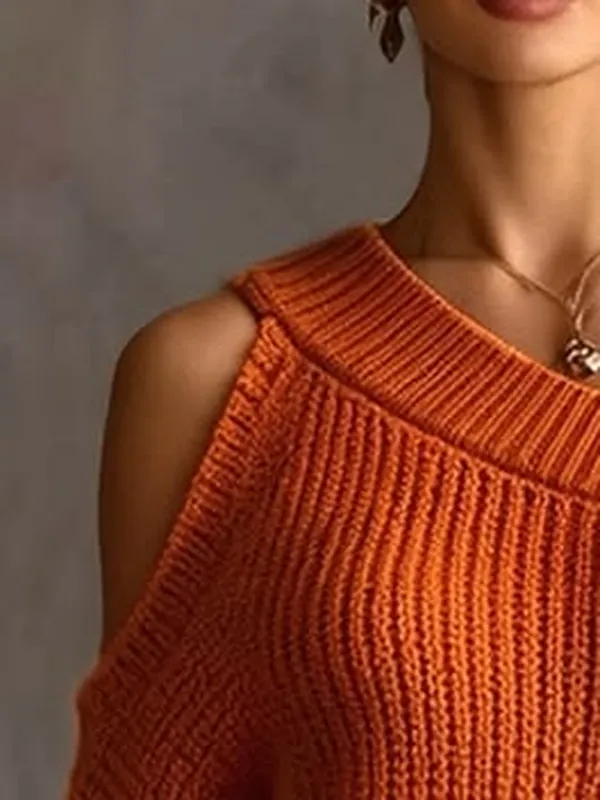
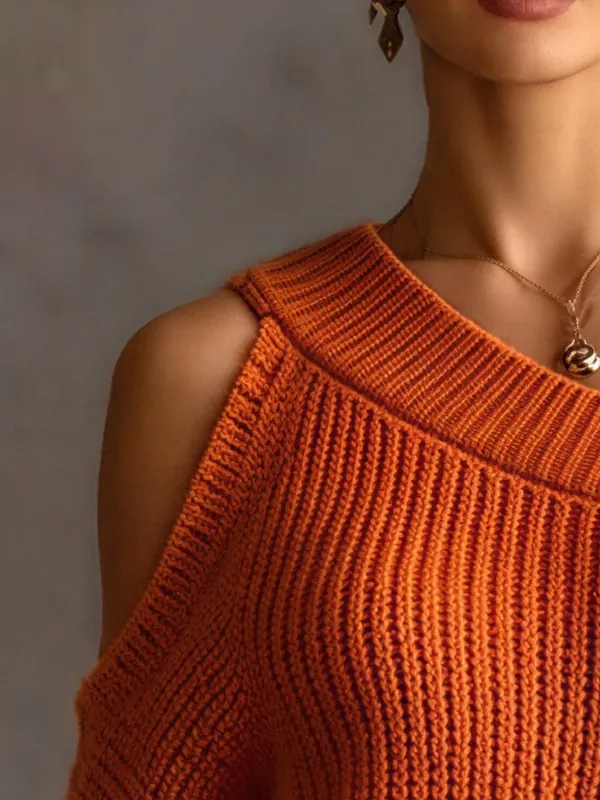
Add photos of the garments, pick one model, and run A collection on one model. Every garment comes back on the same model. Then carry the looks into scenes with Editorial series from a try-on, and get a video of each with A video for every garment.
Key takeaways
One model wears the whole collection, so the lookbook reads as one shoot.
The garments come from your photos, flat or on a hanger.
Scenes and videos are made from the try-on, so the look carries through.
What you need
3
A photo of every garment
One model for the whole lookbook
A list of scenes, if you want locations
Step by step
01
Collect the garment photos
One clear photo per piece, flat or on a hanger.
02
Put the collection on one model
A collection on one model returns a photo of each garment on the same model.
03
Build full outfits
Full outfit try-on puts a top, a bottom, shoes and a bag together from their own photos.
04
Add scenes and motion
Editorial series from a try-on shows the look in every scene you list. A video for every garment adds a short video of each piece.
05
Lay it out
Make a Sheet puts 2 to 6 photos side by side in one picture. Large for print makes every photo sharp enough to print.
Can I plan the look before the first photo?
Yes. Mood board turns a few reference photos into one board with a colour row, and Colour palette from a photo lays out the main colours of an inspiration picture.