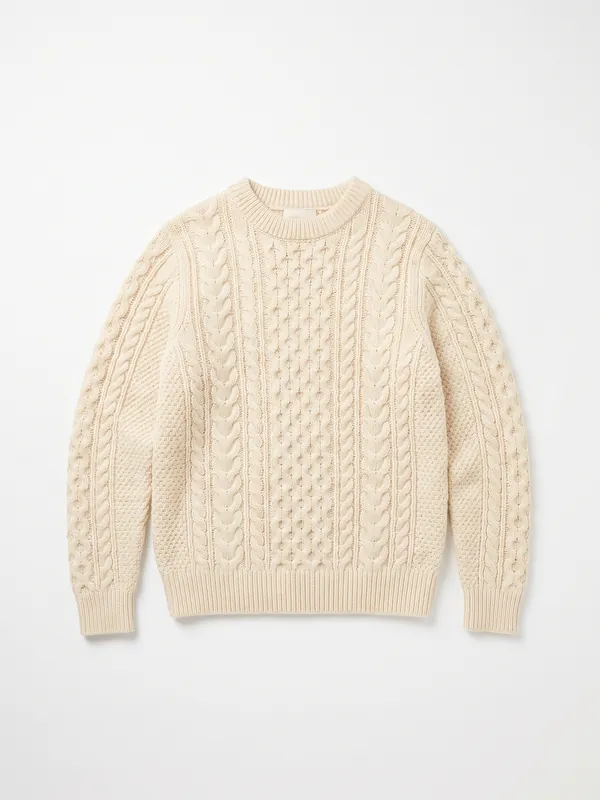
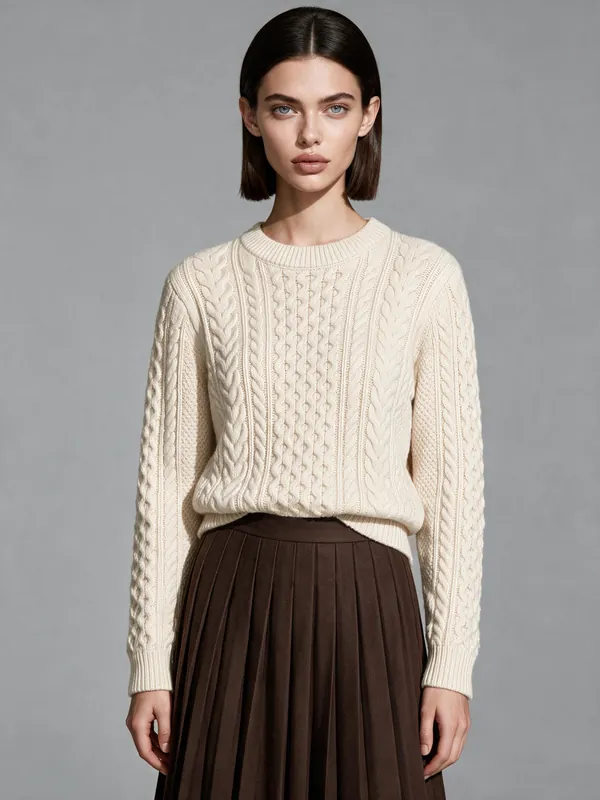
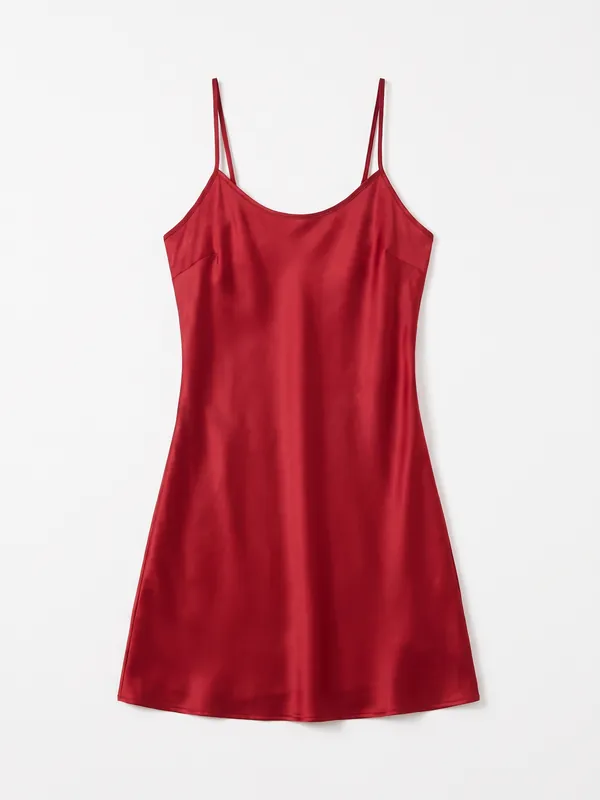
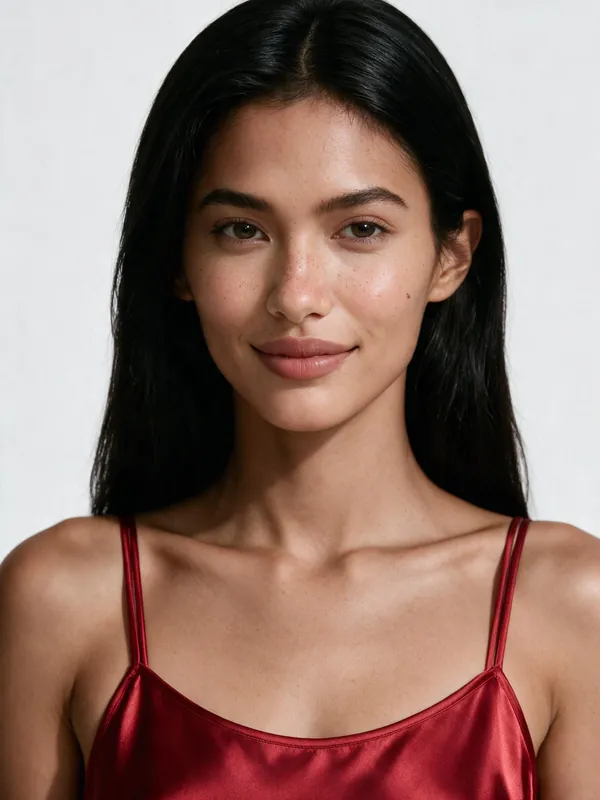
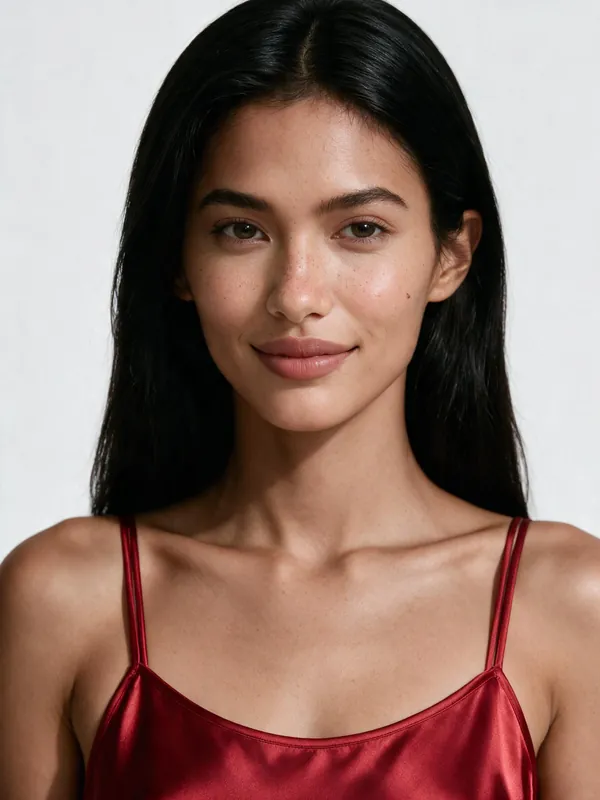
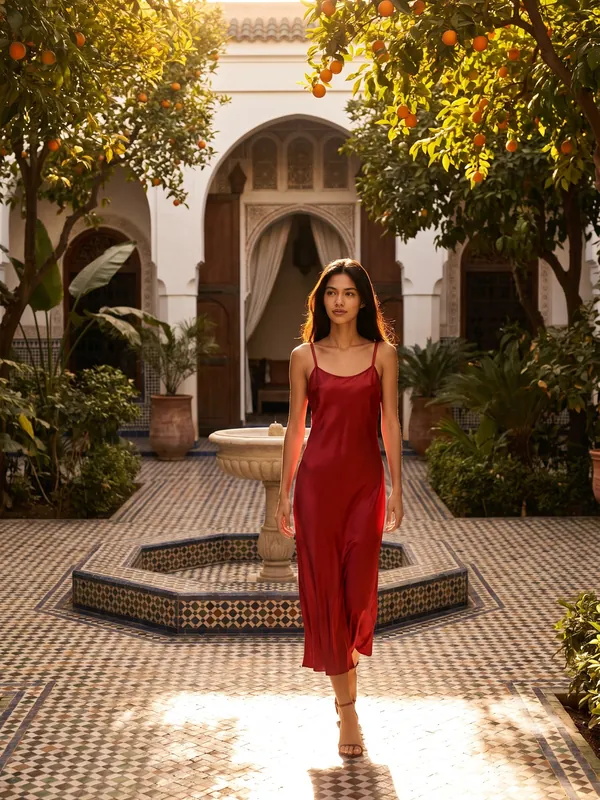
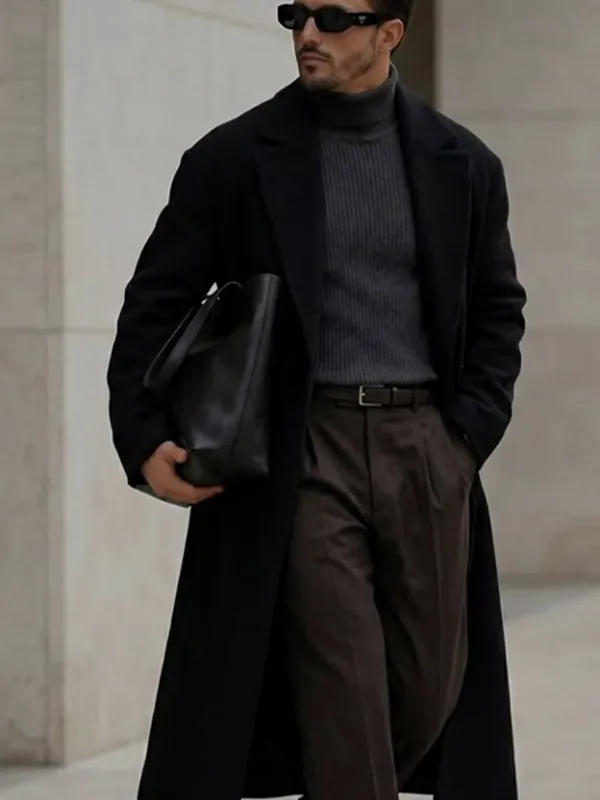
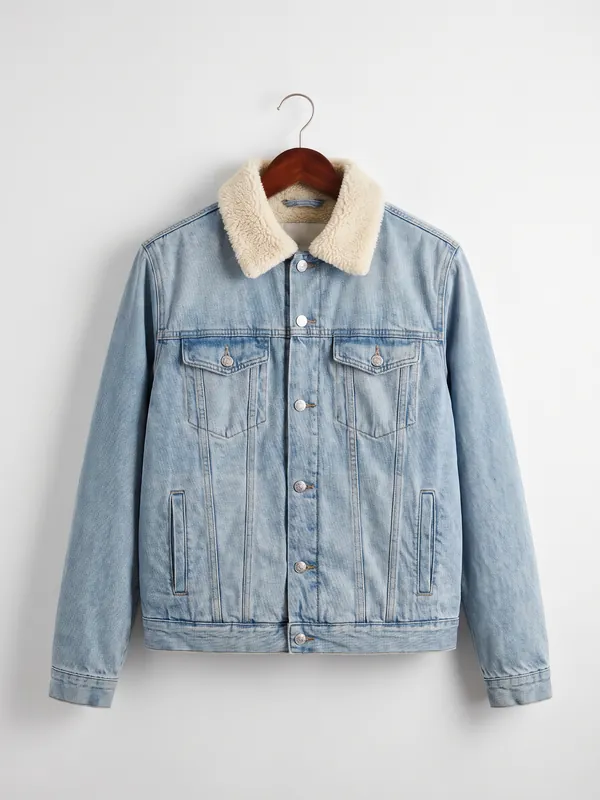
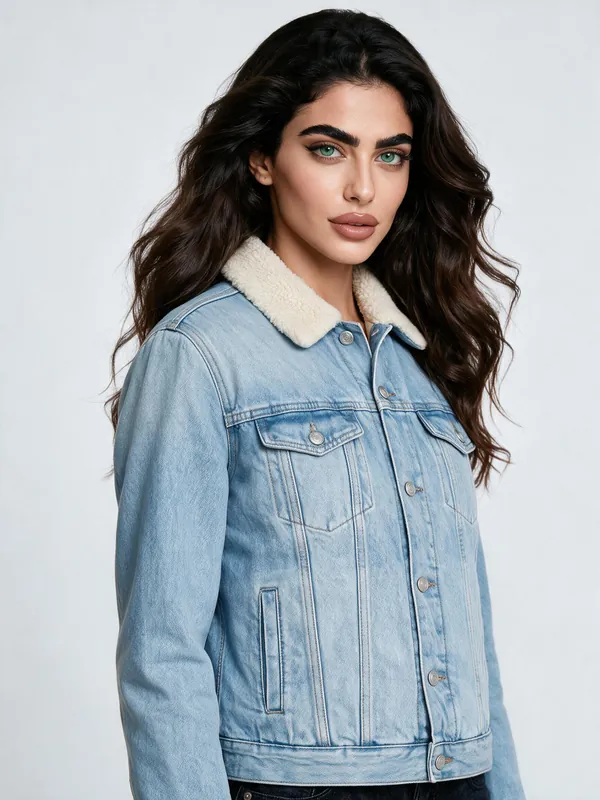
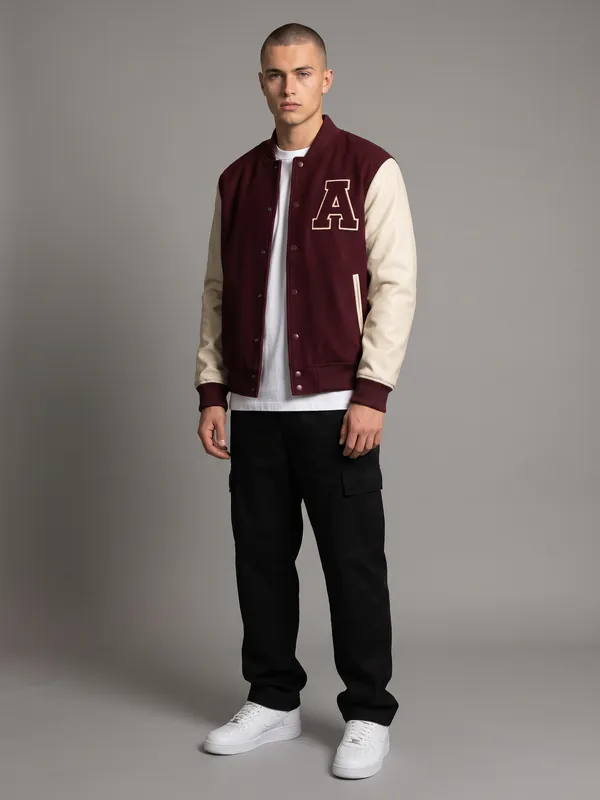
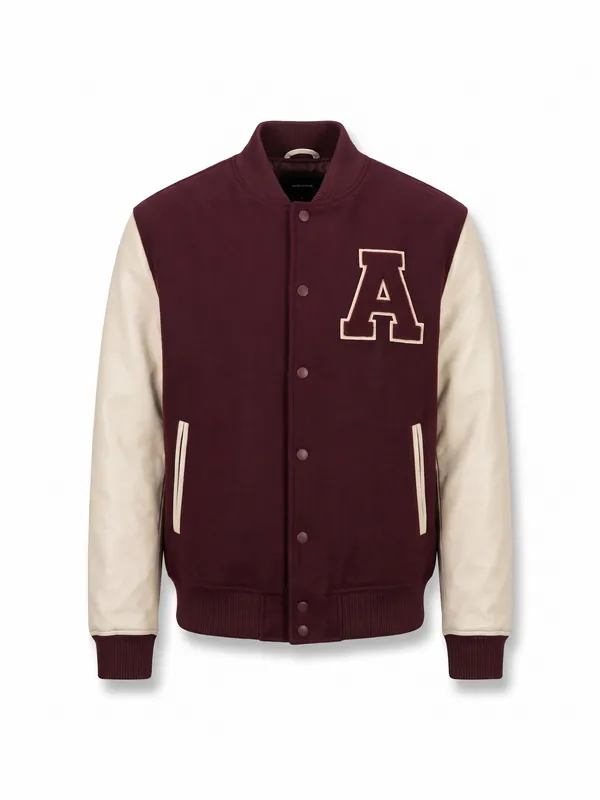
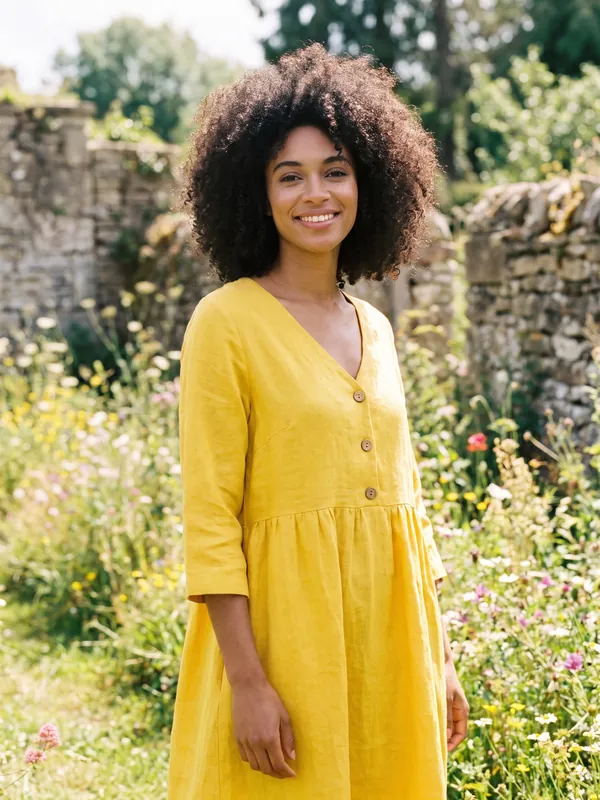
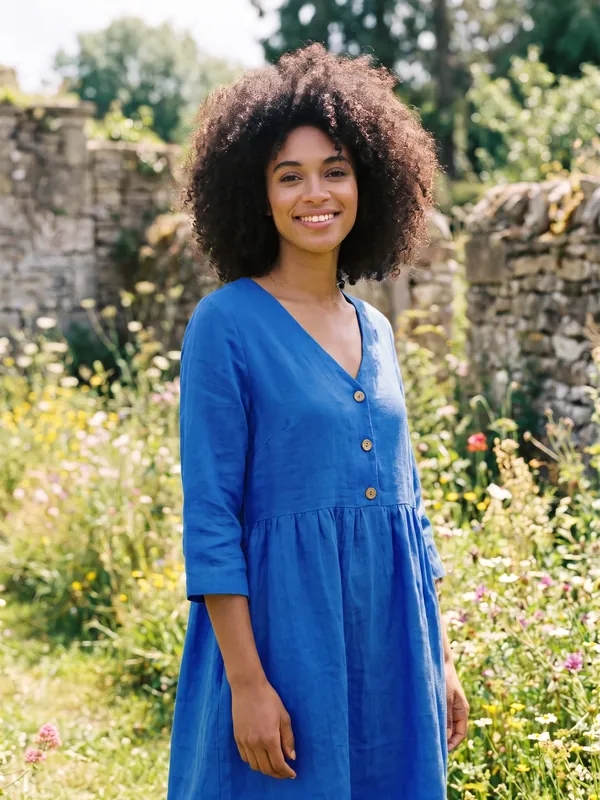
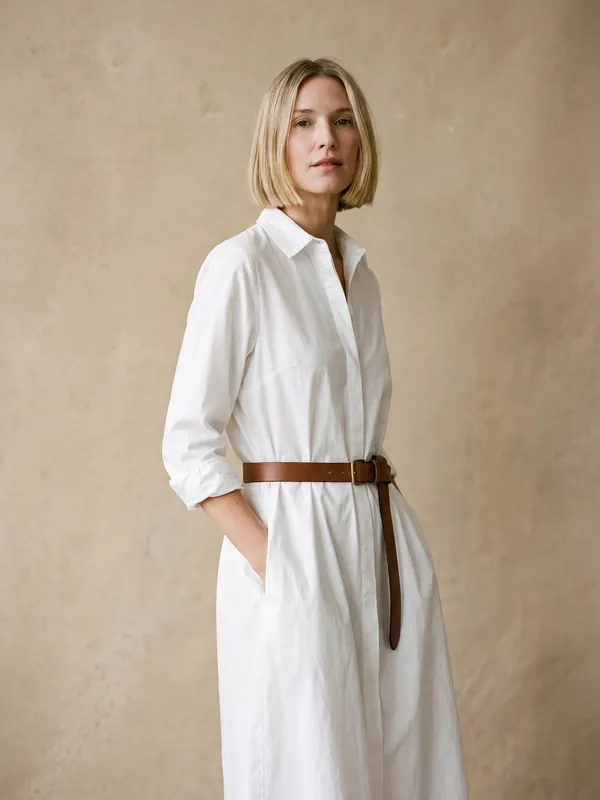
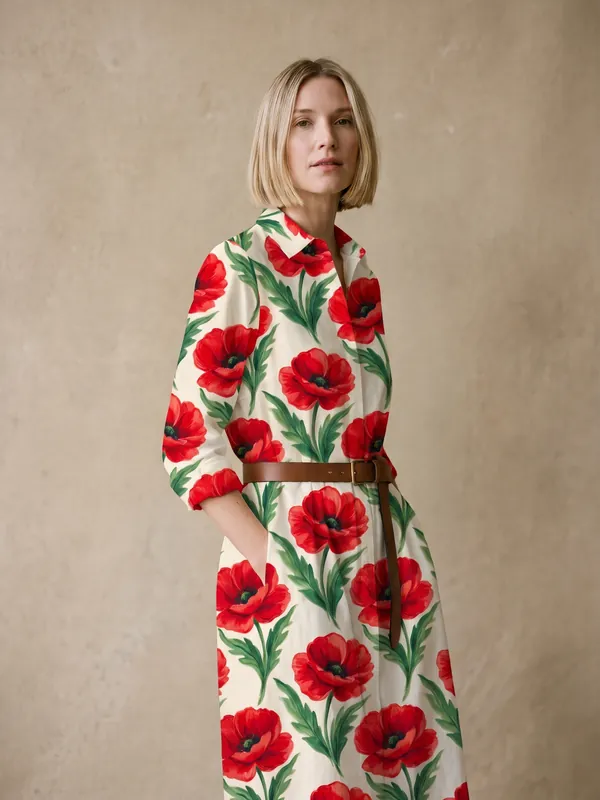
Add a photo of the garment, pick a model, and run Try-On. The model comes back wearing the garment from your photo. For a full look, Full outfit try-on takes a top, a bottom, shoes and a bag from their own photos.
Key takeaways
The try-on works from your garment photo, so the cut, colour and print come from the real piece.
A flat or on-hanger photo of the piece alone works best.
One model can wear a whole collection in one run.
What you need
2
A photo of each garment, flat or on a hanger
A model: a ready-made one, or your own made from a few photos
Step by step
01
Get a clean garment photo
Shoot the piece alone, flat or on a hanger. If it is on a person, Garment Cut-out lifts the clothes off first.
02
Pick the model
Use a ready-made model or your own. The same model can be used for every piece.
03
Run the try-on
Try-On does one garment. Full outfit try-on does a top, a bottom, shoes and a bag together. A collection on one model does every garment you pick.
04
Take the look further
Editorial series from a try-on puts the same look in every scene you list. Outfit video adds a 5-second video.
Does the garment stay true to the real piece?
The try-on is made from your garment photo, not from a description. Check prints, logos and small details such as buttons on every result before you use it.
Can I change the colour or the print after the try-on?
Yes. Recolour changes the garment's colour and nothing else. Pattern Swap puts a print from a second picture onto the garment.