How do I make a week of social posts from one product photo?
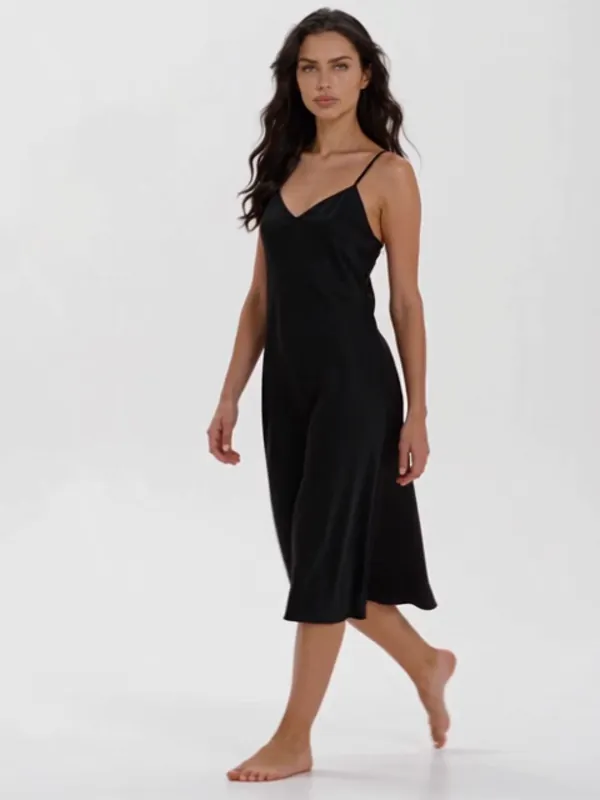
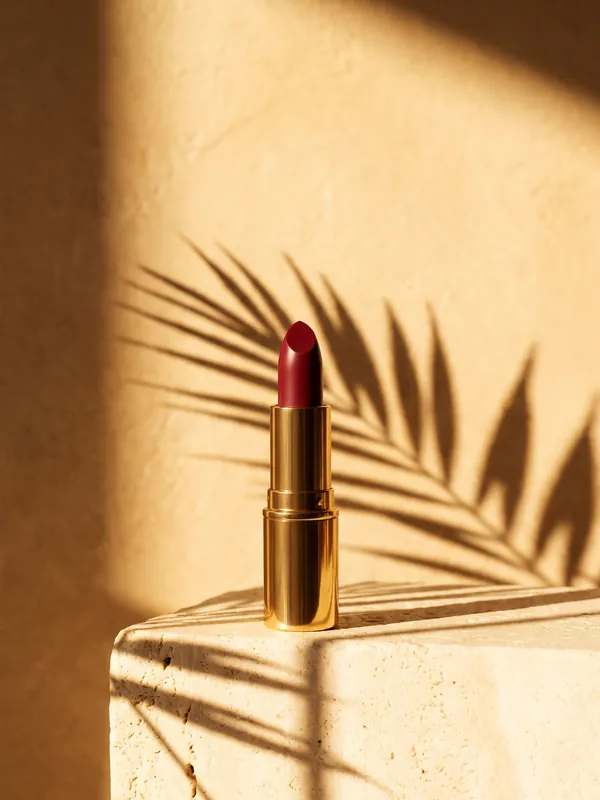
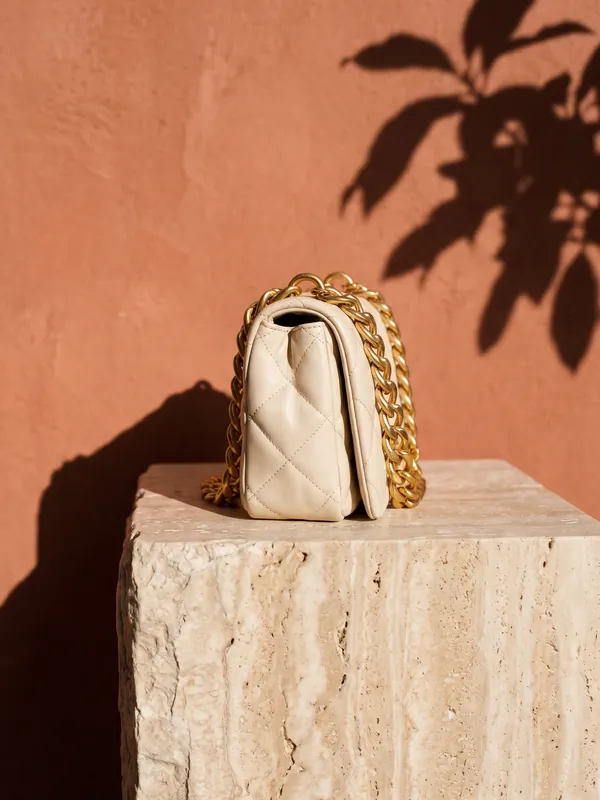
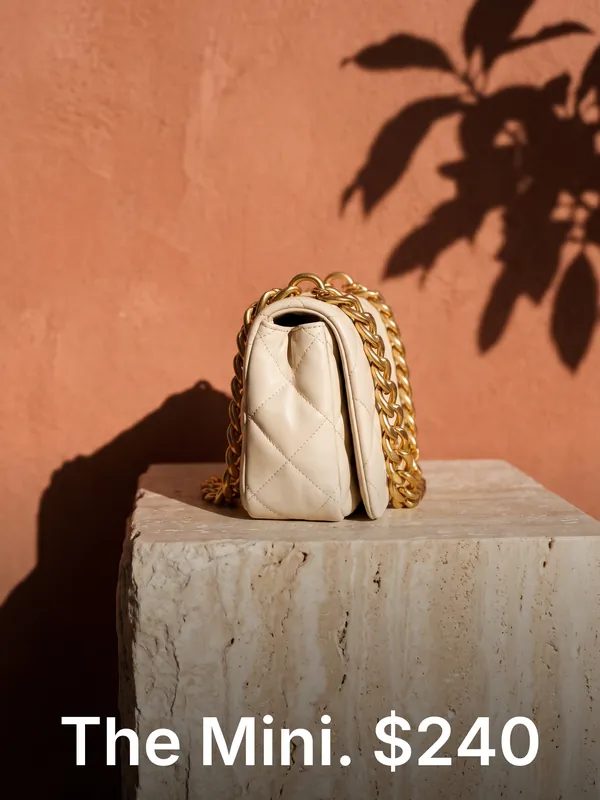
Add one product photo to A week of posts. It returns five posts about that product that tell one story across the week. Then One photo, every format gives each post in the story, feed, square and banner shapes.
Key takeaways
Five posts come from one product photo.
The posts are planned as one story, not five separate pictures.
A short clip can be made from any of the photos.
What you need
2
One clear product photo
A model, if you want a person in it
Step by step
01
Add the product photo
One clear photo of the product is enough.
02
Run A week of posts
You get five posts about the product that follow one story.
03
Get the sizes
One photo, every format returns each post as a story, a feed post, a square and a wide banner.
04
Add motion
A clip for every photo makes a short video from each one. Photos to Video shows the photos one after another as a clip.
How do I keep one look across the whole week?
Copy the Look puts the colours and contrast of one photo onto another, and Photo Look applies one ready-made look to every post.