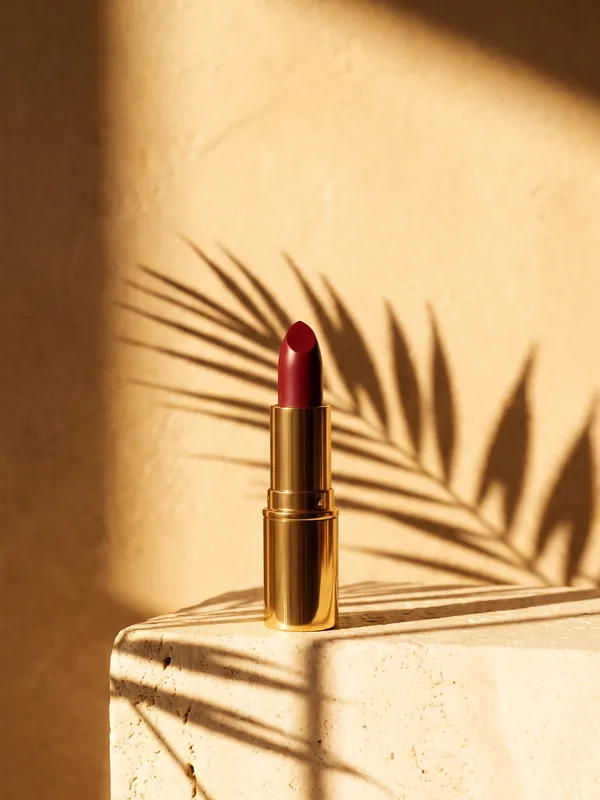
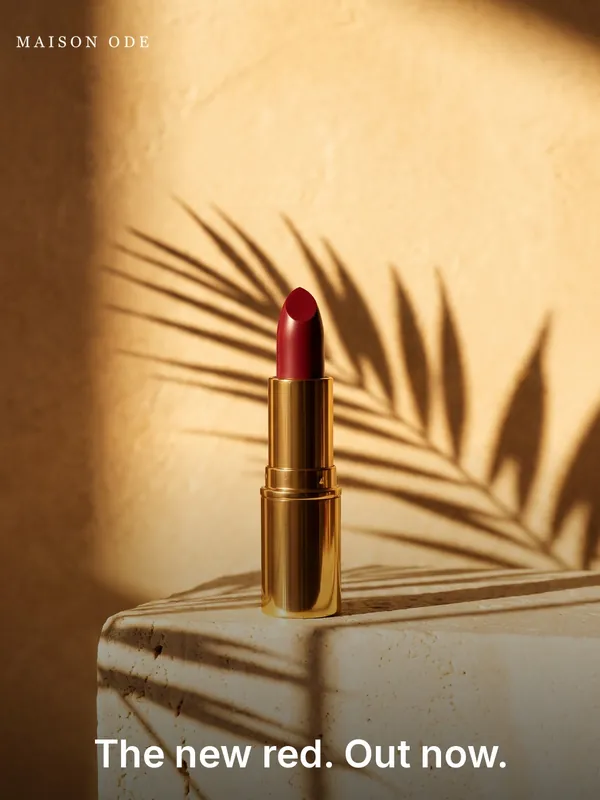
How do I resize one photo for every ad and post size?
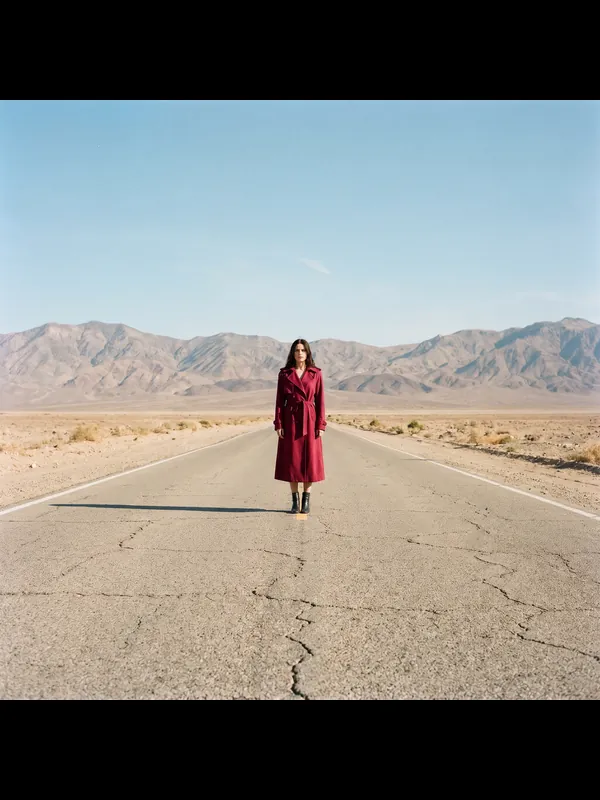
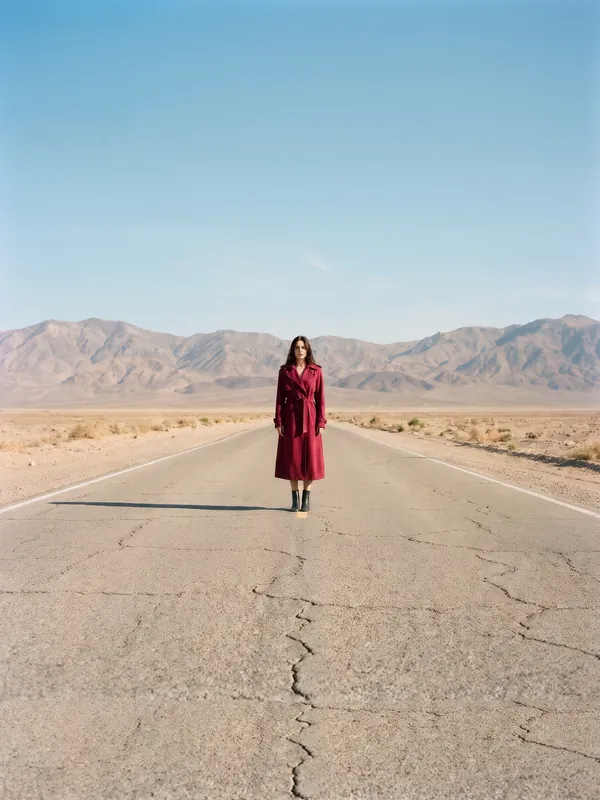
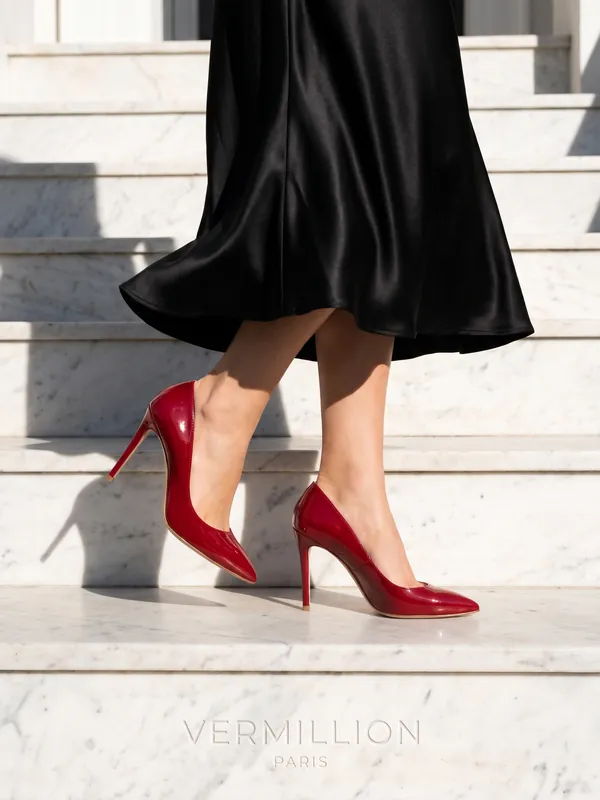
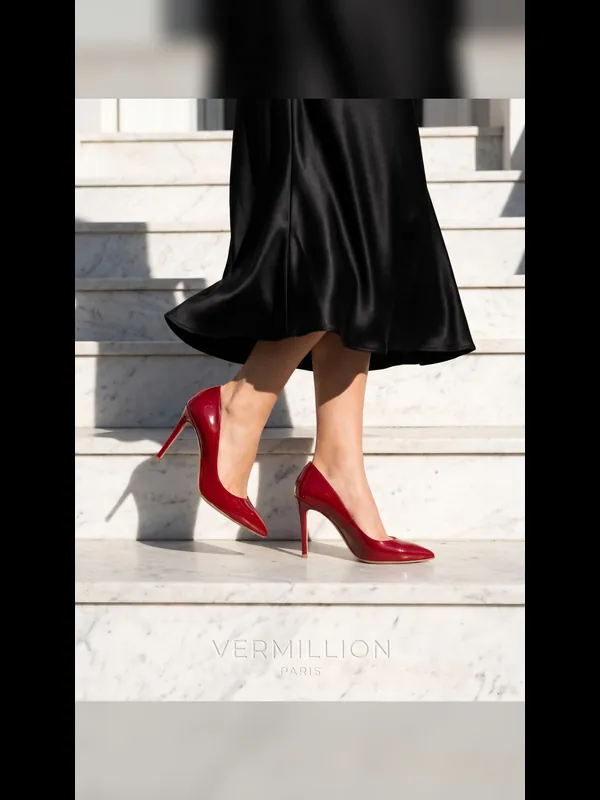
Run One photo, every format on a finished photo. It returns a story, a feed post, a square and a wide banner. When a new shape needs more picture than you have, Reframe continues the scene instead of cropping it.
Key takeaways
One run gives the four common shapes.
Reframe continues the scene; Crop to Shape cuts around the subject.
Ad Sizes adds your logo and headline to one ad size per run.
What you need
2
One finished photo
Your logo and headline, for ads
Step by step
01
Start from the finished photo
Do the retouching and the colour first, so every size is made from the final picture.
02
Run One photo, every format
You get a story, a feed post, a square and a wide banner.
03
Fix a shape that looks tight
Reframe fits a photo to another shape and continues the scene, so nothing is cut off.
04
Make the ads
Ad Sizes cuts one photo to an ad size with your logo and headline. Run it once per size.
When should I crop and when should I reframe?
Crop when the subject has room around it. Reframe when the new shape is wider or taller than the photo, because it draws more of the scene instead of cutting the subject.