MCPWorkflows35·Tools34
Aiphoria for AI agents: fashion and product content in a chat
Give Claude or ChatGPT real creative tools. With the Aiphoria connector your assistant makes try-ons, product photos and videos, and runs whole workflows. Pick a card to get its ready prompt.
Workflows35
W01A clip for every photoA photo of your model in every place you list, then a short video from each photo.Video
W02A video for every garmentEvery garment you pick on the same model: a try-on photo and a short video of each.Video
W03Storyboard to filmYour storyboard frames, in order: a short clip from each one, joined into one film.Video
W04Product film from one photoOne product photo and a story: four storyboard frames, a clip from each, joined into a film.Video
W05Clip between two framesA clip that starts on one storyboard frame and ends on the next.Video
- W06Change Language → Match the LipsW06Translate a talking videoA talking video in another language: the same person, the same voice, the lips matching the new words.Video
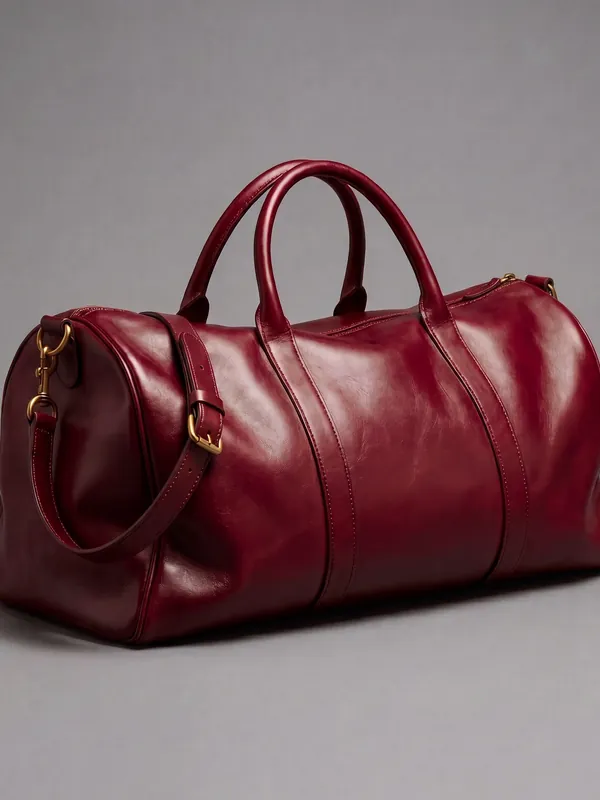
W07One product, many coloursOne product photo in every colour you list. No model needed.Product

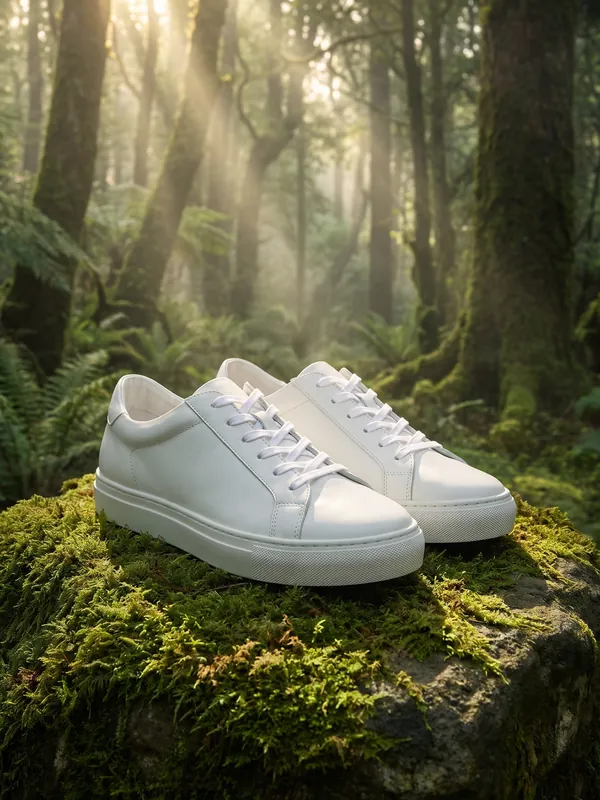
W08Product in scenesOne product photo in every setting you list. No model needed.Product

a misty forest W09Product with a modelYour model holding, wearing or using your product, in several shots.Product

W10Product from every angleOne product photo shown from the front, side, back, above and up close.Product

W11Product in the shopYour product on a shop shelf, in a window, on a counter and on a street poster.Product

on a shop shelf W12A week of postsFive posts about one product that tell one story across a week.Product

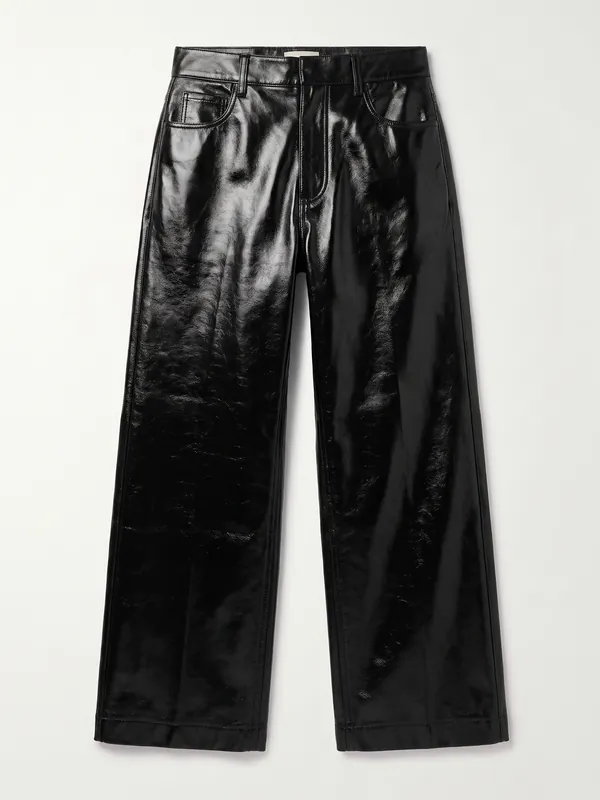
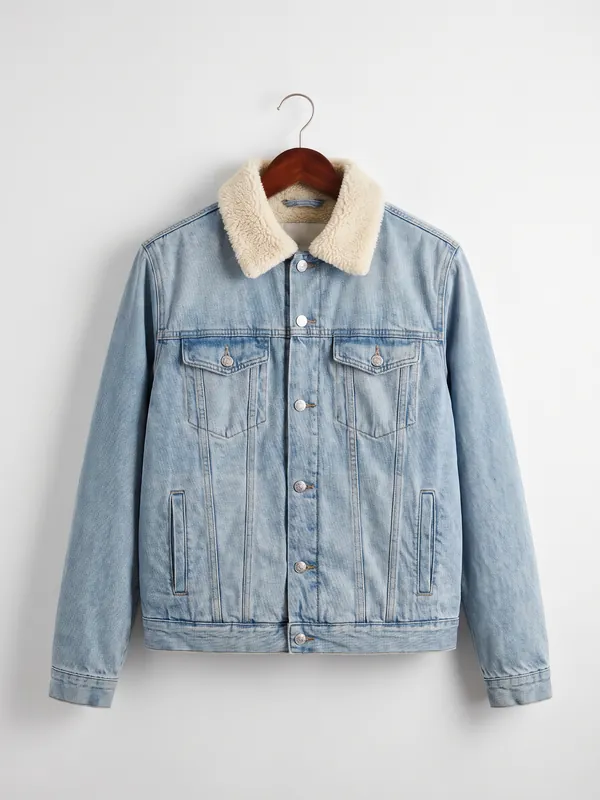
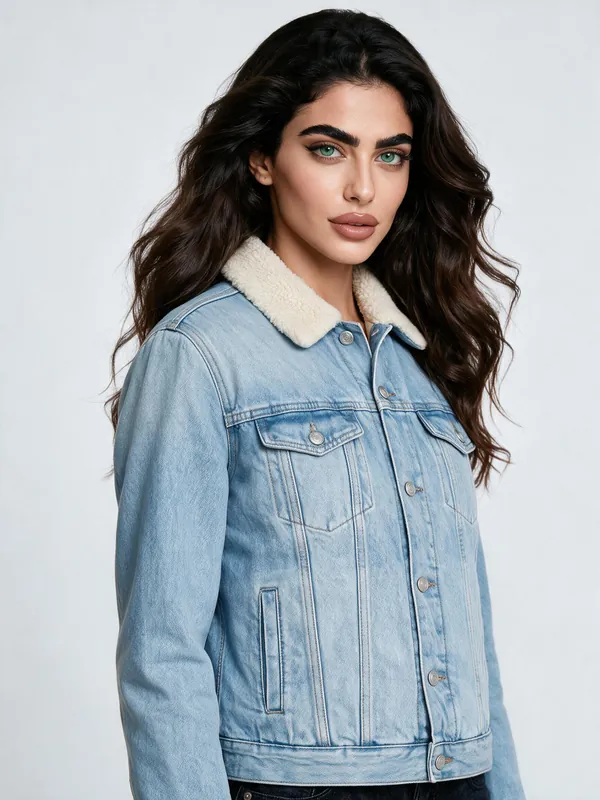
W13One garment, every fabricOne garment shown in every fabric you list: knit, leather, denim, silk.Product

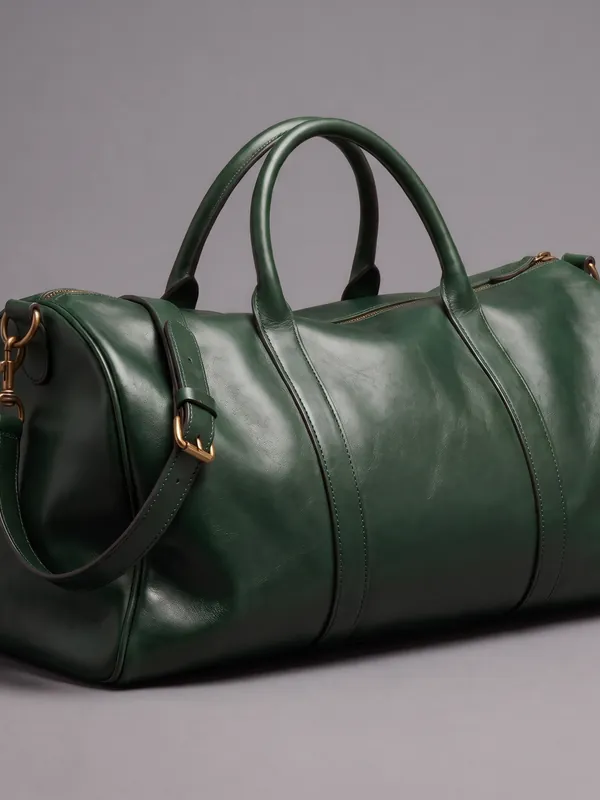
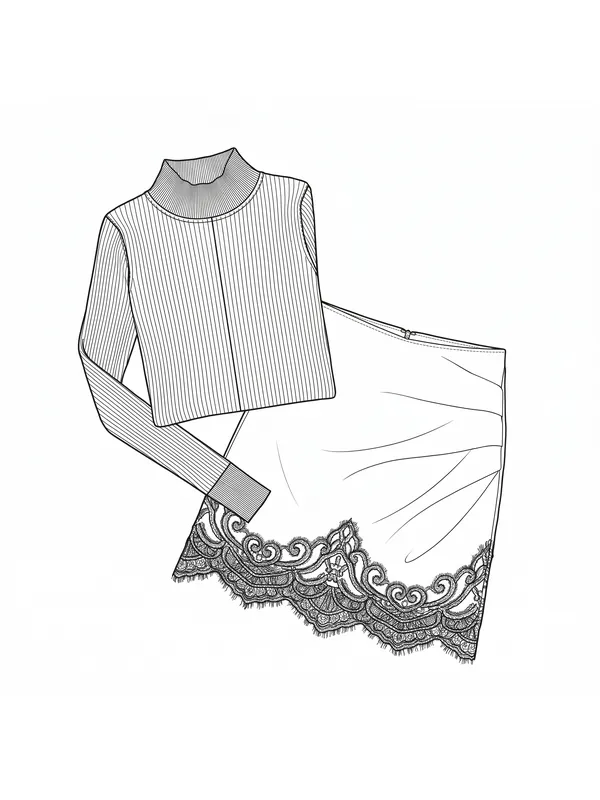
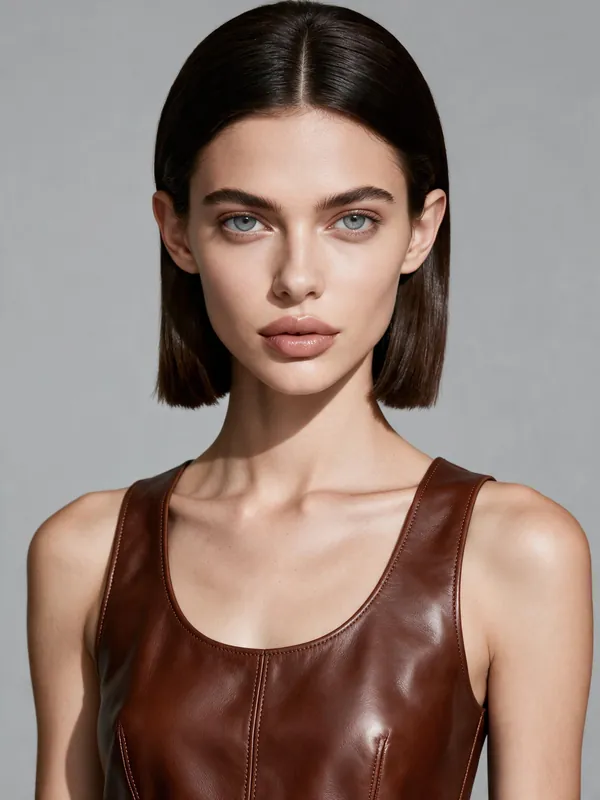
glossy black leather W14Technical drawing of a garmentA flat technical drawing of a garment, front and back, from its photo.Product

W15Real lettering on a packYour brand name on a product in your own typeface, from a picture of the lettering.Product

your own lettering W16Product reference sheetYour product photo plus its back, top and side, laid out in one reference sheet.Product

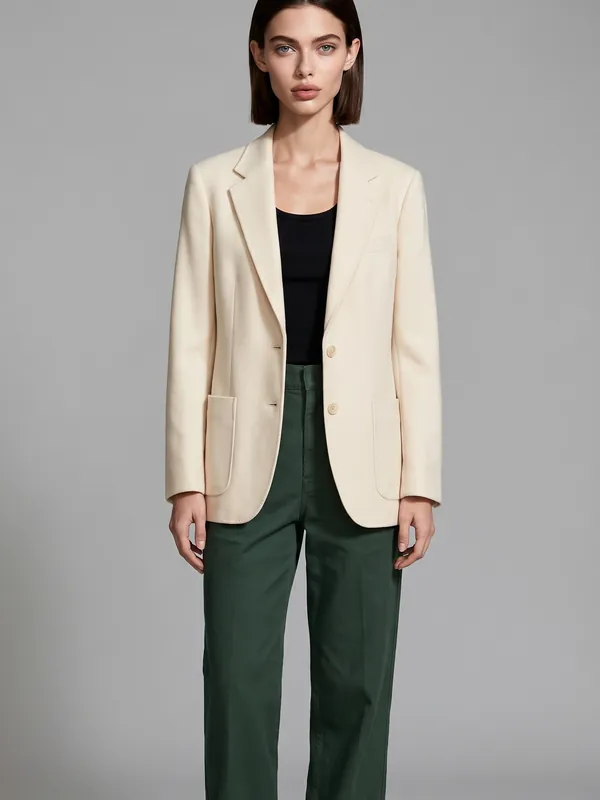
W17Outfit videoYour model tries on a garment from a photo, then a 5-second video of the look.Try-on
W18Large try-on photoYour model tries on a garment, then the photo is made large enough to print.Try-on

W19A collection on one modelEvery garment you pick, tried on by the same model.Try-on

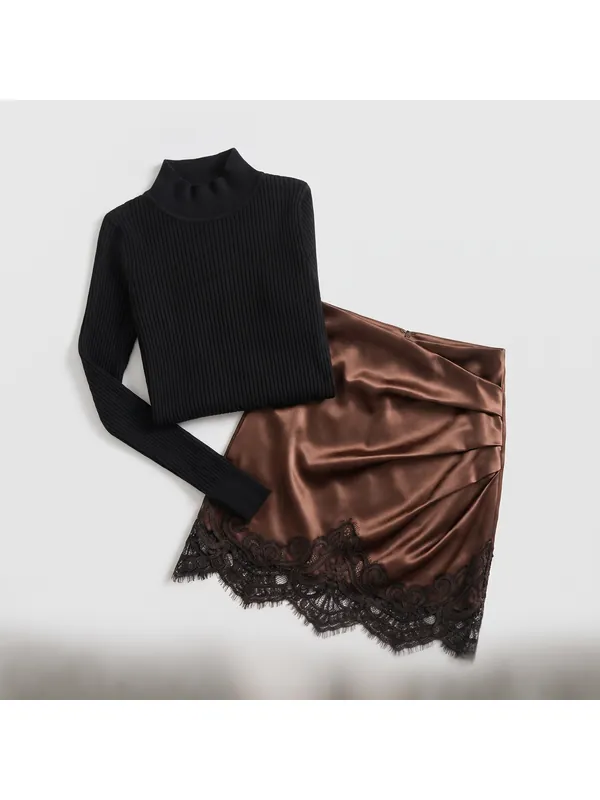
W20Full outfit try-onYour model in a whole outfit: a top, a bottom, shoes and a bag from their own photos.Try-on

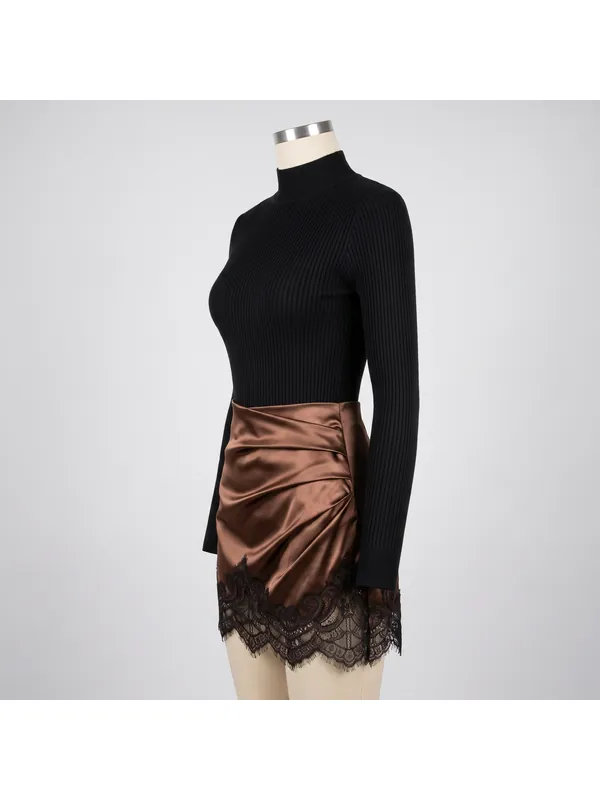
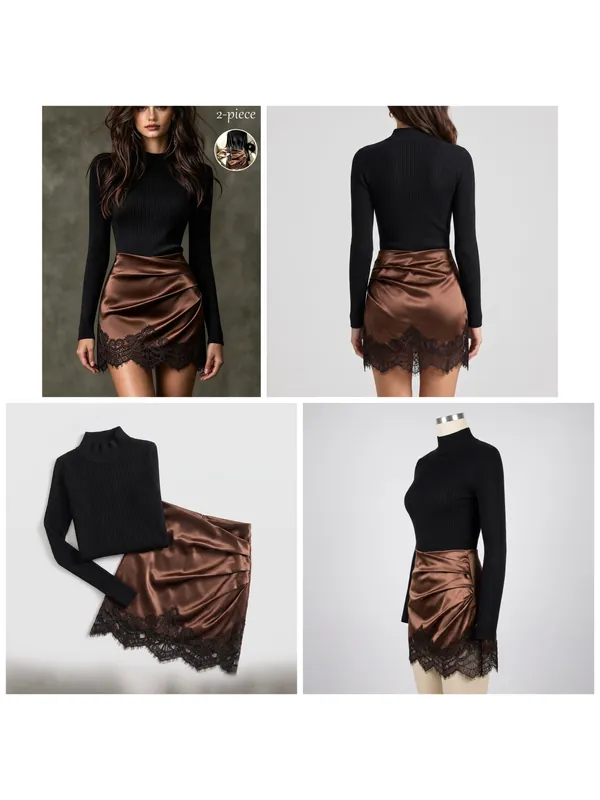
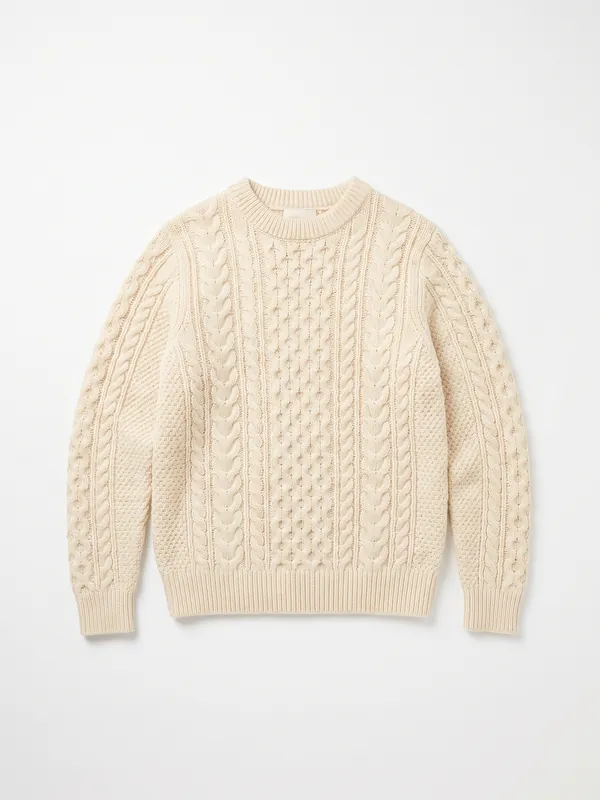
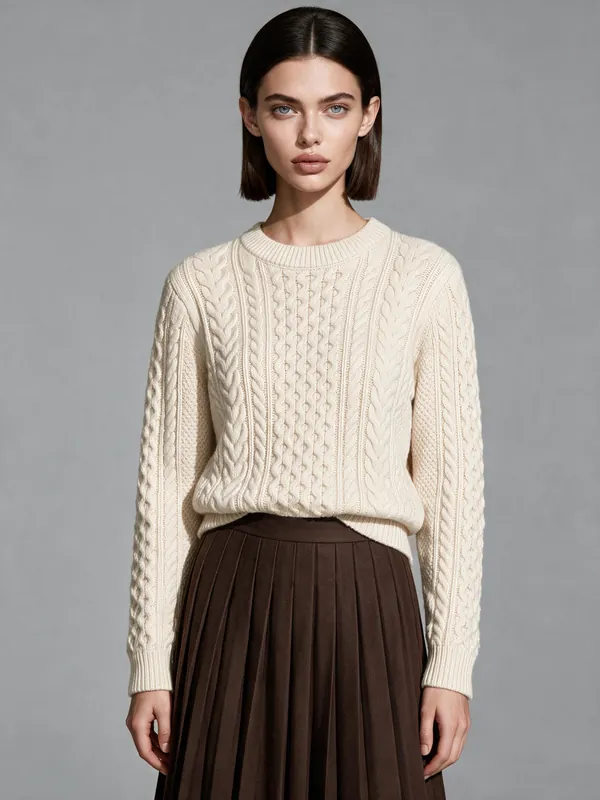
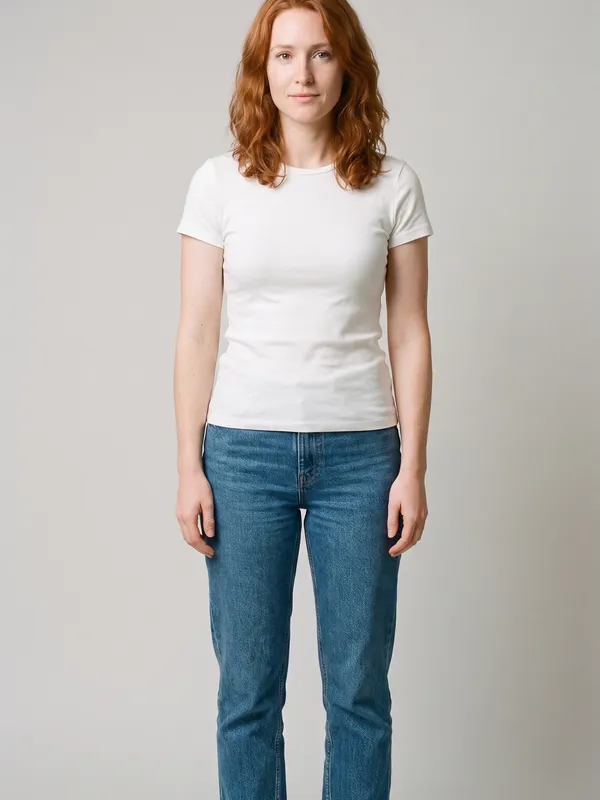
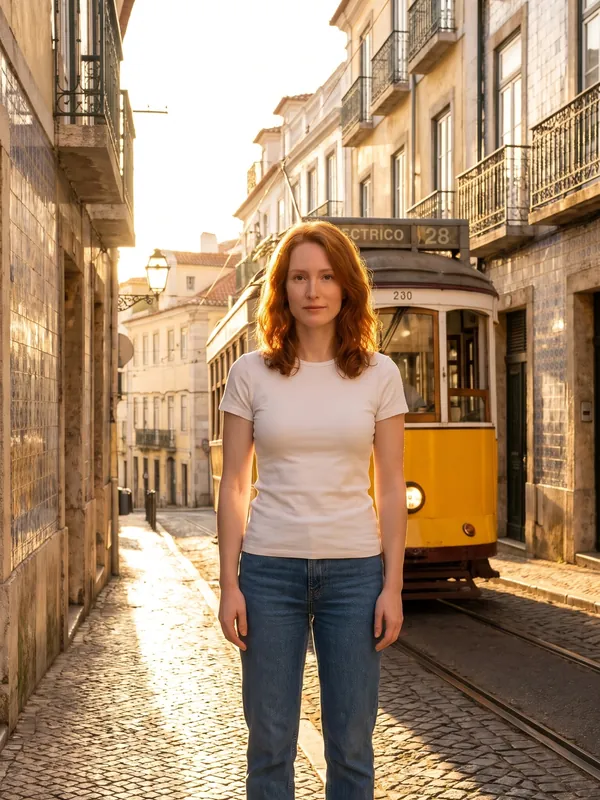
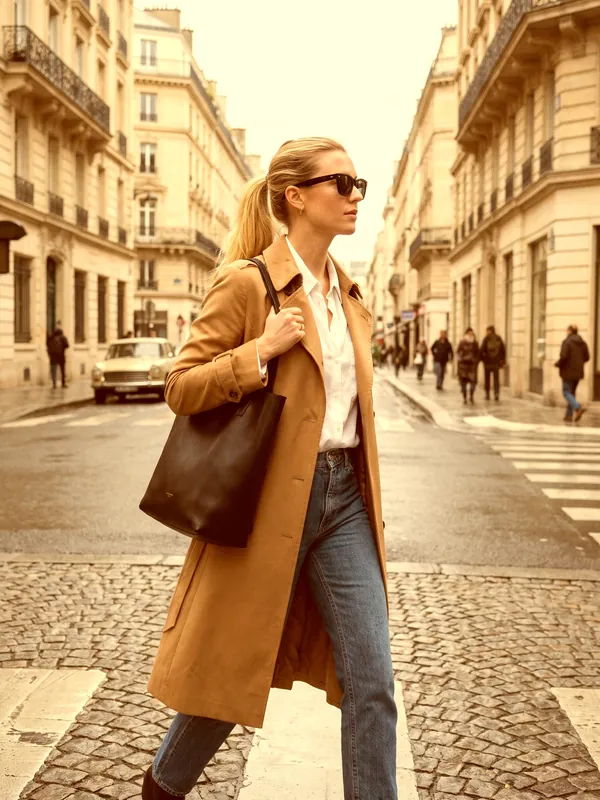
a jumper and a skirt W21One model, many placesOne model photographed in every place you list.Photo shoot

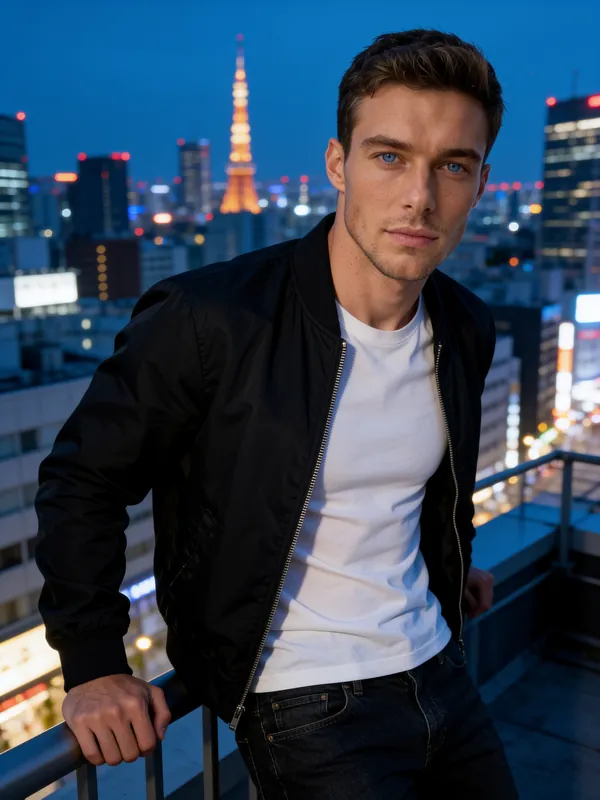
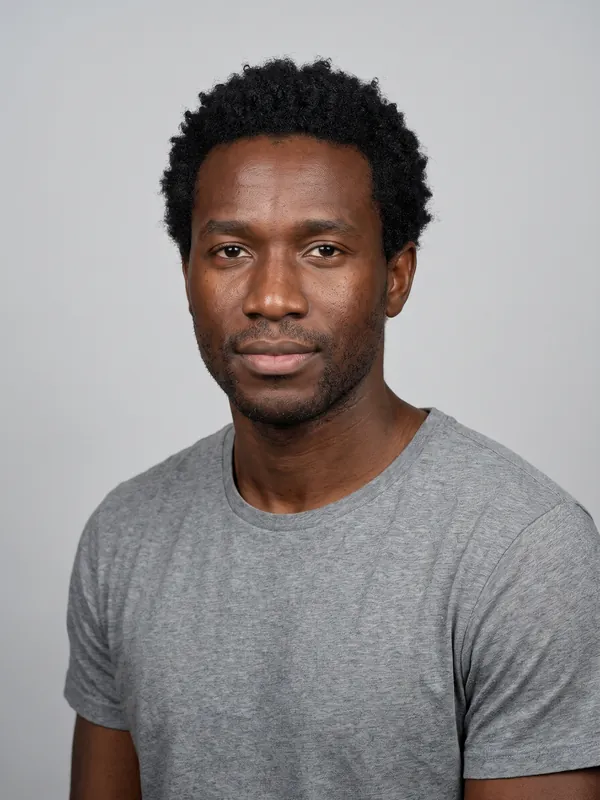
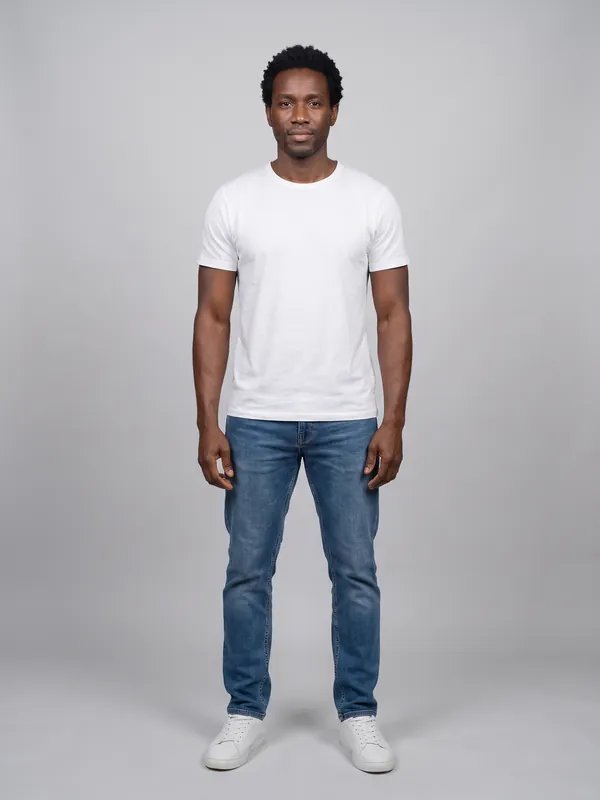
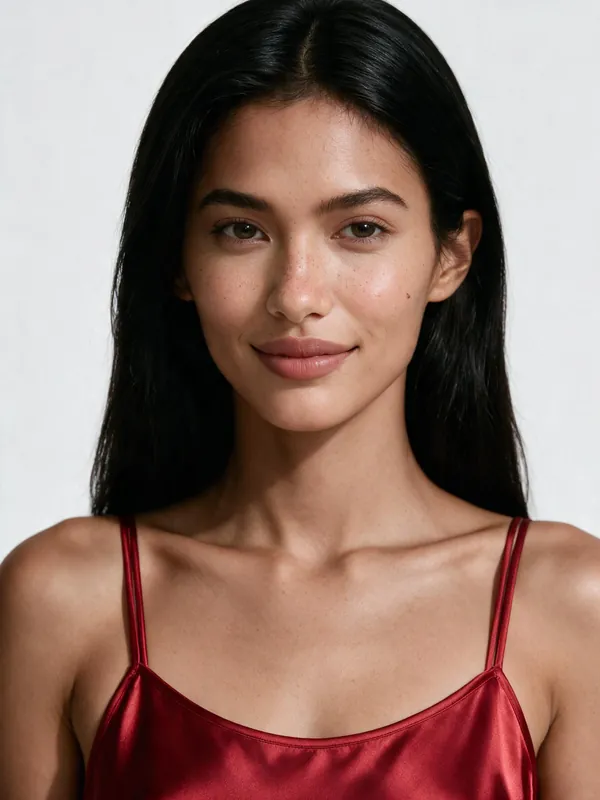
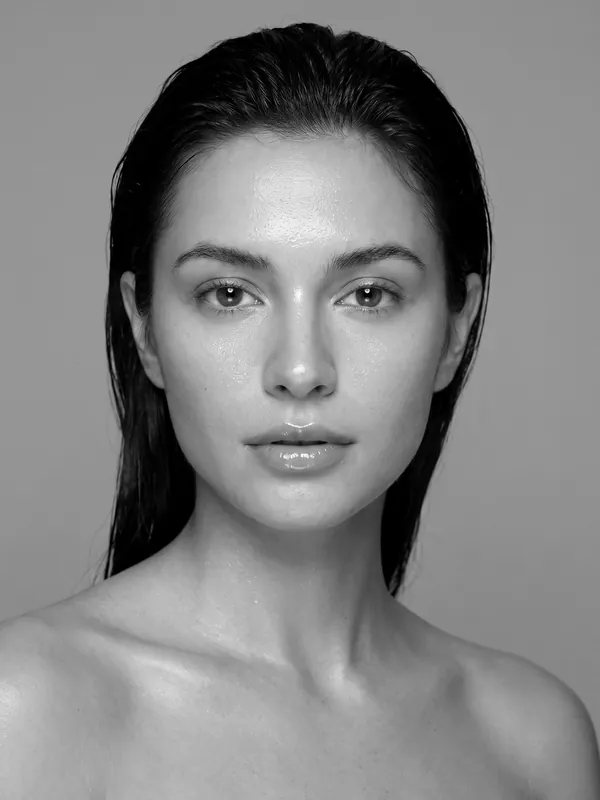
a rooftop in Tokyo at blue hour W22Cast a new modelDescribe a person in words and get a new model: a portrait and a full-body photo.Photo shoot
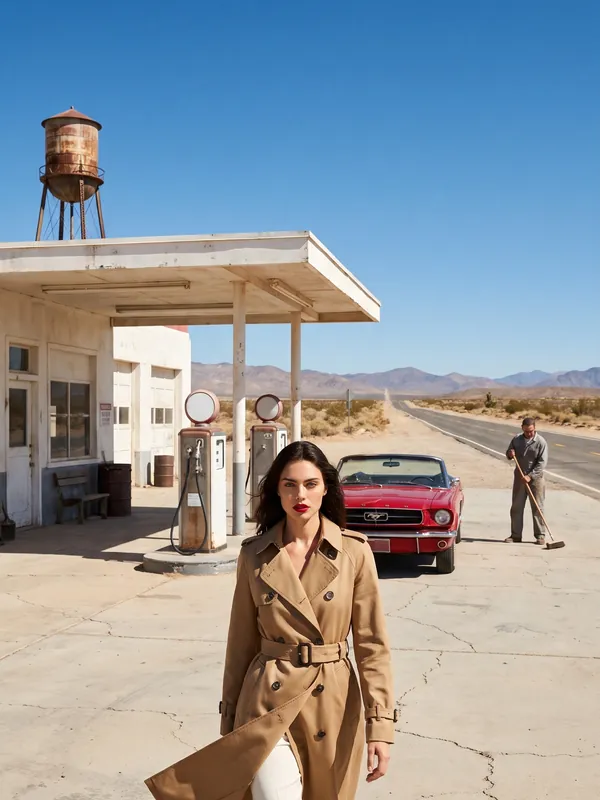
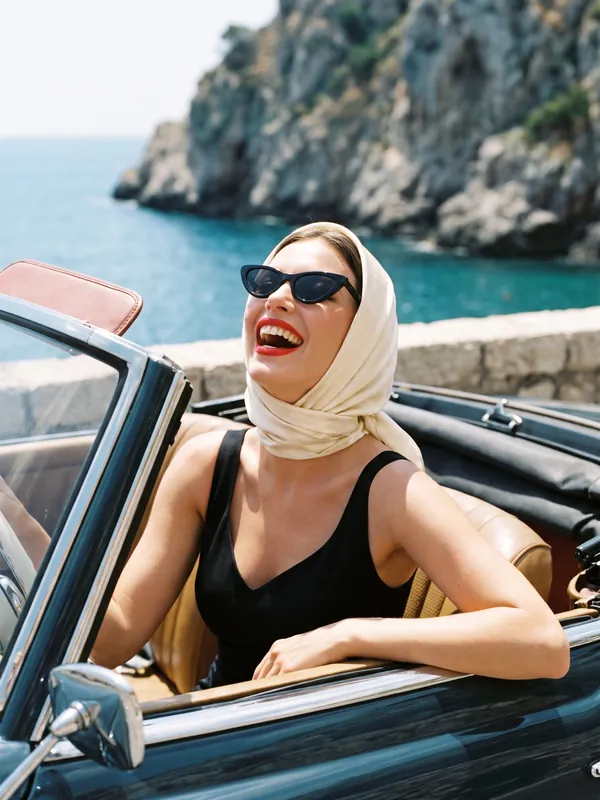
W23One look, many posesThe same model, outfit and place in every pose you list.Photo shoot

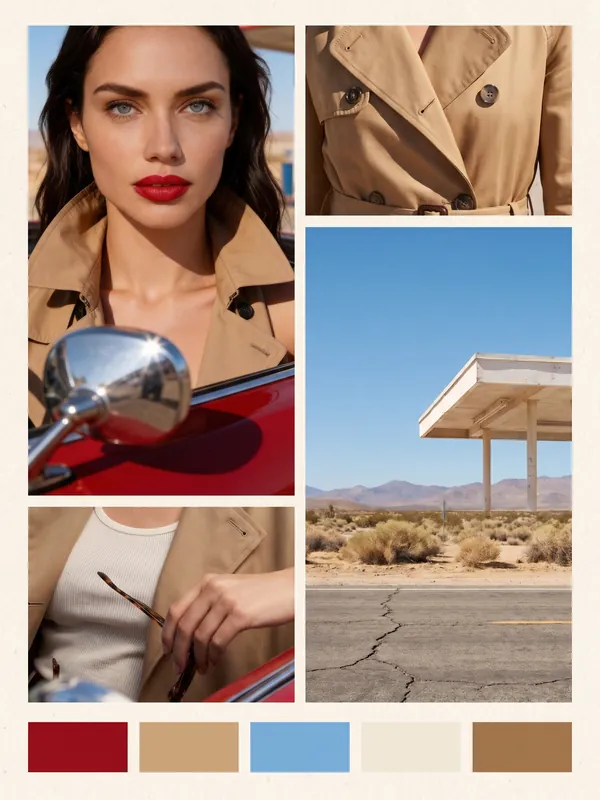
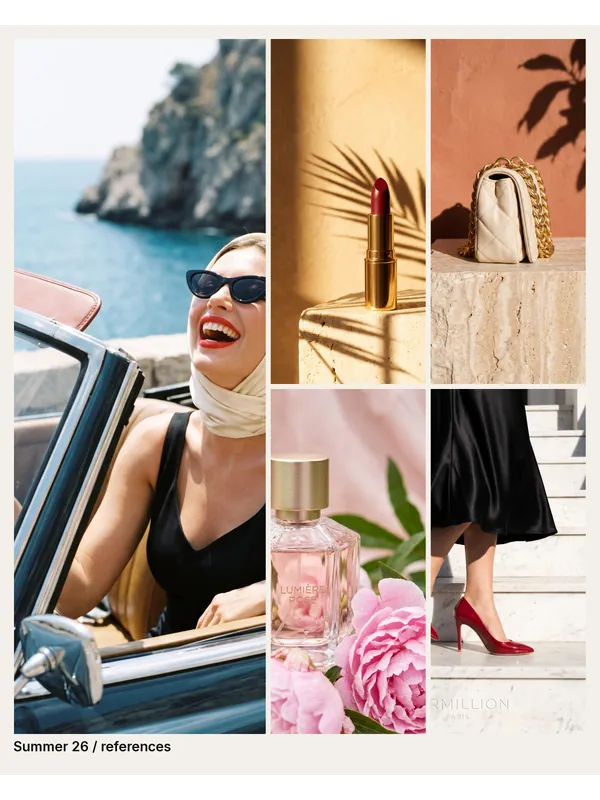
W24Mood boardA few reference photos turned into one mood board picture with a colour row.Photo shoot

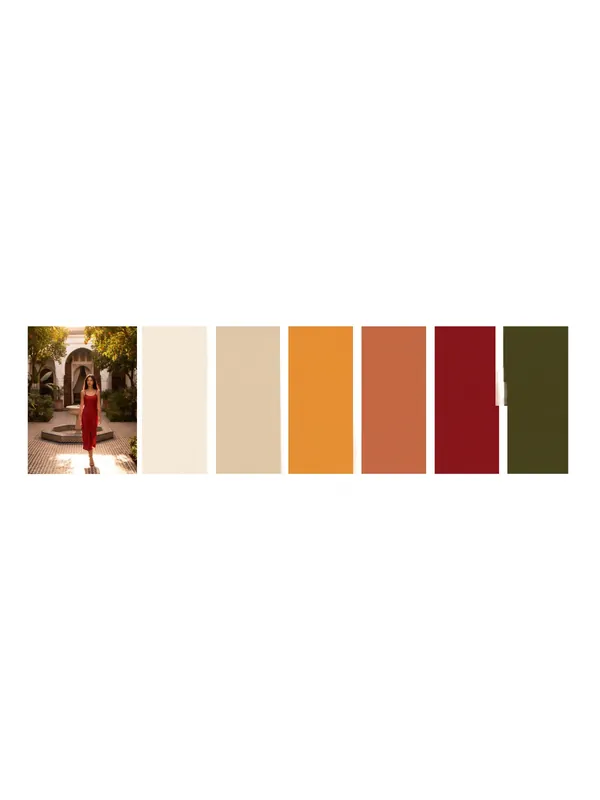
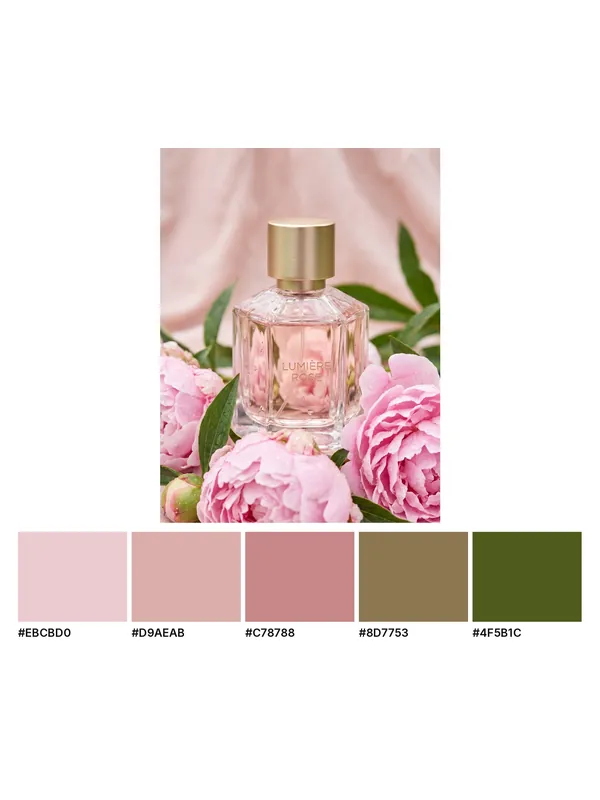
W25Colour palette from a photoThe main colours of an inspiration photo, laid out as a palette card.Photo shoot

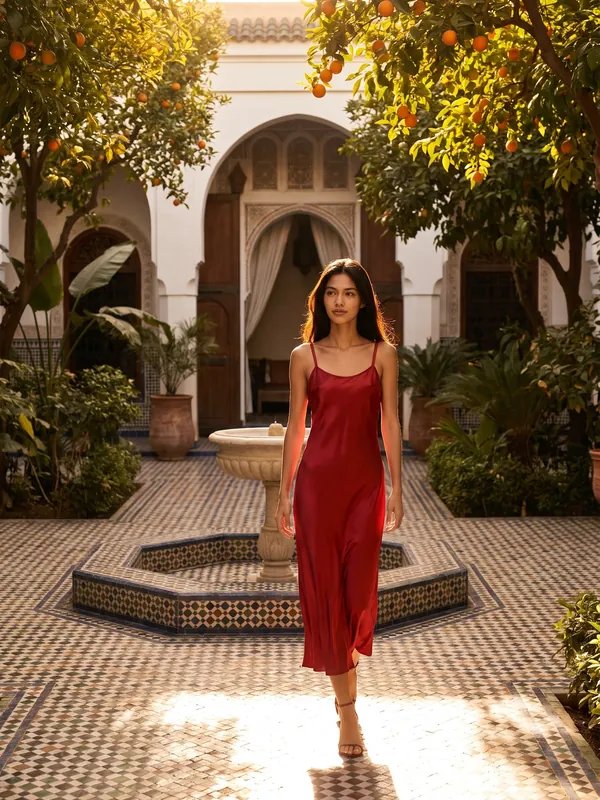
W26Editorial series from a try-onYour model in a real garment, then the same look in every scene you list.Photo shoot

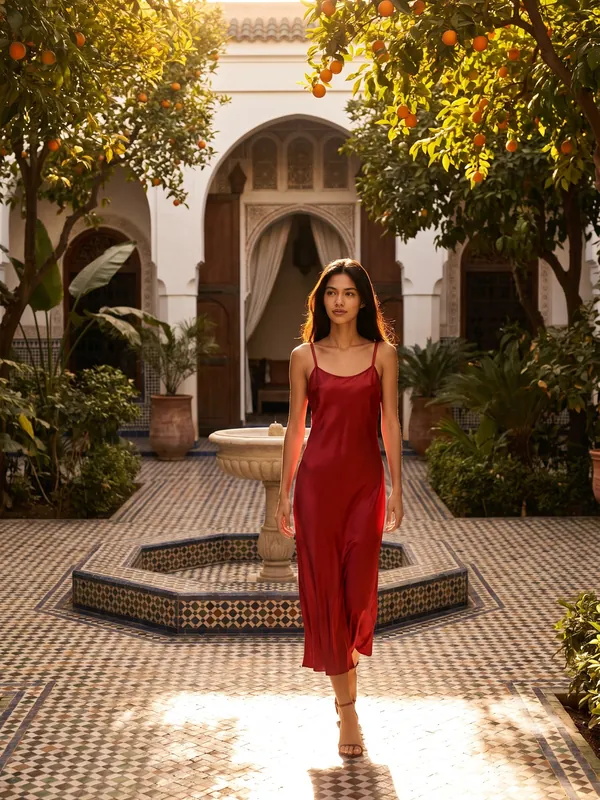
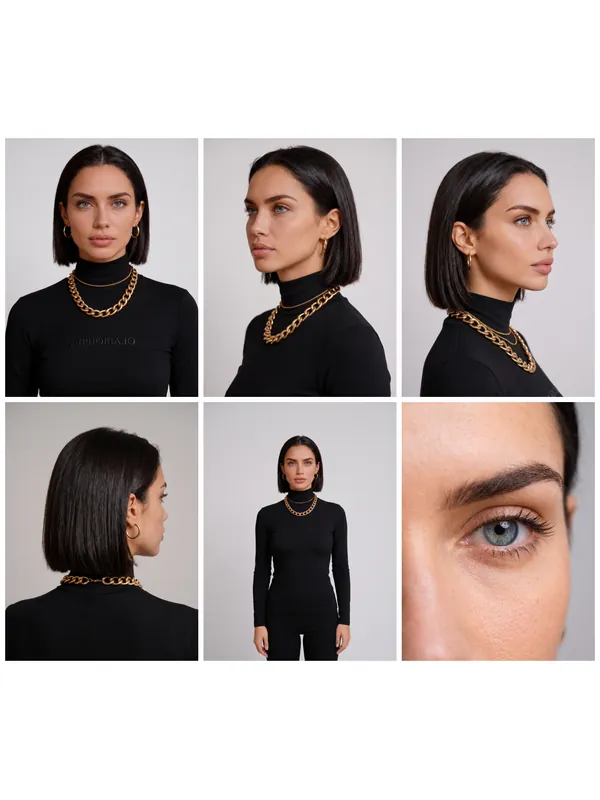
a riad courtyard in Morocco W27Character reference sheetOne face locked from every side: front, 45 degrees, profile, back, full body and the eyes, in one sheet.Photo shoot
W28One photo, every formatOne finished photo as a story, a feed post, a square and a wide banner.Delivery

W29Large for printEvery photo you pick, made large and sharp enough to print.Delivery

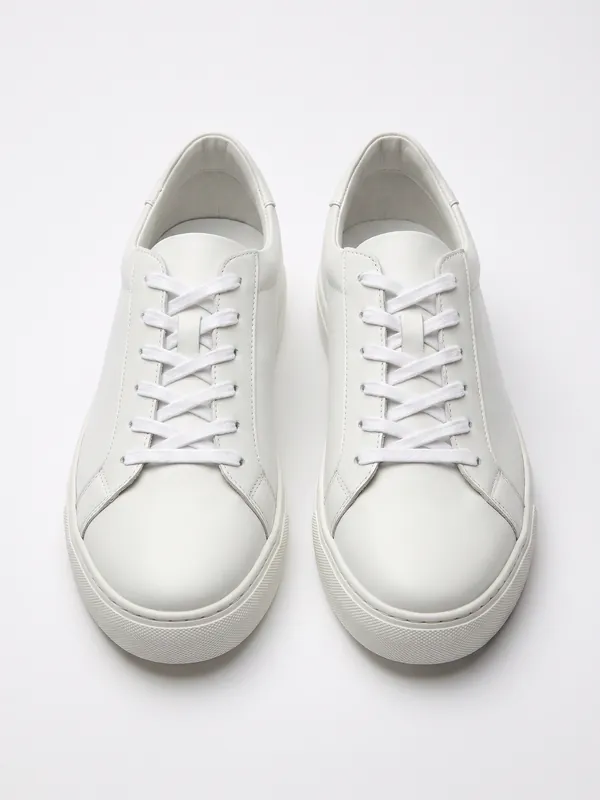
a small part, enlarged W30Clean white backgroundEvery photo you pick, on a clean white studio background.Photo editing

W31New backgroundMove your photos to another place that you describe.Photo editing

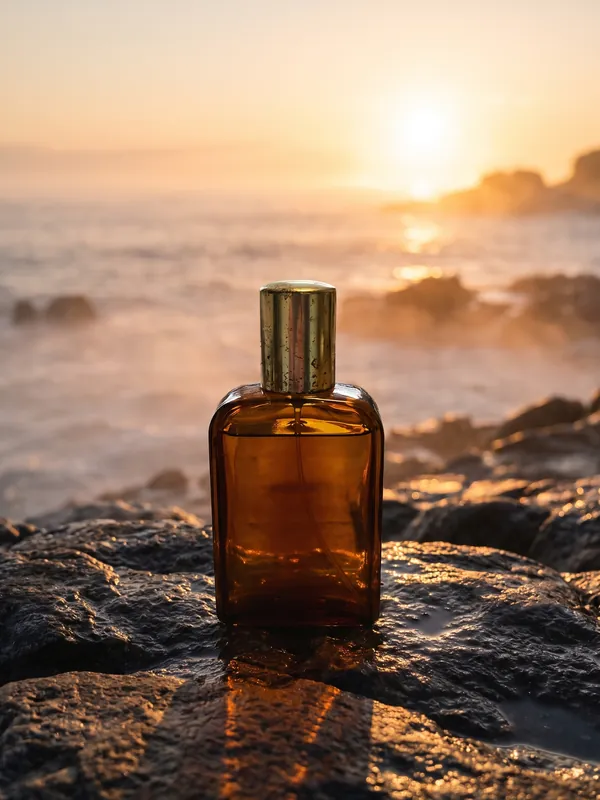
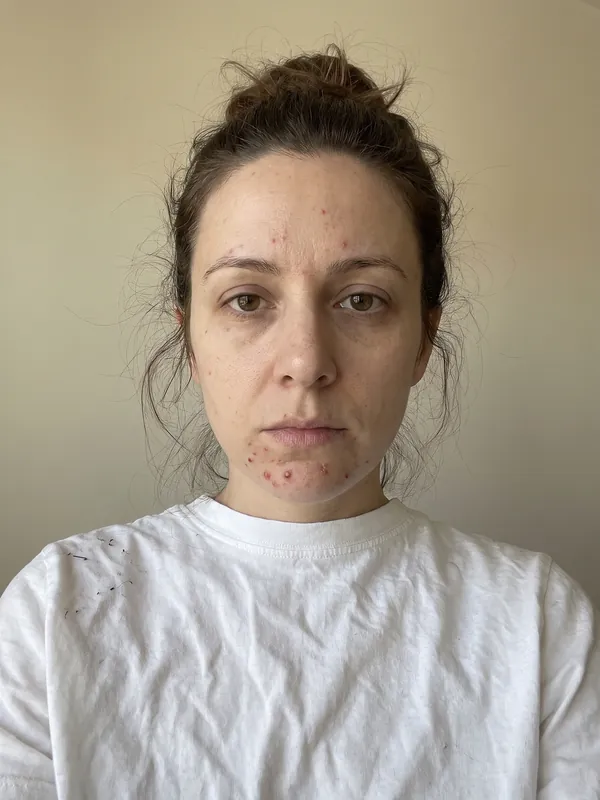
wet black rocks by the sea at sunrise W32Retouch photosClean up skin, stray hairs, creases and dust. The person stays the same.Photo editing
W33Relight a photoOne photo in every kind of light you list.Photo editing

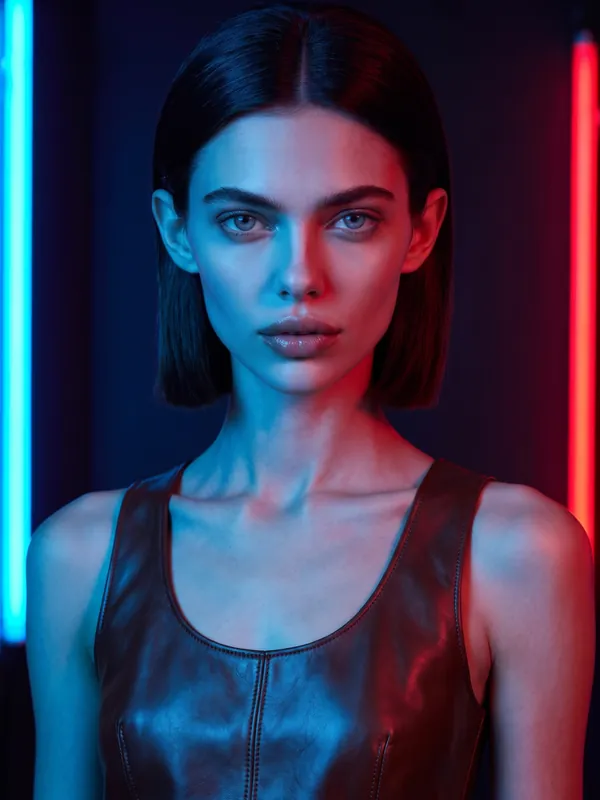
blue and red neon in a dark room W34Fix one part of a photoChange one thing in a photo, such as a hand or a stray object, and keep the rest.Photo editing

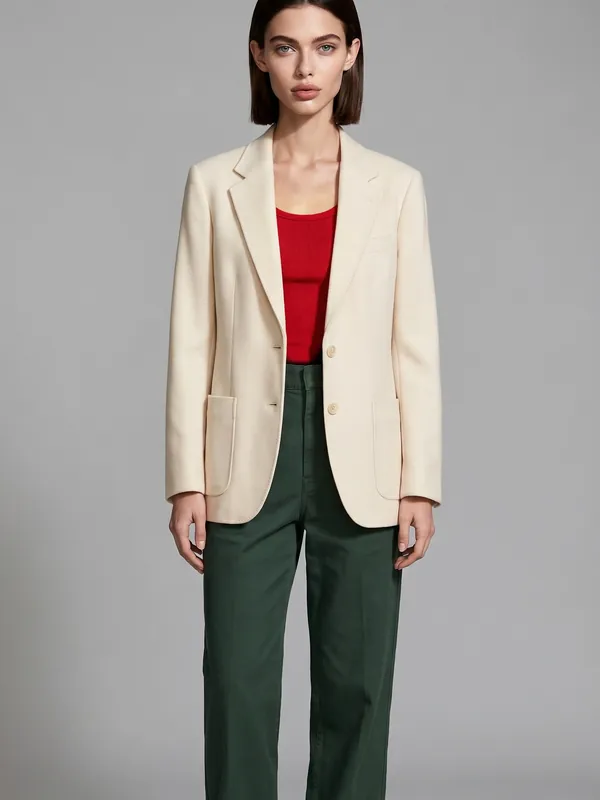
the top, in red W35Photo edit with true coloursChange one thing in a photo, then put its colours back to the original's.Photo editing

a white shirt, colours kept
Tools34
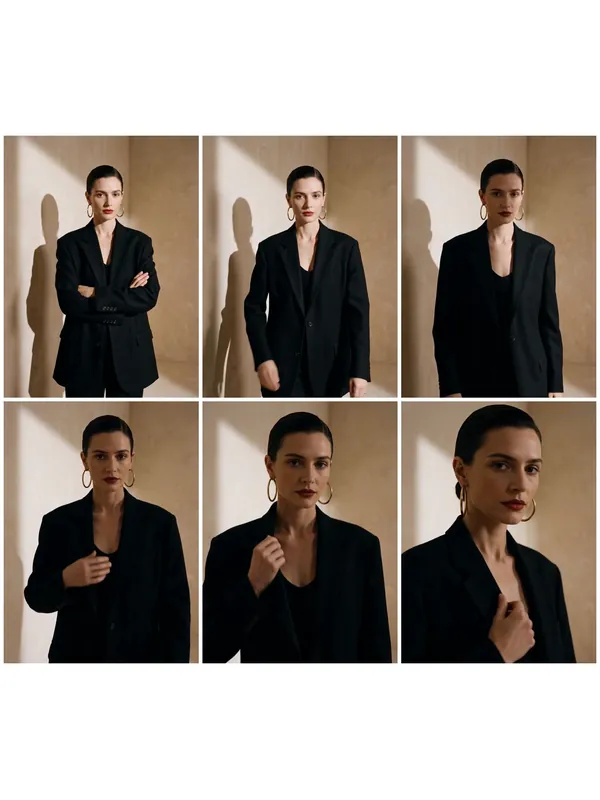
T01Stills from VideoA frame from a clip as a photo, or a sheet of frames as a storyboard.Video

a sheet of 6 T02Photos to VideoPhotos shown one after another as a clip, with a slow zoom and soft fades.Video
T03Join with FadeClips joined into one, with a soft fade between them.Video
T04Cut a ClipKeep one part of a clip: where it starts and how long it runs.Video
2 seconds of it T05Video ShapeA clip in another shape: cropped to fill, or whole with soft sides.Video
T06Logo on VideoYour logo in a corner of every clip you pick.Video
your logo, bottom right T07Video LookA ready-made look on a clip: black and white, warm, faded film and more.Video
noir T08Video EffectOne effect on a clip: old tape, glitch, grain, big pixels and more.Video
old tape T09Change SpeedA clip played slower or faster, sound included.Video
half speed T10Reverse and LoopA clip played backwards, or forwards and back as a loop that never jumps.Video
forwards, then back - T11Change LanguageT11Change LanguageA talking video in another language, in the same voice. Pick the language in the tool.Voice and language
- T12Match the LipsT12Match the LipsMake the lips in a video follow the words of another clip, such as the new-language one.Voice and language
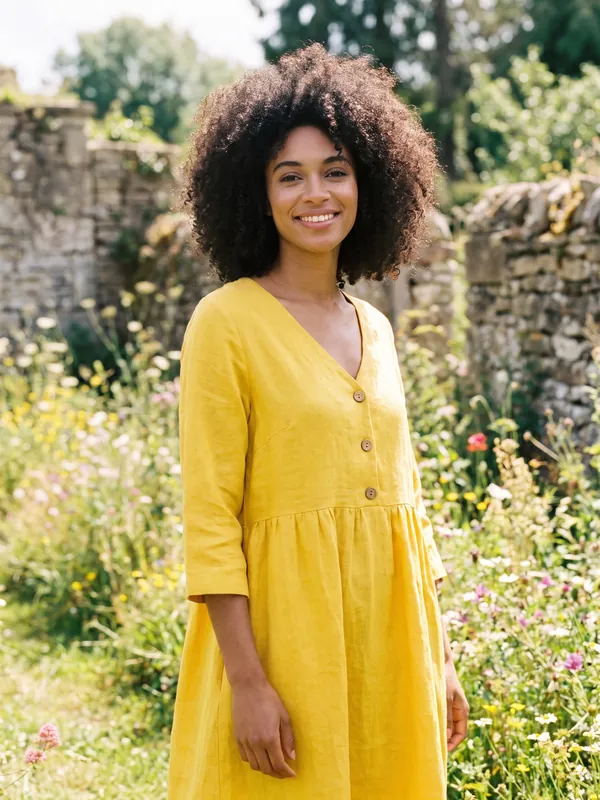
T13RecolourThe garment or product in another colour. Nothing else changes.Garment and product

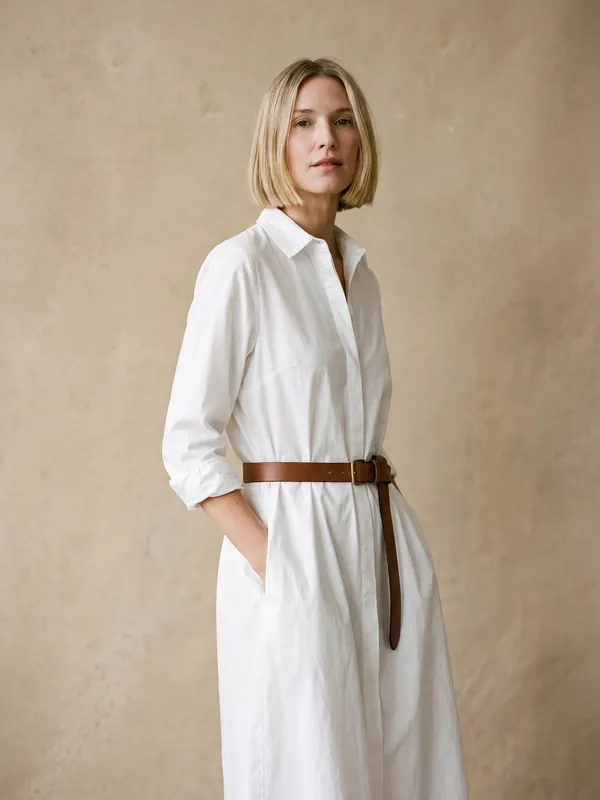
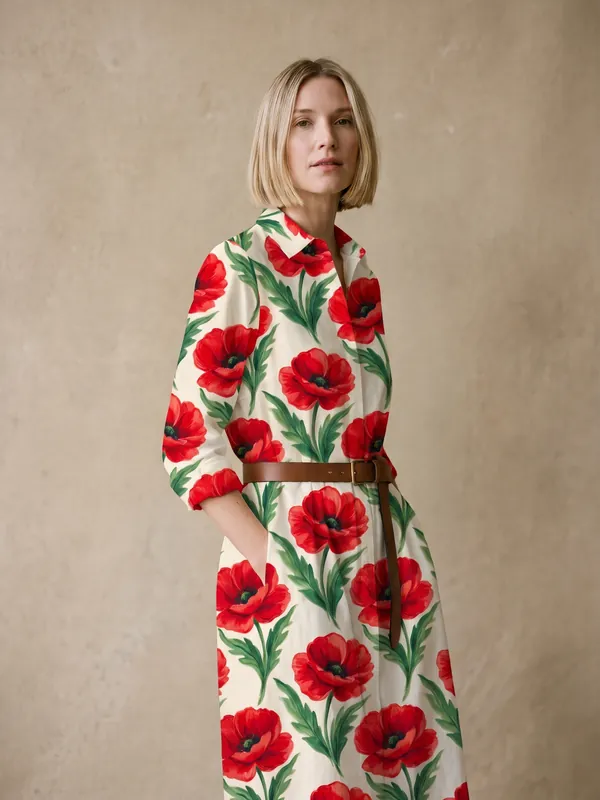
cobalt blue T14Pattern SwapA print from a second picture, put onto the garment or product.Garment and product

a poppy print from a second picture T15Garment Cut-outThe clothes from a photo of a person, shown alone on white.Garment and product
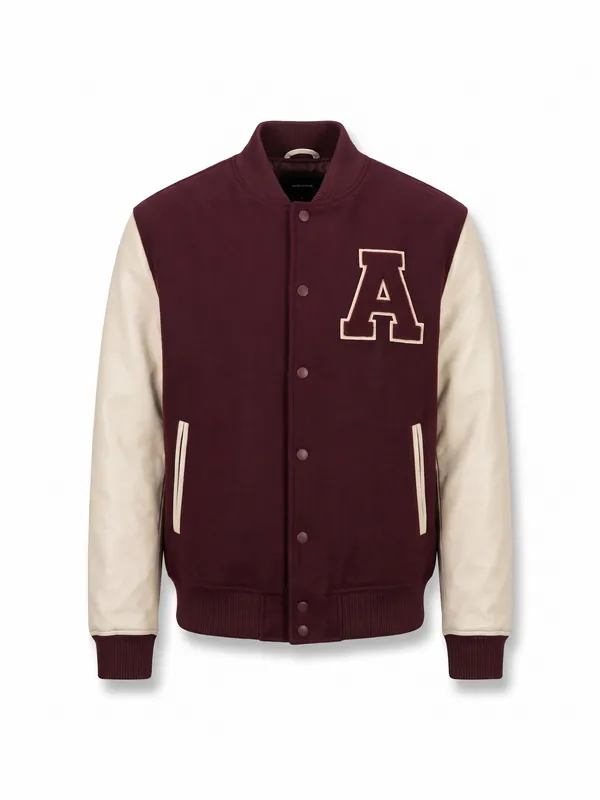
- T16Product SpinT16Product SpinA product turning once all the way round, from one photo.Garment and product
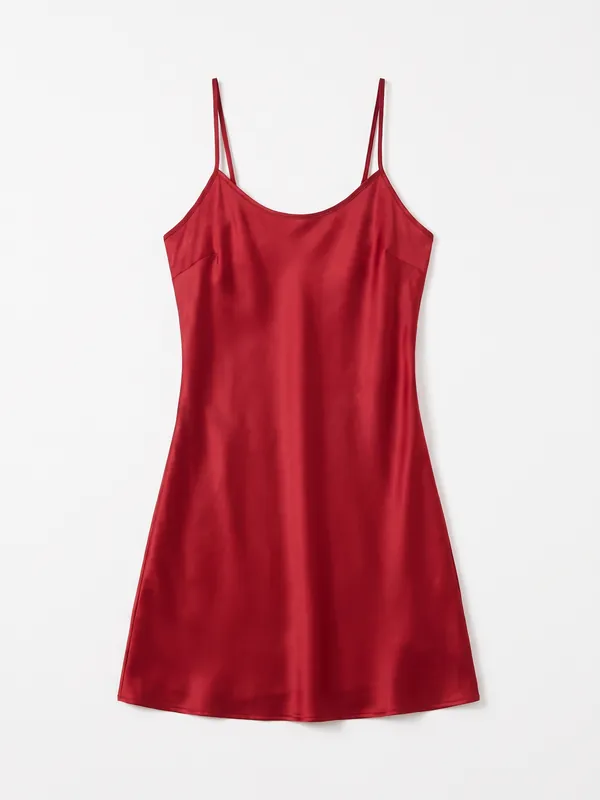
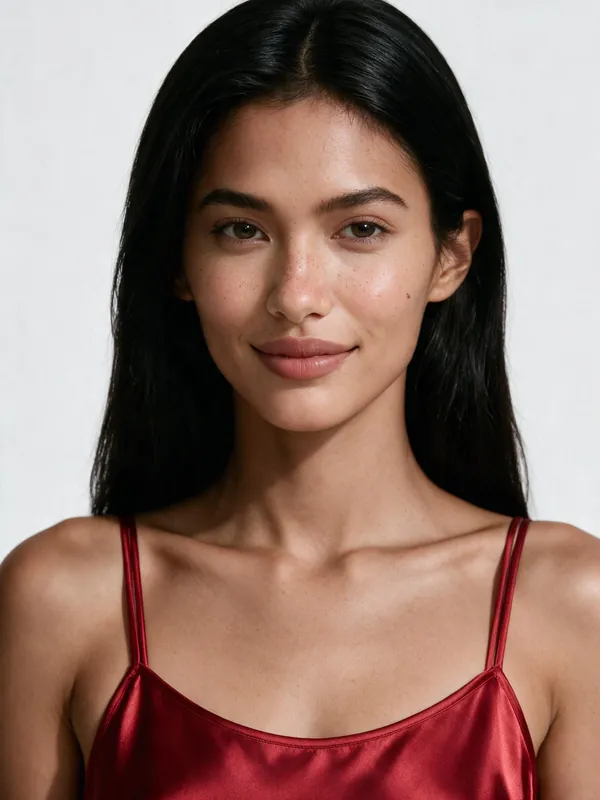
- T17Try-OnT17Try-OnYour model wearing a garment from a photo.Garment and product
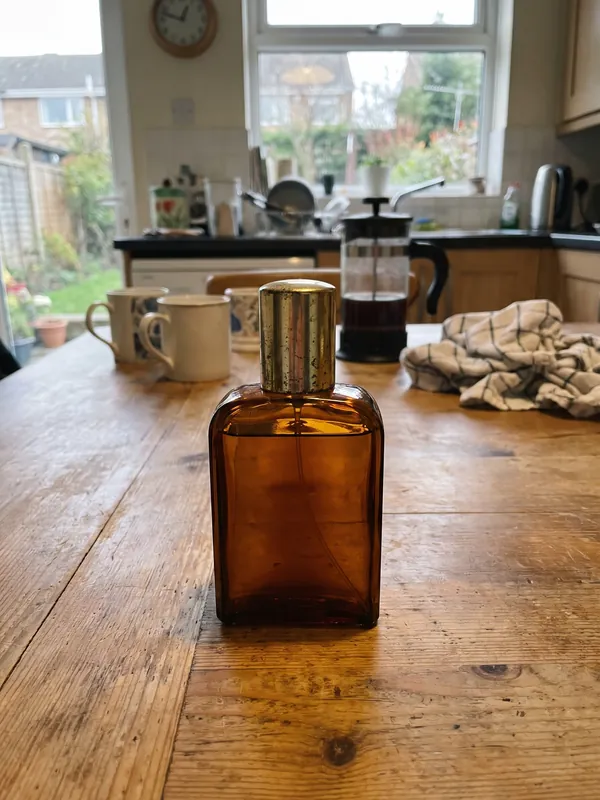
T18White BackgroundYour photo on a clean white studio background, ready for a shop.Background

T19New BackgroundThe same subject in another place that you describe.Background

a sunny street in Lisbon - T20Match ColoursT20Match ColoursPut an edit's colours back to the original's.Colour and look
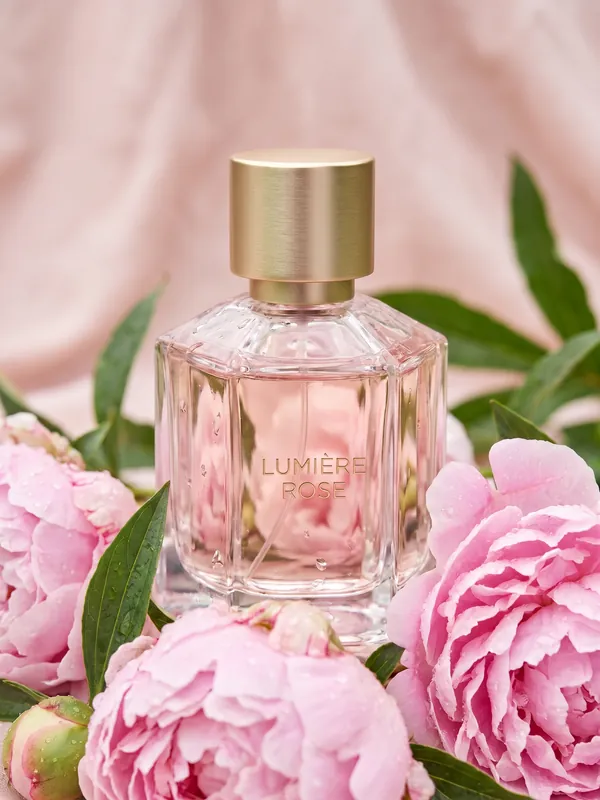
T21Colour PaletteThe real colours of a photo as swatches, each with its exact code.Colour and look

T22Copy the LookThe colours and contrast of one photo, put onto another.Colour and look

the colours of a second photo T23Photo LookA ready-made look on a photo: black and white, warm, faded film and more.Colour and look
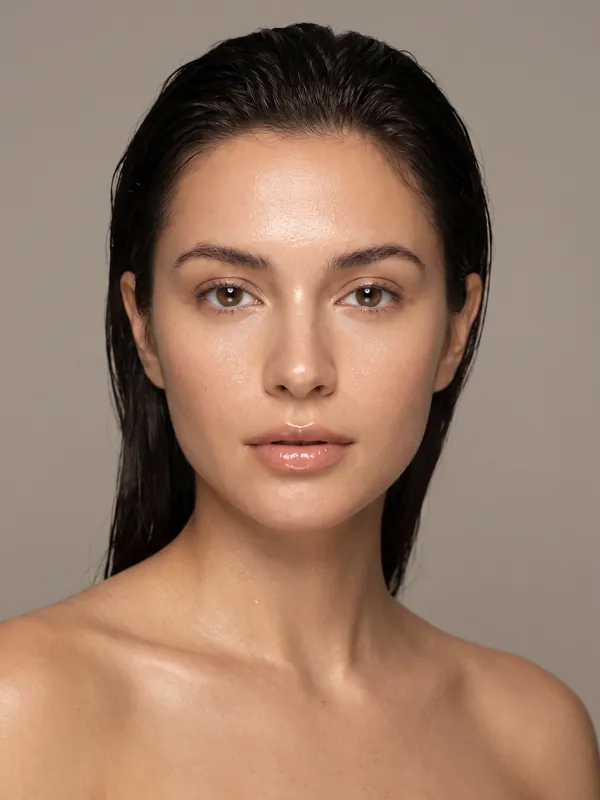
black and white T24Photo EffectOne effect on a photo: grain, glow, print dots, big pixels and more.Colour and look

print dots - T25Make a SheetT25Make a Sheet2 to 6 photos side by side in one picture.Layout
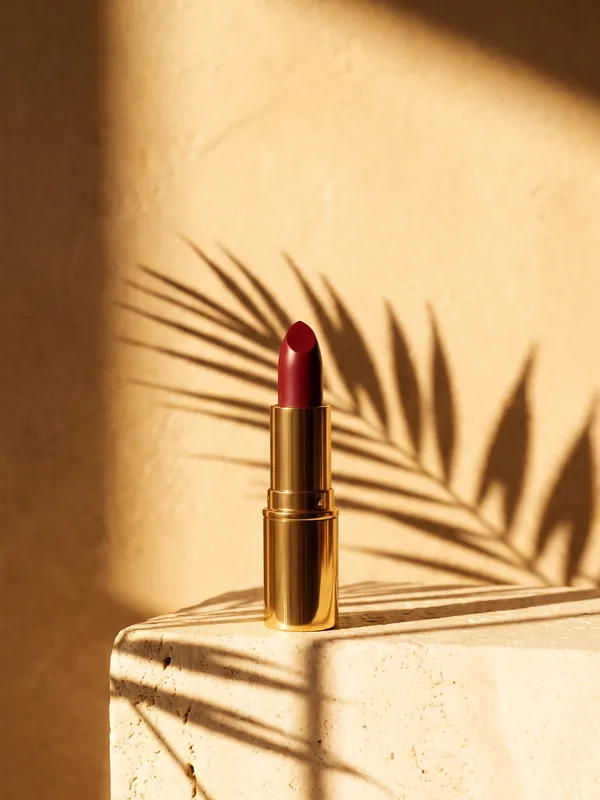
T26Ad SizesOne photo cut to an ad size, with your logo and headline. Run it once per size.Layout

feed post, logo and headline T27Add LogoYour logo in a corner of every photo you pick.Layout
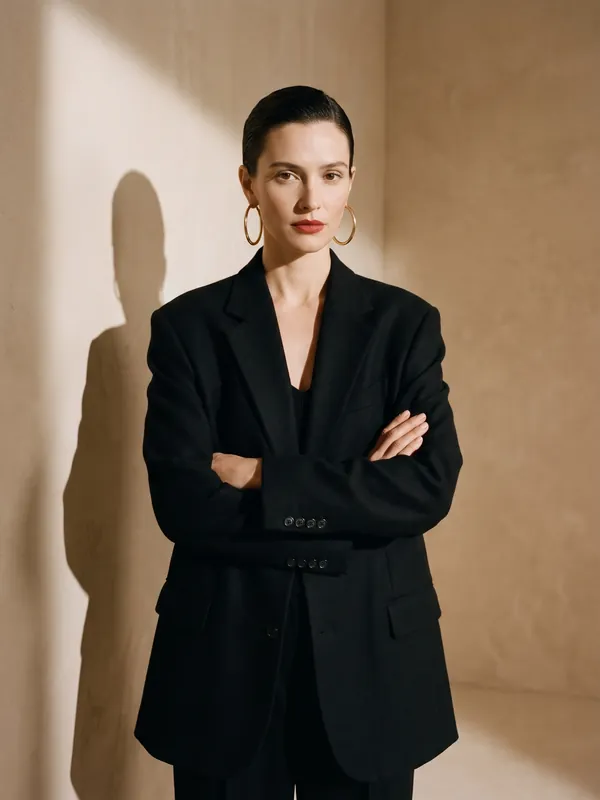
your logo, bottom right T28Add WordsA line of words on a photo: a price, a date, a name.Layout

one line of words T29Crop to ShapeA photo in another shape: cropped around the subject, or whole with soft sides.Layout

whole, soft sides T30Mood BoardYour references as one finished board: the first photo large, the rest beside it.Layout

T31RelightThe same photo in another kind of light.Finish

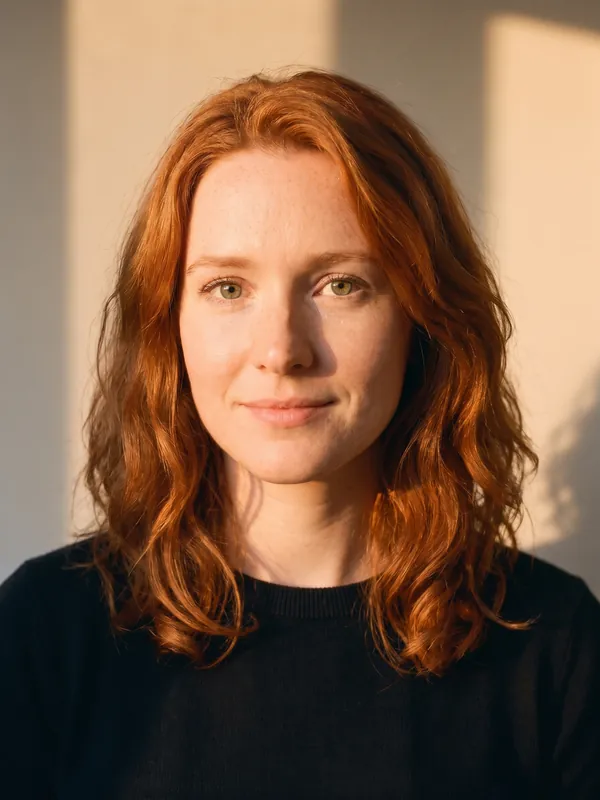
low warm sunset light from the right T32ReframeFit a photo to another shape. The scene is continued, not cropped.Finish
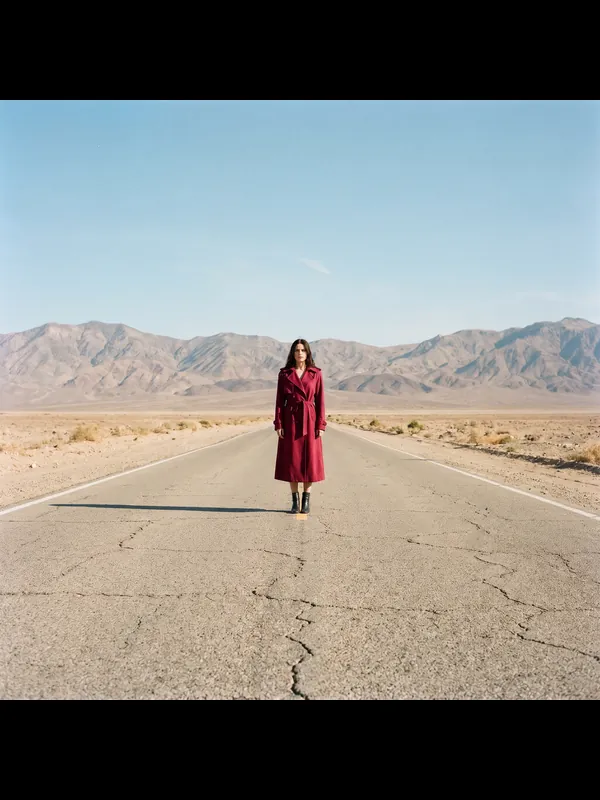
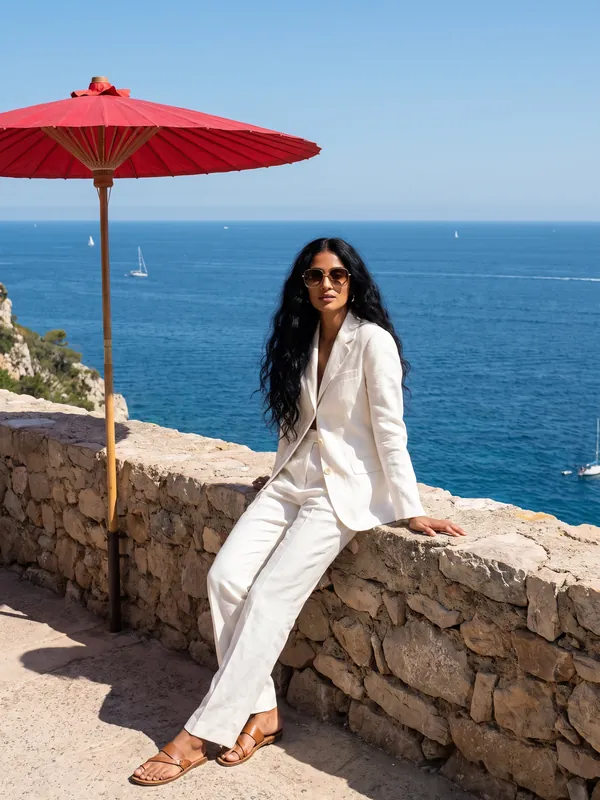
T33Remove ObjectTake one thing out of a photo.Finish

the red parasol T34UpscaleA larger, sharper copy of a photo, up to 4K.Finish

a small part, enlarged
How it works
3 steps- 01Add the Aiphoria connector to Claude or ChatGPT. It takes about a minute.
- 02Ask in plain words and attach your photos: a garment, a product, a clip.
- 03The assistant shows its plan. Say yes, and it runs the steps and gives you the links.
Questions
What is the Aiphoria connector?+
It is an MCP server: a way for an AI assistant to use Aiphoria as one of its tools. Once added, Claude or ChatGPT can make try-ons, product photos and videos for you from the chat.
Can Claude or ChatGPT make fashion and product photos?+
Yes, with the Aiphoria connector added. The assistant runs the same one-click tools and workflows as the Aiphoria app and gives you the links to the results.
Can an AI agent run a whole workflow, not one step?+
Yes. The assistant can run a ready-made workflow, or write a new one where each result feeds the next, show you the plan and run it after you agree.
How do I give the assistant my photos?+
Attach them to the chat. The assistant uploads them to Aiphoria first, then uses them in the run.
Do I need an Aiphoria account?+
Yes. The connector signs in to your Aiphoria account, and every result is saved in your library.
Does the same model appear in every result?+
Yes. The assistant uses one of your saved models, so the face stays the same from one photo or clip to the next.