
MCP skillOne-click tool · Video
Join with FadeMCP
Clips joined into one, with a soft fade between them. Ask your assistant in plain words and it runs it for you.
Use Aiphoria to run Join with Fade with these clips. Show me the plan first, then run it and give me the links.

A real run · move the line to compare
How to use it in a chat
3 steps- 01Add the Aiphoria connector to Claude or ChatGPT. It takes about a minute.
- 02Ask in plain words, and attach what it needs. For example: "Use Aiphoria to run Join with Fade with these clips."
- 03The assistant shows its plan. Say yes, and it runs it and gives you the link to the result.
What the assistant needs
1- Clipsa clip, up to 8 at once
Prefer to click? Join with Fade as a one-click tool does the same job in the app.
More agent skills7

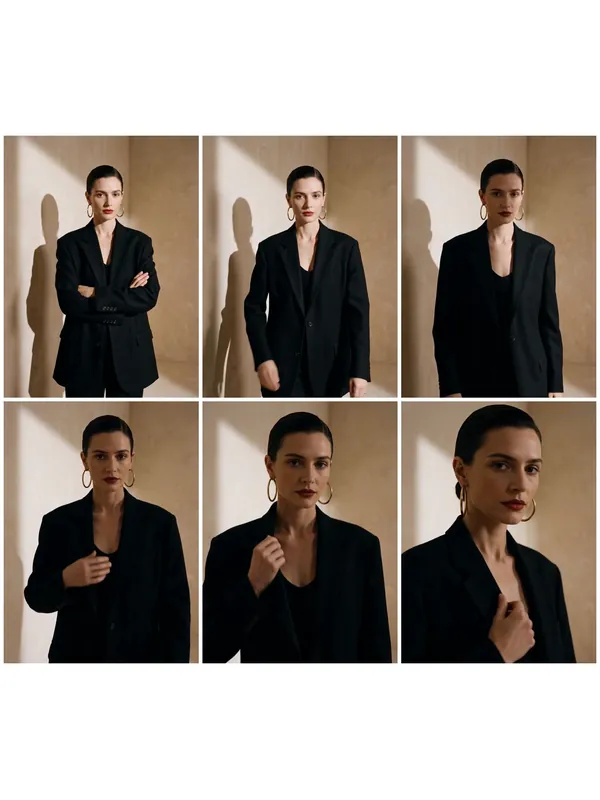
a sheet of 6 
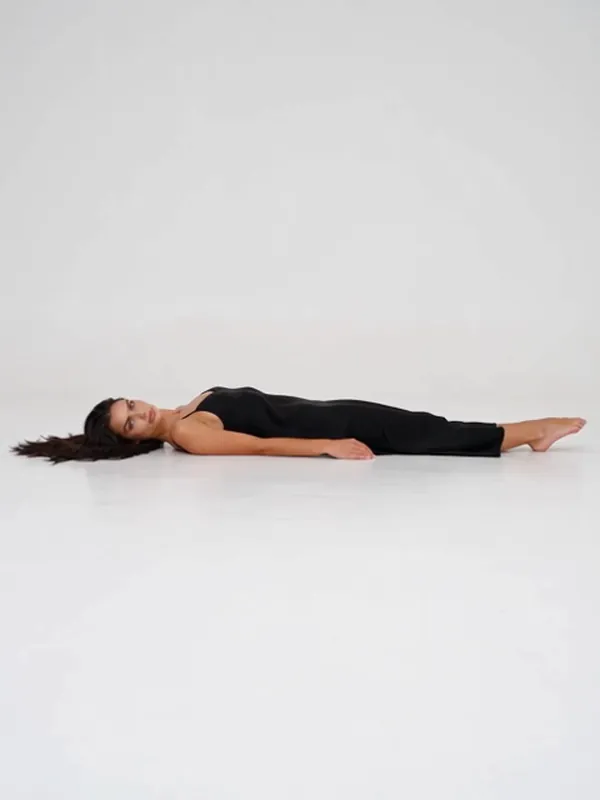
2 seconds of it 

your logo, bottom right 
noir 
old tape
Questions about Join with Fade in a chat
Can an AI agent run Join with Fade?+
Yes. With the Aiphoria connector added, Claude or ChatGPT runs Join with Fade for you: Clips joined into one, with a soft fade between them.
Which assistants does it work with?+
Claude and ChatGPT, through the Aiphoria connector. Once added, you ask in the chat and the assistant uses Aiphoria as one of its tools.
How do I give it my photos?+
Attach them to the chat. The assistant uploads them to Aiphoria first, then uses them in the run.
Where do the results go?+
The assistant gives you the links in the chat, and the same results are saved in your Aiphoria library.
Can the assistant join this with other steps?+
Yes. It can write a workflow where one result feeds the next, show you the plan, and run it after you agree.
Does Join with Fade change my clip?+
Only in the way you ask. Join with Fade works on the real pixels of your file, so nothing is redrawn: faces, labels and logos stay exact.
How many clips can I do at once?+
Up to 8 in one run. Each one gets its own result.
What do I need to use Join with Fade?+
Clips: a clip, up to 8 at once.
Can Claude or ChatGPT run Join with Fade?+
Yes. Add the Aiphoria connector and ask in plain words. The assistant runs Join with Fade for you and gives you the link to the result.
Where do the results go?+
Into your Aiphoria library, where you can download them or use them in another tool or workflow.
Can I use the results for brand and client work?+
Yes. A subscription includes commercial rights, so the results can go into ads, shops and client work.