How do I make product photos with AI from one photo?
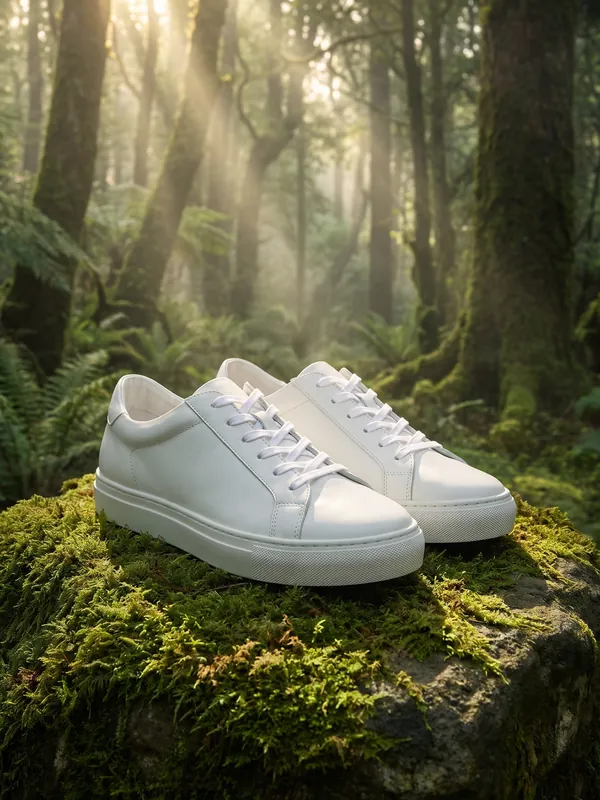
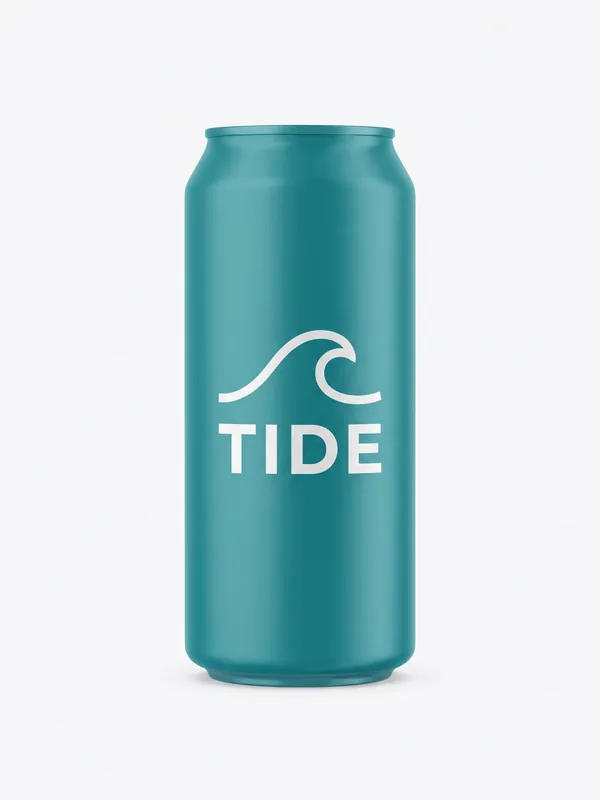
Add one clear photo of the product, list the scenes, colours or angles you want, and run it. Each line you list comes back as its own photo, made from your product photo, so the shape, colour and label stay those of the real item. No model and no studio are needed.
Key takeaways
One clear product photo is enough to start.
You list what you want in plain words: a marble counter, a beach towel, olive green.
Scenes, colours and angles are three separate runs from the same photo.
Check the label and the logo on every result before you publish.
What you need
2
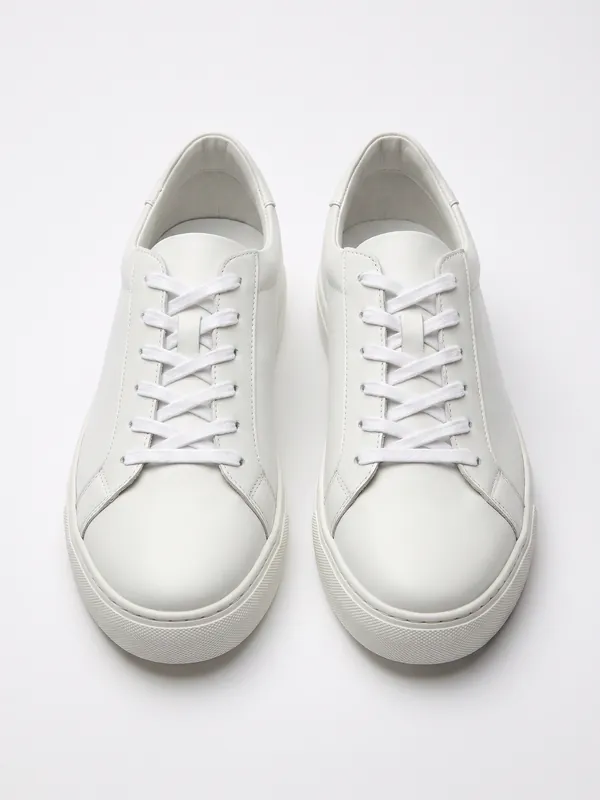
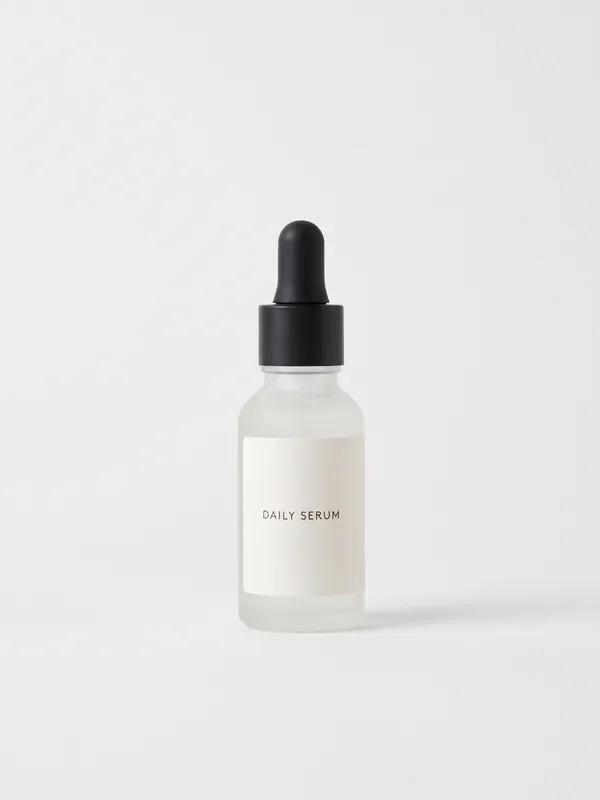
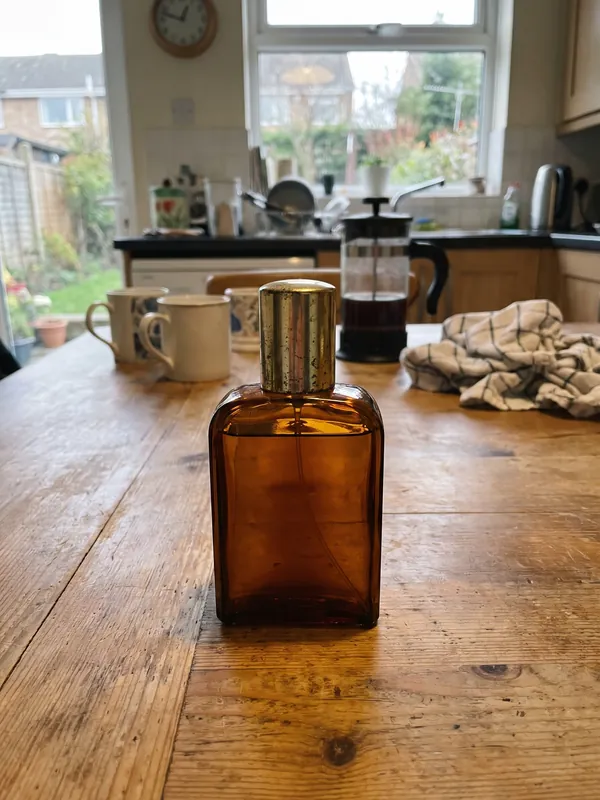
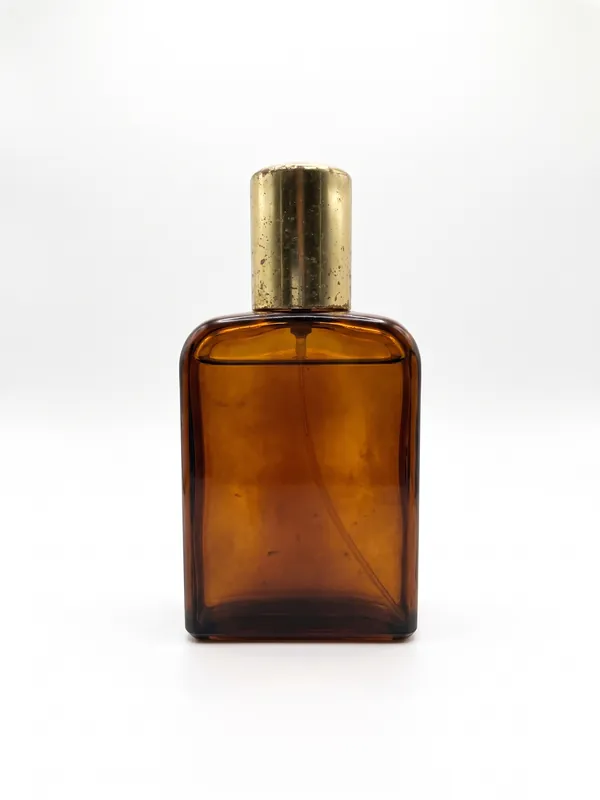
One sharp photo of the product, evenly lit, the whole item in frame
A list of the scenes, colours or angles you want
Step by step
01
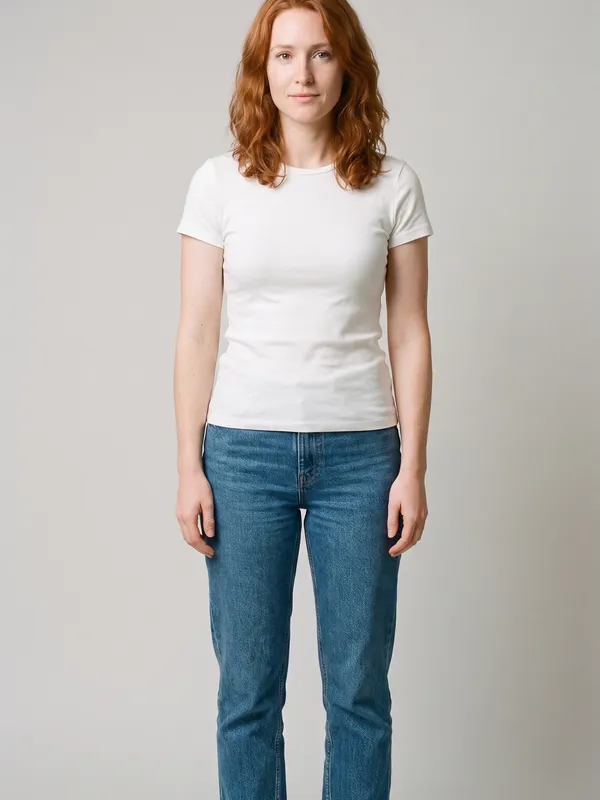
Start from a clean photo
Use a sharp, evenly lit photo with the whole product in frame. If the background is busy, run White Background first.
02
Pick what you want more of
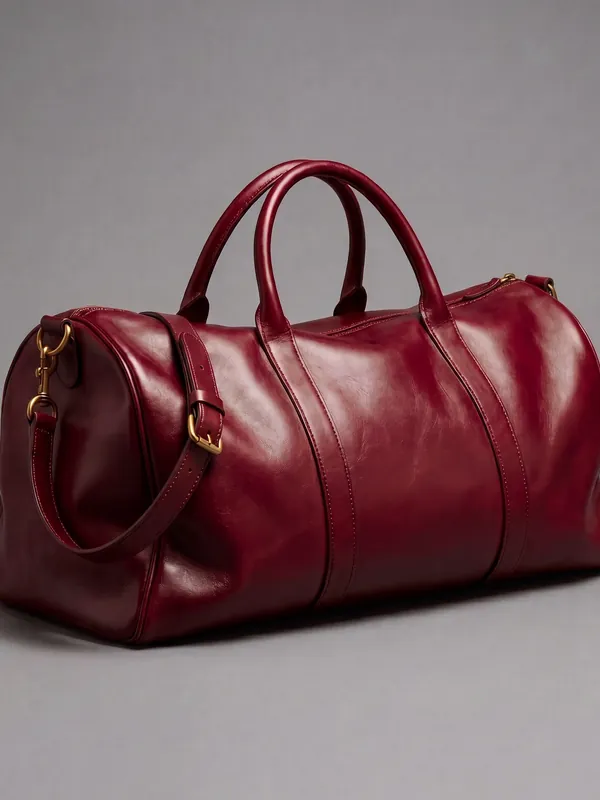
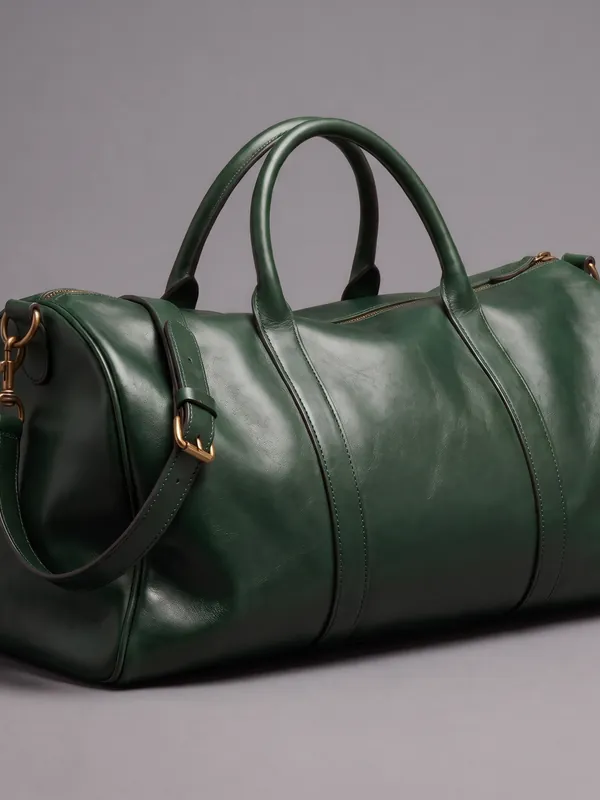
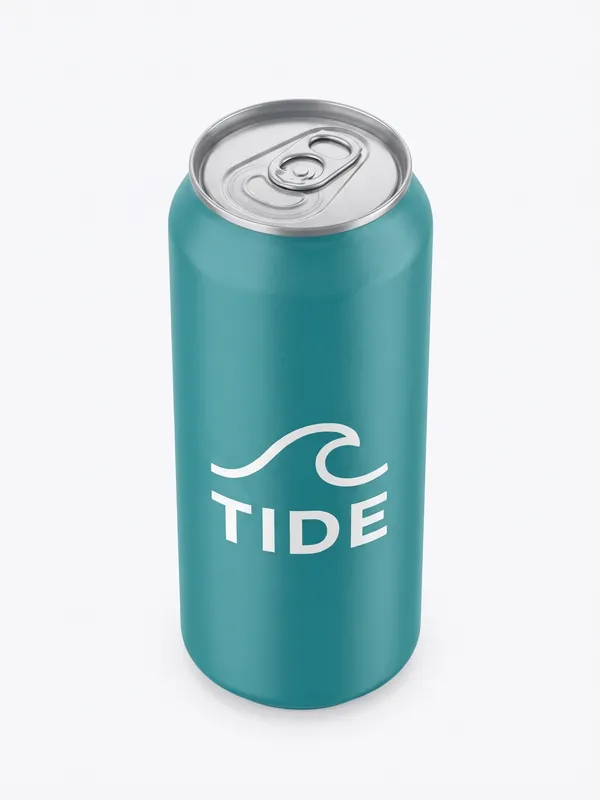
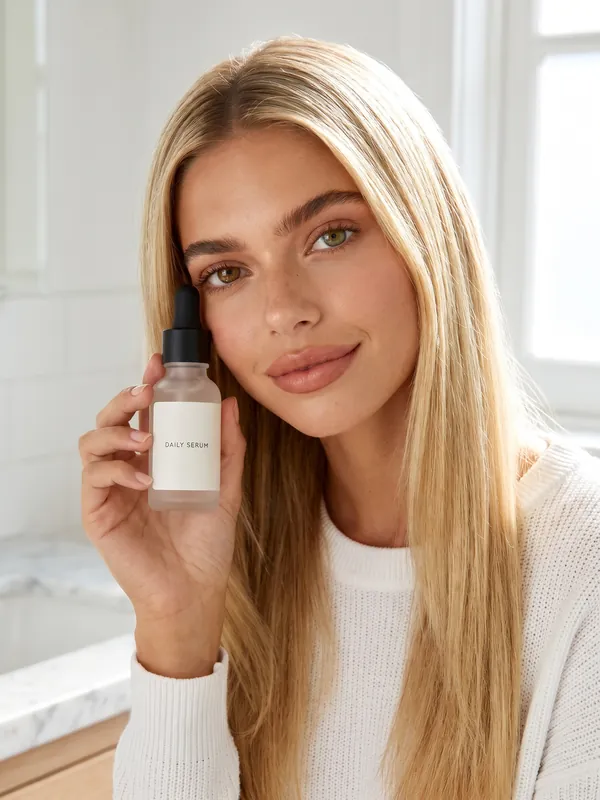
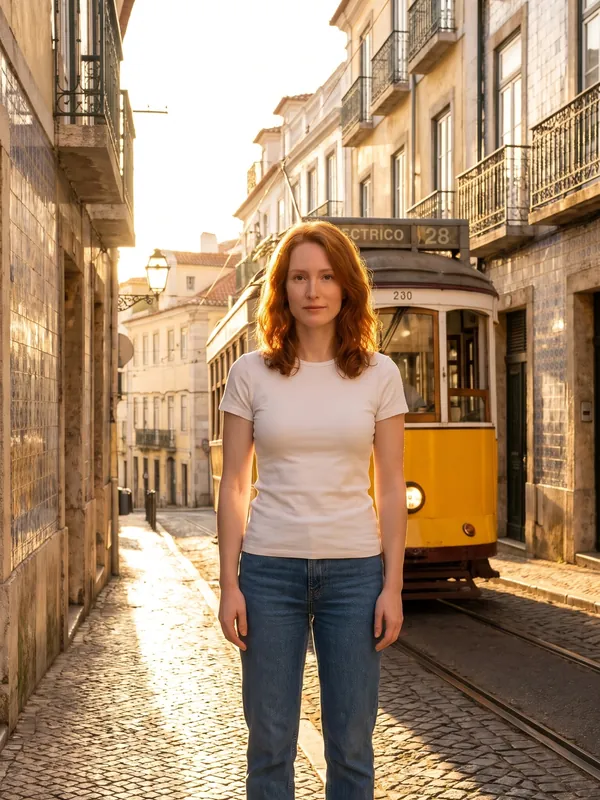
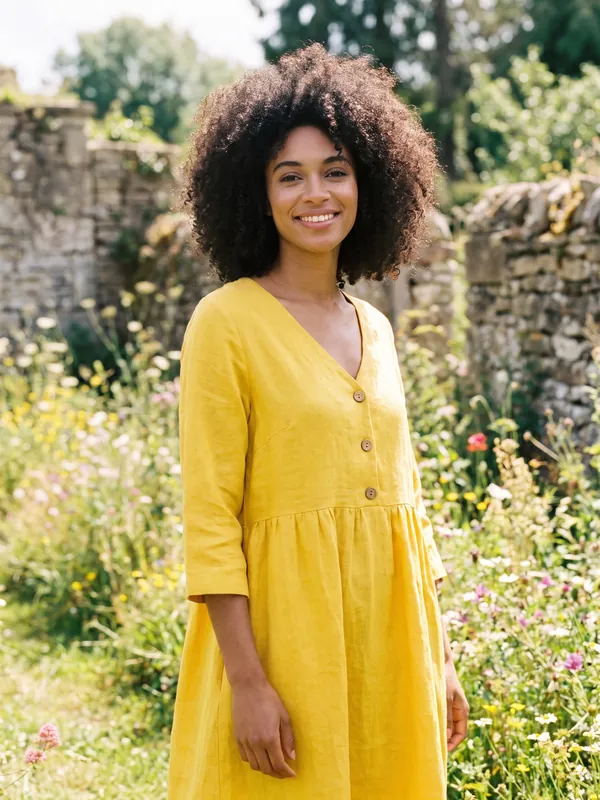
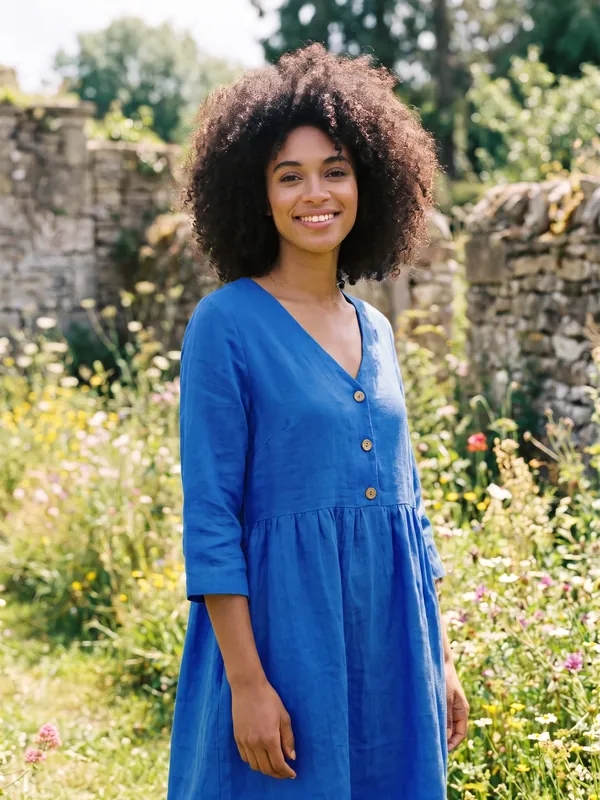
Product in scenes puts it in every setting you list. One product, many colours changes only the colour. Product from every angle gives front, side, back, above and close-up.
03
Write the list
One line per result. Keep each line short and concrete: where it is, what it stands on, what the light is like.
04
Run and check
Each line comes back as its own photo in your library. Look at the label, the logo and the edges of the product on each one.
05
Finish for the channel
Upscale makes a larger, sharper copy up to 4K. One photo, every format returns a story, a feed post, a square and a wide banner.
Will the product look the same as the real one?
The results are made from your product photo and not from a description, so the shape, the colour and the label come from the real item. Small text is the thing to check: read every label before the photo goes into a listing.
What makes a good starting photo?
Sharp focus, even light and the whole product in frame. A photo taken at an odd angle limits the angles that look right afterwards, so shoot the product straight on if you can.
No. Product in scenes, One product, many colours and Product from every angle work from the product photo alone. Product with a model adds a person holding or using it.
How many scenes can I list?+
List as many as you need. Each line becomes its own photo in the same run.
Can I use the results in ads and on a shop page?+
Yes. A subscription includes commercial rights, so the results can go into ads, shops and client work.