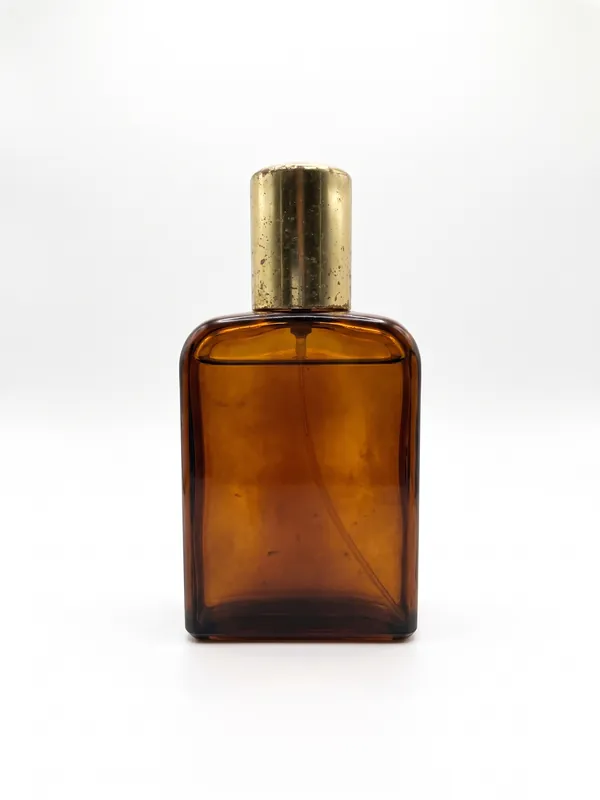
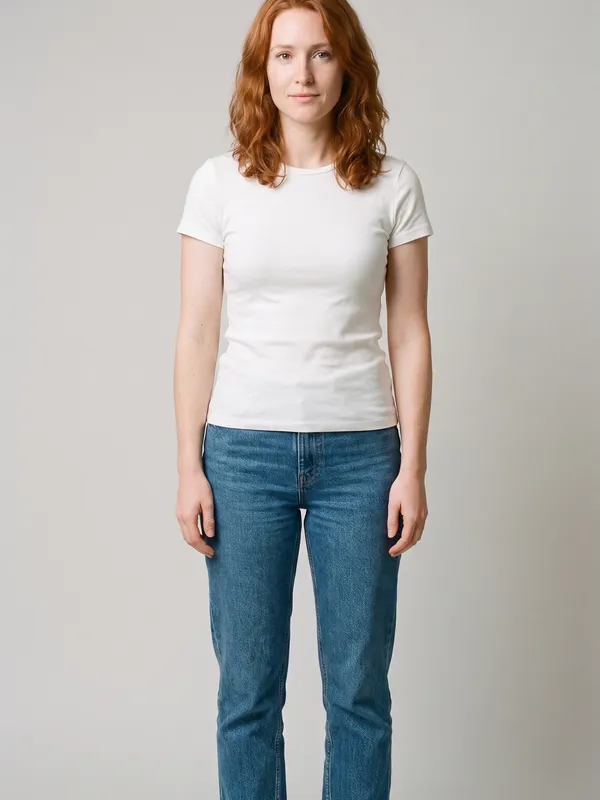
Yes, with a connector. Claude does not make photos by itself, but once you add the Aiphoria connector it can make try-ons, product photos and short videos for you from the chat, and give you the links to the results.
Key takeaways
Claude needs a connector to make pictures and video.
Adding the Aiphoria connector takes about a minute.
You ask in plain words; Claude shows its plan before it runs.
Results are saved in your Aiphoria library.
What you need
2
A Claude account
An Aiphoria account
Step by step
01
Add the connector
Copy the Aiphoria connector link, open Claude's connector settings and add it. The Aiphoria in Claude page shows each click.
02
Ask in plain words
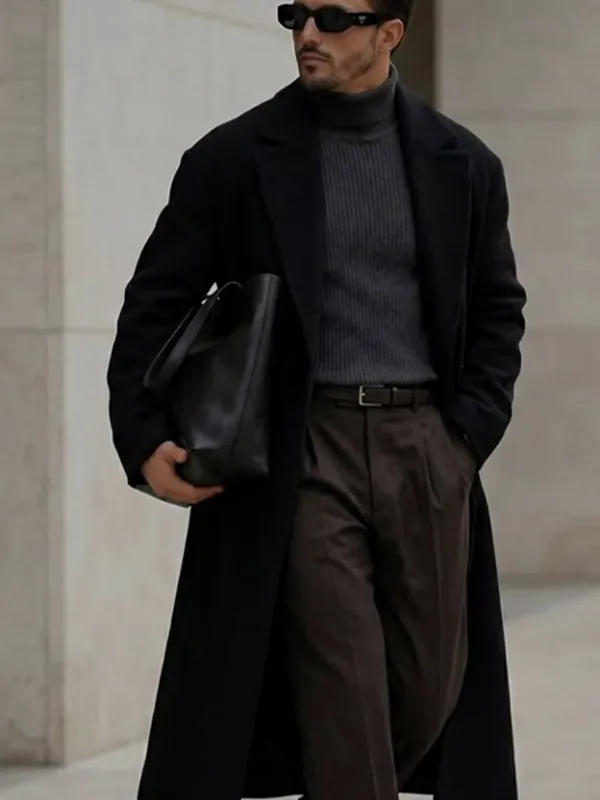
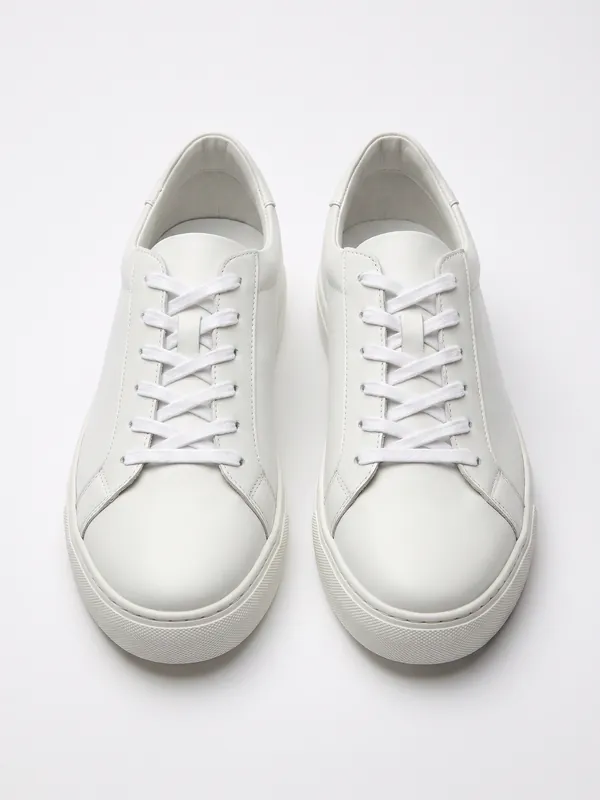
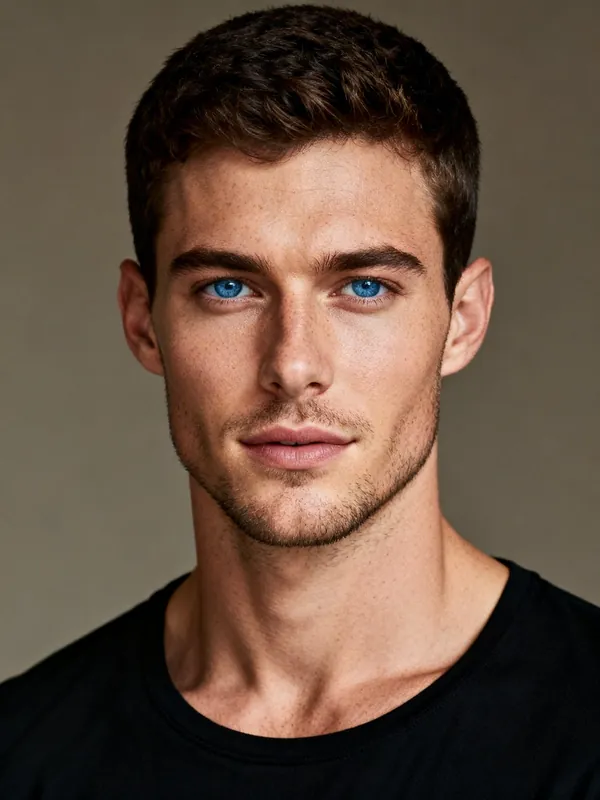
For example: put this jacket on my model, then make a short video of the look. Attach the garment photo.
03
Agree to the plan
Claude shows the steps it will run. Say yes and it runs them.
04
Open the results
Claude gives you the links in the chat. The same results are in your Aiphoria library.
What can Claude make with the connector?
Try-on photos, product photos in new scenes and colours, photo shoots of one model in many places, short videos, and whole workflows where each result feeds the next.
Does it work in the Claude app on a phone?
Yes. Once added, the connector works in Claude on the web, in the desktop app and on mobile.