
Use casesProduct video
AI product video from one photo
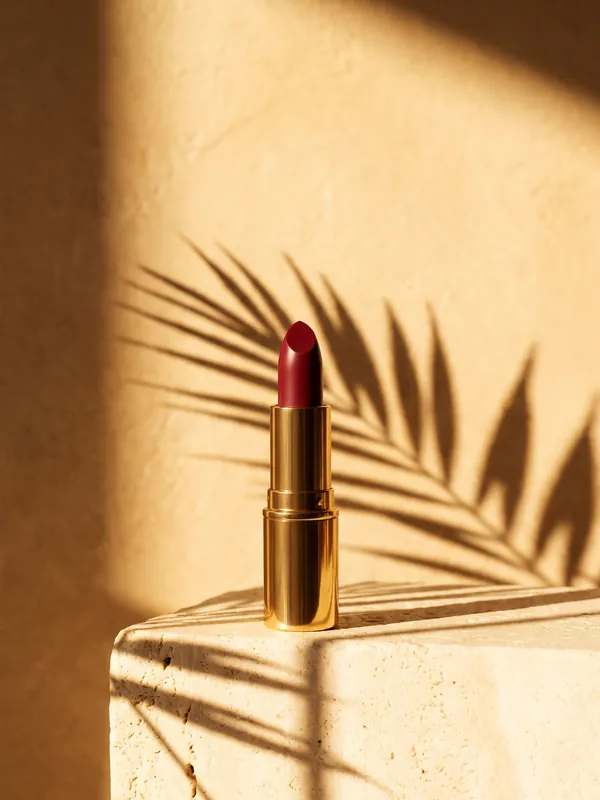
Start with one product photo and a short story. Get four storyboard frames, a clip from each, joined into one film. Or spin the product all the way round.
What you get
4- 01A product film: four storyboard frames, a clip from each, joined
- 02A product turning once all the way round, from one photo
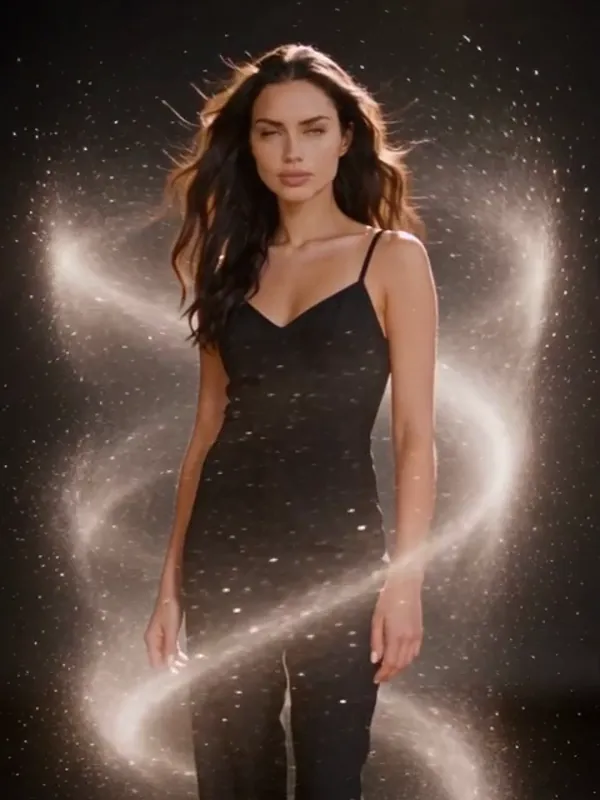
- 03A short video of every garment on the same model
- 04Clips cut, joined and resized for each channel
How it works
3 steps- 01Add one clear photo of your product.
- 02Write the story in a line or two, or keep the ready one.
- 03Press Run. The frames, the clips and the joined film come back together.
Workflows for this job5
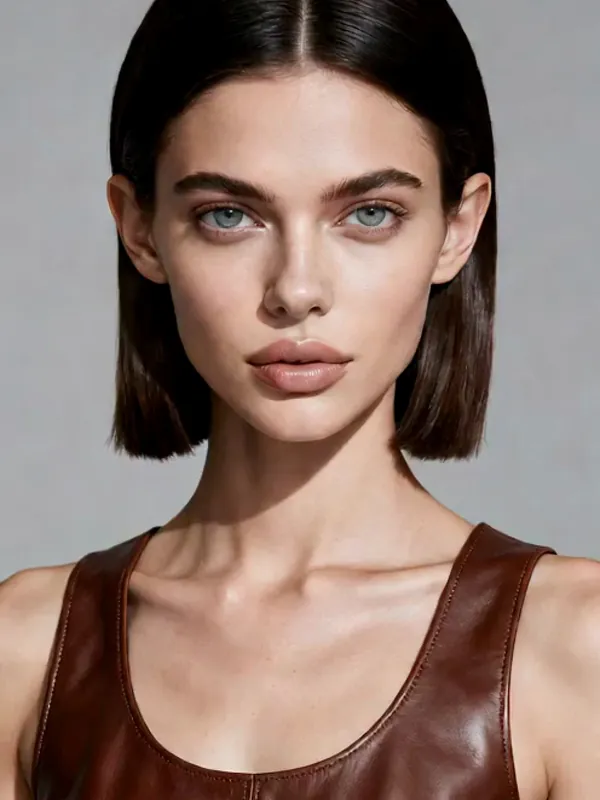

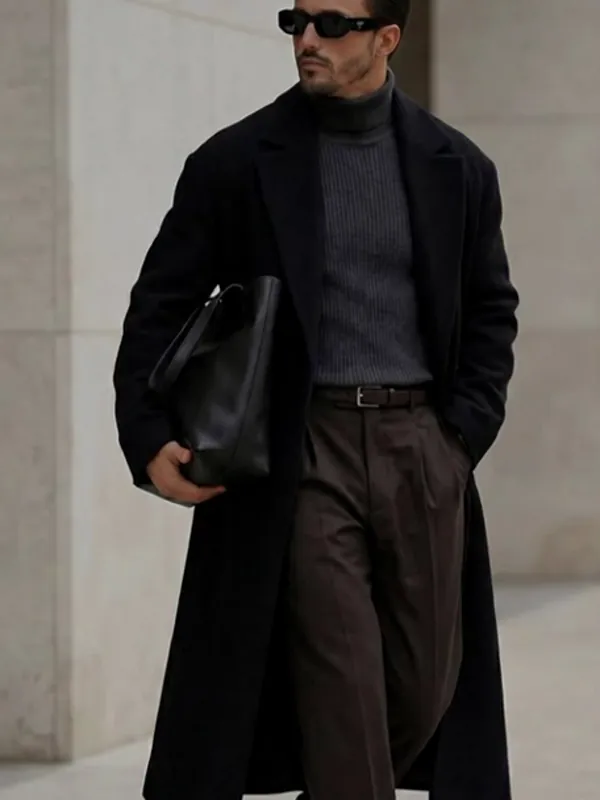
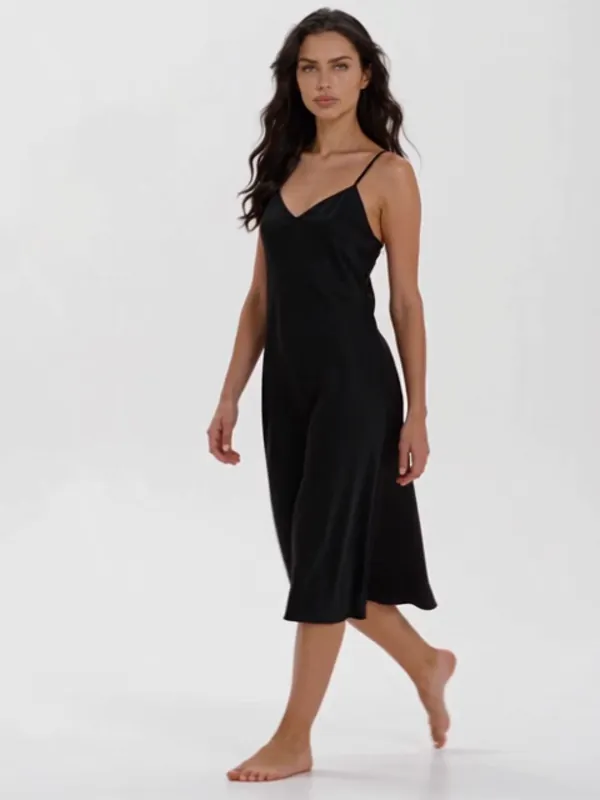
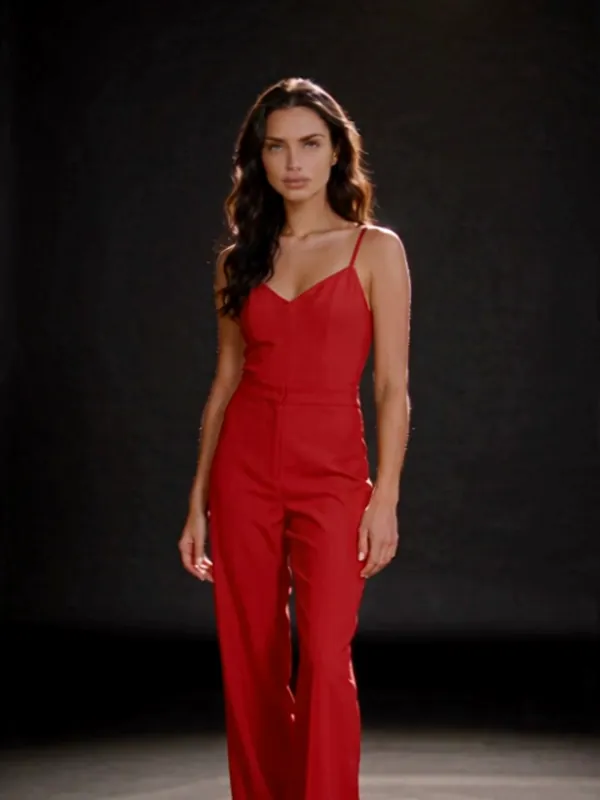
One-click tools for this job4
- T16Product SpinT16Product SpinA product turning once all the way round, from one photo.

Good for
- Launch videos when there is no film day
- Shop pages that need motion, not only stills
- Reels, TikTok and Shorts made from a photo shoot
Questions
How is the film put together?+
Product film from one photo draws four storyboard frames from your story, makes a clip from each frame, and joins the clips into one film.
Can I use my own storyboard?+
Yes. Storyboard to film takes your frames in order, makes a short clip from each one and joins them.
Can I change the shape for Reels or a wide banner?+
Yes. Video Shape puts a clip in another shape, cropped to fill or whole with soft sides.
Can I do this from Claude or ChatGPT?+
Yes. Add the Aiphoria connector, ask in plain words, and the assistant runs the same tools and workflows and gives you the links to the results.
Can I use the results for brand and client work?+
Yes. A subscription includes commercial rights, so the results can go into ads, shops and client work.
Ready when you are
Try it on your own work