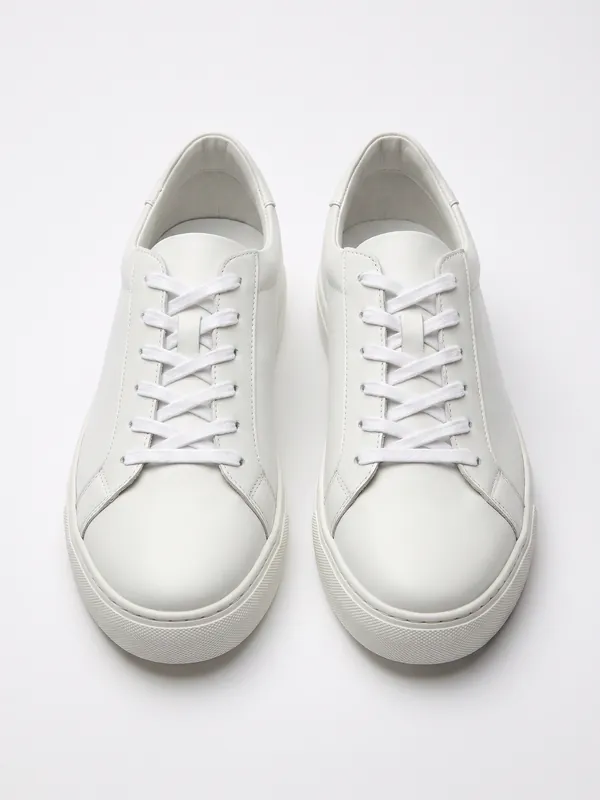
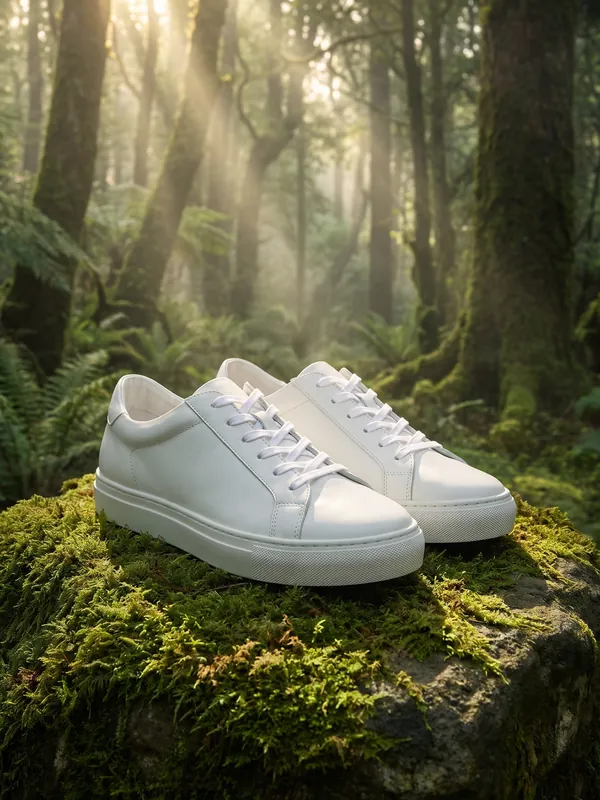
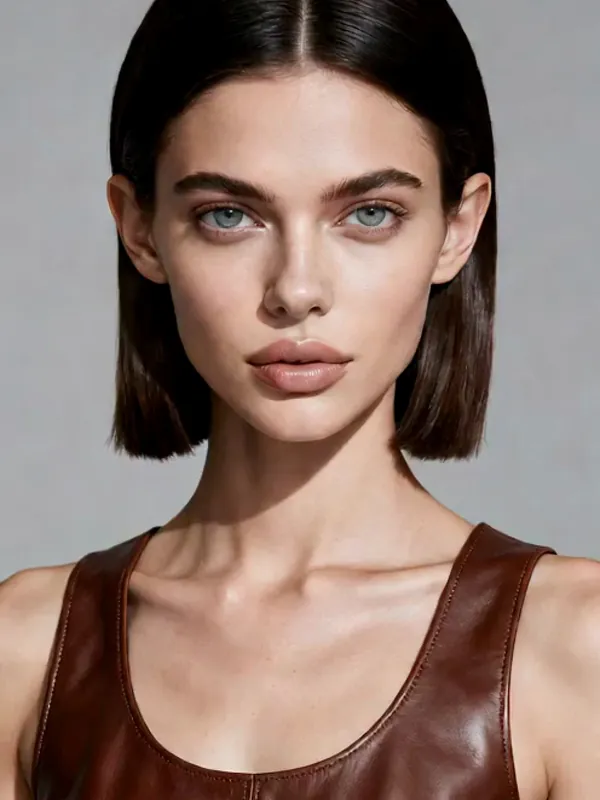
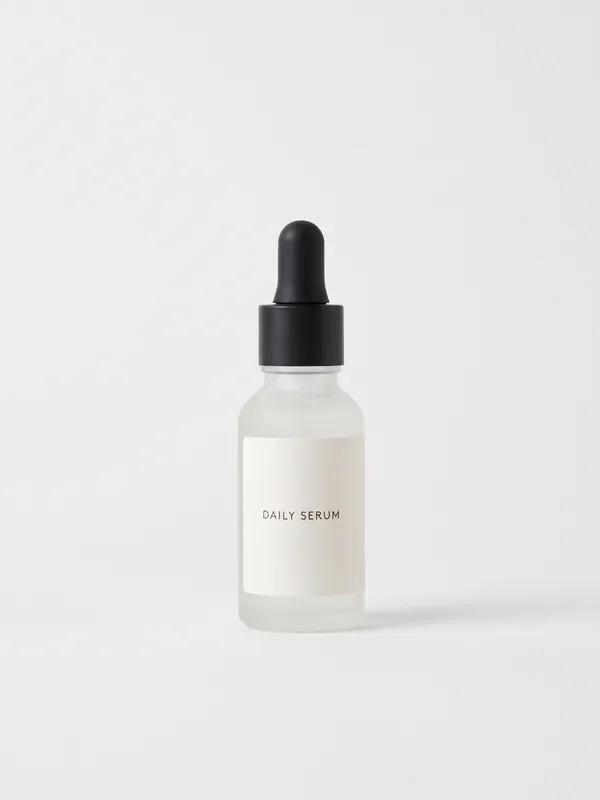
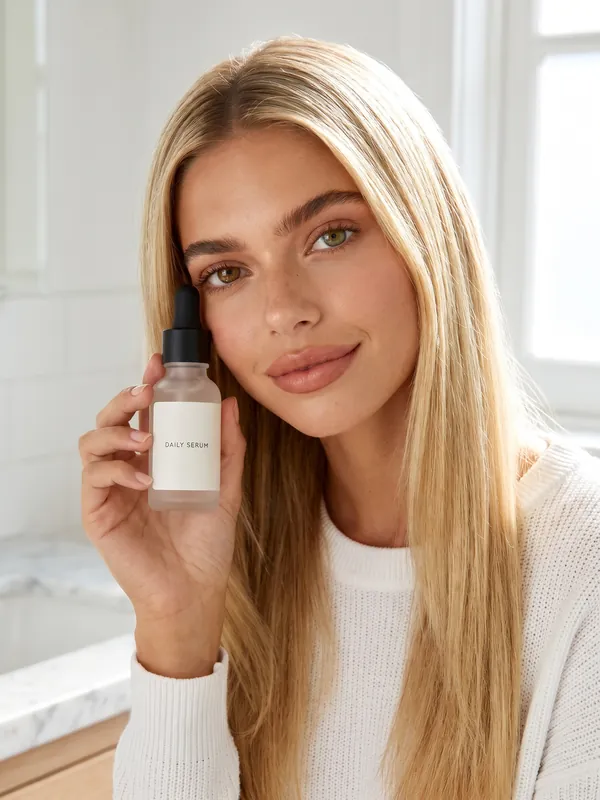
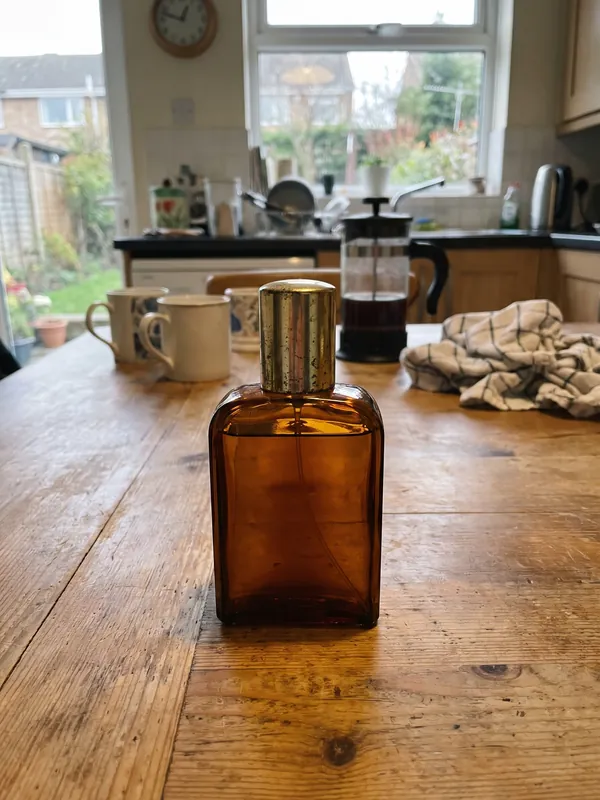
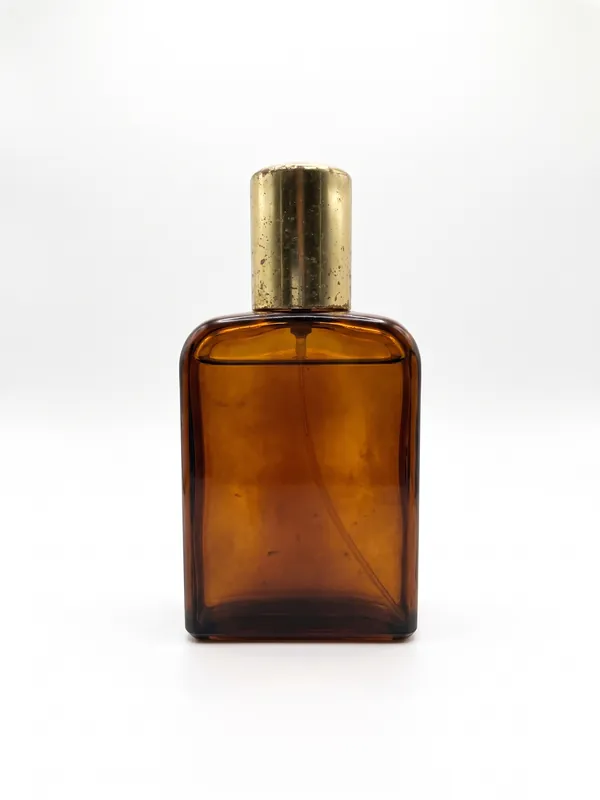
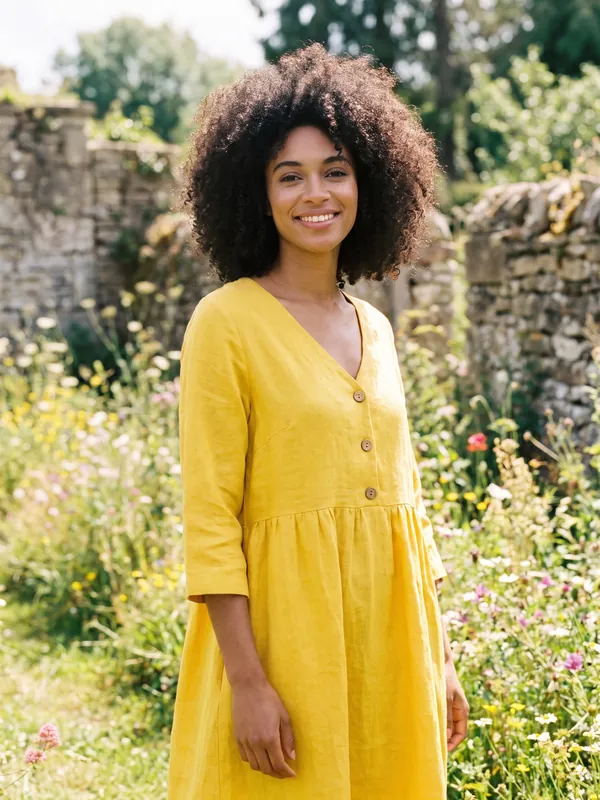
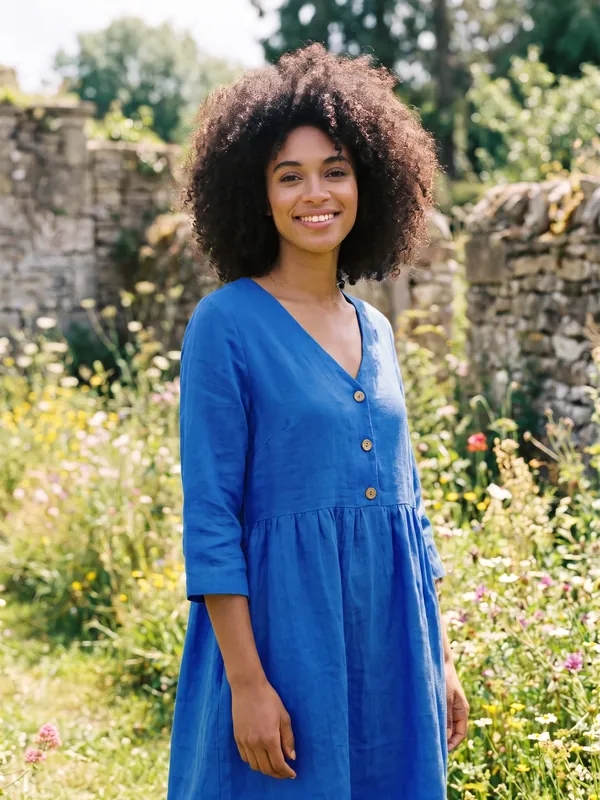
Can ChatGPT make product photos and videos for a brand?
Yes, with the Aiphoria connector added. ChatGPT then works from your own product photo, so the product in the result is the real one, and it can use the same model in every picture.
Key takeaways
The connector lets ChatGPT work from your real product photo.
The same saved model can appear in every result.
ChatGPT can run a whole workflow, not only one picture.
What you need
3
A ChatGPT account
An Aiphoria account
Your product photo
Step by step
01
Add the connector
Connect Aiphoria to ChatGPT. The Aiphoria in ChatGPT page shows each click.
02
Attach your product photo and ask
For example: show this bottle on a marble counter, on a beach towel and in a gym bag.
03
Agree to the plan
ChatGPT shows what it will run. Say yes and it starts.
04
Ask for the next step
Ask for a video of one of the photos, or the same photo in every post size.
Why use a connector instead of asking ChatGPT to draw it?
A picture drawn from a description shows a product that looks like yours. The connector works from your product photo, so the shape, colour and label come from the real item.