
MCP skillOne-click tool · Garment and product
Try-OnMCP
Your model wearing a garment from a photo. Ask your assistant in plain words and it runs it for you.
Use Aiphoria to run Try-On with these photos and this photo. Show me the plan first, then run it and give me the links.
How to use it in a chat
3 steps- 01Add the Aiphoria connector to Claude or ChatGPT. It takes about a minute.
- 02Ask in plain words, and attach what it needs. For example: "Use Aiphoria to run Try-On with these photos and this photo."
- 03The assistant shows its plan. Say yes, and it runs it and gives you the link to the result.
What the assistant needs
4- Photosa photo, up to 12 at once
- Garmenta photo
- More pieces of the outfita photo (optional)
- Extra notesa few words (optional)
Prefer to click? Try-On as a one-click tool does the same job in the app.
More agent skills7
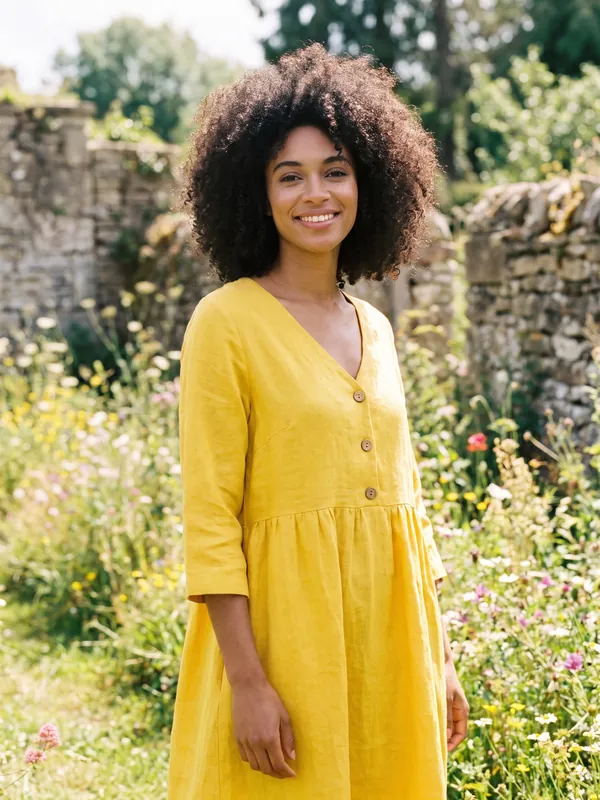
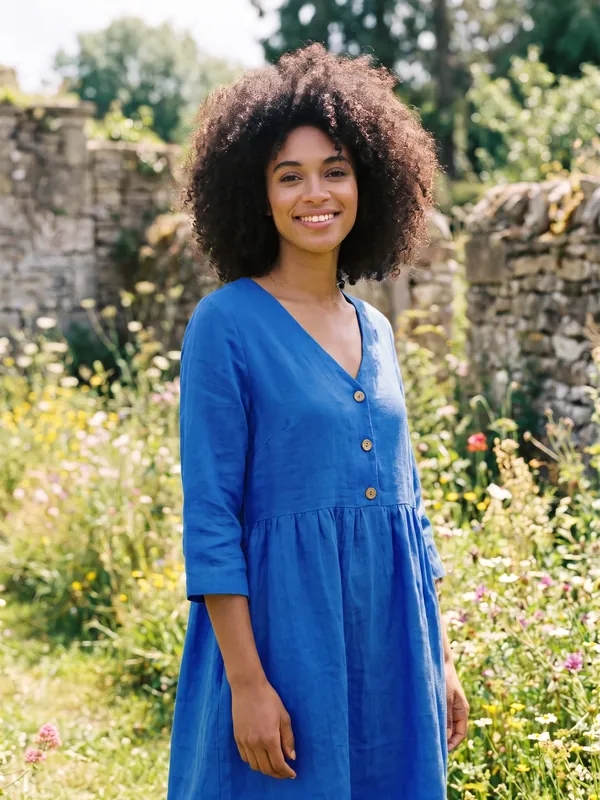
cobalt blue 

a poppy print from a second picture 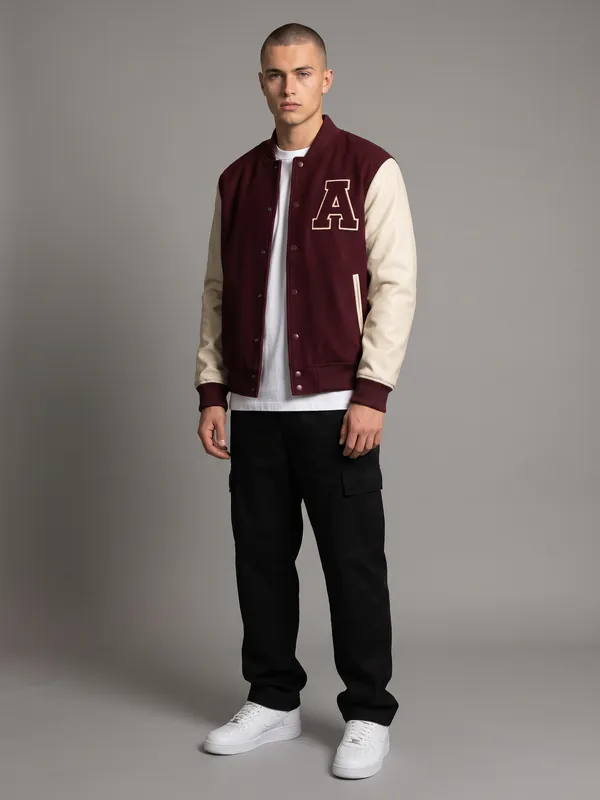
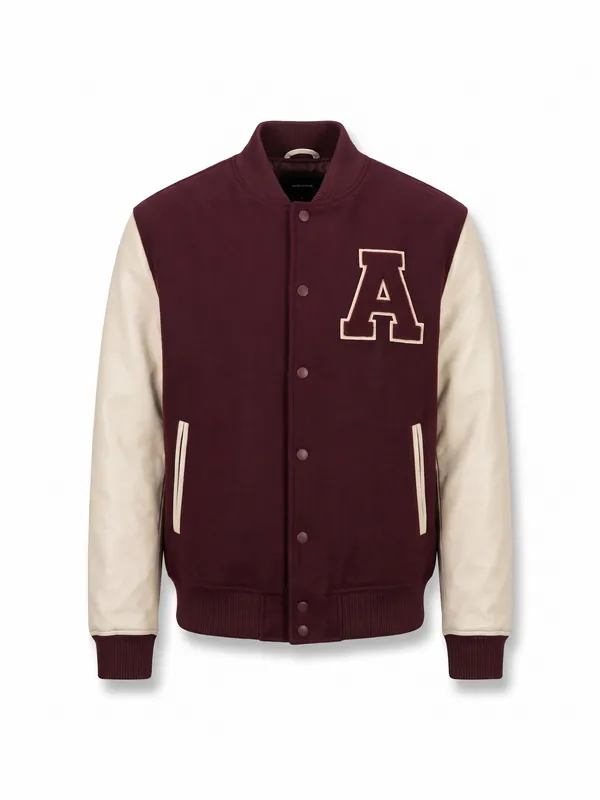
- T16Product SpinT16Product SpinA product turning once all the way round, from one photo.

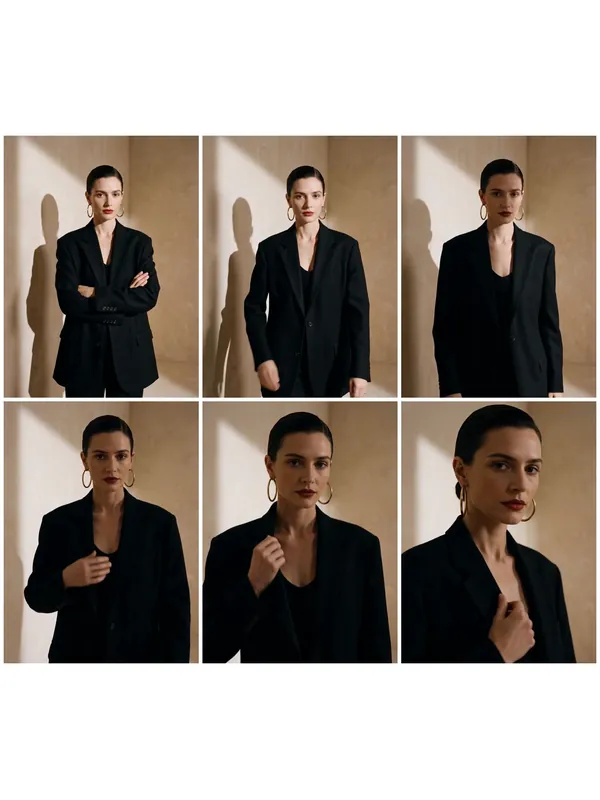
a sheet of 6 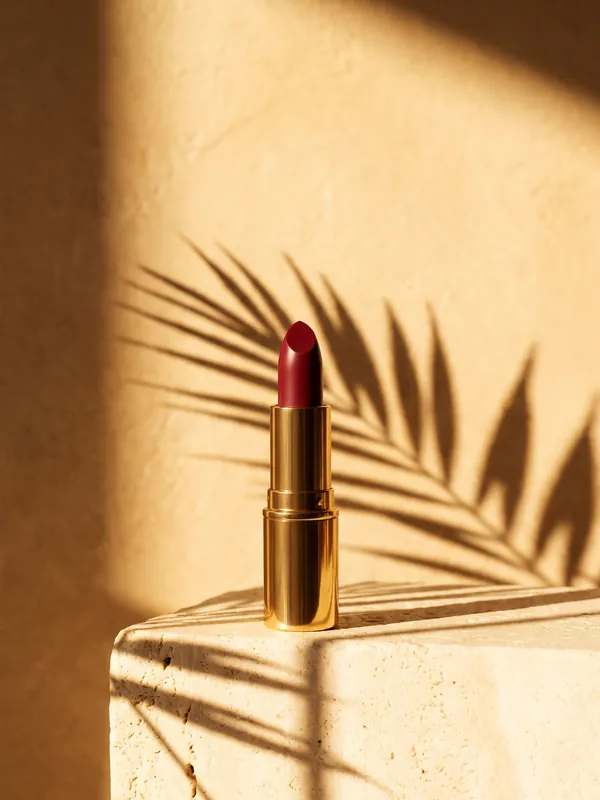
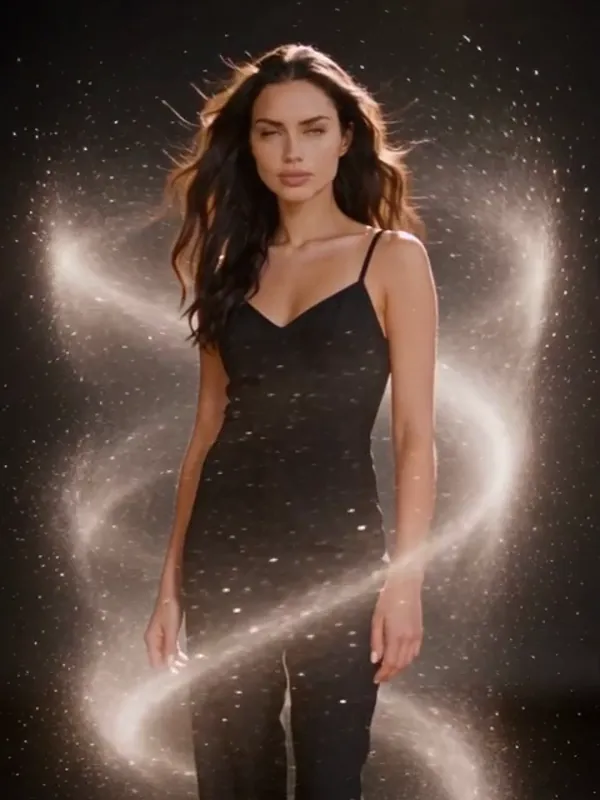
Questions about Try-On in a chat
Can an AI agent run Try-On?+
Yes. With the Aiphoria connector added, Claude or ChatGPT runs Try-On for you: Your model wearing a garment from a photo.
Which assistants does it work with?+
Claude and ChatGPT, through the Aiphoria connector. Once added, you ask in the chat and the assistant uses Aiphoria as one of its tools.
How do I give it my photos?+
Attach them to the chat. The assistant uploads them to Aiphoria first, then uses them in the run.
Where do the results go?+
The assistant gives you the links in the chat, and the same results are saved in your Aiphoria library.
Can the assistant join this with other steps?+
Yes. It can write a workflow where one result feeds the next, show you the plan, and run it after you agree.
How many photos can I do at once?+
Up to 12 in one run. Each one gets its own result.
What do I need to use Try-On?+
Photos: a photo, up to 12 at once. Garment: a photo. More pieces of the outfit: a photo (optional). Extra notes: a few words (optional).
Can Claude or ChatGPT run Try-On?+
Yes. Add the Aiphoria connector and ask in plain words. The assistant runs Try-On for you and gives you the link to the result.
Where do the results go?+
Into your Aiphoria library, where you can download them or use them in another tool or workflow.
Can I use the results for brand and client work?+
Yes. A subscription includes commercial rights, so the results can go into ads, shops and client work.