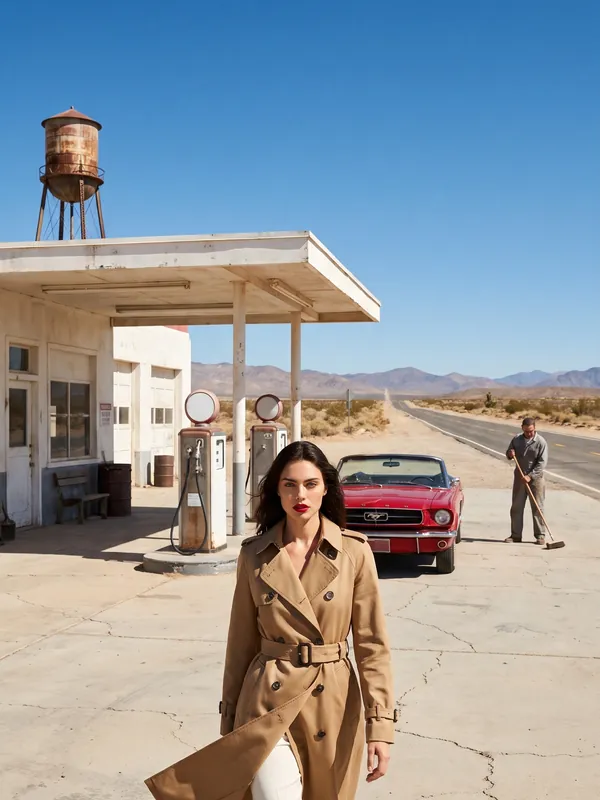
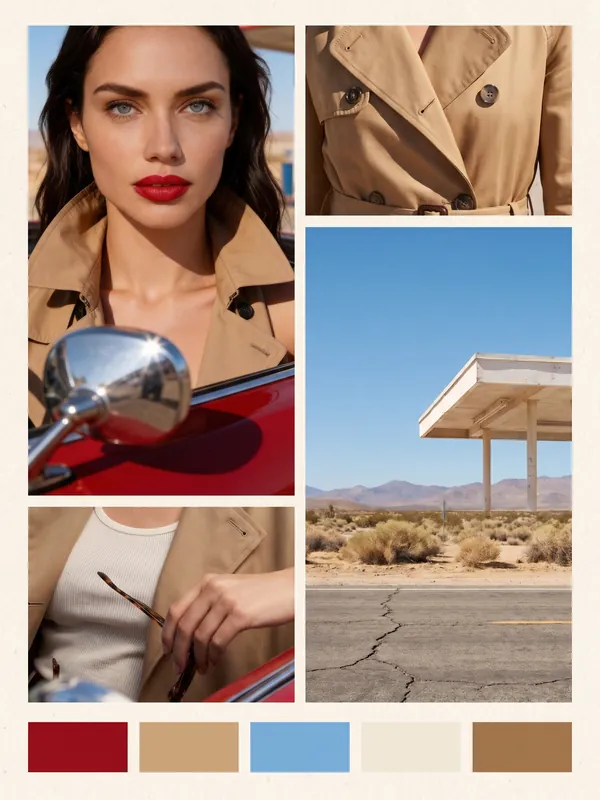
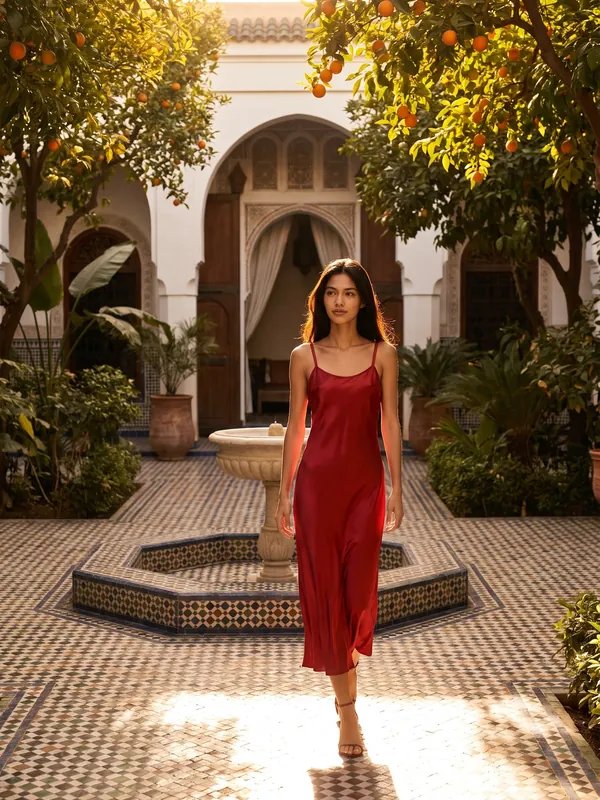
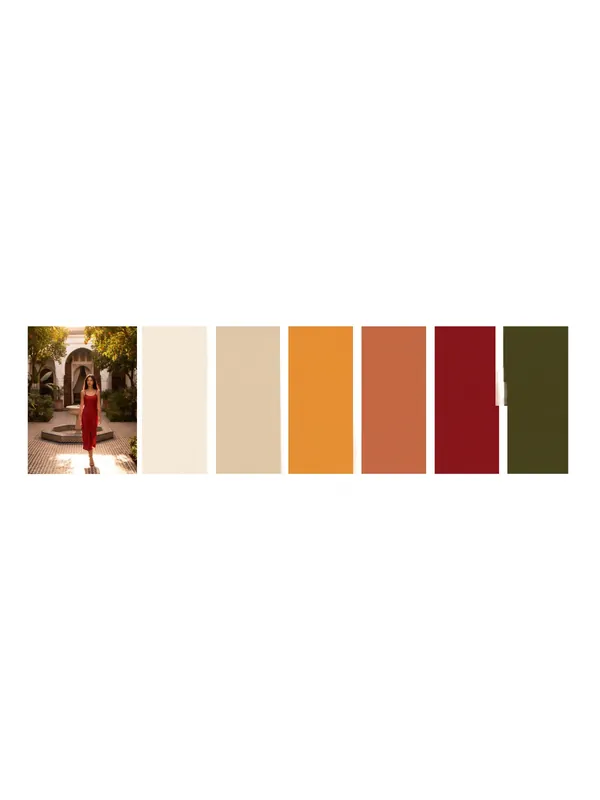
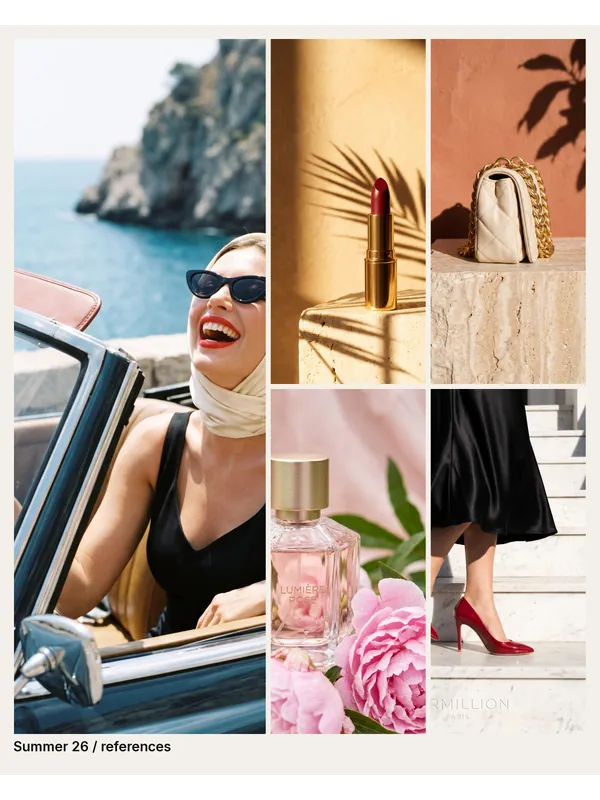
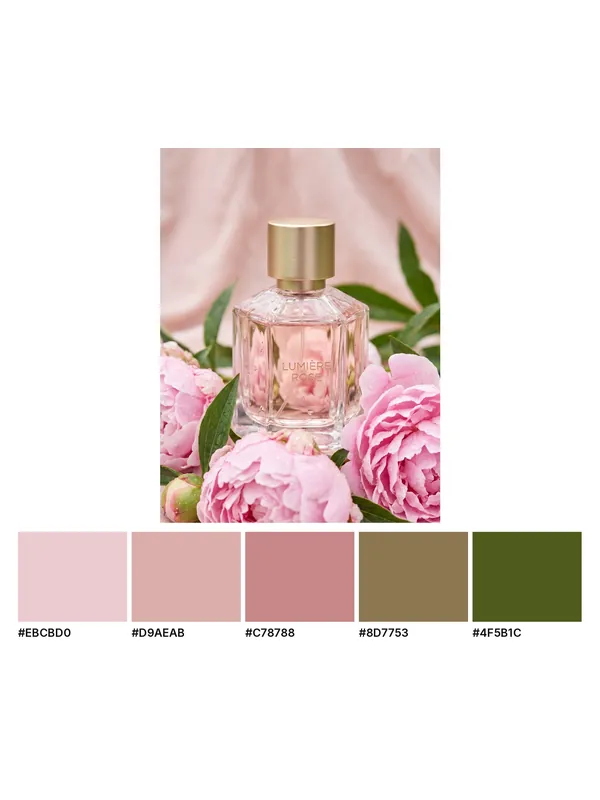
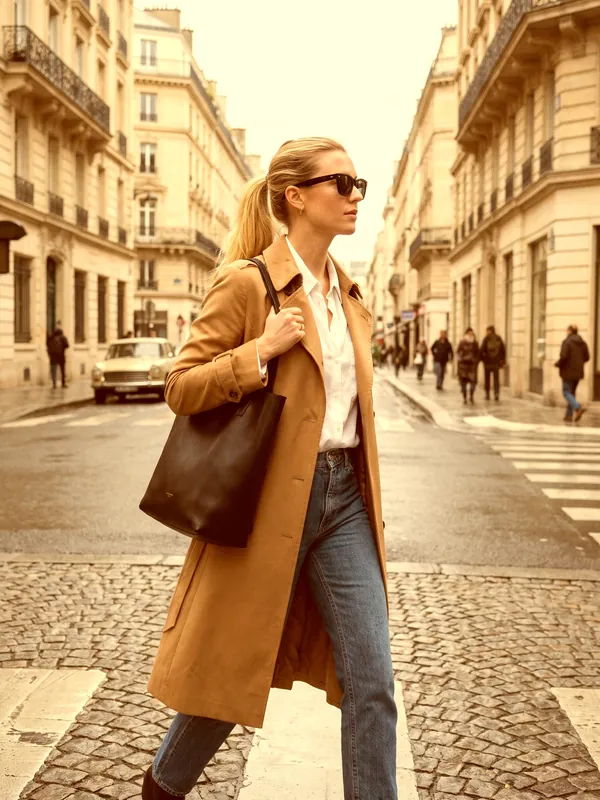
Add a few reference photos to Mood board. It returns one board picture with a colour row. To pull the colours out on their own, Colour palette from a photo lays out the main colours of one picture as a palette card.
Key takeaways
A few reference photos become one finished board.
The palette comes from the real colours of your references.
The same colours can be put onto the final photos later.
What you need
1
A few reference photos
Step by step
01
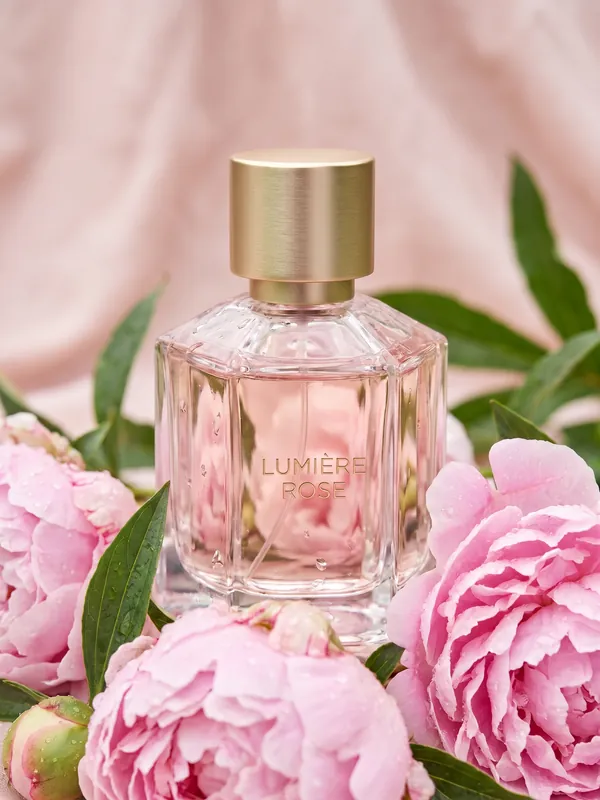
Pick the references
Choose a few photos that share the feeling you want.
02
Run Mood board
You get one board picture with a colour row under it.
03
Pull the palette
Colour Palette shows the real colours of a photo as swatches, each with its exact code.
04
Carry the look into the shoot
Copy the Look puts the colours and contrast of one photo onto another, so the final photos match the board.
What is the difference between the Mood Board tool and the workflow?
The Mood Board tool lays your references out as one board, the first photo large and the rest beside it, with nothing redrawn. The Mood board workflow also adds a colour row.