
T23One-click tool · Background
Colour Background
Your photo on a plain background in any colour, such as your brand colour.
- Goes in
- 2
- Steps
- 1
- At once
- Up to 12
Steps1
- 01Colour Background
How it works
3 steps- 01Add a photo, up to 12 at once.
- 02Write what you want. For example: A colour name or a hex code: warm beige, #F5E6D3.
- 03Press Run. The result lands in your library.
What you need
2- Photosa photo, up to 12 at once
- Background coloura few words
Run it with MCP
Use Aiphoria to run Colour Background with these photos. A colour name or a hex code: warm beige, #F5E6D3. Show me the plan first, then run it and give me the links.
Good for
- Shop and marketplace listings that need a clean, even background
- Putting one product shot into a lifestyle scene for social posts
- Matching a whole catalogue to one look
- Creators who make content for fashion and product brands
- Brands that need more content than their shoots give them
Questions about Colour Background
How many photos can I do at once?+
Up to 12 in one run. Each one gets its own result.
What do I need to use Colour Background?+
Photos: a photo, up to 12 at once. Background colour: a few words.
Can Claude or ChatGPT run Colour Background?+
Yes. Add the Aiphoria connector and ask in plain words. The assistant runs Colour Background for you and gives you the link to the result.
Where do the results go?+
Into your Aiphoria library, where you can download them or use them in another tool or workflow.
Can I use the results for brand and client work?+
Yes. A subscription includes commercial rights, so the results can go into ads, shops and client work.
More tools14
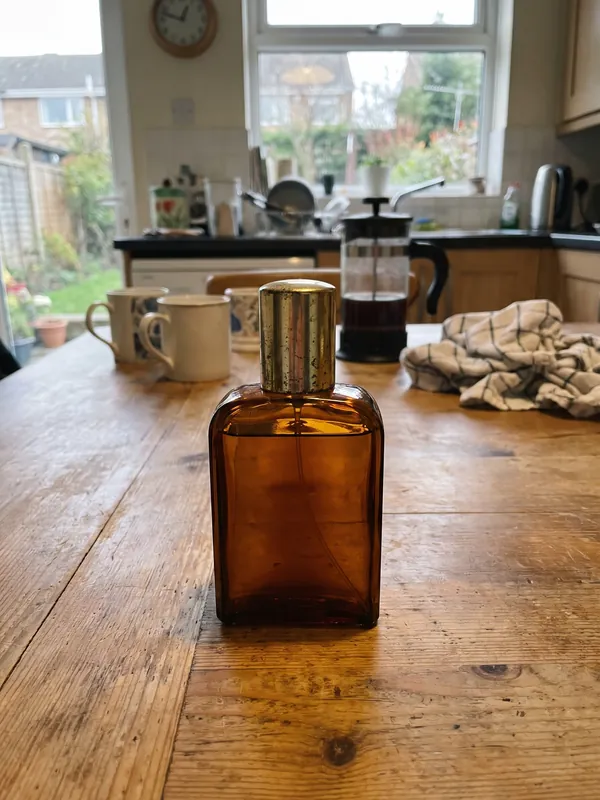
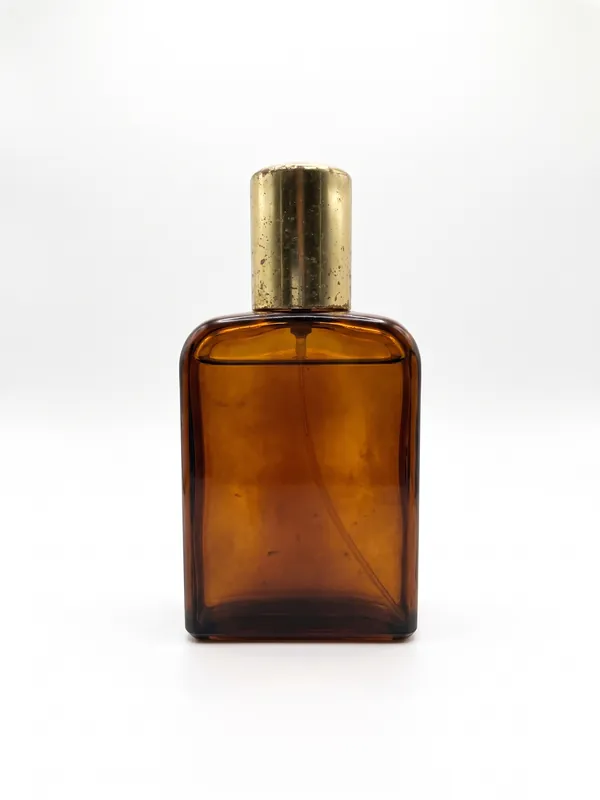


a sunny street in Lisbon 
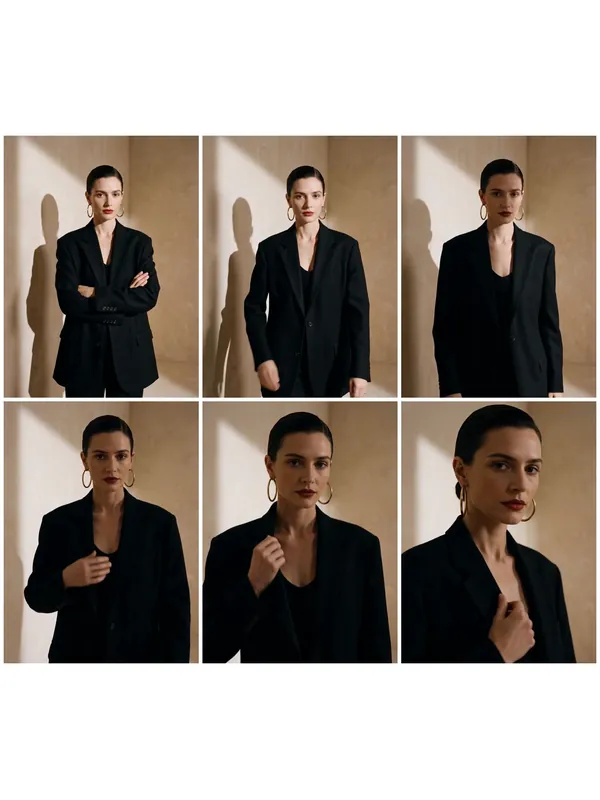
a sheet of 6 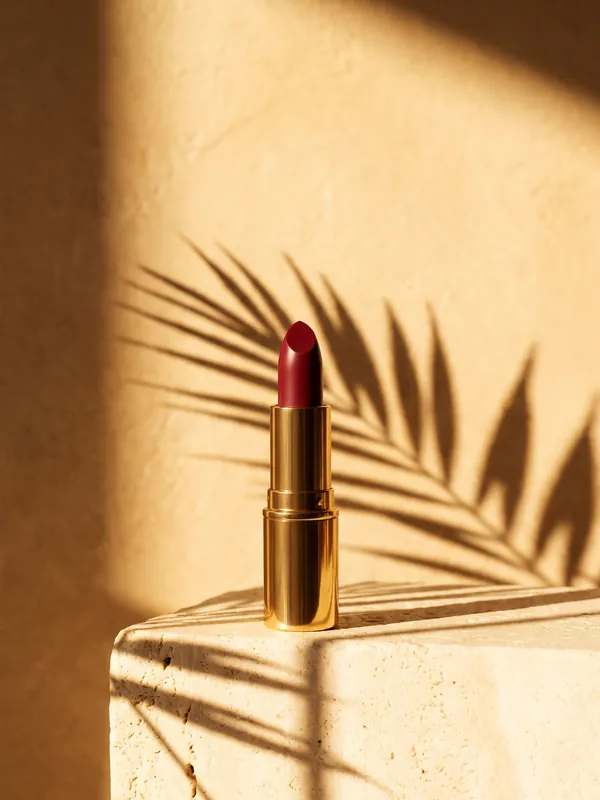


2 seconds of it 

your logo, bottom right 
noir 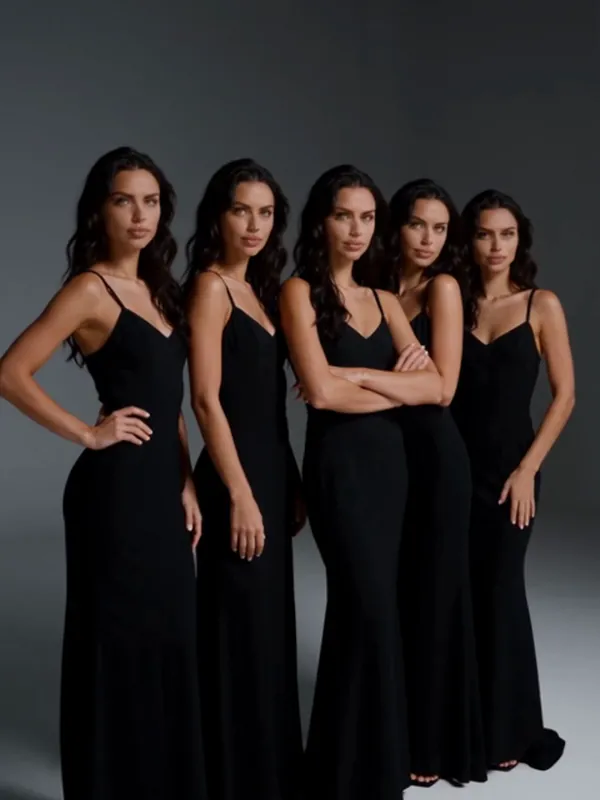
old tape 
half speed 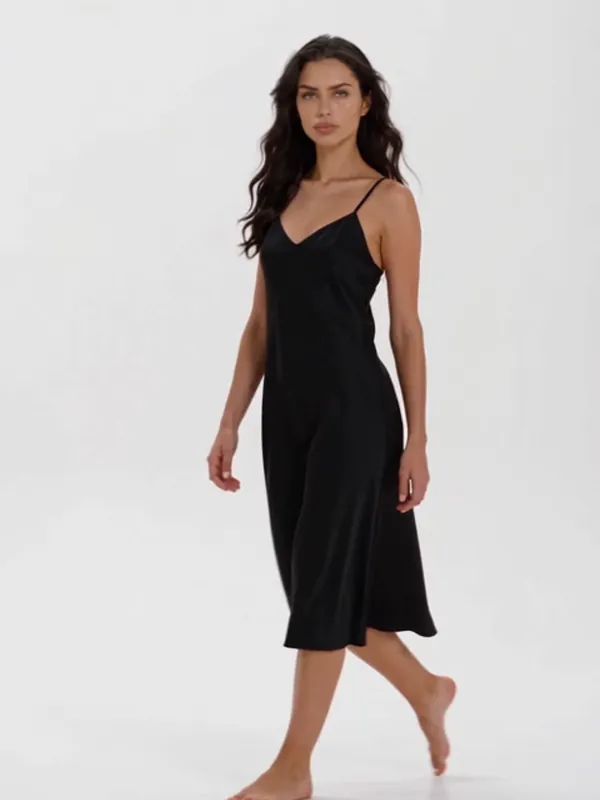
forwards, then back - T11Change LanguageT11Change LanguageA talking video in another language, in the same voice. Pick the language in the tool.
- T12Match the LipsT12Match the LipsMake the lips in a video follow the words of another clip, such as the new-language one.
Ready when you are
Try Colour Background on your own work