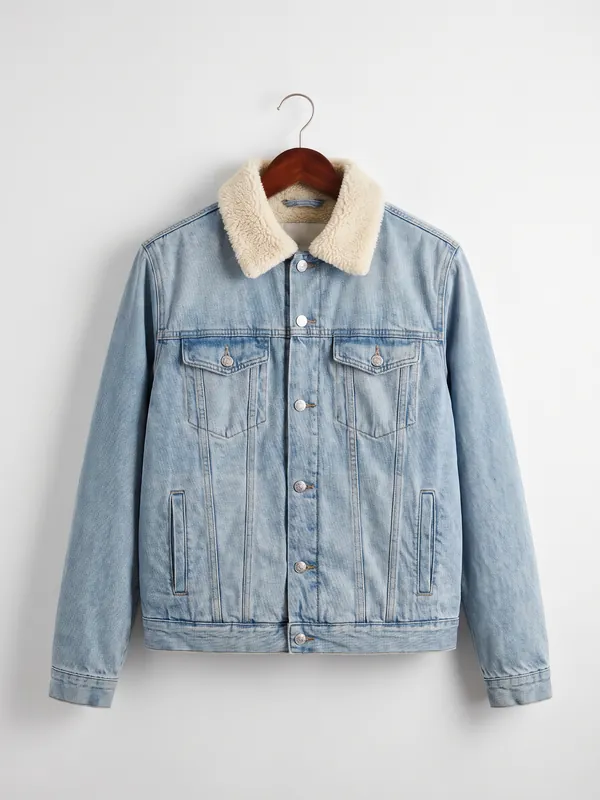
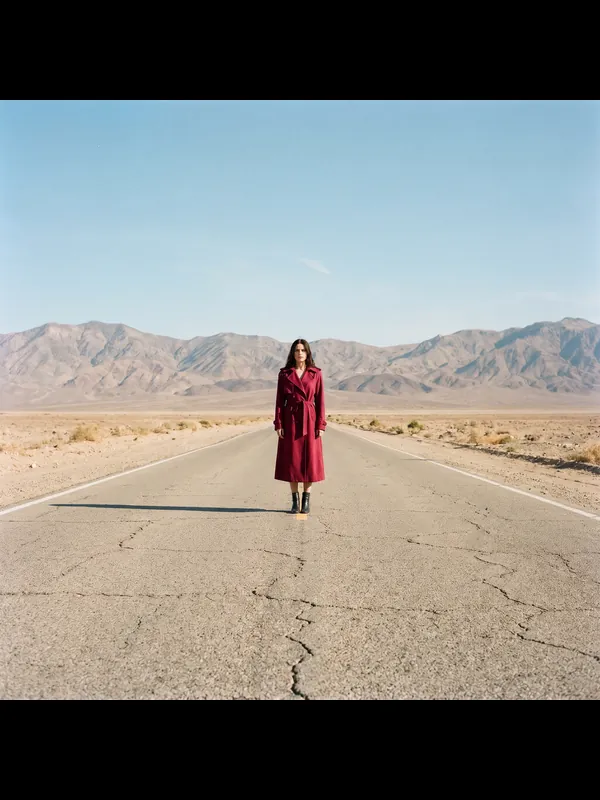
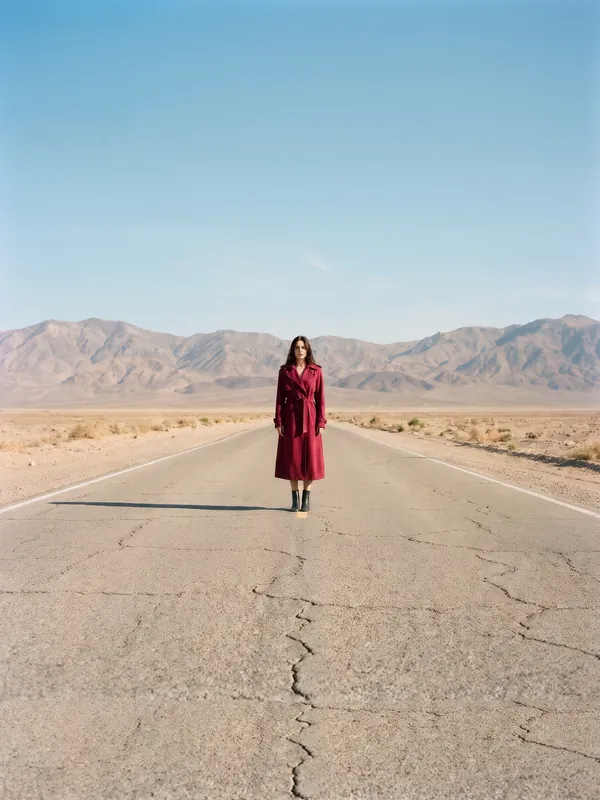
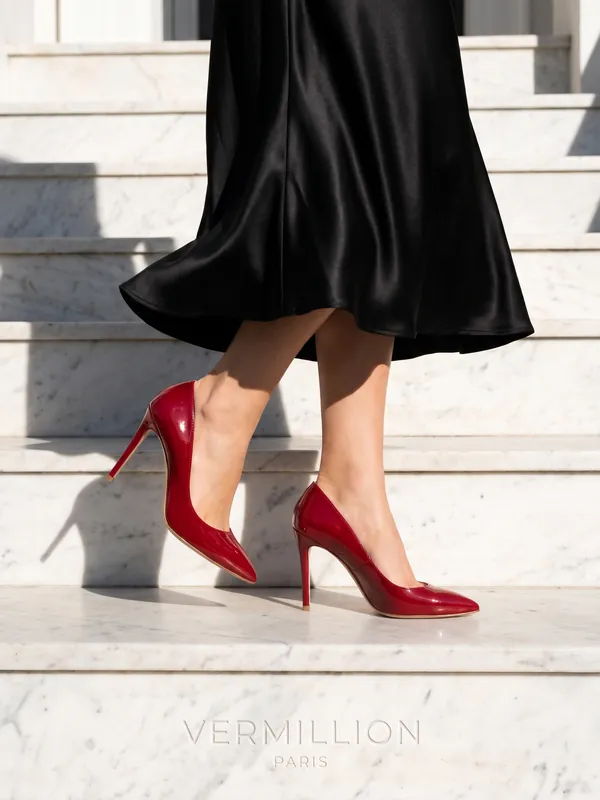
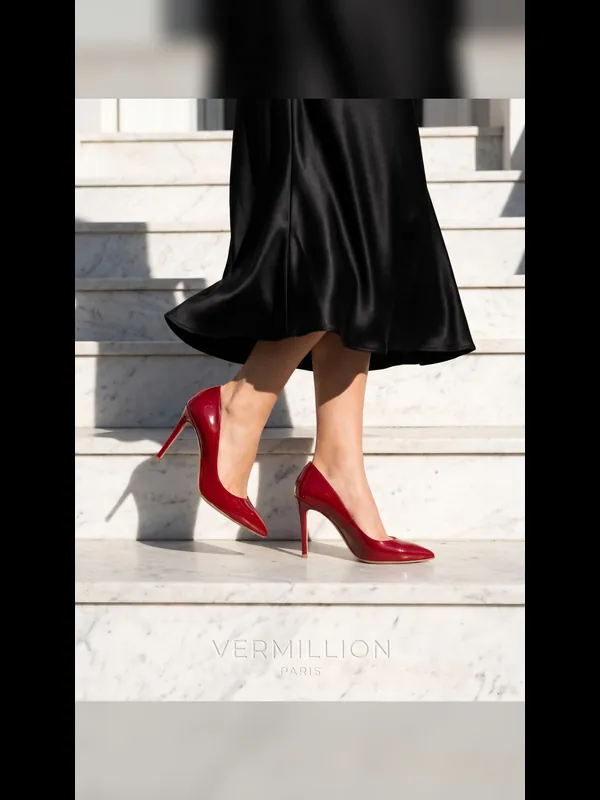
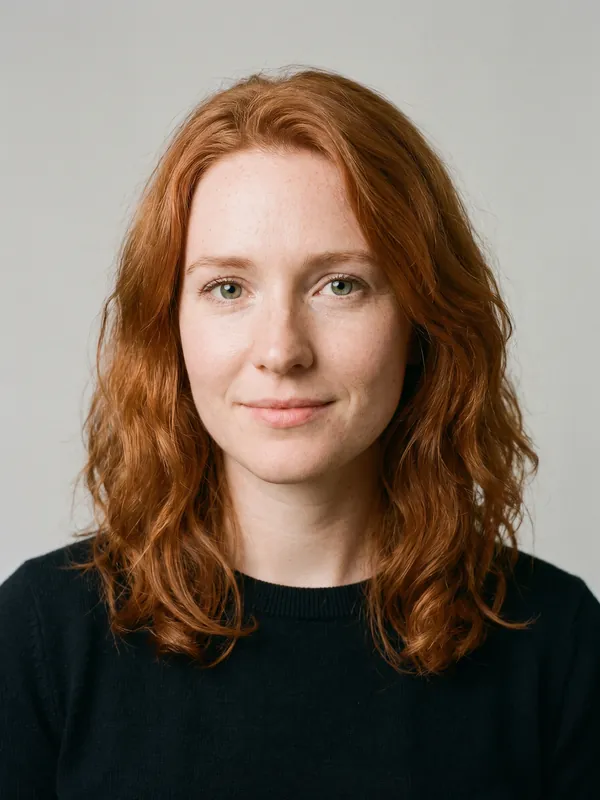
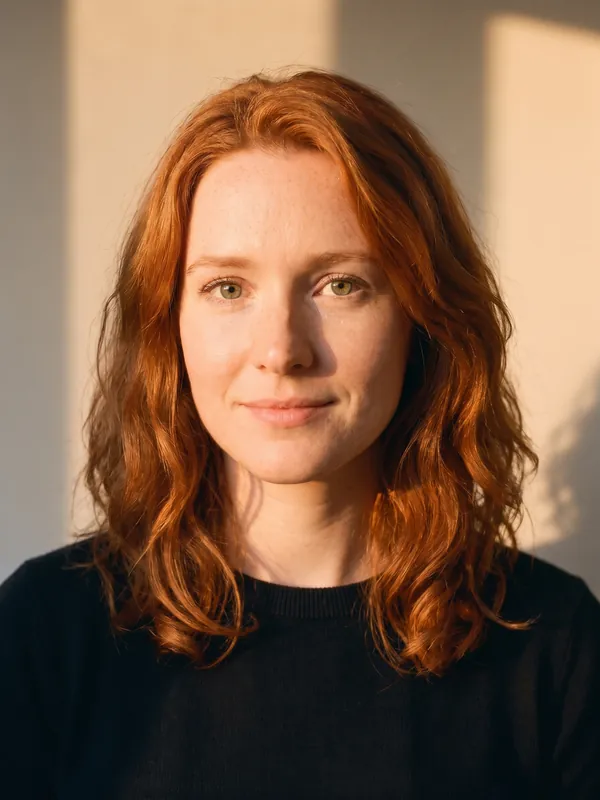
Old or small product photos that a marketplace rejects
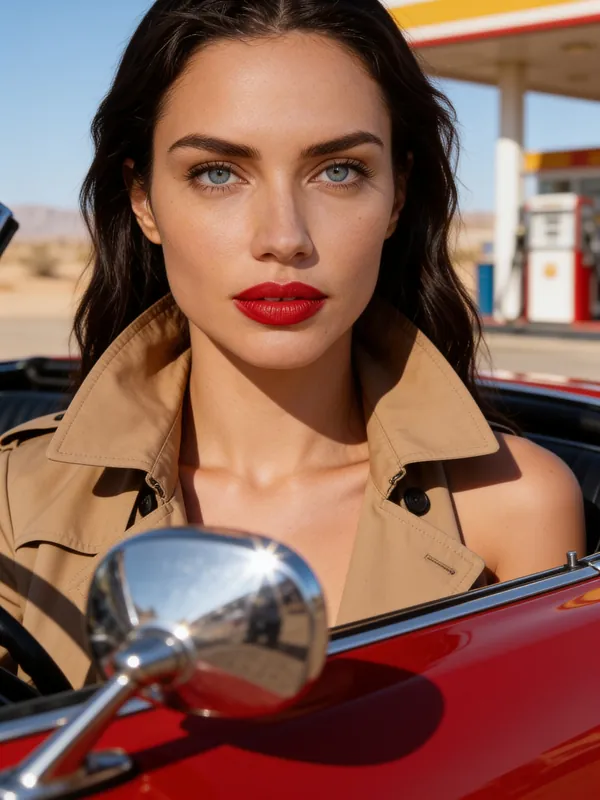
Print: posters, lookbooks and shop windows
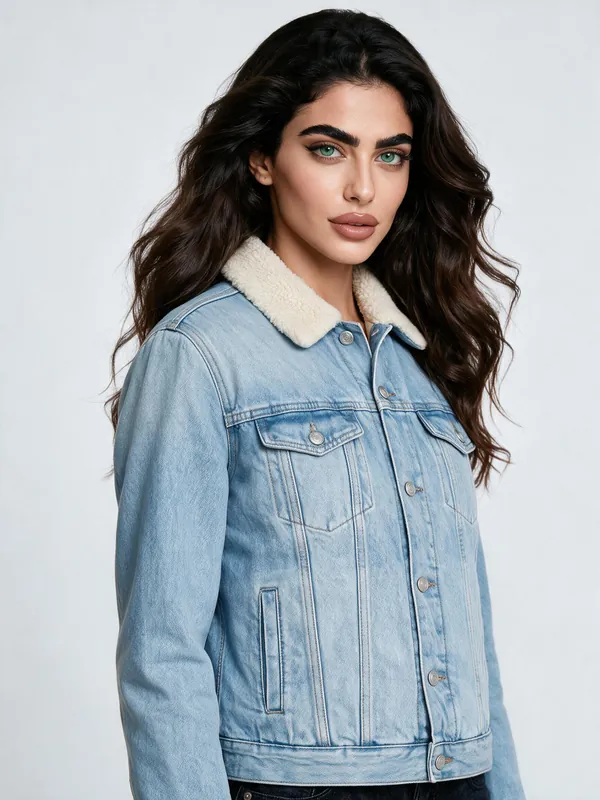
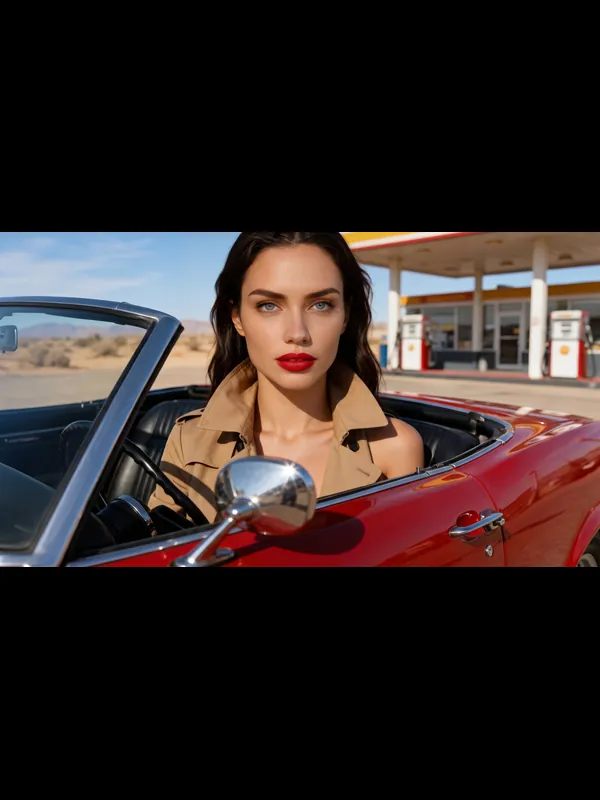
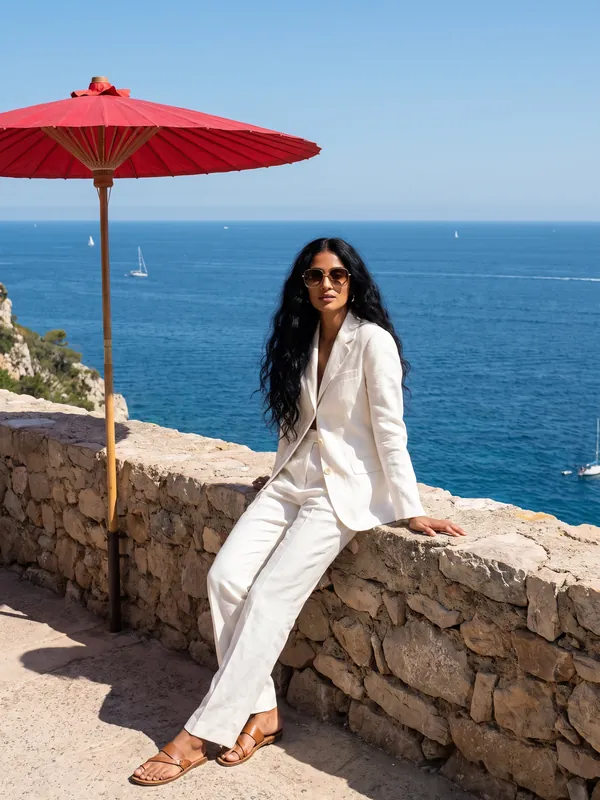
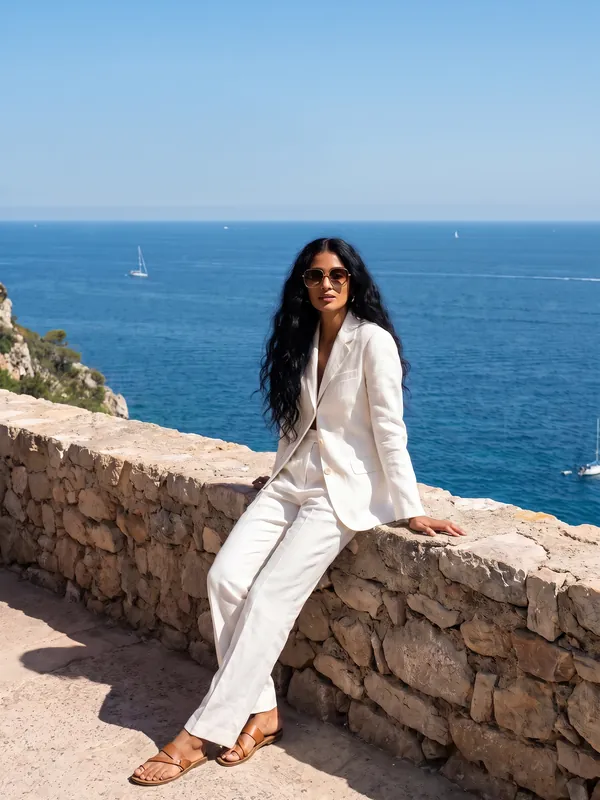
AI photos that need more size before they go into an ad
Questions
Can AI upscale an image without losing quality?+
Yes, within limits. Upscale makes a larger copy and sharpens edges and texture as it goes. A very small or blurry photo comes out larger but cannot gain detail that was never there.
How large can the photo get?+
Up to 4K on the long side. That is enough for a full-screen picture and for most print jobs.
Can I upscale many photos at once?+
Yes. Large for print takes every photo you pick and makes each one large and sharp in one run.
Does it change faces, text or the product?+
It is made to keep them. Small text and fine patterns are the hardest part, so compare them with the original before you print.
Can I do this from Claude or ChatGPT?+
Yes. Add the Aiphoria connector, ask in plain words, and the assistant runs the same tools and workflows and gives you the links to the results.
Can I use the results for brand and client work?+
Yes. A subscription includes commercial rights, so the results can go into ads, shops and client work.