
T17One-click tool · Garment and product
Model Swap
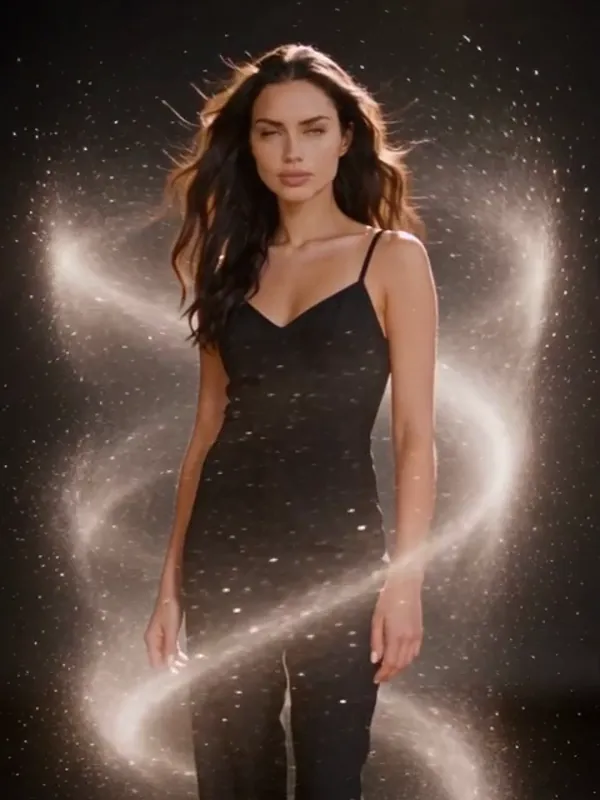
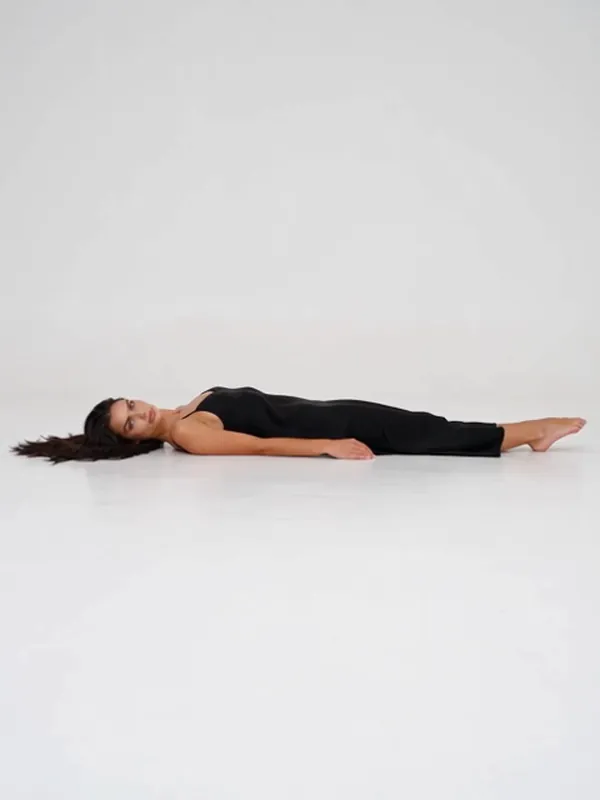
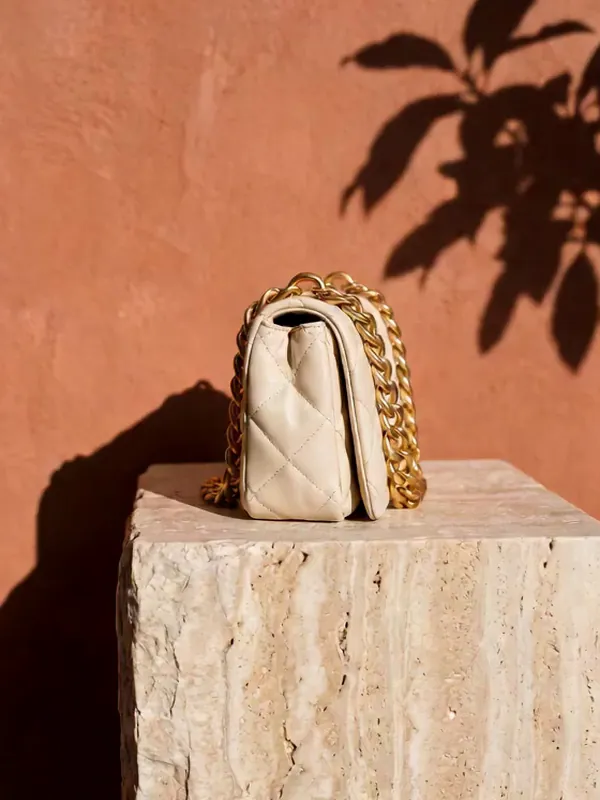
Another model in your on-model photo. The clothes, the pose and the background stay.
- Goes in
- 2
- Steps
- 1
- At once
- Up to 12
Steps1
- 01Model Swap
How it works
3 steps- 01Add a photo, up to 12 at once.
- 02Add model.
- 03Press Run. The result lands in your library.
What you need
2- Photosa photo, up to 12 at once
- Modela model (one of yours or a ready-made one)
Run it with MCP
Use Aiphoria to run Model Swap with these photos and my model. Show me the plan first, then run it and give me the links.
Good for
- Showing one product in every colour before it is made
- Catalogue and marketplace shots with no studio day
- Brand content that keeps the garment exactly as it is
- Creators who make content for fashion and product brands
- Brands that need more content than their shoots give them
Questions about Model Swap
How many photos can I do at once?+
Up to 12 in one run. Each one gets its own result.
Do I need my own model?+
No. Use one of the ready-made models, or make your own from a few photos and use the same face in every result.
What do I need to use Model Swap?+
Photos: a photo, up to 12 at once. Model: a model (one of yours or a ready-made one).
Can Claude or ChatGPT run Model Swap?+
Yes. Add the Aiphoria connector and ask in plain words. The assistant runs Model Swap for you and gives you the link to the result.
Where do the results go?+
Into your Aiphoria library, where you can download them or use them in another tool or workflow.
Can I use the results for brand and client work?+
Yes. A subscription includes commercial rights, so the results can go into ads, shops and client work.
More tools14
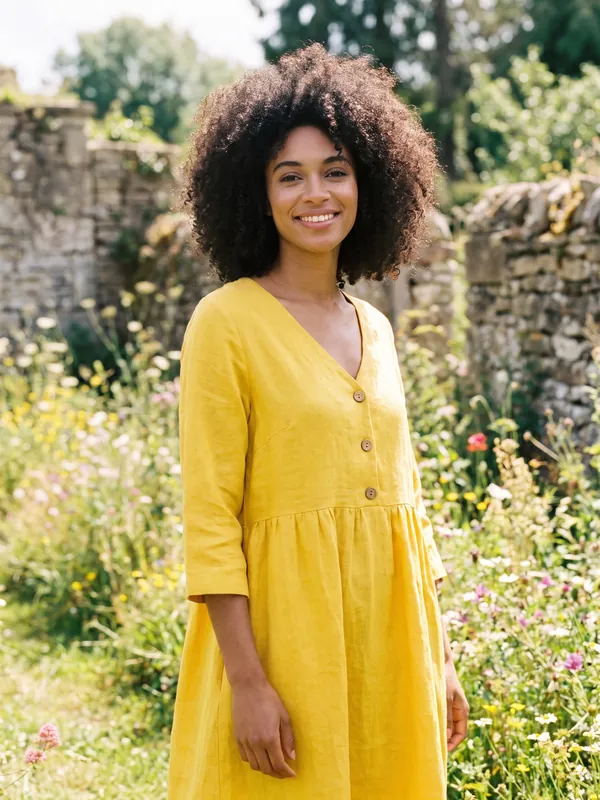
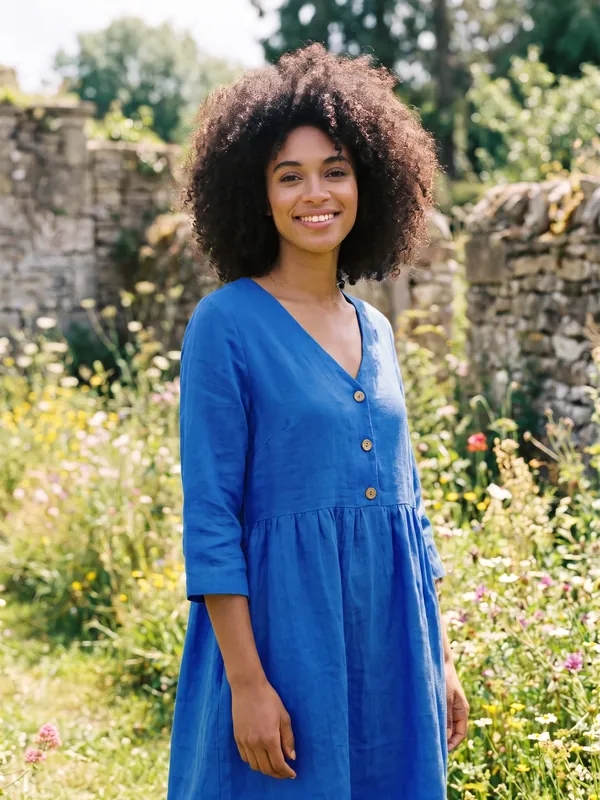
cobalt blue 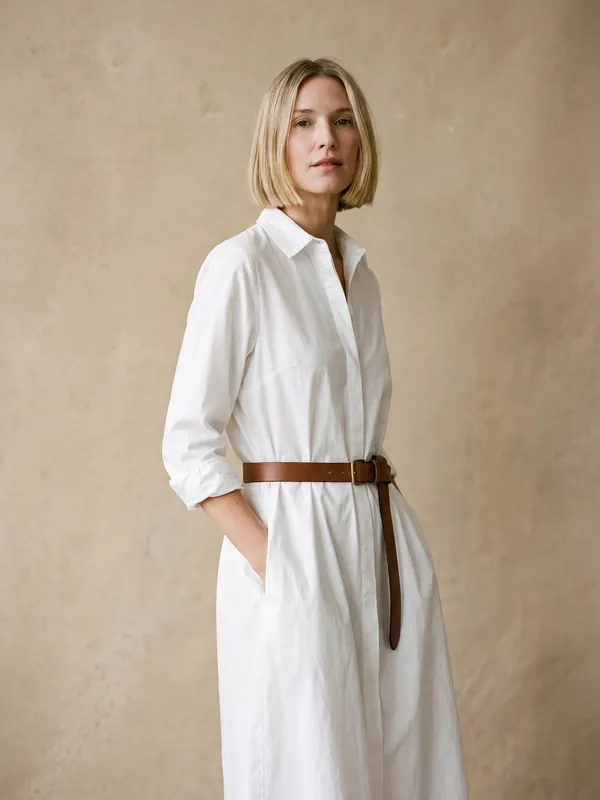
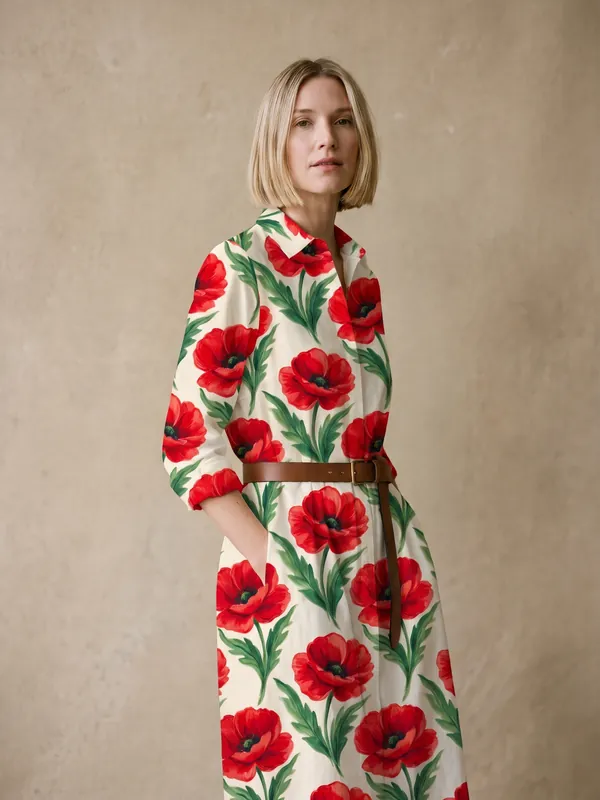
a poppy print from a second picture 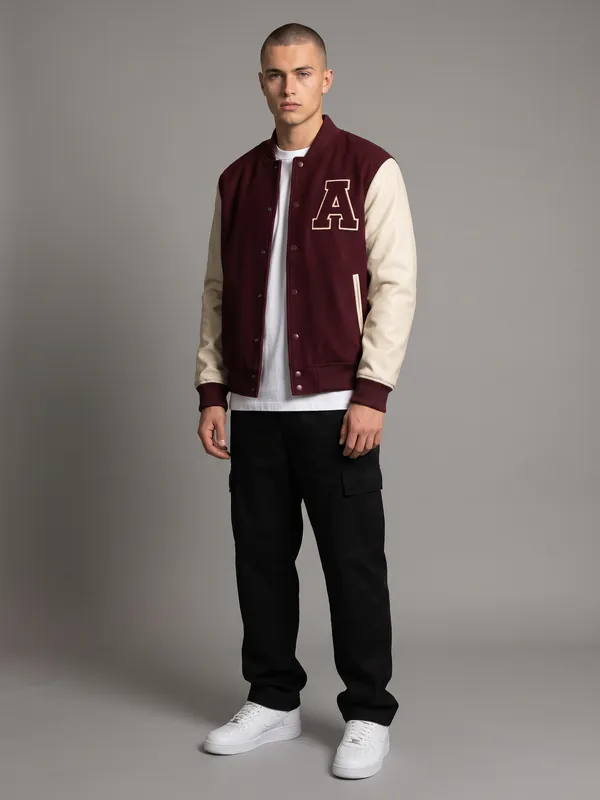
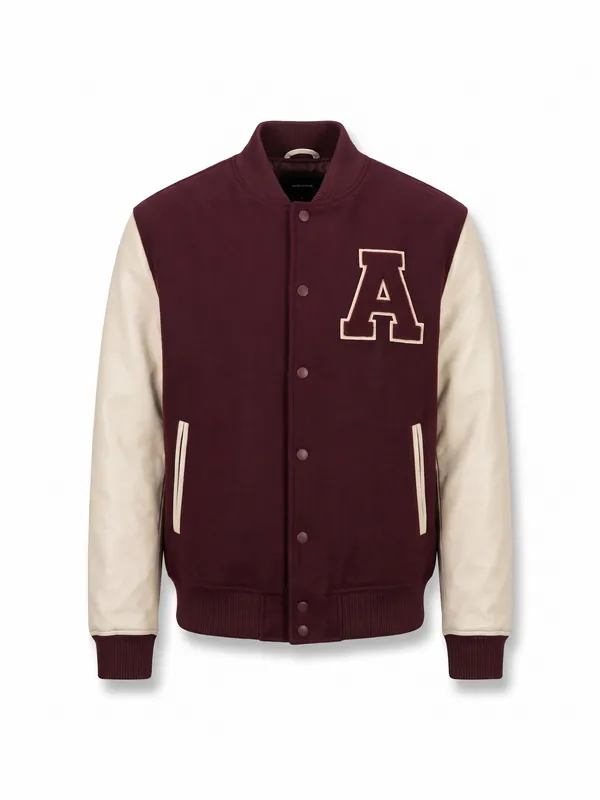
- T16Flat LayT16Flat LayA clean flat lay of a garment on white, from a photo of it worn, hung or on a mannequin.
- T18On a ModelT18On a ModelYour flat lay or mannequin photos on a model. Add up to 6 sides of one garment, or drop the photos of many products: files named by SKU (1234-front.jpg, 1234-back.jpg) are grouped, one result for each product.
- T19Product SpinT19Product SpinA product turning once all the way round, from one photo.
- T20Try-OnT20Try-OnYour model wearing a garment from a photo, on a plain background or in a place you choose.

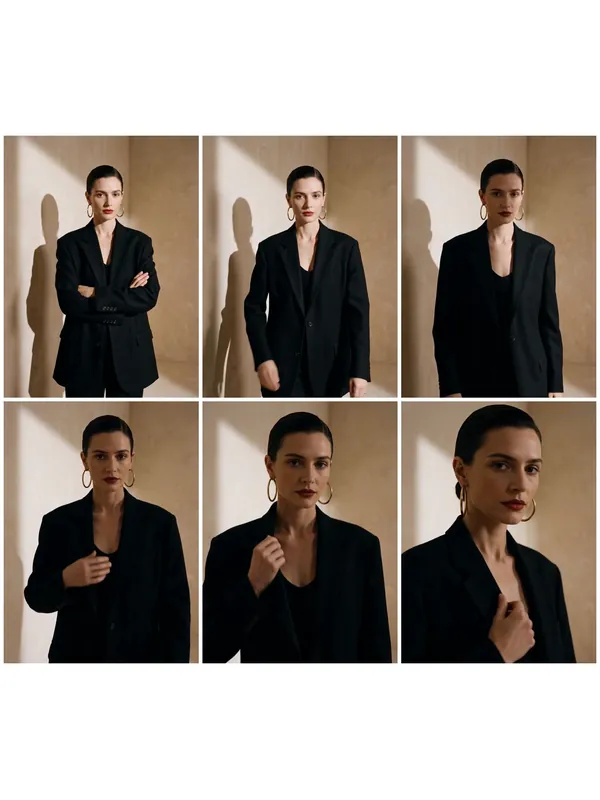
a sheet of 6 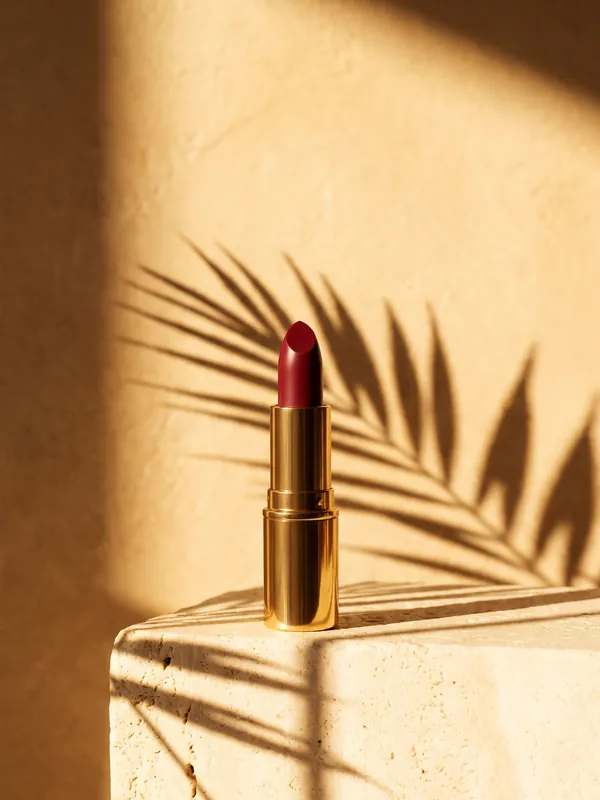
2 seconds of it 
your logo, bottom right 
noir
Ready when you are
Try Model Swap on your own work