
T18One-click tool · Garment and product
On a Model
Your flat lay or mannequin photos on a model. Add up to 6 sides of one garment, or drop the photos of many products: files named by SKU (1234-front.jpg, 1234-back.jpg) are grouped, one result for each product.
- Goes in
- 2
- Steps
- 1
- At once
- Up to 6
Steps1
- 01On a Model
How it works
3 steps- 01Add a photo, up to 6 at once.
- 02Add model.
- 03Press Run. The result lands in your library.
What you need
2- Photosa photo, up to 6 at once
- Modela model (one of yours or a ready-made one)
Run it with MCP
Use Aiphoria to run On a Model with these photos and my model. Show me the plan first, then run it and give me the links.
Good for
- Showing one product in every colour before it is made
- Catalogue and marketplace shots with no studio day
- Brand content that keeps the garment exactly as it is
- Creators who make content for fashion and product brands
- Brands that need more content than their shoots give them
Questions about On a Model
How many photos can I do at once?+
Up to 6 in one run. Each one gets its own result.
Do I need my own model?+
No. Use one of the ready-made models, or make your own from a few photos and use the same face in every result.
What do I need to use On a Model?+
Photos: a photo, up to 6 at once. Model: a model (one of yours or a ready-made one).
Can Claude or ChatGPT run On a Model?+
Yes. Add the Aiphoria connector and ask in plain words. The assistant runs On a Model for you and gives you the link to the result.
Where do the results go?+
Into your Aiphoria library, where you can download them or use them in another tool or workflow.
Can I use the results for brand and client work?+
Yes. A subscription includes commercial rights, so the results can go into ads, shops and client work.
More tools14
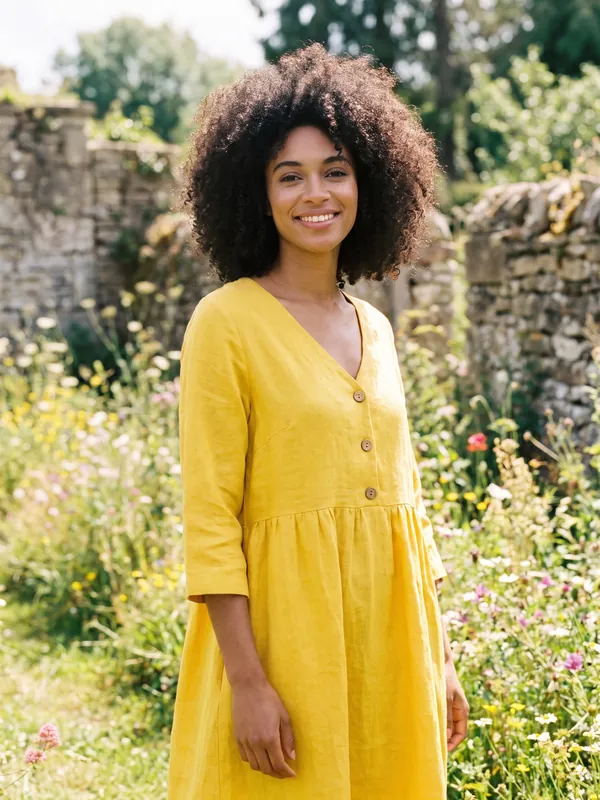
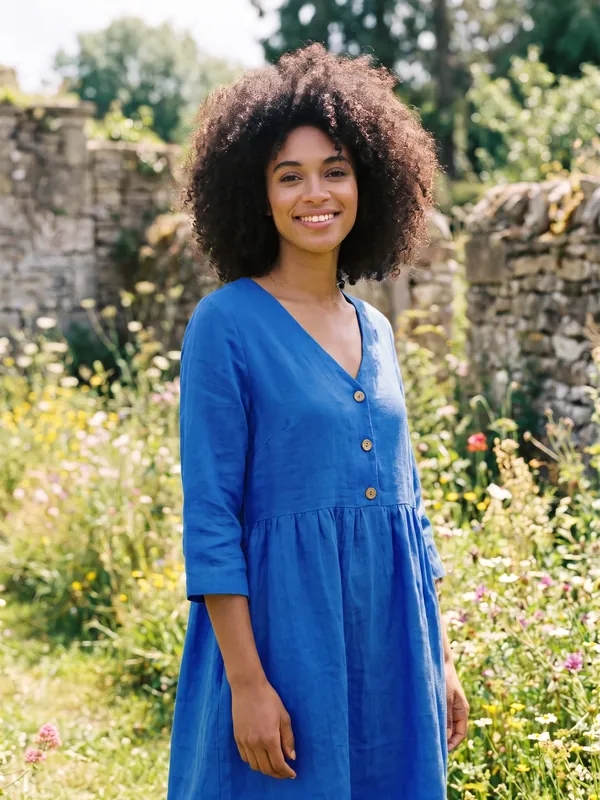
cobalt blue 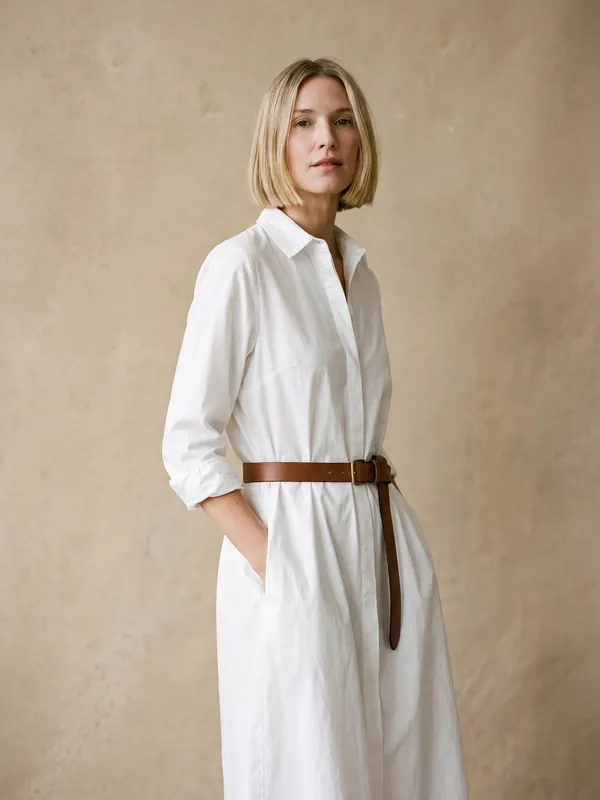
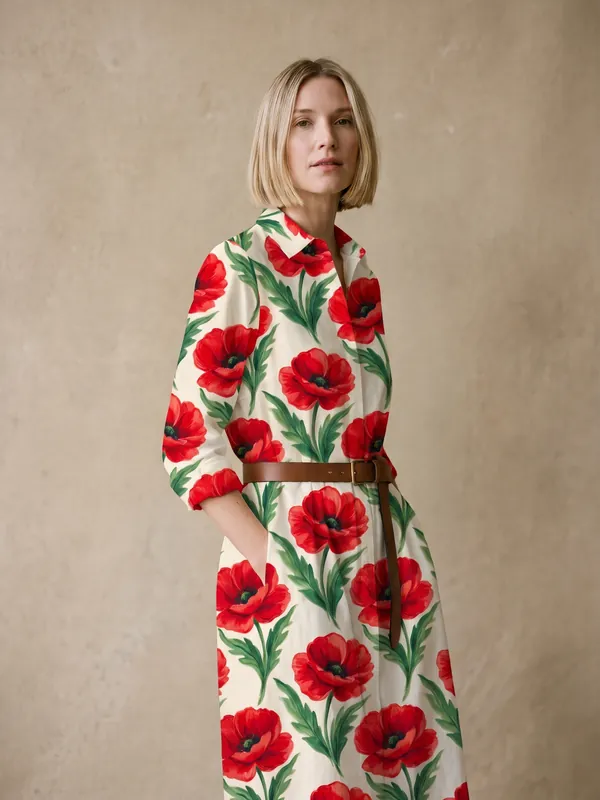
a poppy print from a second picture 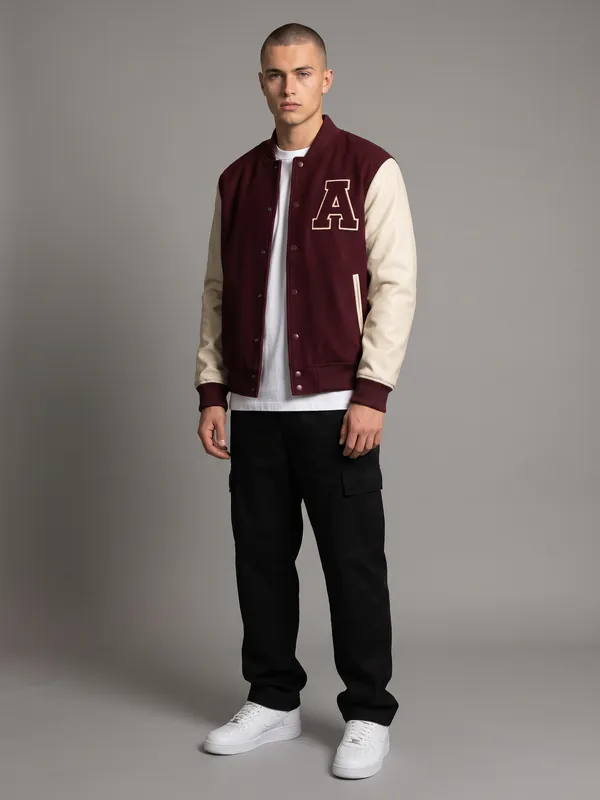
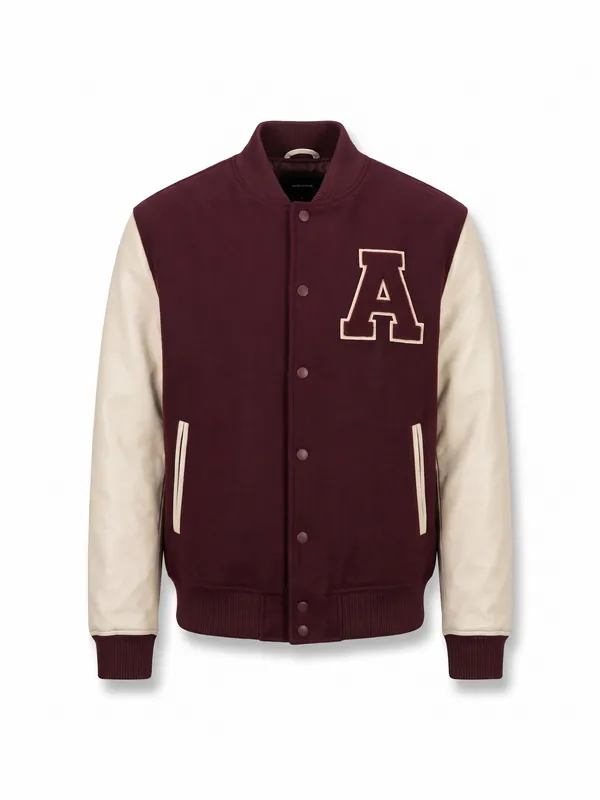
- T16Flat LayT16Flat LayA clean flat lay of a garment on white, from a photo of it worn, hung or on a mannequin.
- T17Model SwapT17Model SwapAnother model in your on-model photo. The clothes, the pose and the background stay.
- T19Product SpinT19Product SpinA product turning once all the way round, from one photo.
- T20Try-OnT20Try-OnYour model wearing a garment from a photo, on a plain background or in a place you choose.
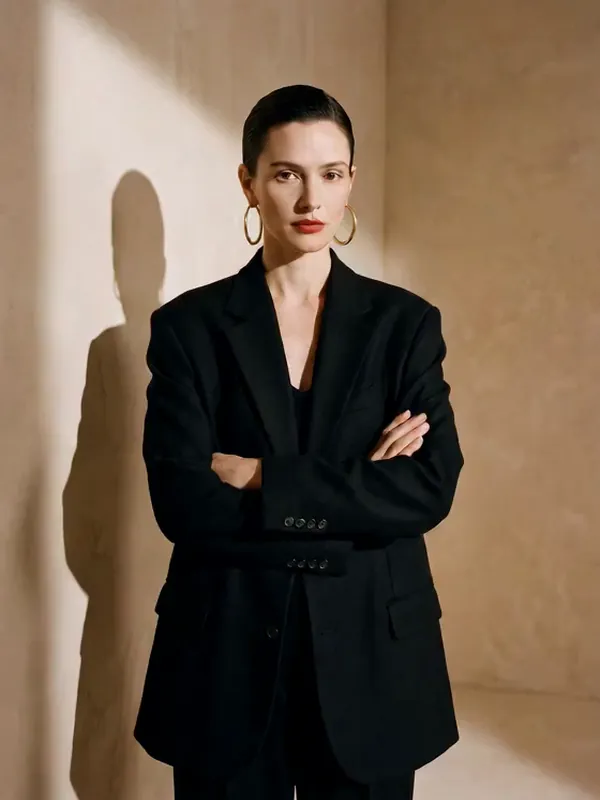
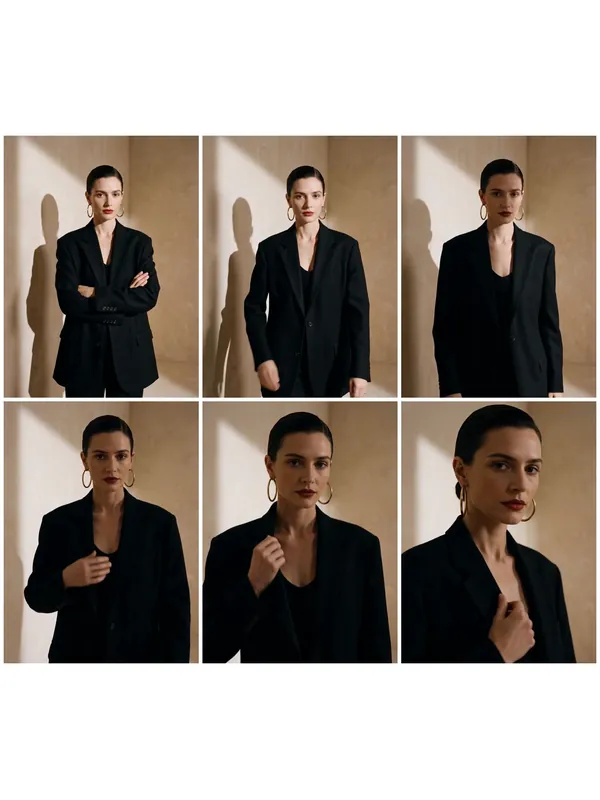
a sheet of 6 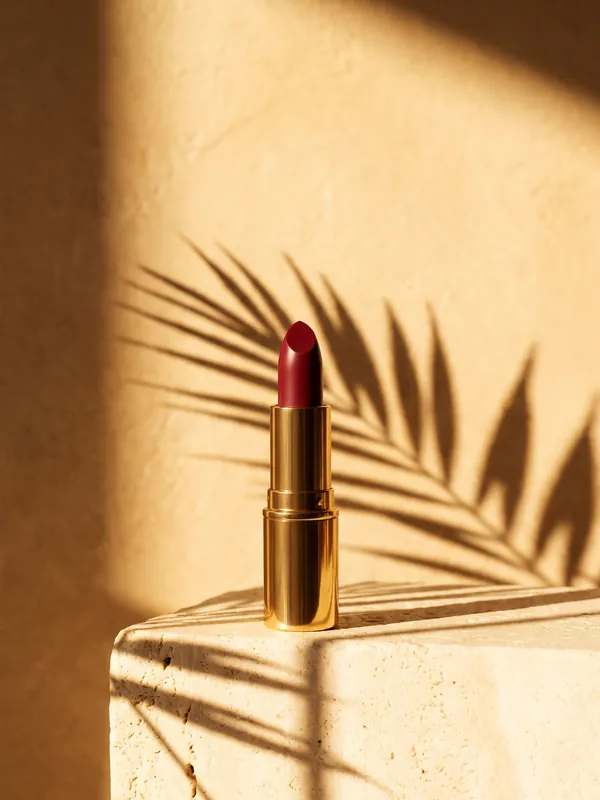
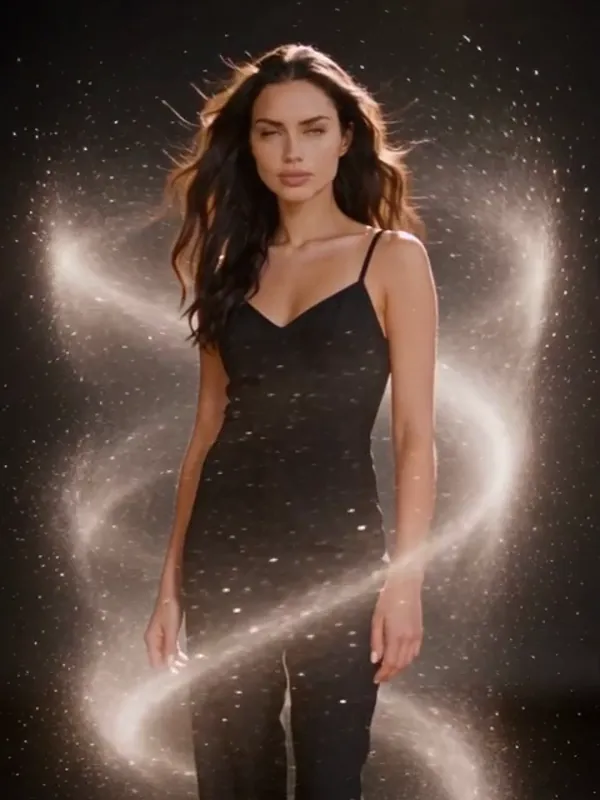
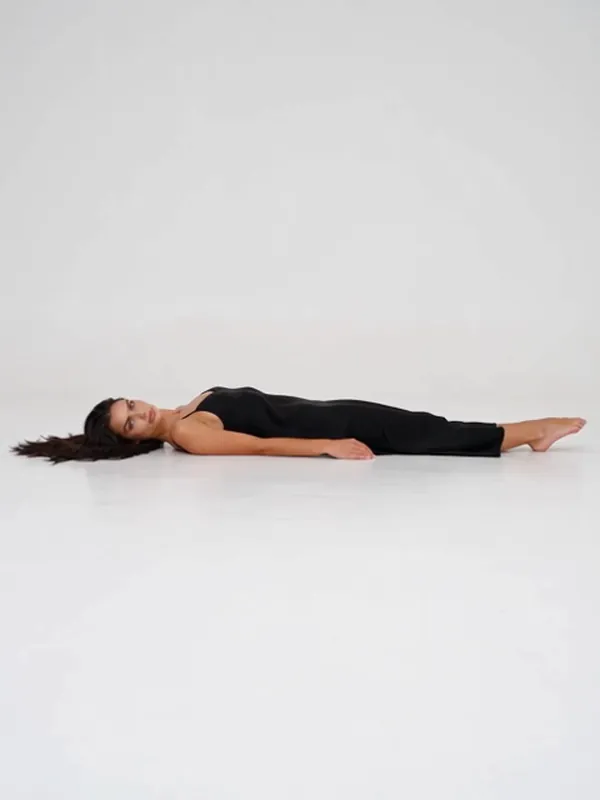
2 seconds of it 
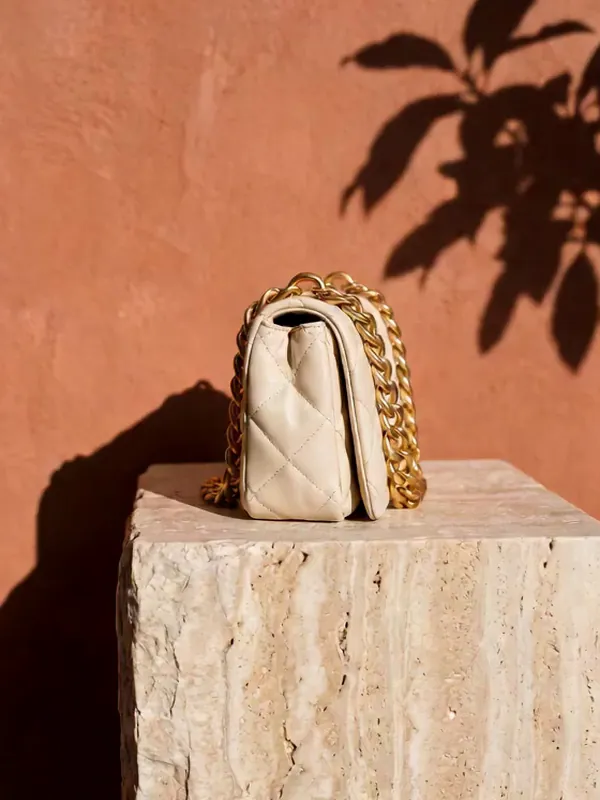
your logo, bottom right 
noir
Ready when you are
Try On a Model on your own work