
What Is a Packshot, and How to Make One with AI from a Phone Photo
What a packshot is, what marketplaces ask for, how to take the source photo on a phone, and how to turn it into clean shots, angles, colours and a spin with AI.
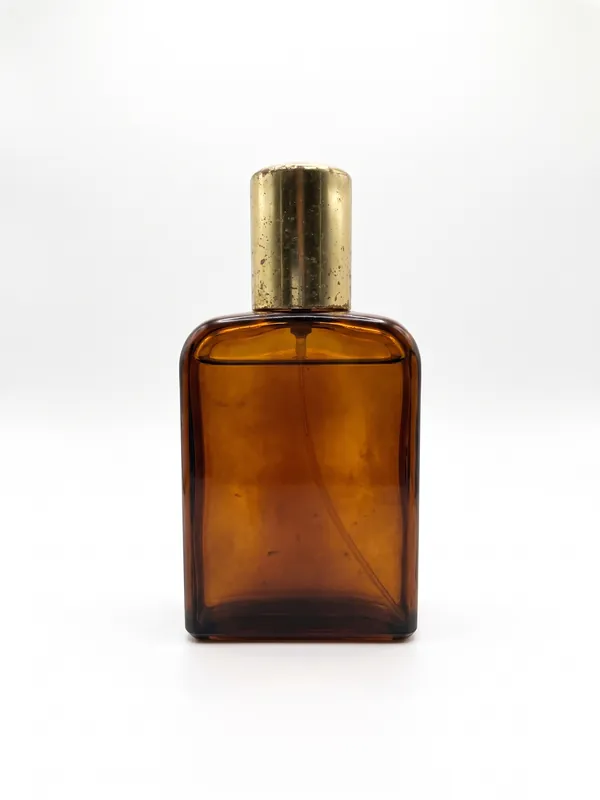
A packshot is a clean photo of a product on its own. No hands, no props, no room: the product, sharp and evenly lit, usually on white. It is the picture on a shop page, in a marketplace listing and in a catalogue. The word comes from advertising, where the "pack shot" is the last frame of an ad that shows the pack.
A studio packshot needs a table, lights and someone who knows how to use them. For a shop with forty products and new ones every month, that adds up. AI can now do most of the job from a phone photo, if the phone photo is taken properly.
What a good packshot has
- A plain background. Pure white for most marketplaces.
- The whole product in the frame, filling most of it.
- Even light. No hard shadow across the label.
- True colour. The buyer should receive what they saw.
- Enough size to zoom. People zoom before they buy.
Amazon is the strictest common case and a useful target: the main image needs a pure white background, the product should fill about 85% of the frame, and the longest side should be at least 1,000 pixels for zoom to work. Larger is better. Other marketplaces are looser, but a picture that passes Amazon passes almost everywhere. Rules change, so check the current ones for where you sell.
Take the source photo properly
The result depends on this step more than on any tool.
- Stand near a window. Soft daylight from the side, not direct sun.
- Use a plain surface. A sheet of white paper curved up behind the product is enough.
- Clean the product. Dust and fingerprints are copied faithfully.
- Shoot straight on, with the phone level with the middle of the product.
- Leave space around it. Do not cut off an edge.
- Turn off filters, portrait mode and beauty modes. They blur edges and shift colour.
- Take the front, and also the back and one side if they matter, such as an ingredients label.
Shiny and see-through things are the hardest: glass, chrome, jewellery, clear bottles. Put a white card on each side to give them something clean to reflect.
Turn it into a packshot
In Aiphoria, White Background moves the product onto a clean white studio background. If the photo was taken in poor light, run Relight first and ask for soft, even studio light. If something is in the way, such as a price sticker, Remove Object takes one thing out.
For a whole range, Clean white background does every photo you pick in one run.
| Phone photo | On white |
|---|---|
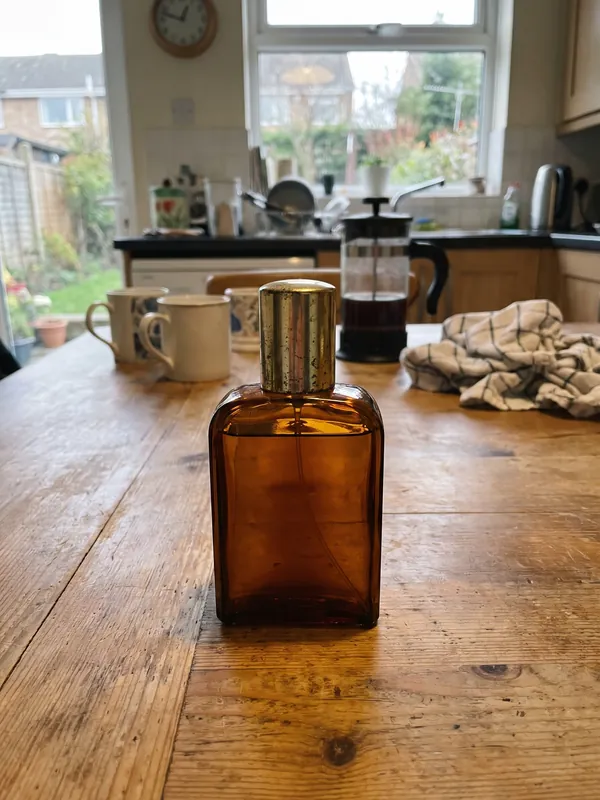 | 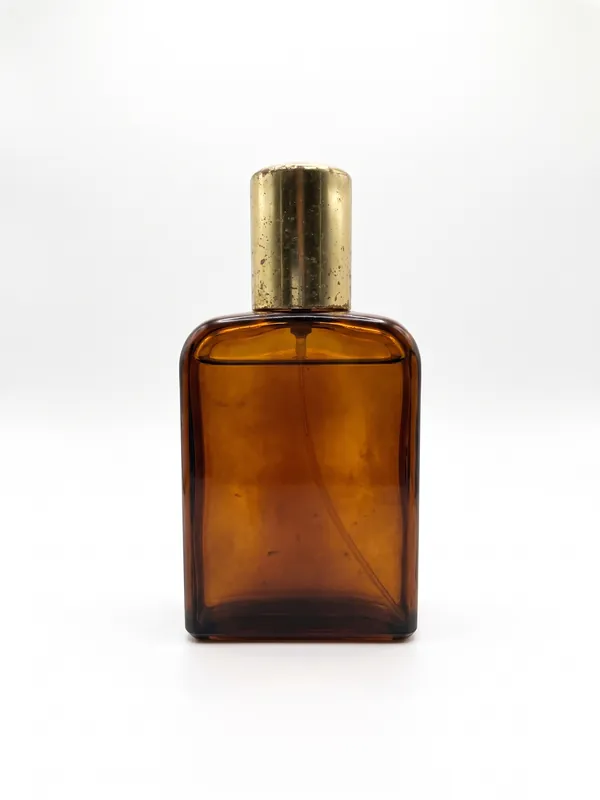 |
Get the other angles
A listing with one picture sells less than a listing with six. From one photo you can get:
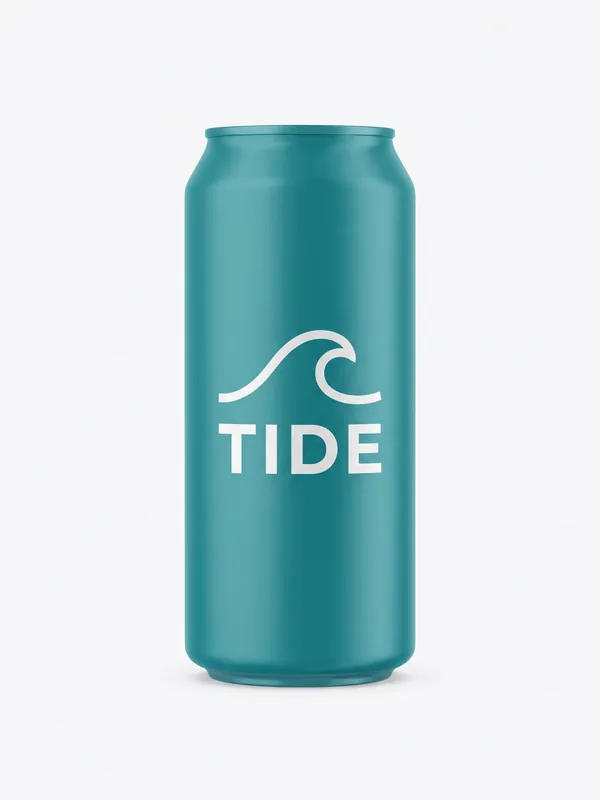
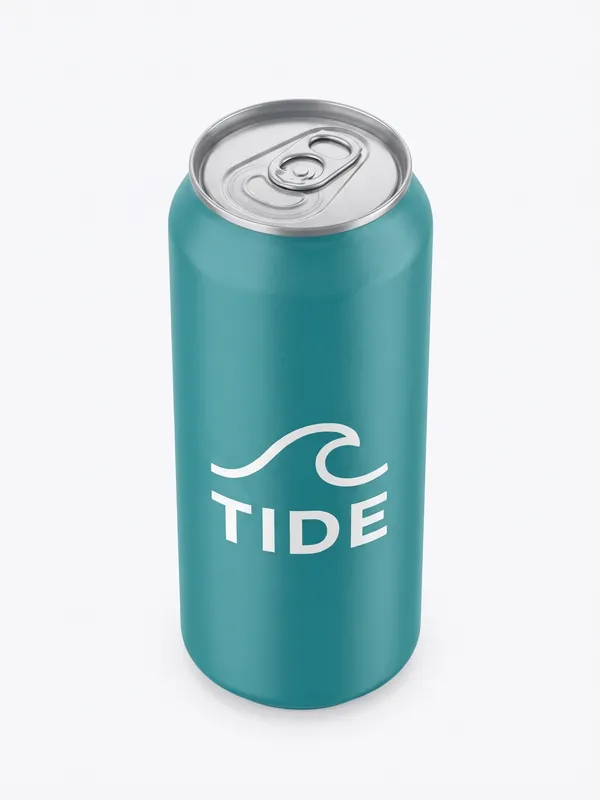
- Every angle. Product from every angle shows the front, side, back, top and a close-up.
- A reference sheet. Product reference sheet lays out the photo with its back, top and side in one picture.
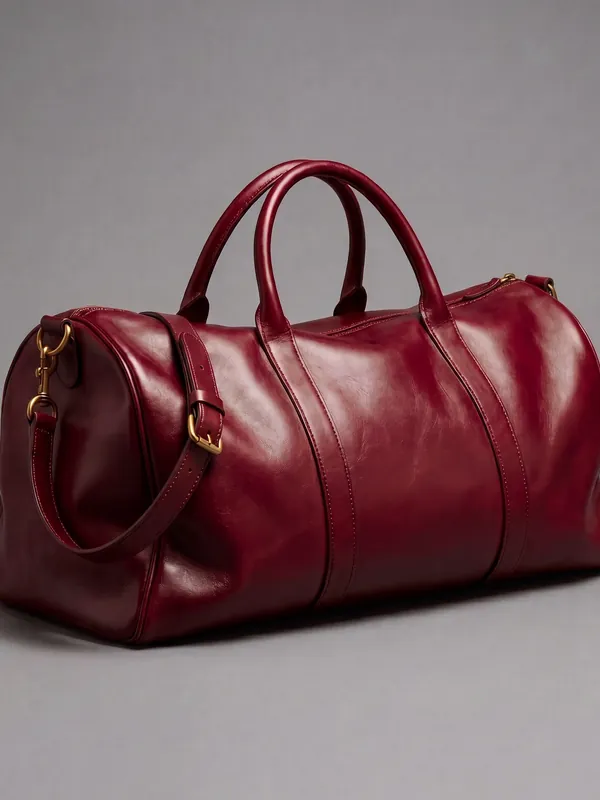
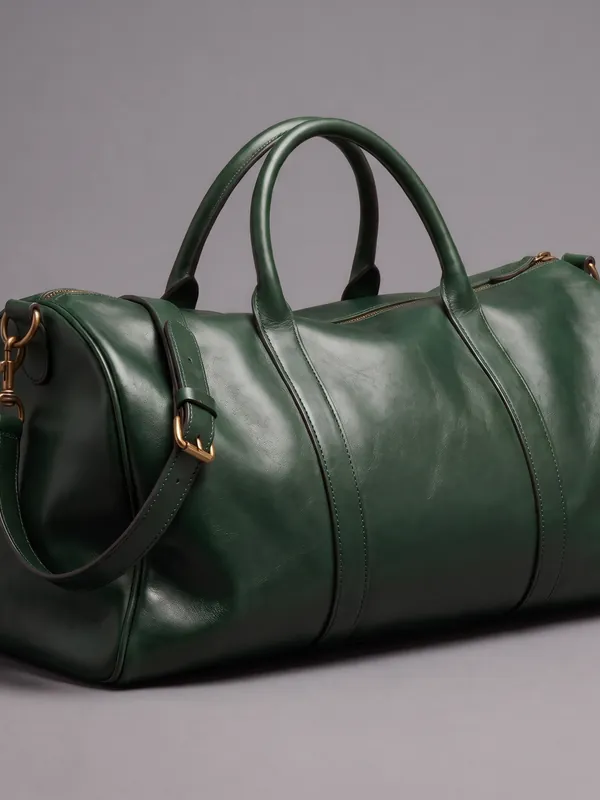
- Every colour. One product, many colours shows the product in each colour you list, which helps when a new colour has not arrived yet.
- A spin. Product Spin turns the product once all the way round as a short video.
One honest warning. A side of the product that is not in your photo has to be worked out by the AI. For a plain mug that is fine. For a box with small text on the back, the text will be invented. So take a real photo of any side that carries information, and use the generated angles for shape and form.
| The photo you add | A new angle |
|---|---|
 |  |
| The colour you have | A colour you list |
|---|---|
 |  |
Let an agent do it for you
You do not have to press every button yourself. A catalogue is the same four steps repeated for every product, so hand the repeating to an agent.
In Aiphoria. Open Workflows & Tools and switch on the Agent. Say what you want in plain words, for example:
Take these six product photos. Put each on a white background, show each from every angle, and make the large copies I need for the marketplace.
The Agent writes the workflow step by step. You read the plan and see what it will cost before anything runs, change a step if you want, and press Run. Save the workflow and next week it is one click.
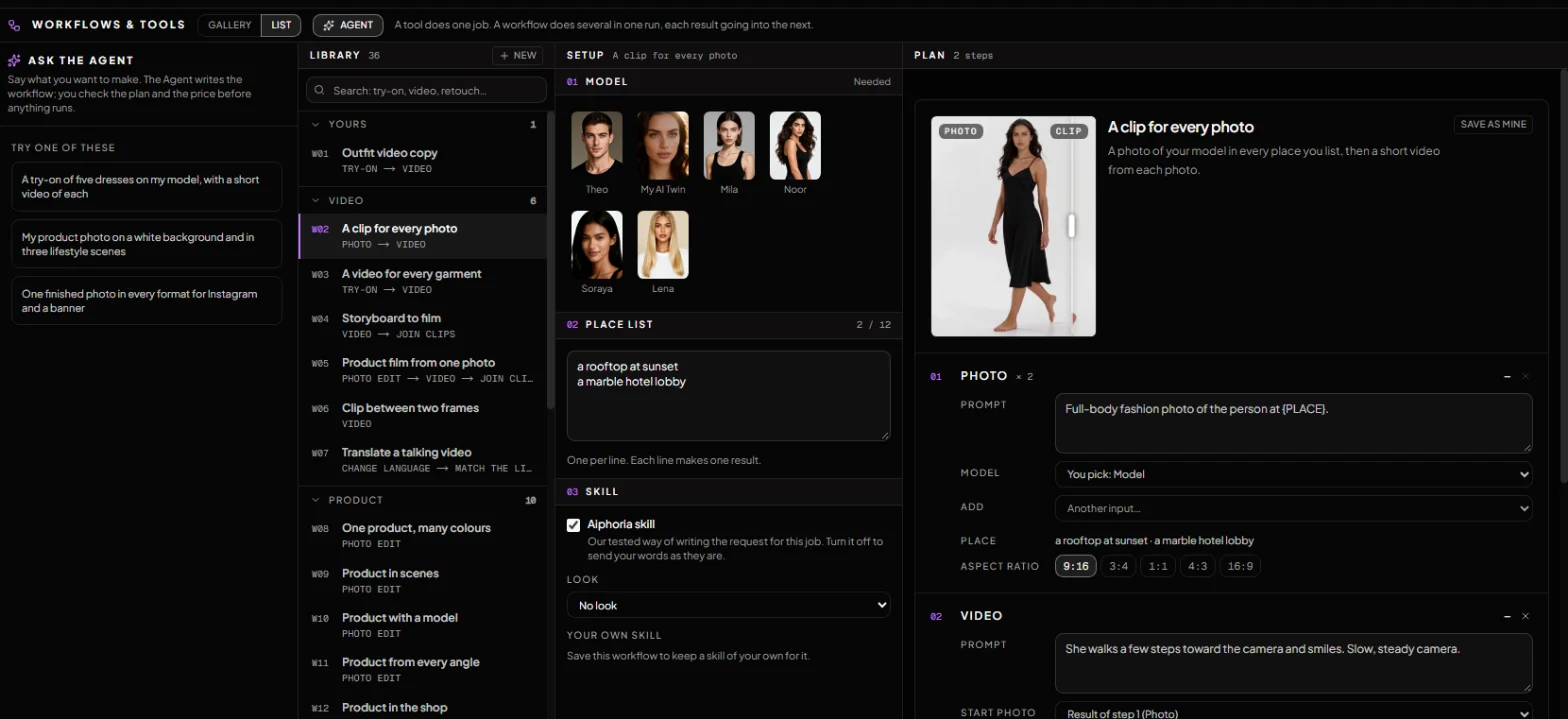
The Agent turns one sentence into a plan you can check before it runs.
In Claude or ChatGPT. Add the Aiphoria MCP connector once, then ask in the chat you already use. The assistant uploads your photo, runs the same tools and workflows, and gives you the links to the results. Setup takes a minute: Claude or ChatGPT.
Skills the agent uses for this job: Clean white background, Product from every angle, One product, many colours.
Check before you publish
Put the packshot next to the real product and look at:
- the colour, on a phone and on a laptop
- the logo and every word on the label
- the number of buttons, straps, pockets or ports
- the edges, where a cut-out can go soft
- the proportions, so a tall bottle has not become a squat one
If an edit shifted the colour, Match Colours puts the original colours back.
Make it large enough
If the marketplace says the picture is too small, or you need it for print, Upscale makes a larger, sharper copy up to 4K. Do this last, after the background and the clean-up.
When you still need a photographer
- A hero image for a campaign, where the light is the idea.
- Products where texture sells: food, fine jewellery, glossy cosmetics.
- Anything that must match a legal or regulated label exactly.
For the other ninety per cent of a catalogue, a careful phone photo and the steps above are enough. The tools are together on the AI packshots page.